Download and Install
Click here to download AI Drawing Screen or other Activation King products.
Click the Download Trial button for AI Drawing Screen. A popup will appear: enter your name and email address, then click Download Free Trial.
After submitting the form, the available download options will appear. Choose the file that matches your operating system.
Once the download is complete, open the file, launch the installer, and follow the on-screen instructions.
Activating the Free Trial
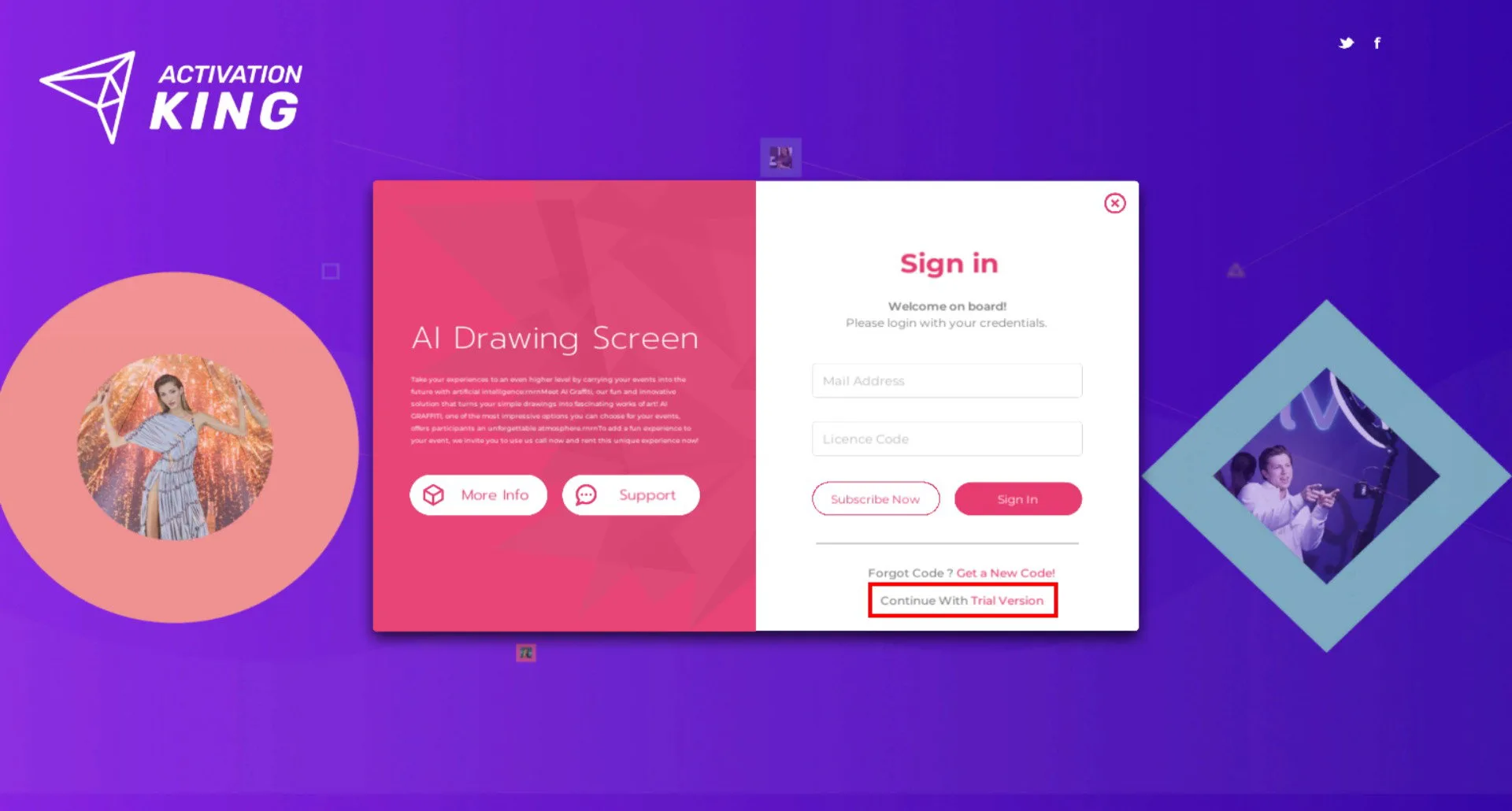
After launching the software, click on the Trial Version text at the bottom.
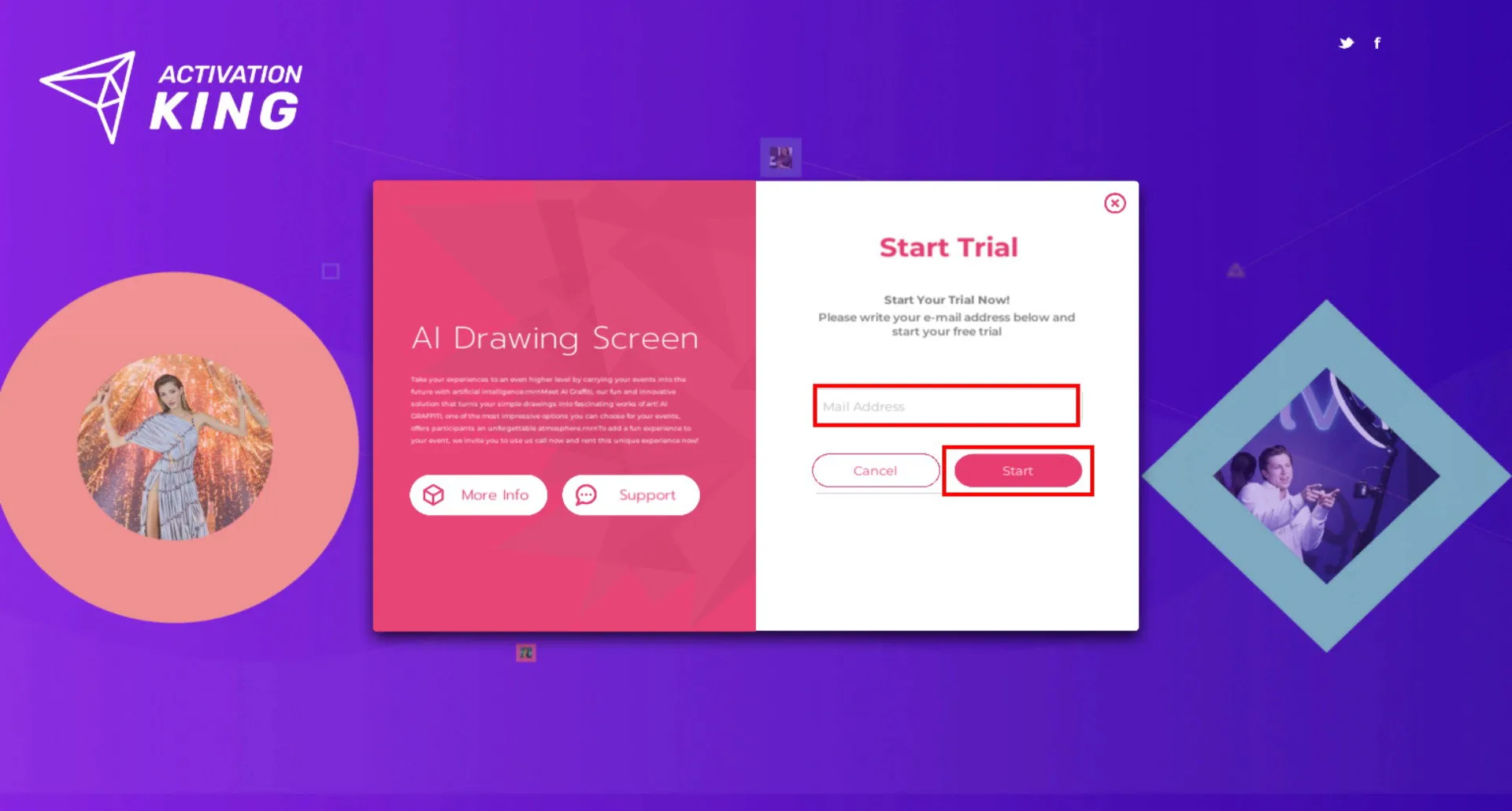
On the page that opens, enter your email address into the box and click Start.
Click Continue.
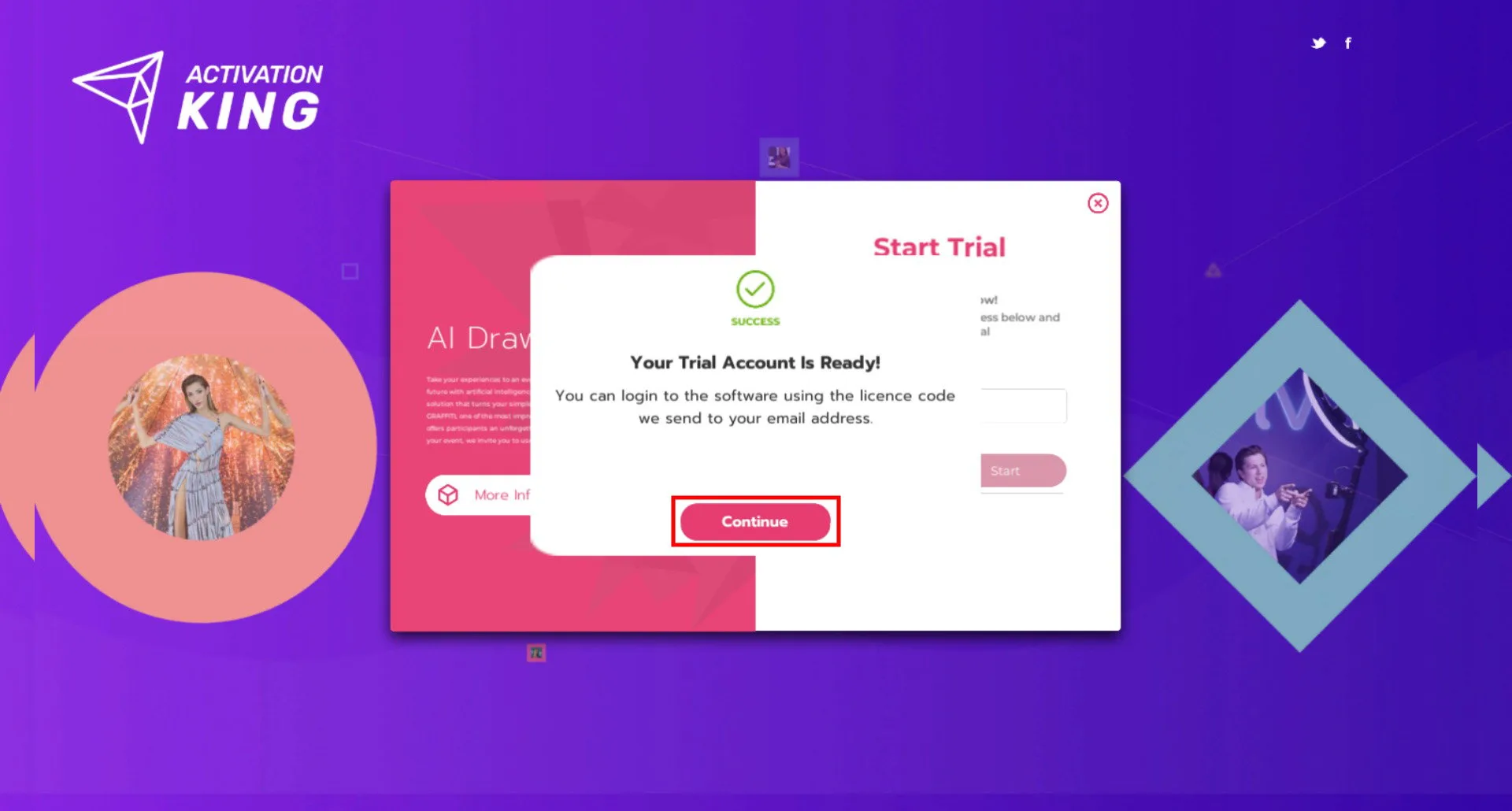
A license key has been sent to the email address you entered.
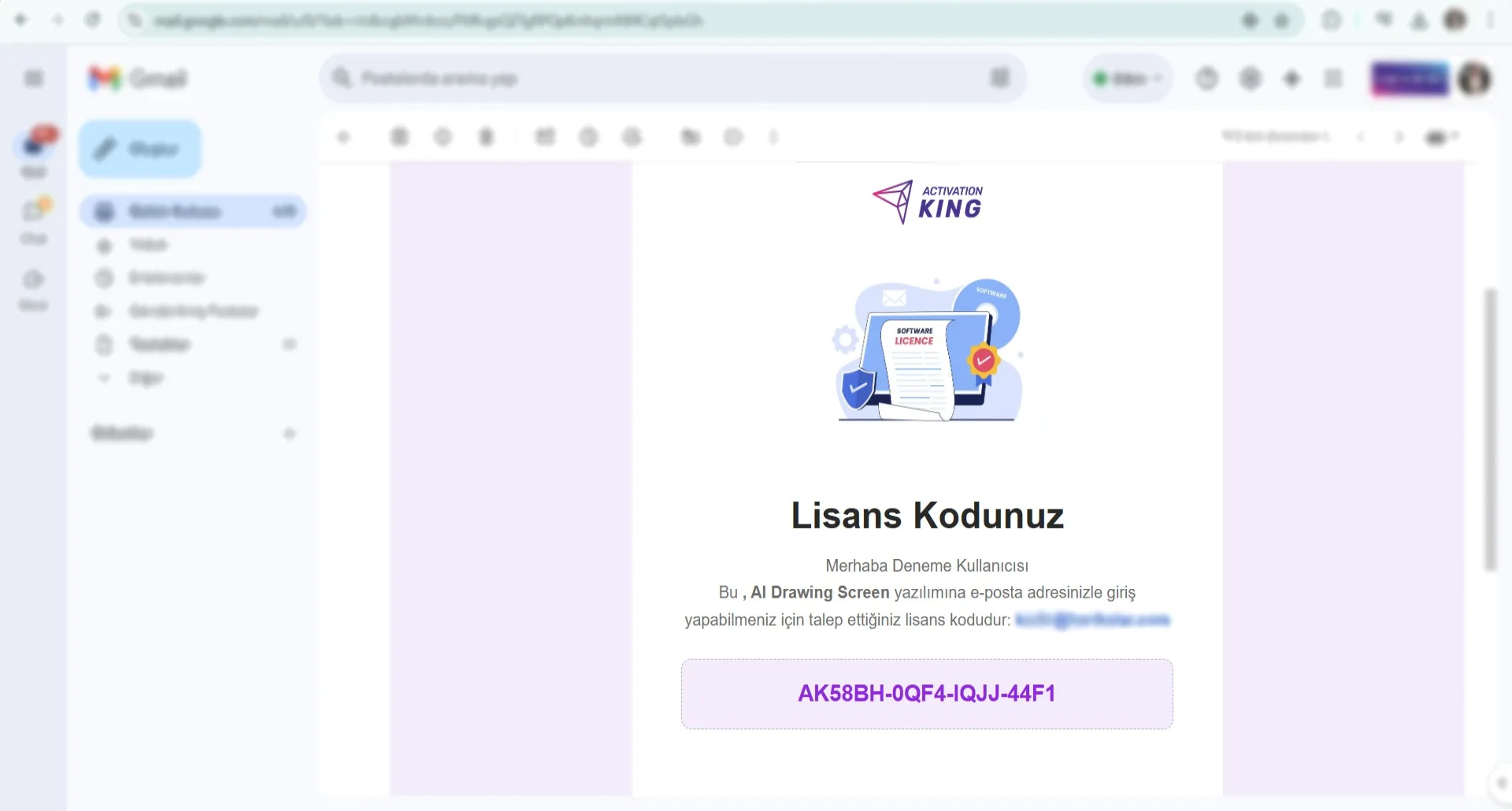
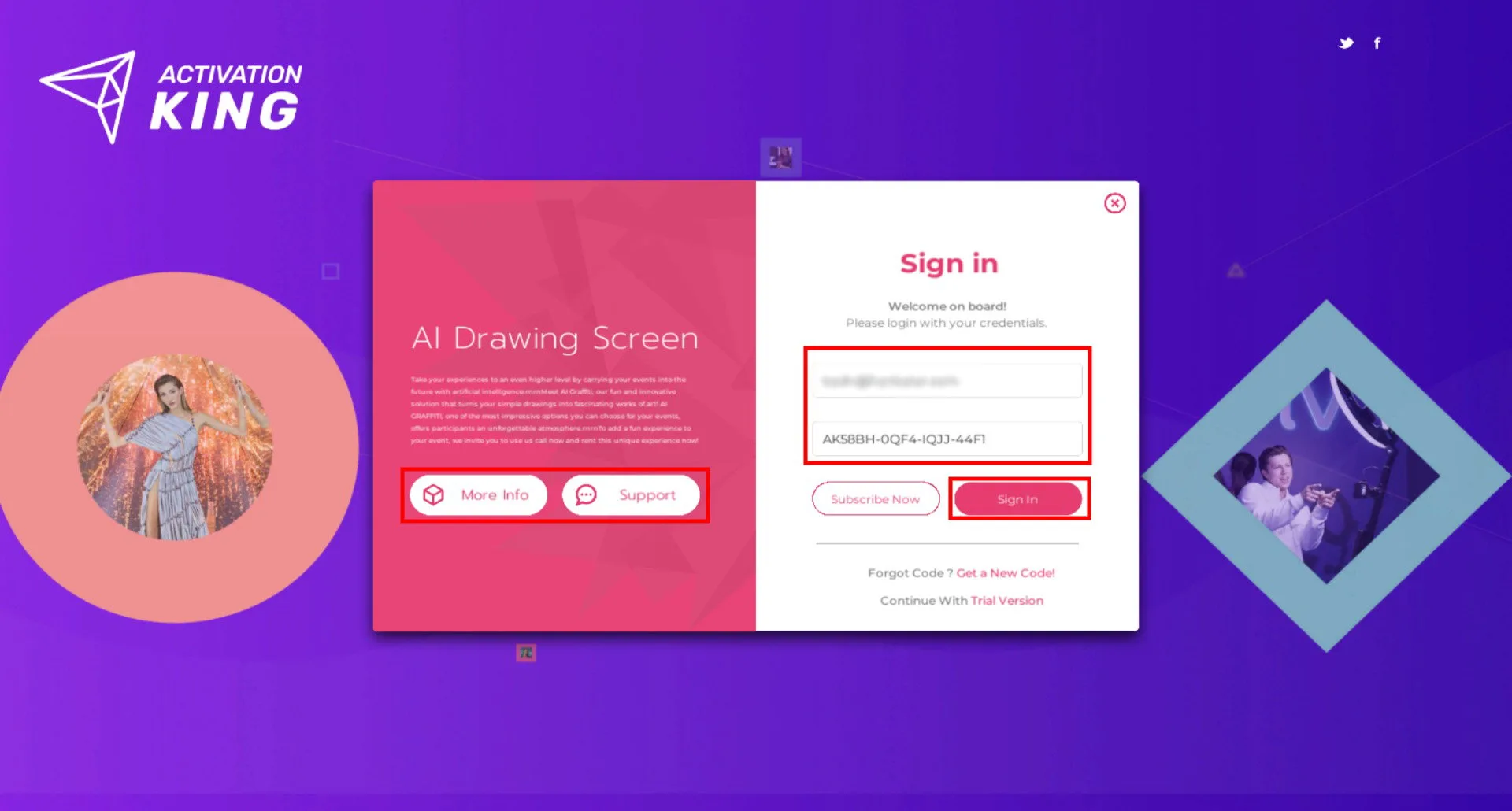
On the next screen, enter your email address and license key to sign in.