



























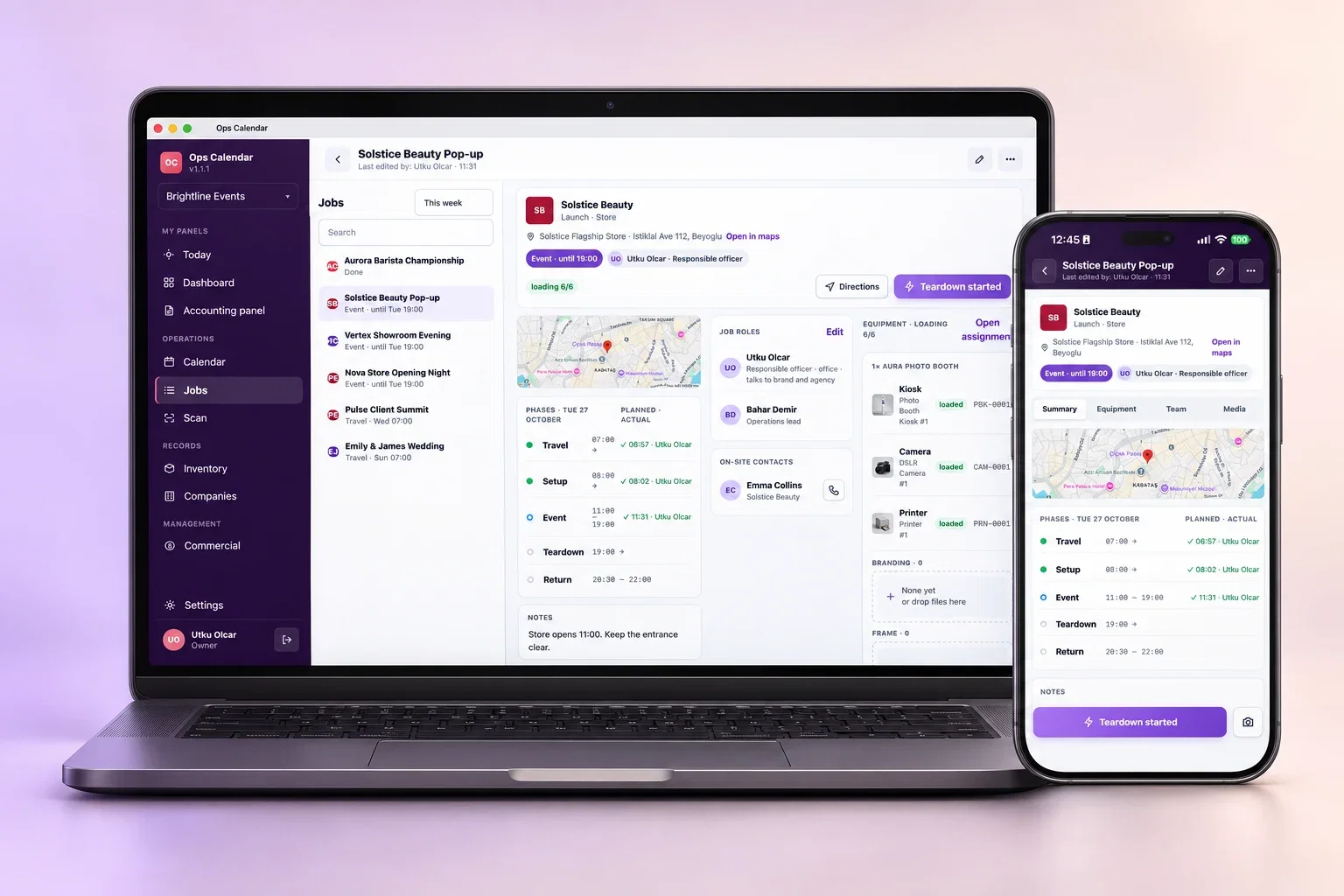
Ops Calendar · Team operations

Your event operations. One calendar. Free.

Plan jobs, prevent equipment clashes and send your crew to site prepared.

The full app. Two concurrent uses, free.

2 concurrent uses free unlimited invitations
Adidas Adobe Coca Cola Samsung Nike Netflix Red Bull Vodafone BMW Mercedes Ford Starbucks Spotify Dell Shell Volkswagen LG Philips Turkish Airlines

Your event jobs. One shared workspace.

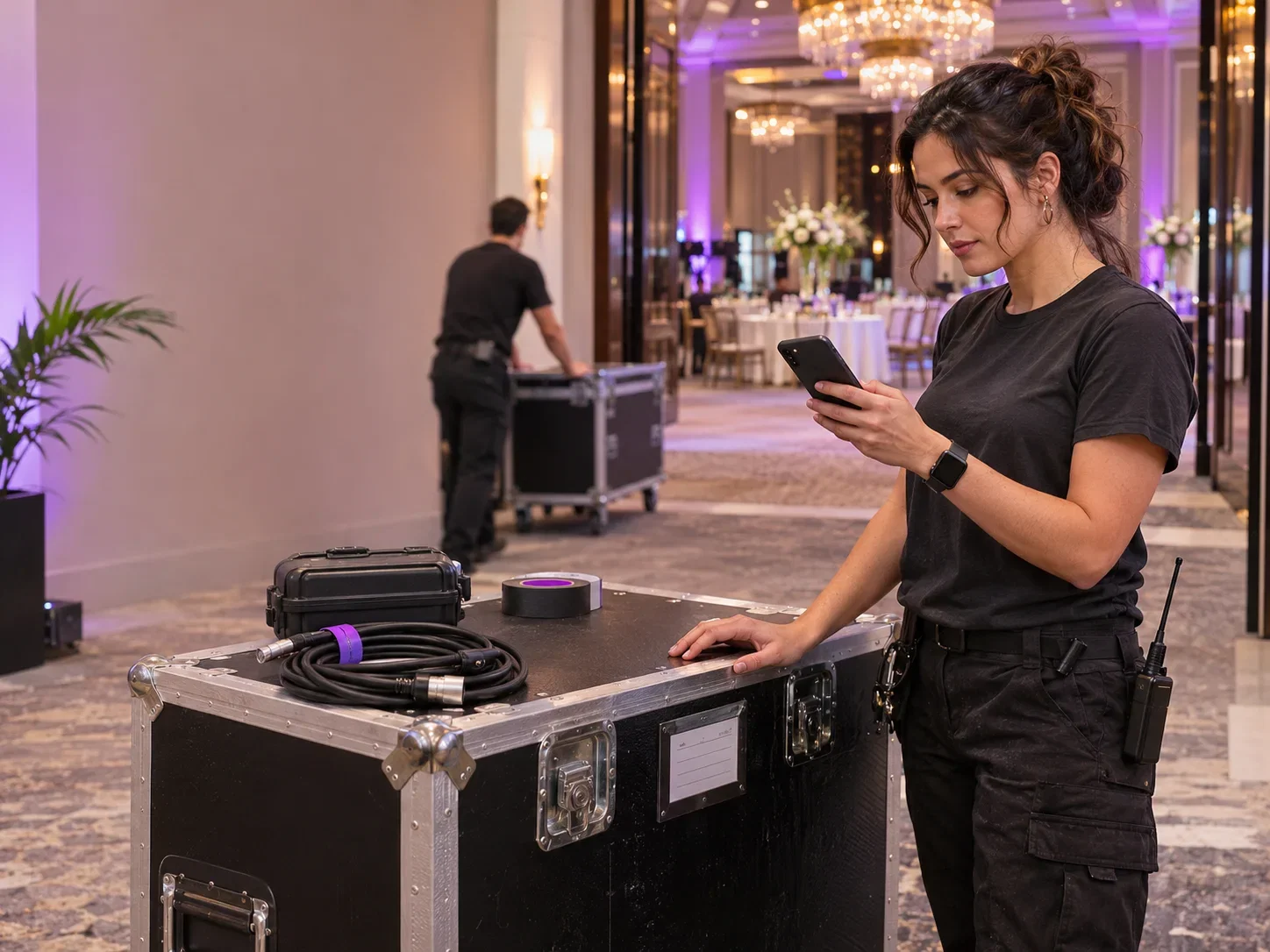
Ops Calendar is the operations app for event, activation and rental teams to manage jobs, equipment and people together.

  • Event agencies
  • Rental companies
  • Photo booth teams
Ops Calendar

Every phase of the job. One shared plan.

Plan travel, setup, the event, teardown and return—not just the hours guests are there.

An event planClient event
08:00 — 19:00
  1. Travel08:00–09:00
  2. Setup09:00–11:00
  3. Event11:00–17:00
  4. Teardown17:00–18:00
  5. Return18:00–19:00

Everyone knows their part.

Assign a lead and crew per phase, spot person conflicts and record progress from the field.

  1. TravelWarehouse crew
  2. SetupField crew
  3. EventLead
  4. TeardownField crew
  5. ReturnWarehouse crew

Spot overlapping assignments before the job.
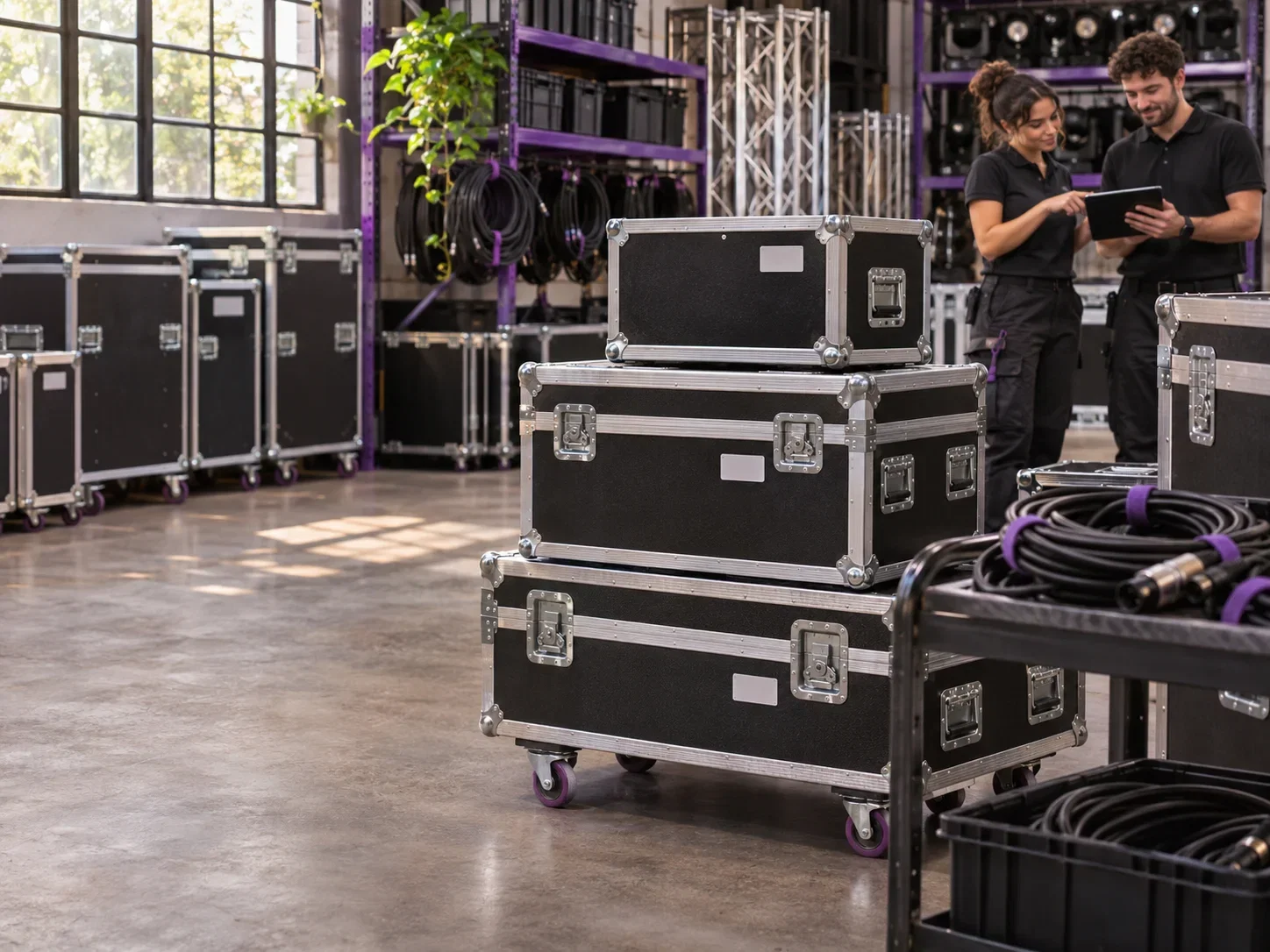
Available equipment11:00–17:00
Camera
Unit 01Event A
Unit 02Event B
Unit 03Available

Is the equipment available? Know before you go.

See what you can use for the job, and avoid promising the same unit to two events.

  • Check available units for your selected hours.
  • Free units are assigned automatically; conflicts are flagged.

The office plan. With your crew on site.

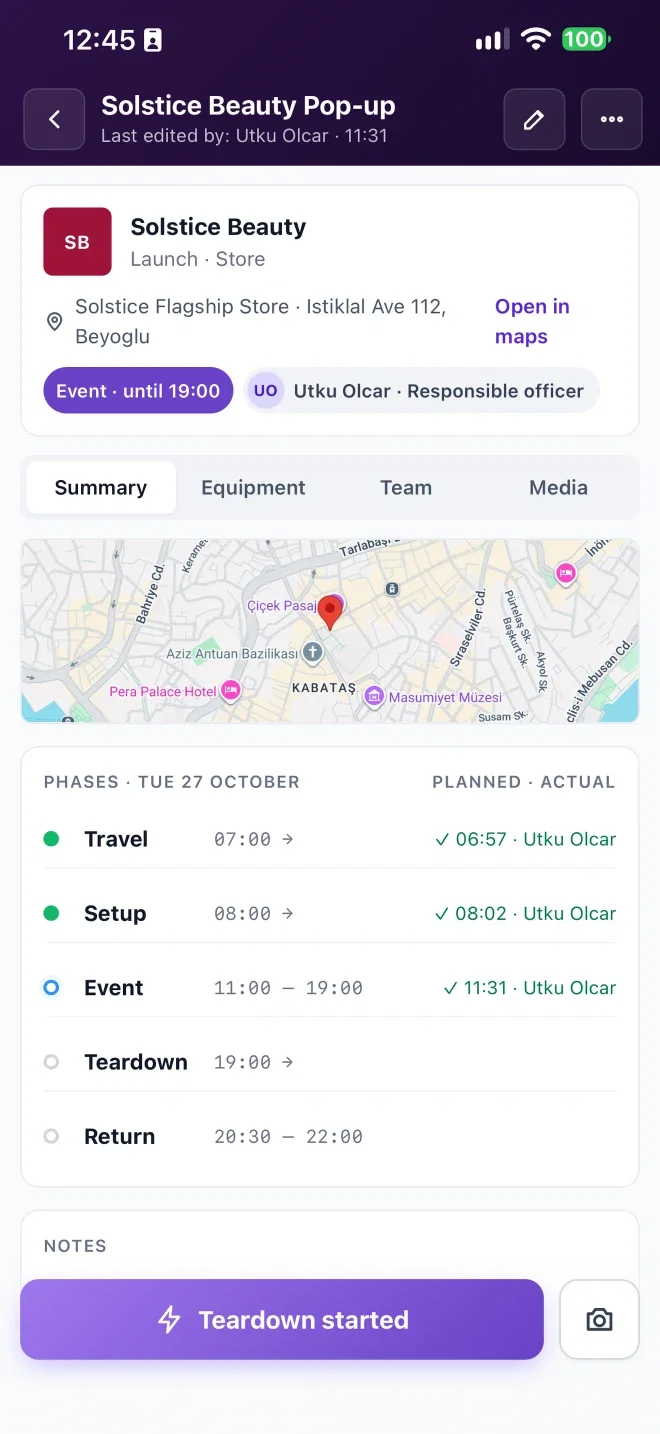
Open today's job on a phone. The team can find what they need without searching separate messages.

  • Address and directions
  • Barcode or QR loading checks
  • Job files on the phone
Ops Calendar

Keep the job's details. With the job.

Contacts, product files and the commercial record stay connected to the work.

Client
Brand
Agency
Supplier

Companies and contacts

Keep clients, brands, agencies and suppliers with their contacts, billing details and logos.

Setup photo
Branding file
Frame file

Files for every product

Share setup photos, videos, aftermovies, branding and frame files with the team.

  1. Quote
  2. Approval
  3. Invoice
  4. Payment

The commercial side

Follow quotes, approvals, invoices, payments and balances. Financial details are reserved for authorized roles.

The full app. Two concurrent uses, free.

Every feature is included. Invite your whole team and start with two people working at the same time.

Ops Calendar

Free
$0
In the office
On site

2 concurrent uses free · unlimited invitations

Start Free

Unlimited invited members

The limit is simultaneous use, not the number of people invited. Pay only when more than two need to work at once.

Extra concurrent use: $5/month or $50/year.

Grow my team

Three steps. Plan your first job.

Bring your team and equipment together, then plan the first job.

  1. Set up your team

    Create your organization and invite members.

  2. Add your equipment

    List your products and the units you have.

  3. Plan your first job

    Set phase times, assign equipment and choose the crew.

Your questions. Clear answers.

What to know about free use, team access and everyday operations.

Your next event. One shared plan.

Invite your team, add your equipment and plan your first job. Start with all features and two concurrent uses free.

✓ 2 concurrent uses free · unlimited invitations

Not sure where to start? We can help.

Tell us about your project. Our team will help with the next step.

By submitting, you agree to our Terms and Privacy Policy.