Package by occasion
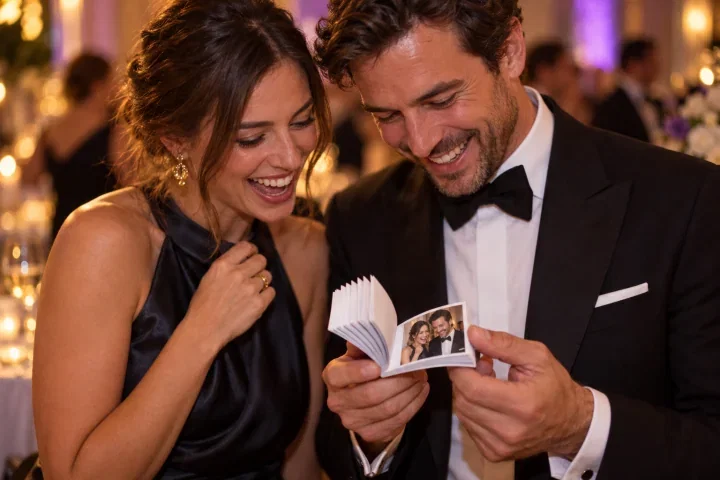
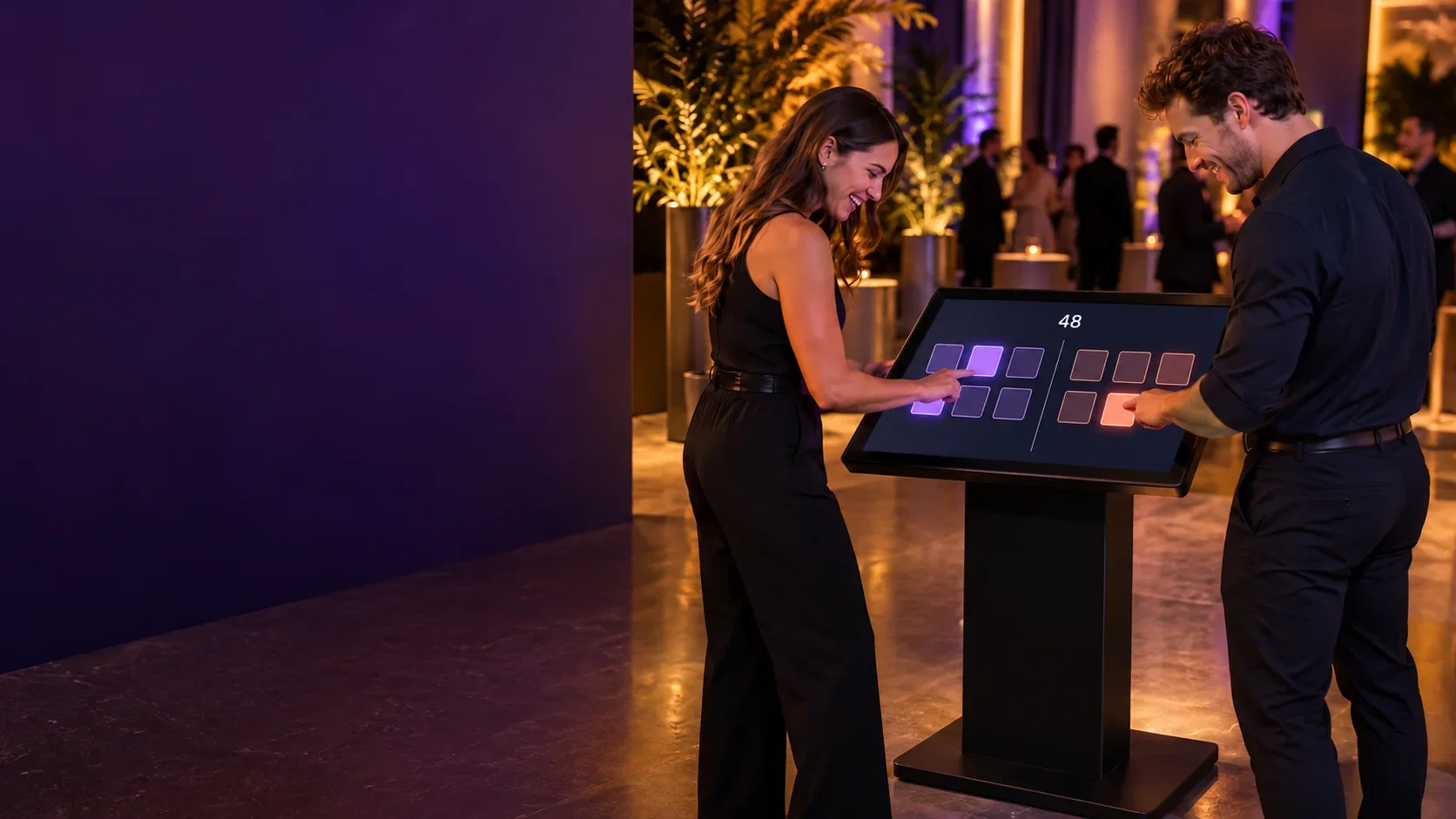
Create a compact game package for an exhibition, a photo package for private events and a competitive attraction for team days. Find the Match Game and Reflex Challenge run on suitable touchscreens; Timer Challenge adds a timed challenge. Confirm each game's equipment requirements.
Plan the load-in before the sale
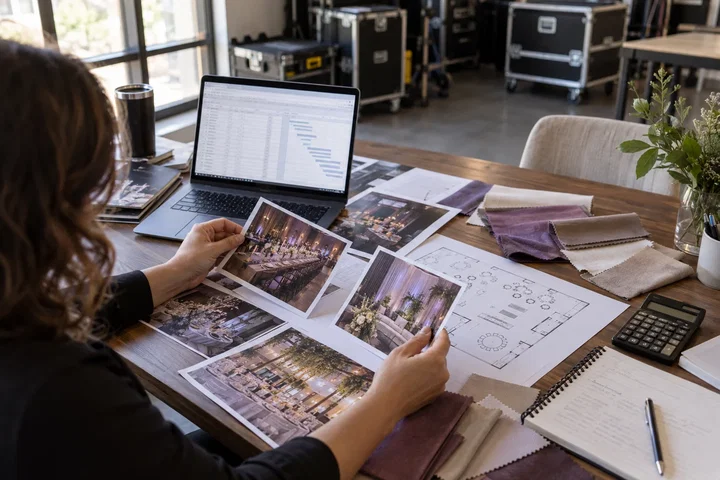
Check access, storage, screen placement, power and safe queuing. Portable hardware can suit touring schedules, but weight, dimensions and compatibility must be confirmed for the exact configuration. Include setup and removal windows in the proposal, especially when several suppliers share the venue.
Make repeat bookings simpler
Prepare reusable campaign templates, a documented equipment checklist and a named operator for every job. Keep client-specific content and approvals separate from the underlying setup. After each event, record what slowed guests down and improve that point before adding another product.
Put it into practice
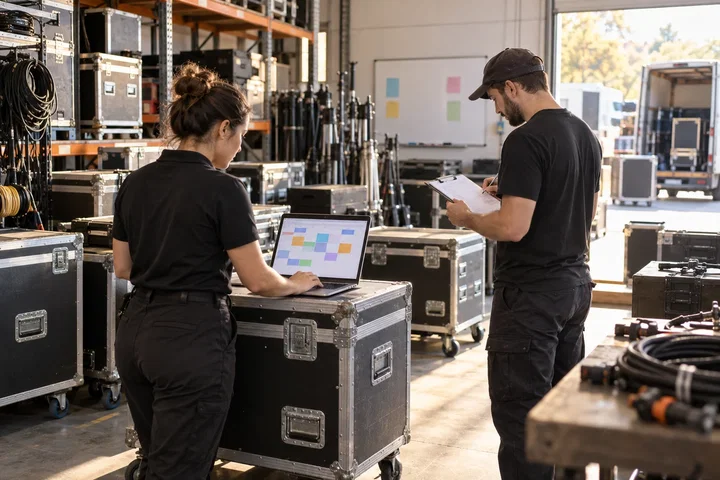
A trade-show game and an evening photo booth may share a transport route but not a complete technical kit. Make a packing sheet for each bookable configuration: screen, computer, mounts, power, content and operator. Reserve the exact kit, not just the product name. If two bookings overlap, check device licenses and staff as well as hardware. A documented alternative is more useful than promising that every application works on any spare screen.
Before you quote the project
Turn the idea into a deliverable scope. Agree these points with your client and venue before committing.
Define the brief
Create a packing list for each sellable configuration, including accessories.
Test the complete setup
Check overlapping bookings against equipment, license seats and available operators.
Confirm the scope
Test the replacement setup before offering it as an equivalent package.