













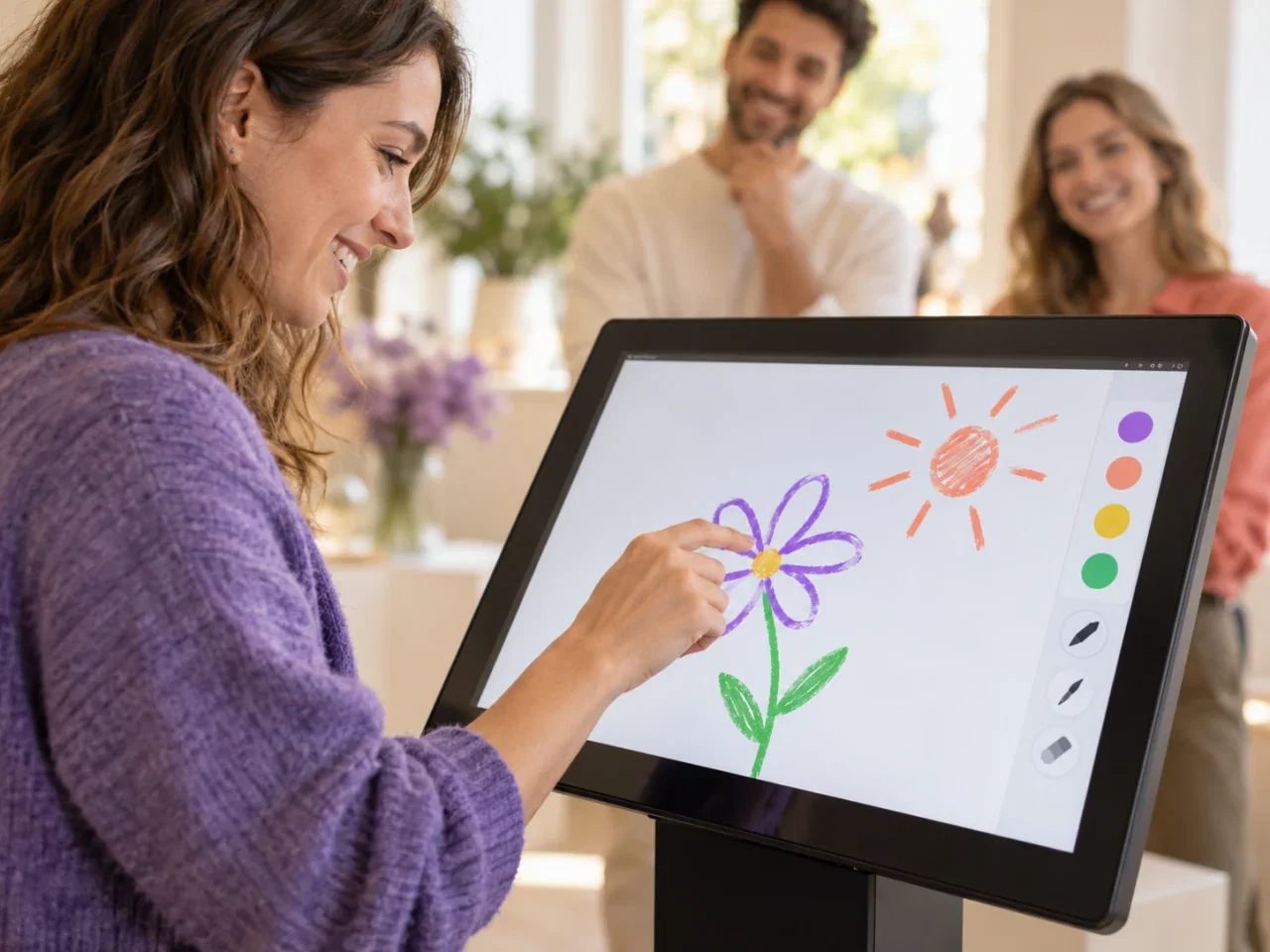
Freestyle drawing
Draw with a finger or compatible stylus and keep the original, without AI.
Turn a touchscreen into a creative playground.
Event software. Build your setup with compatible equipment.


A boat, a flower or an imagined world: AI takes the guest's drawing as its starting point.
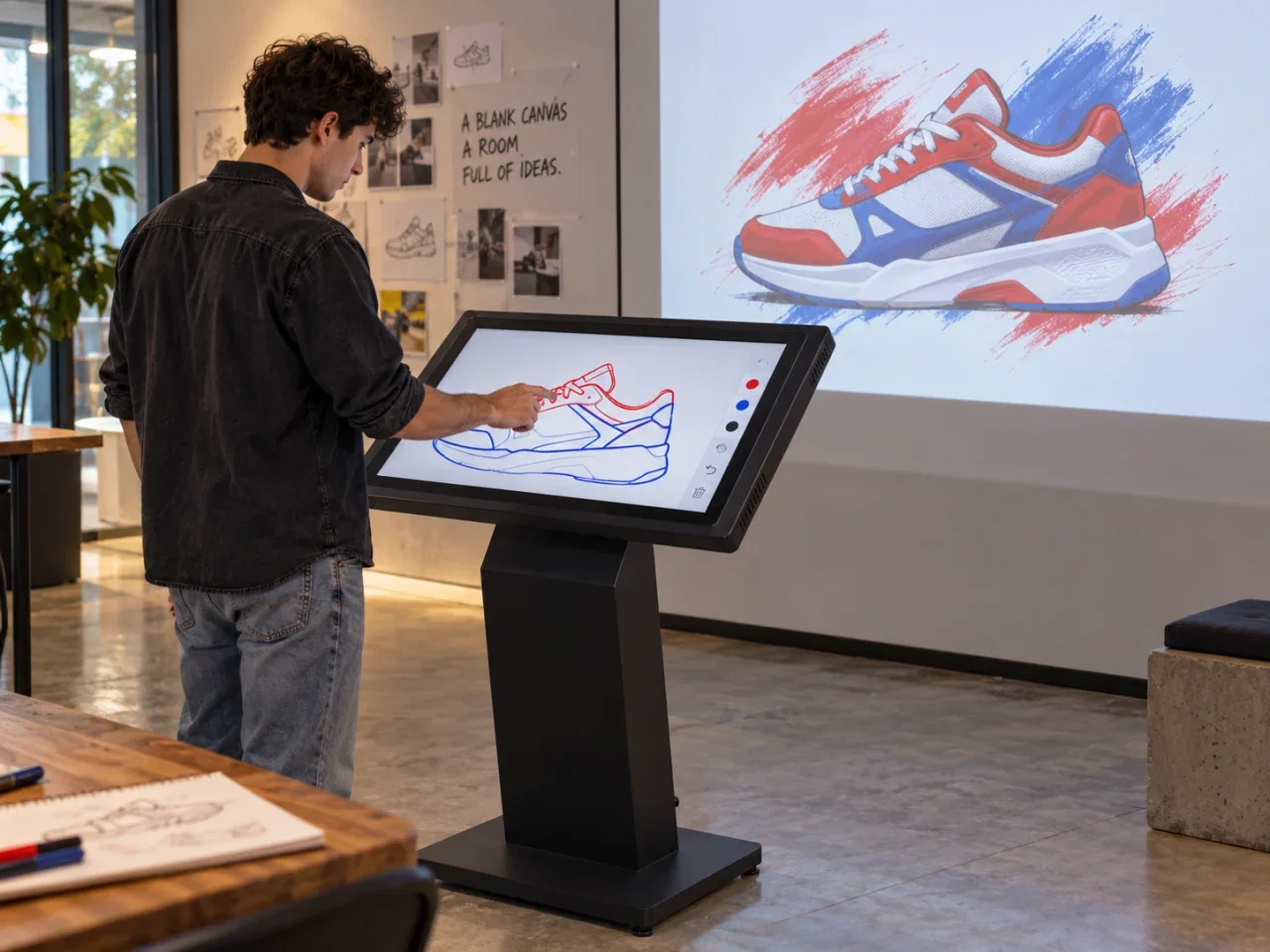
Guests draw or color on your touchscreen, with optional AI effects. Turn their ideas into a creative experience with your branding.
Offer open-ended drawing, product coloring or a mapped installation. Add AI transformation when it suits the experience.
Draw with a finger or compatible stylus and keep the original, without AI.
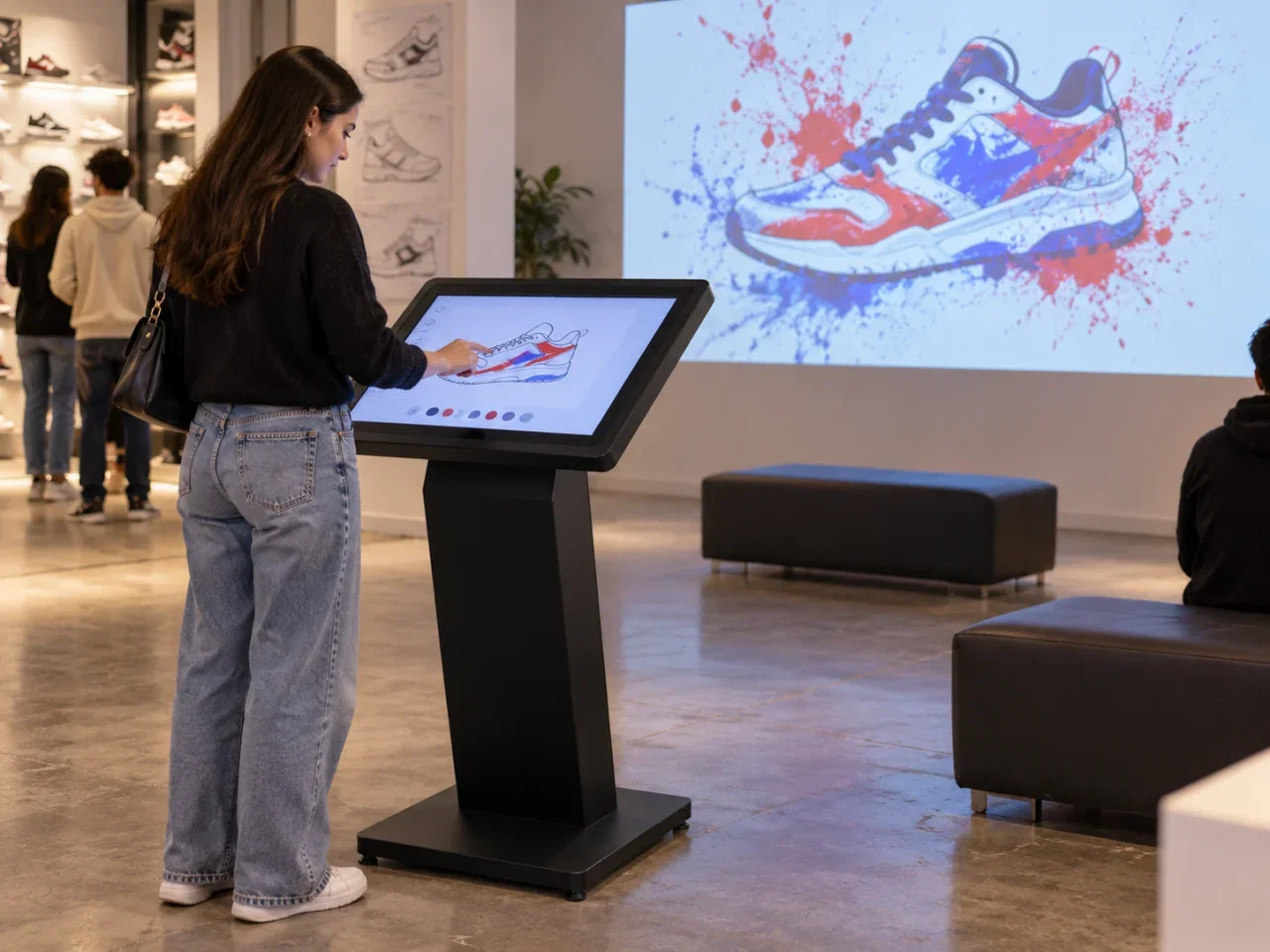
Use a product image or outline as the canvas.
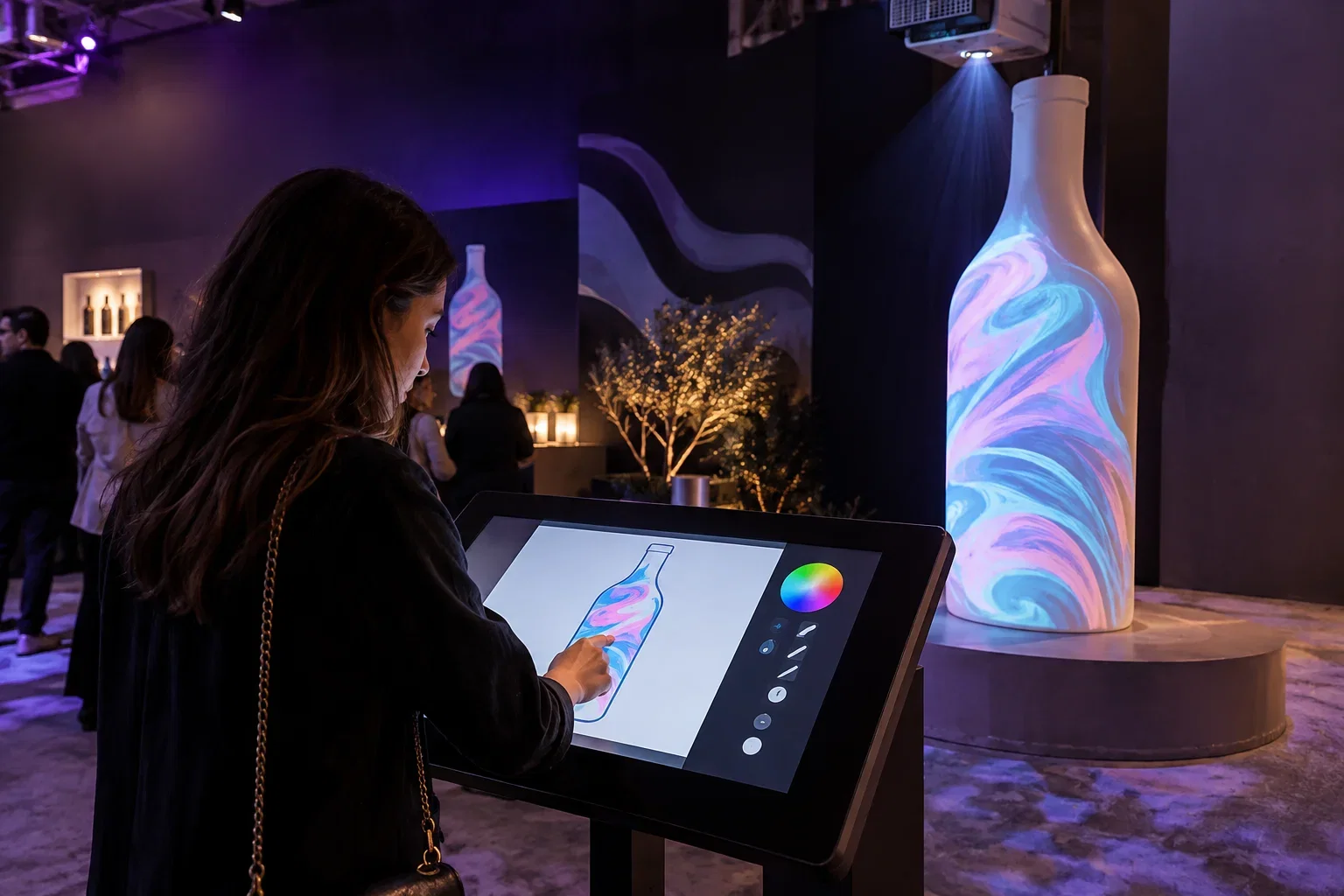
Project onto an object with a suitable projector and prepared mapping setup.
Choose a canvas, create your design and reveal it on a screen or a physical object.
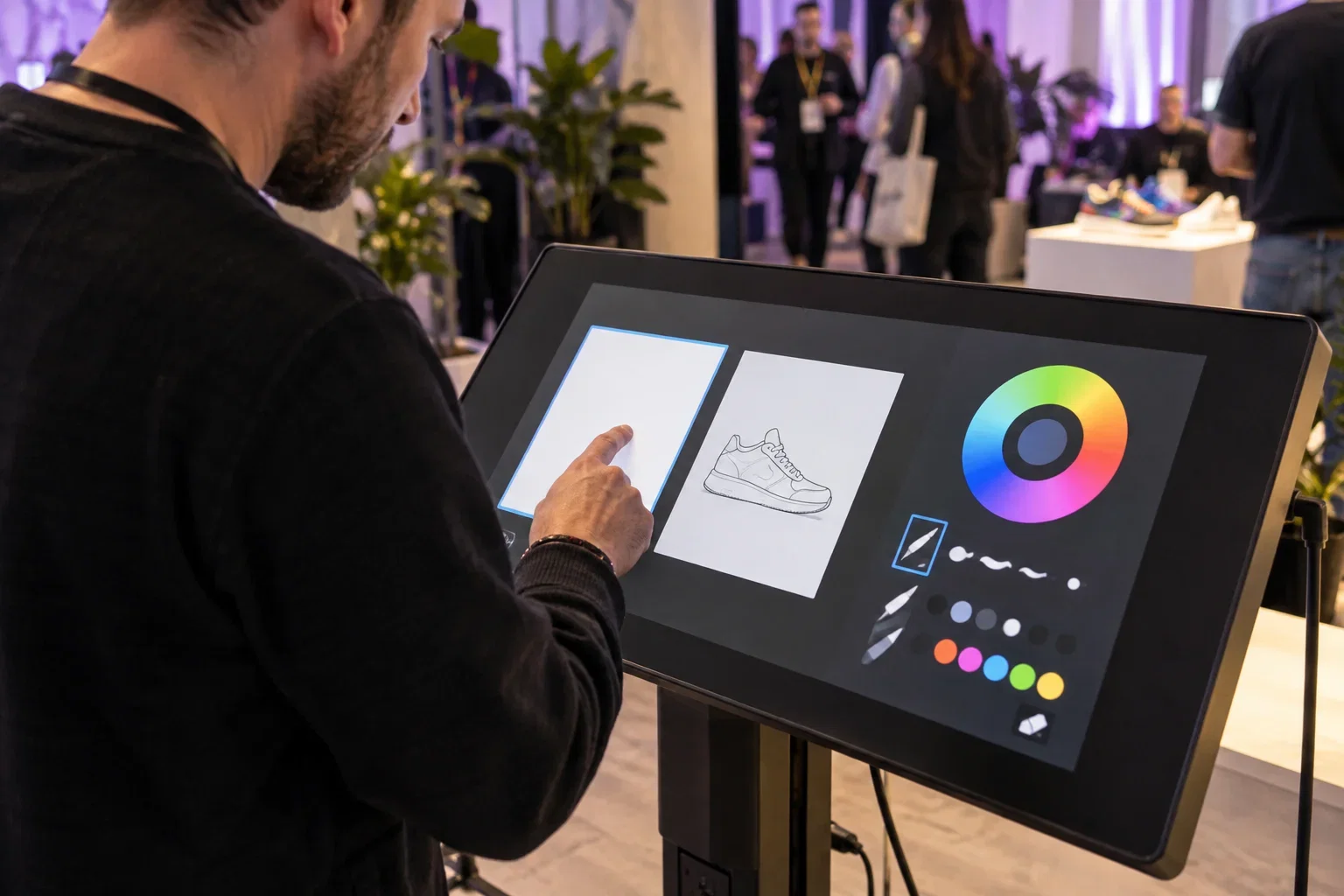
Start with a blank canvas or open a product template that fits your event.
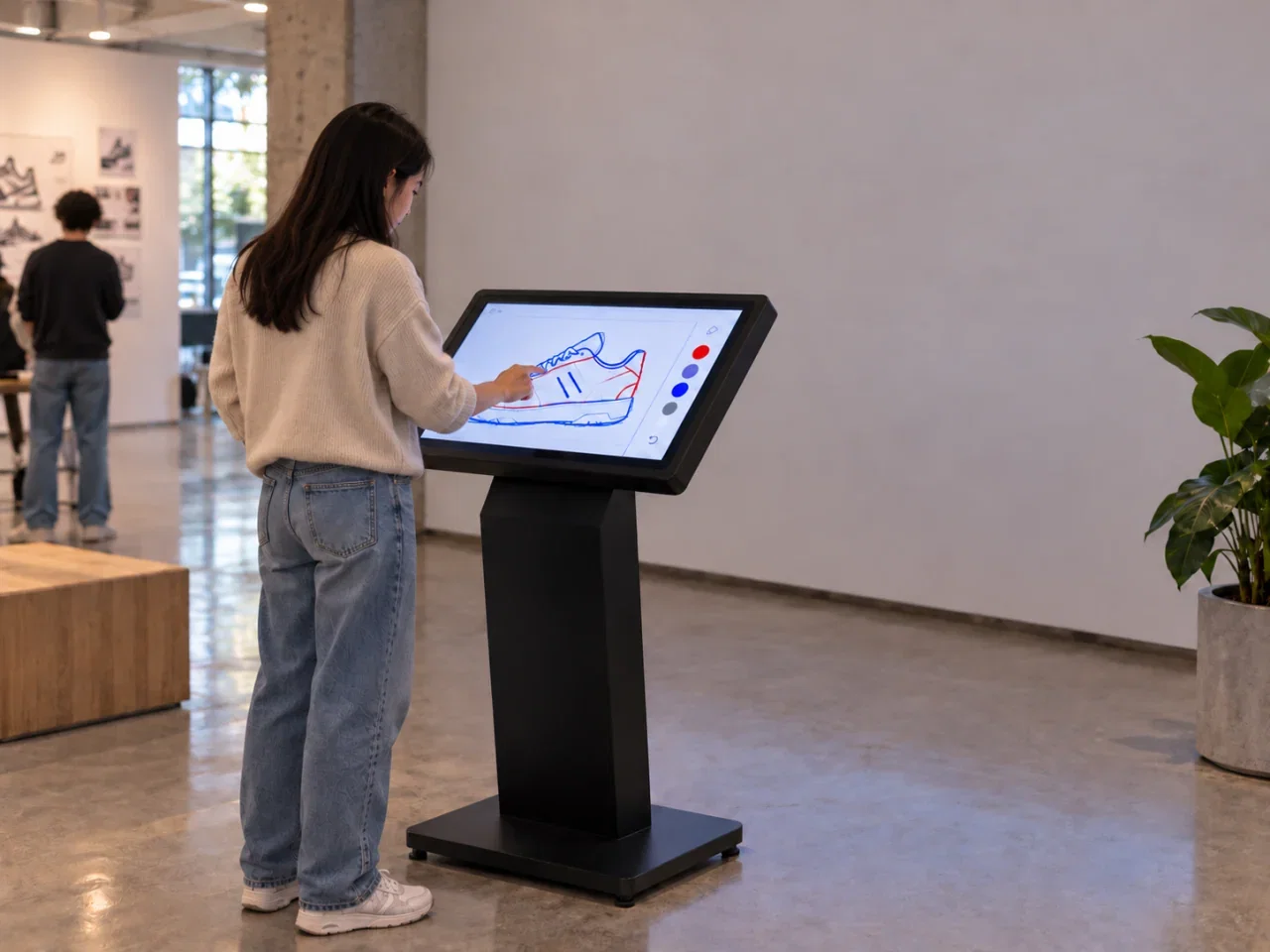
Choose colors and add your own lines and patterns directly on the touchscreen.
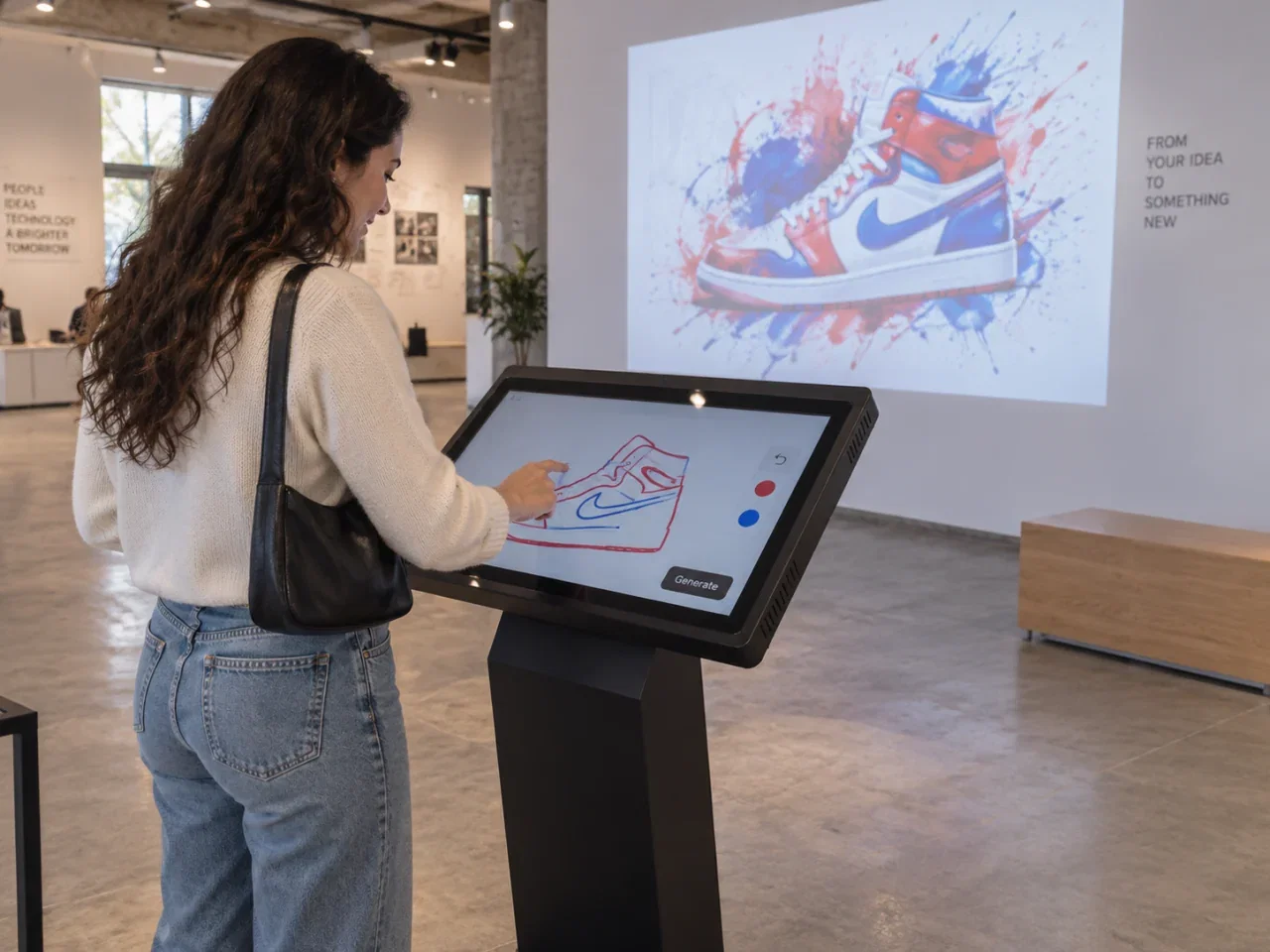
Use optional AI; reveal on screen or with prepared object mapping.
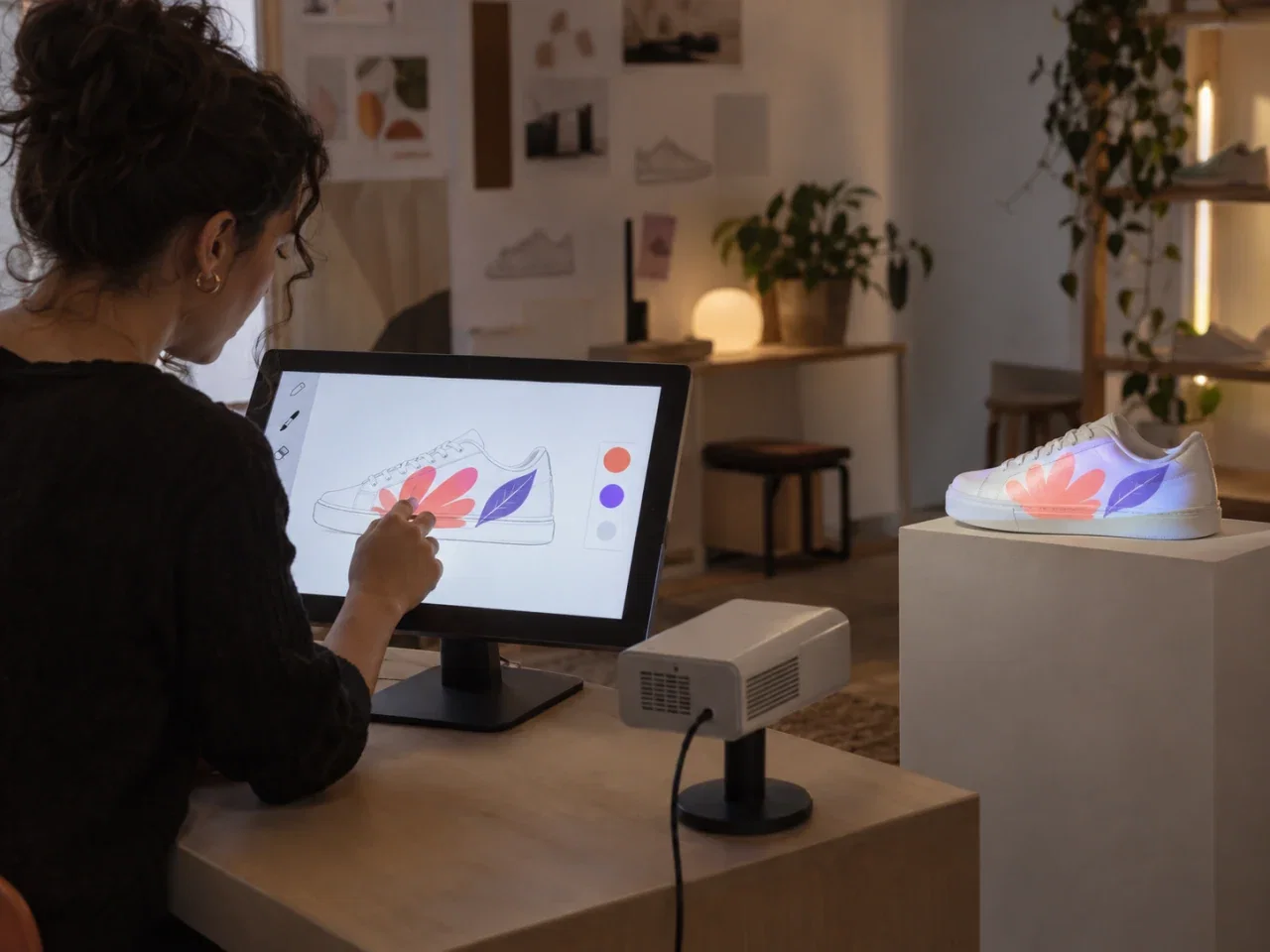
Project onto an object with a suitable projector and prepared mapping setup.
Keep the guest experience simple, operator control strong and brand presentation consistent.
Adapt colors, backgrounds, sounds and content logic to the campaign.
Your app name and icon. Your branded app.
Run consistent operator and guest journeys across different markets.
Every license starts with two concurrent seats.
Expand the license when additional stations are needed.
Monitor the flow, results and key controls from one place during the event.
Choose brush colors and types, add stickers and use undo/redo while creating on screen.
Offer the final drawing by QR, email or print, using the delivery options you configure for the event.
Enable name and email collection before drawing when your campaign needs participant details.
Adapt the same workflow to different audiences, themes and screen scales.
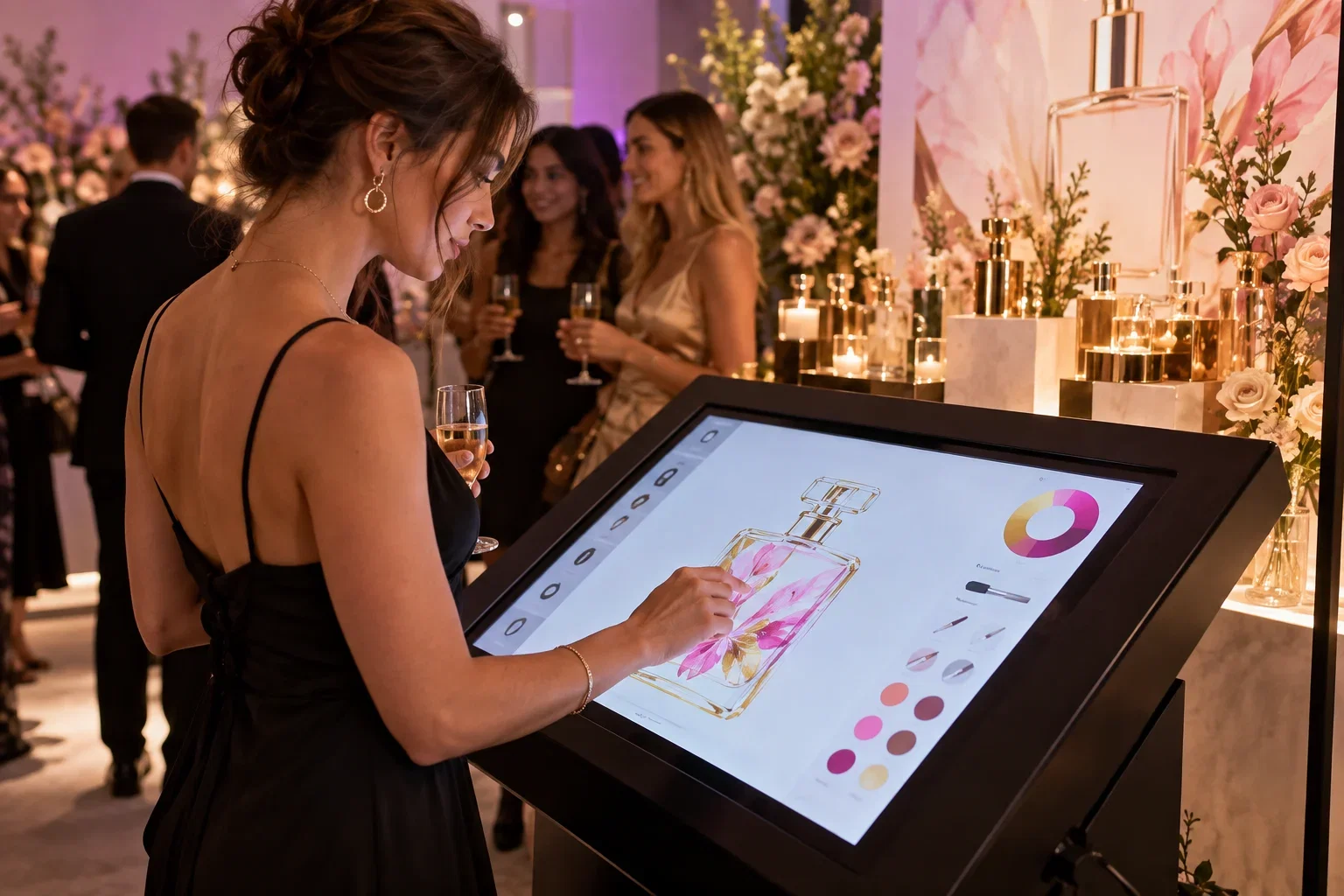
Create a themed campaign experience.
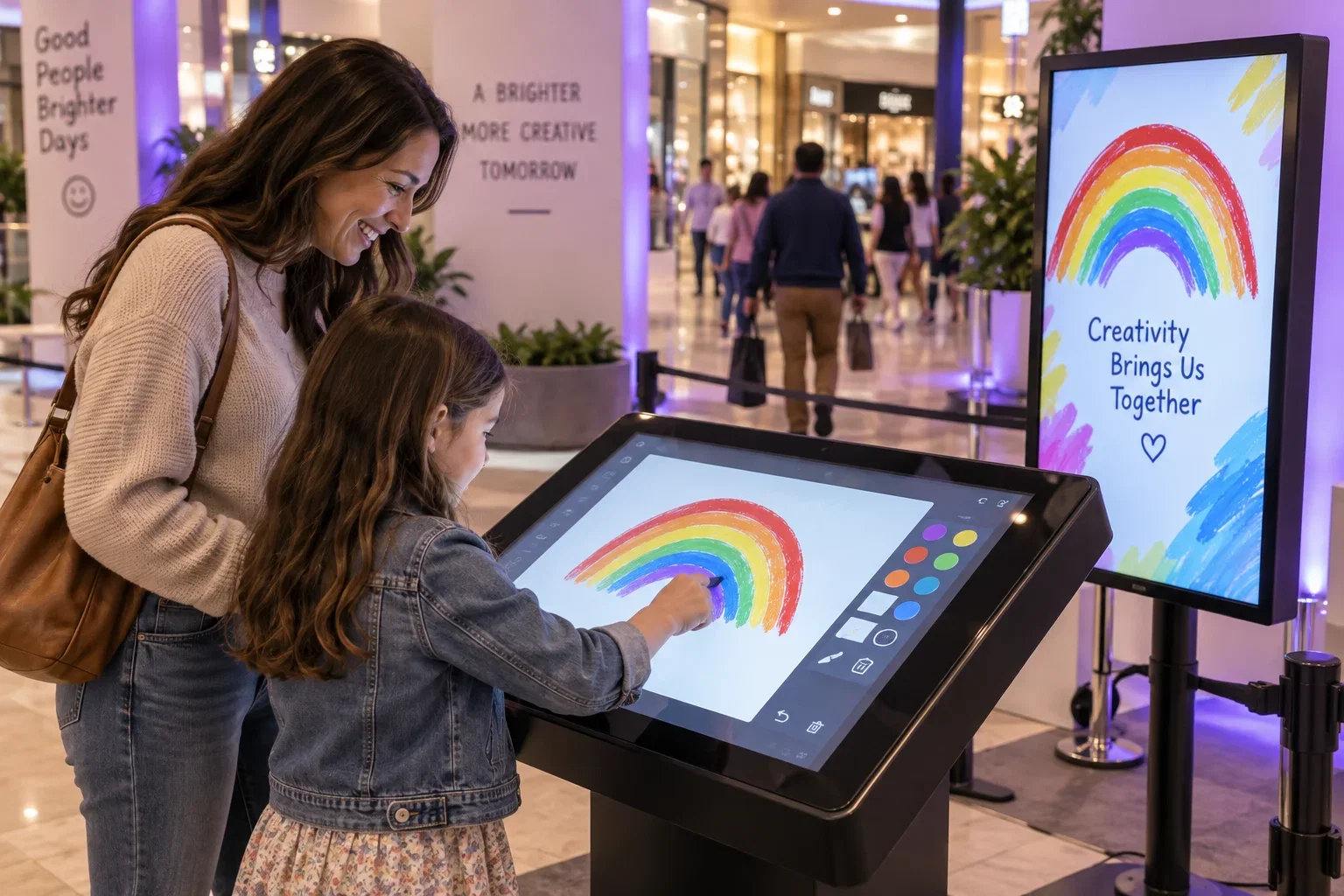
Keep guests moving with a clear flow.
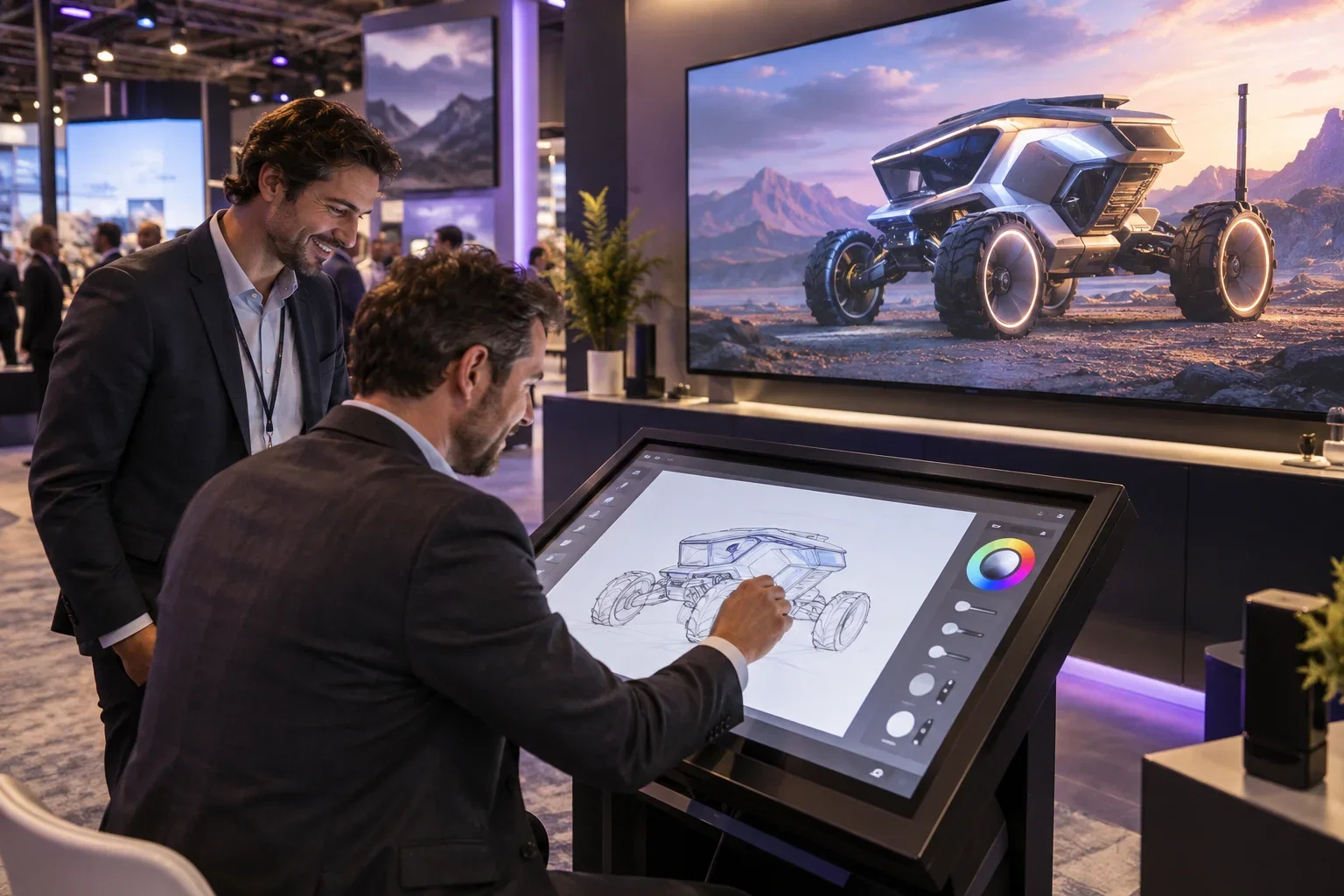
Attract visitors with striking visuals.
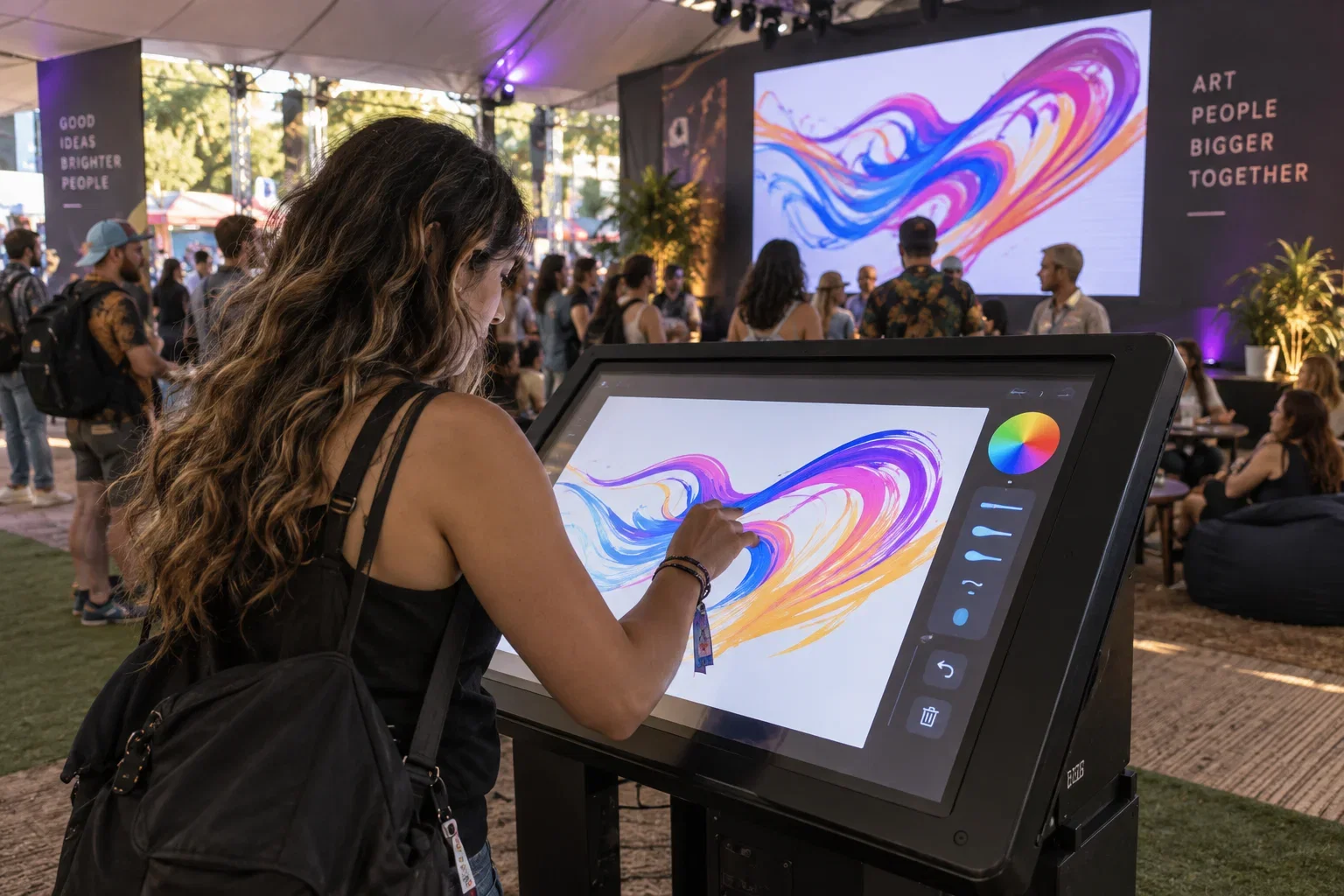
Pair bold visuals with a reliable setup.
Use your existing compatible equipment, source it locally or choose suitable Activation King hardware. The software subscription and equipment are separate.
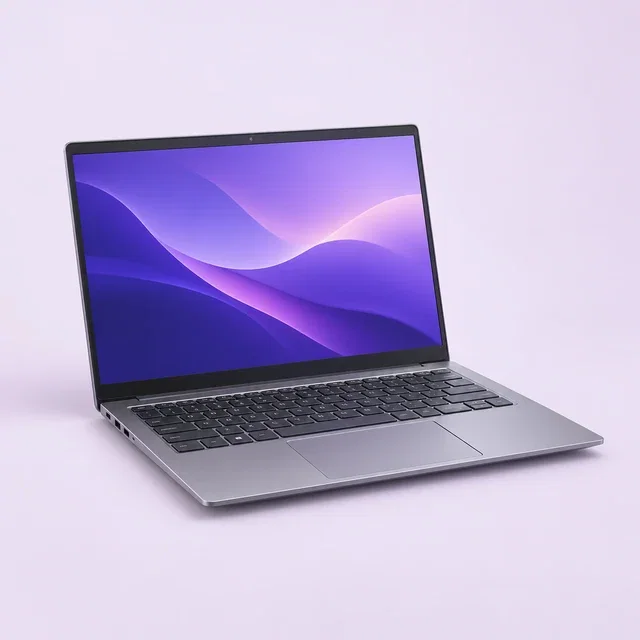
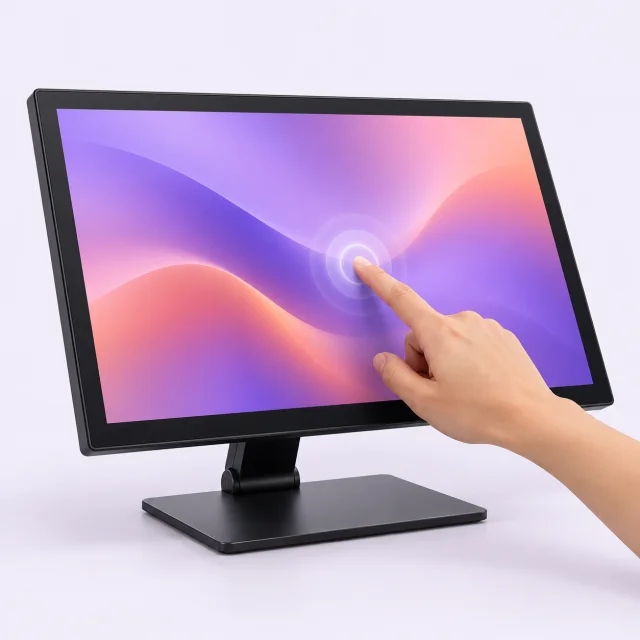
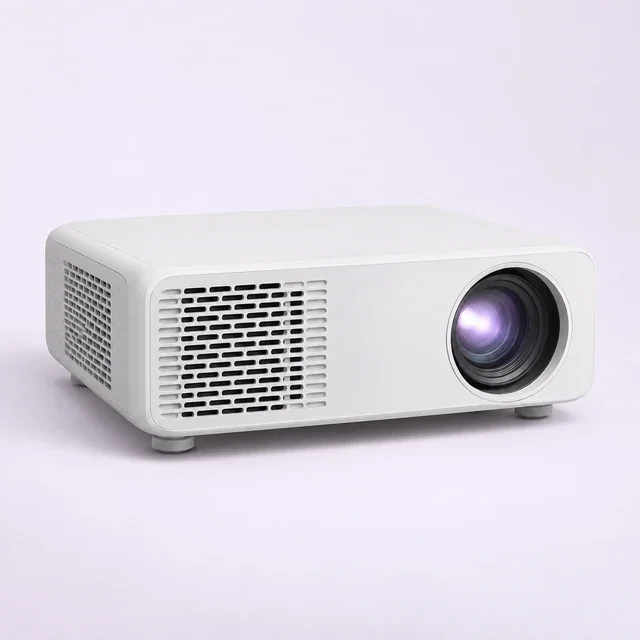
Plan a compatible touchscreen and computer. A second display is optional. Object mapping additionally needs a suitable projector, a prepared mapping file and on-site alignment; these are not included hardware promises.
Draw or color on a touchscreen, with optional AI.
Pay yearly and save up to $698 a year compared with monthly billing.
You save $81
Next renewal: $269/mo
Choose this planYou save $105
Next renewal: $349/mo
Choose this planYou save $807
Next renewal: $2,690/yr
Choose this planYou save $1,047
Next renewal: $3,490/yr
Choose this planCompare compatible hardware for AI Drawing Screen. Choose your event setup.
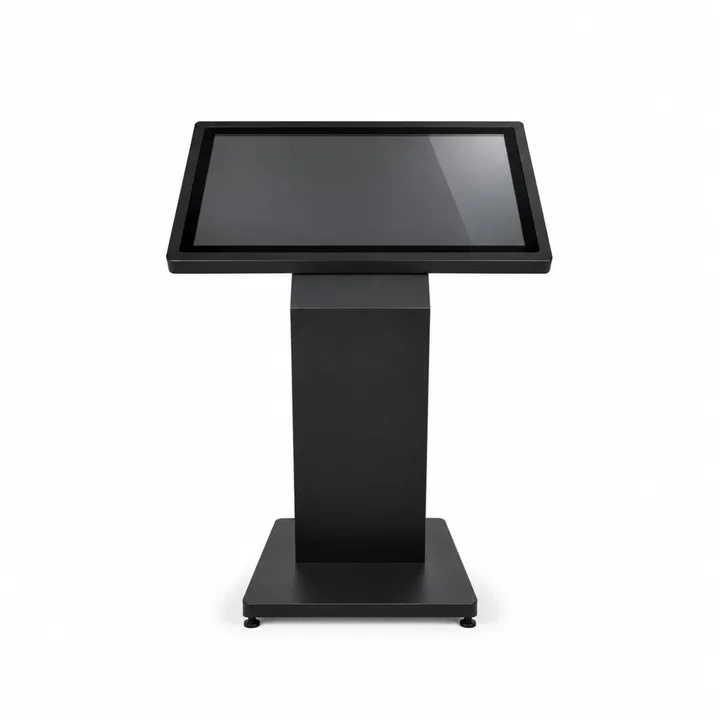 -47%
Photo booths
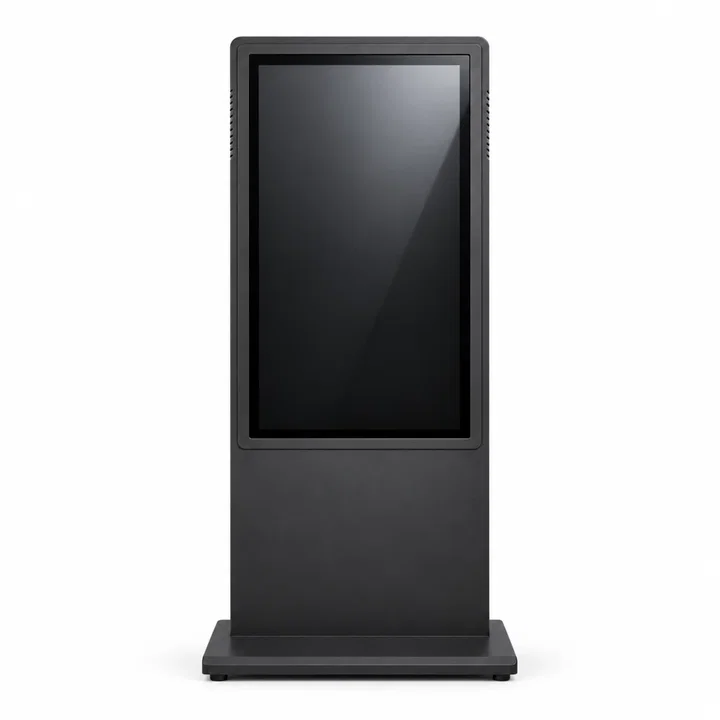
32-inch touchscreen for sharing, optional printing or games.
Software subscription sold separately.
 -54%
Photo booths
A freestanding touchscreen for quizzes and games.
Software subscription sold separately.
The right display, computer and field setup depend on how the product will be used.
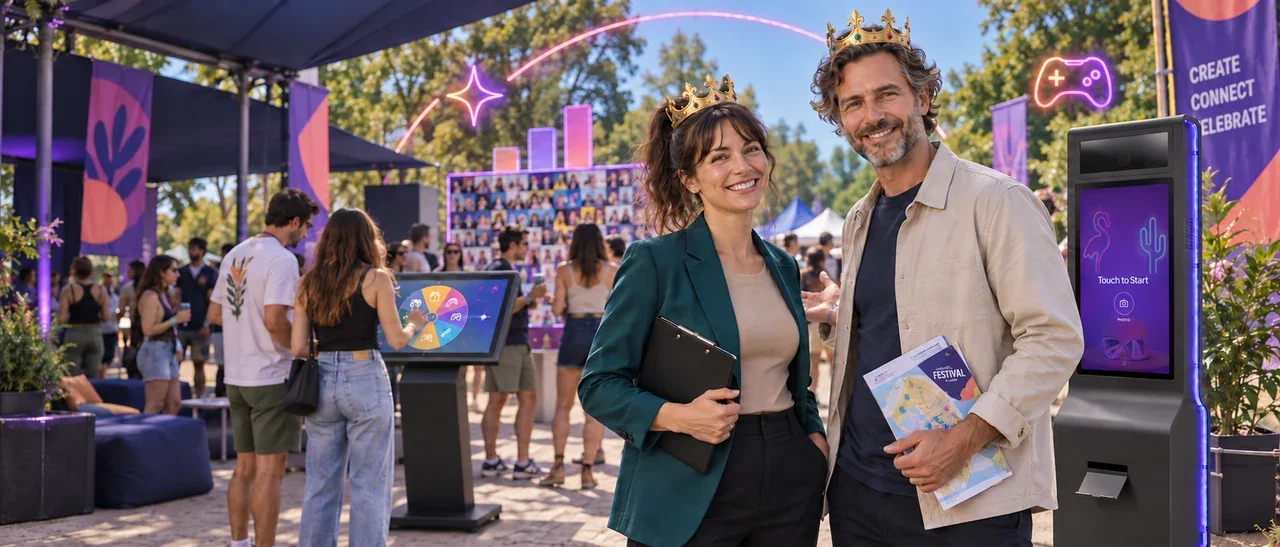
Build your next activation around a blank canvas, a product to personalize or a drawing-to-art transformation.
Activation Suite
All our photo, drawing and game apps, including future releases, in one subscription.
Tell us about your project. Our team will help with the next step.

How can we help today?
Sign up for free trials and free marketing materials.

