AI Drawing Screen & AI Drawing Robot
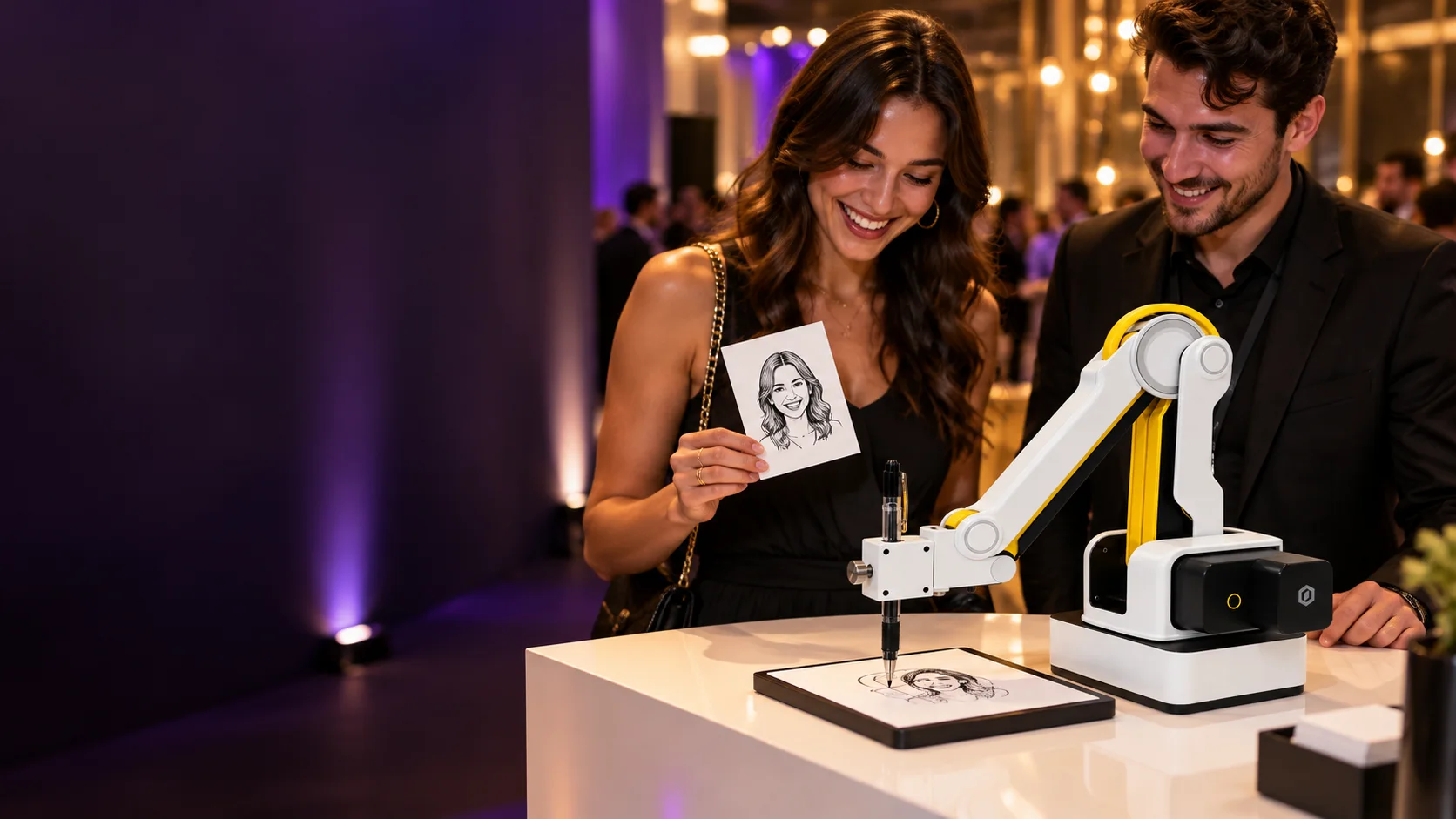
AI Drawing Screen: Let guests draw freely, color product templates and optionally turn their sketches into AI artwork. Add projection mapping with a suitable setup. AI Drawing Robot adds a real pen drawing on paper with compatible robotics. These are different outputs and different operating workflows; show clients examples before they choose.
Control the production chain
Test capture conditions, styling, paper and the final output together. Robotic drawings and printed keepsakes need time and consumables. Plan the waiting area and explain expected turnaround based on your own rehearsal, not an unverified headline speed.
Keep the main assignment protected
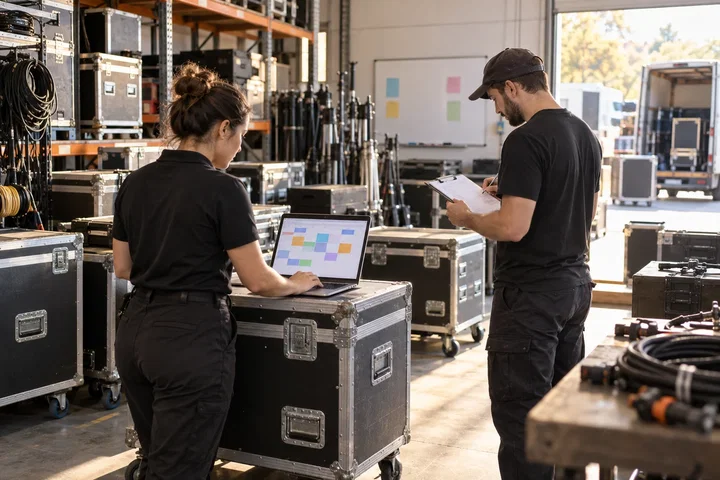
If you are covering the stage or a ceremony, assign someone else to the activation. Define who approves styles, manages the guest queue and handles delivery. Price creative preparation and on-site operation separately so a new service does not quietly consume the margin on your photography job.
Put it into practice
A portrait client choosing AI Drawing Robot is buying a drawing on paper, not simply an AI image. Show a finished sample and explain capture, optional styling, pen drawing and handover. Rehearse with the intended paper and drawing style; fine detail can change production time. Compare that workflow with AI Drawing Screen, where the guest creates the drawing themselves. Keep the main photography assignment staffed while another person manages the activation and its queue.
Before you quote the project
Turn the idea into a deliverable scope. Agree these points with your client and venue before committing.
Define the brief
Show the exact final output before the client chooses a package.
Test the complete setup
Rehearse capture, drawing or printing, finishing and handover together.
Confirm the scope
Assign activation operation separately from ceremony or stage photography.