
Security settings are your account's security hub: one place to see how protected your account is and to fix any weak spots. A quick review here keeps your billing, subscriptions, and apps safe.
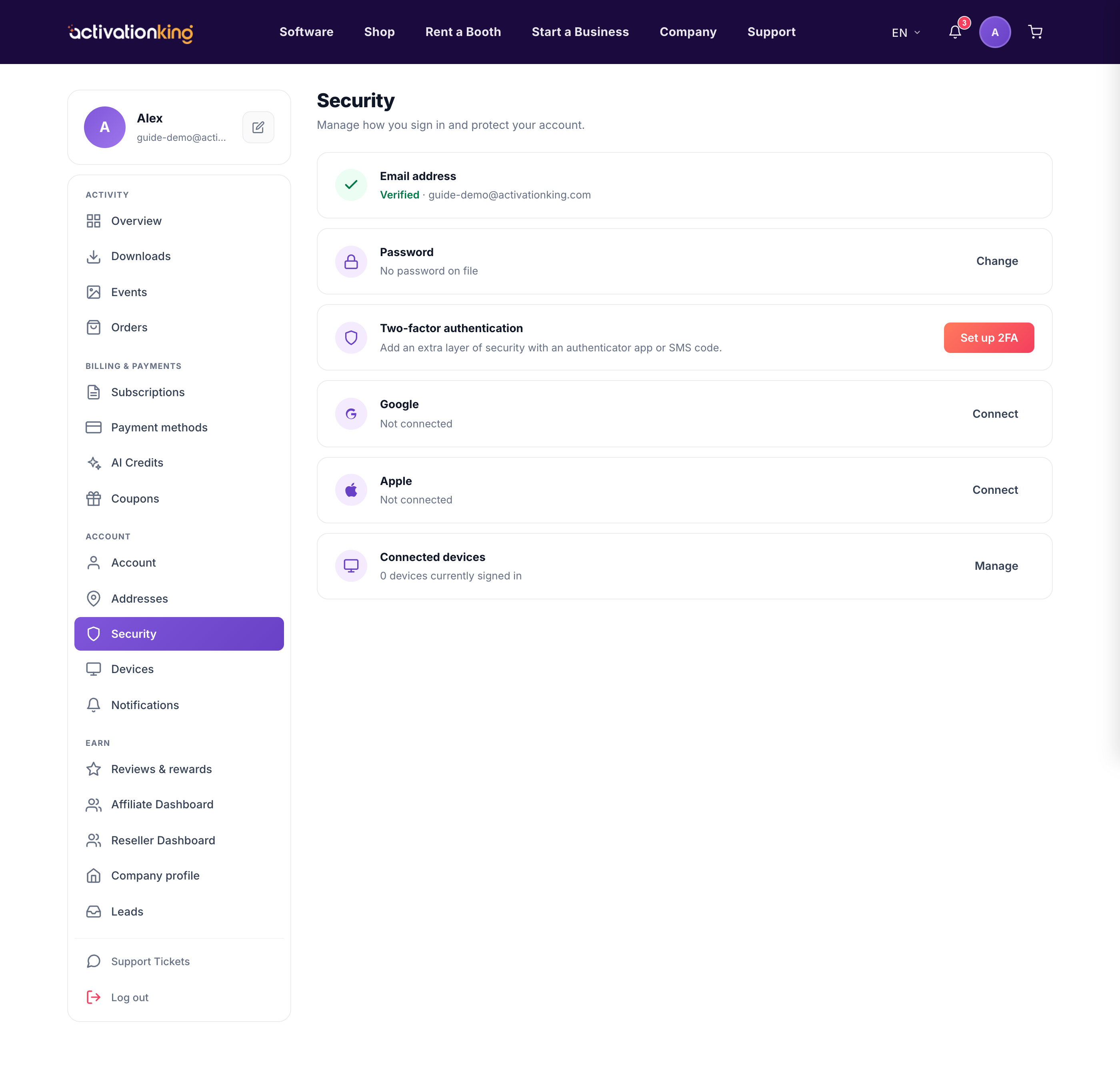
What you will find here
- Your email verification status.
- Your password age, with a warning if it is older than 180 days.
- The two-factor authentication card.
- Your Google and Apple sign-in connections, which you can connect or disconnect.
- A summary of your connected devices, with a link to manage them.
Review your security
- Go to Dashboard → Security.
- Review each card in turn.
- Act on any warning, such as verifying your email, refreshing an old password, or turning on 2FA.
Good to know: connecting Google or Apple gives you a fast, password-free way to sign in, on top of keeping your account secure.
