Solutions Industry Guide

Restaurants & hospitality. Experiences that fit.

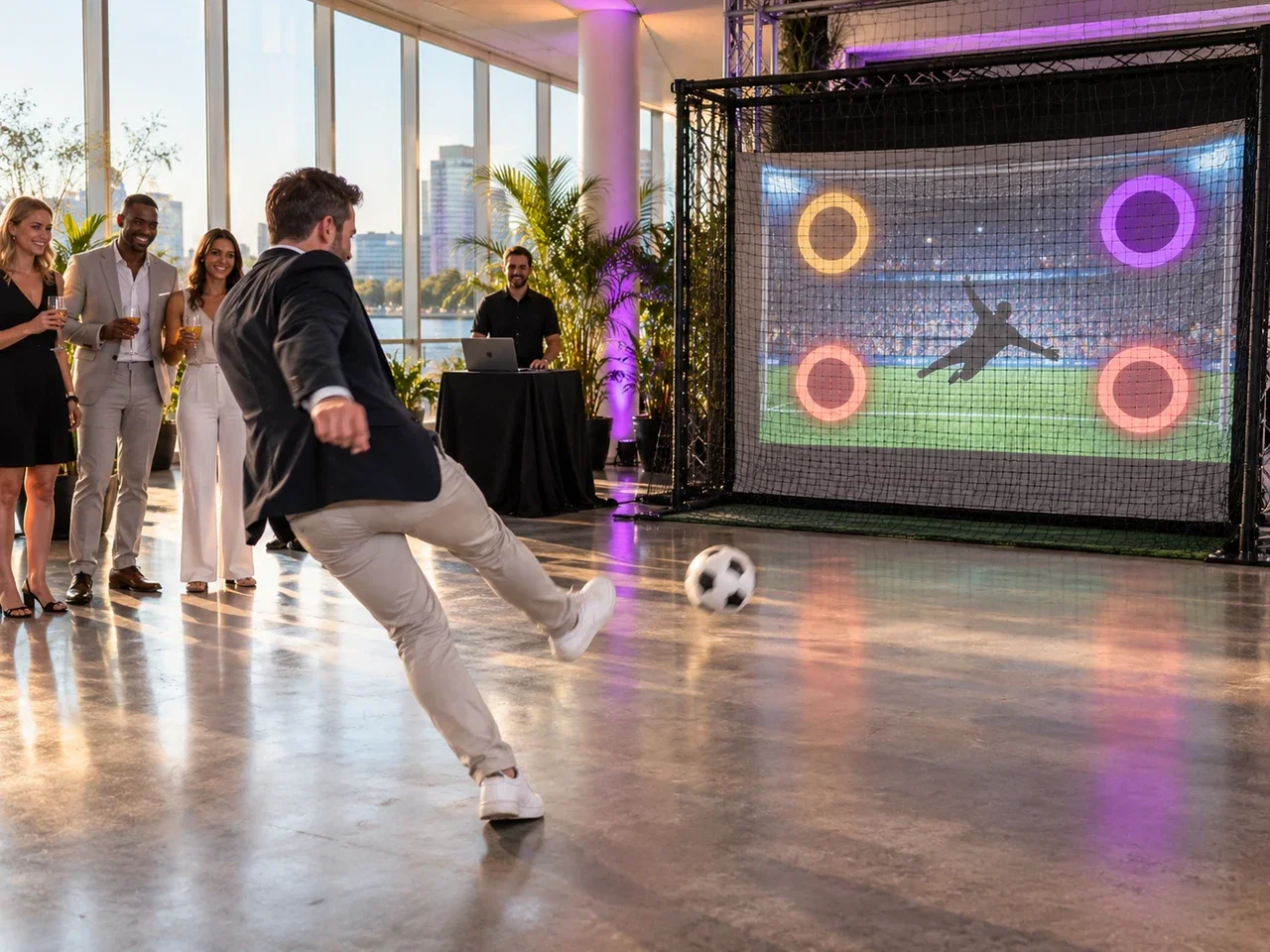
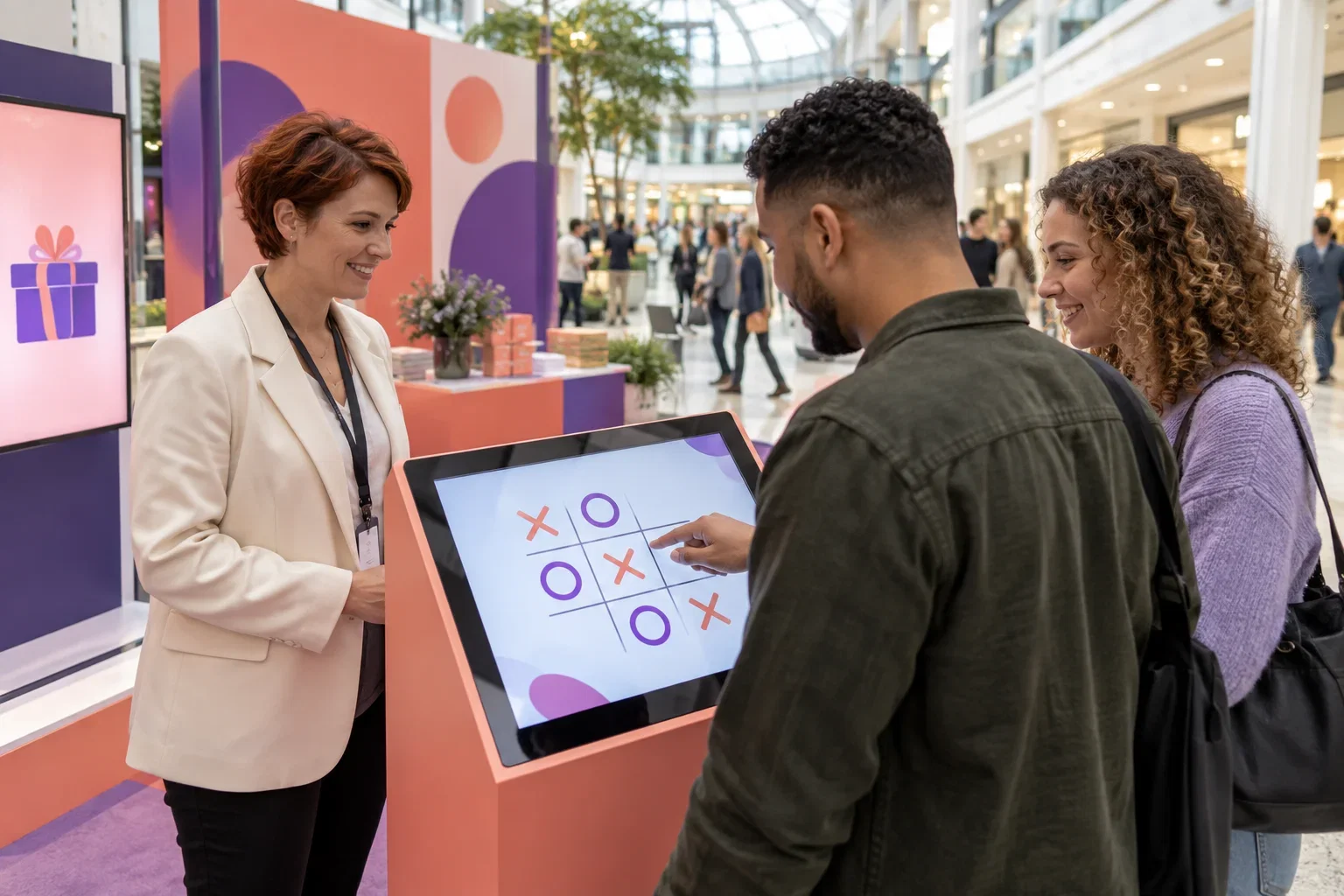
Add photo booths and games while keeping guest service flowing.

Recommended app for this market: AI Photo Booth Pro

Free Trial Free AI Credits No credit card

Overview

Interactive experiences work best when they complement hospitality. They should give guests a reason to participate without obstructing service, overwhelming a small room or asking the dining team to become technicians.

Start with an occasion

A private celebration can justify a staffed photo corner. A launch may suit a short branded wheel experience. Choose a specific event and audience before committing to a permanent installation. Use an actual setup rehearsal to check how long a guest stays and where the queue forms.

Respect the service floor

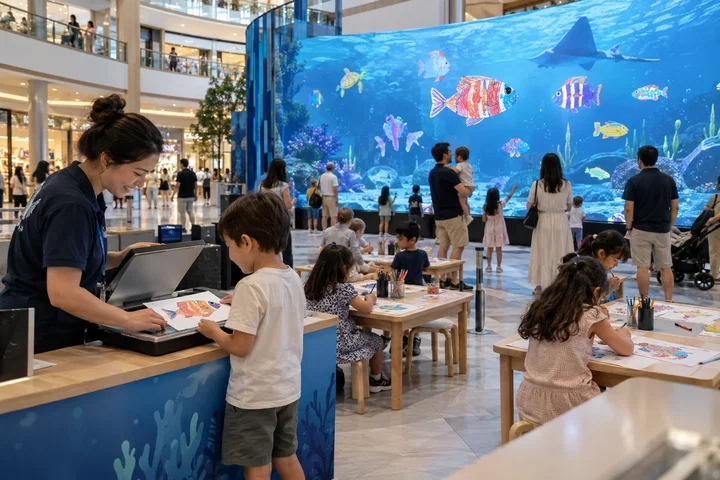
Keep screens, cables and printing away from food preparation and narrow circulation routes. Agree cleaning, support and closing procedures with the venue manager. A smaller booth may suit a compact space, but confirm the full footprint including camera, lights and guest standing area.

Make the commercial arrangement clear

Separate an event add-on from a long-term equipment rental. If guests pay to participate, verify the payment workflow and local requirements independently; a game or photo license does not automatically include payment collection. Review demand before expanding the offer.

Put it into practice

For a restaurant anniversary, start with a defined event window rather than a permanent kiosk purchase. Place the attraction where guests can pause without blocking servers or tables. Observe one rehearsal from arrival through output collection. Ask the manager who handles cleaning, a printer stop and the last guest at closing. If you later consider a permanent offer, compare actual participation with the floor space and staff attention it consumes during normal service.

Before you quote the project

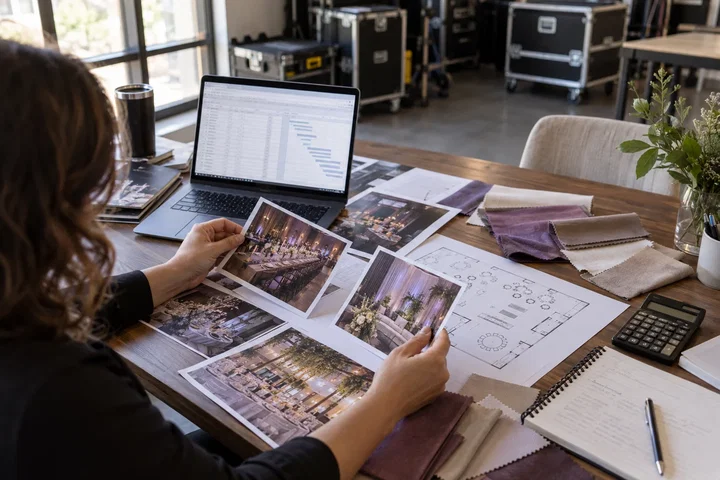
Turn the idea into a deliverable scope. Agree these points with your client and venue before committing.

  1. Define the brief

    Walk the guest queue and server routes together with the venue manager.

  2. Test the complete setup

    Name the person responsible for cleaning, technical help and closing.

  3. Confirm the scope

    Review the pilot's participation and service disruption before permanent installation.
AI Photo Booth Pro pricing. Start with a free trial.

Try AI Photo Booth Pro free first, then choose monthly or annual billing when you are ready.

Pay yearly and save up to $289 a year compared with monthly billing.

Pro
Event-ready tools
BLACK FRIDAY −30%
$79 $55/mo

You save $24

First month

Next renewal: $79/mo

Choose this plan
Core photo booth modes
2 devices, unlimited events
Cloud sync & instant sharing
Template & screen editor
AI Effects, Face Swap, AI Video
120+ AI & custom styles
11 ready-to-use interface languages
Customizable interface text
Make it your brand
White Label
Full brand control
BLACK FRIDAY −30%
$149 $104/mo

You save $45

First month

Next renewal: $149/mo

Choose this plan
Everything in Pro, plus:
Your app name and icon
Your branded app
Sharing: your domain
Branded sharing screens
Your subscription includes two concurrent sessions; you can add more when needed.

Questions worth asking

Find answers about planning, equipment and day-to-day operation.

Start focused. Leave room to grow.

Tell us who you sell to, where the experience will run and what equipment you already own. We can help you shortlist the software and hardware to review.

Plan my setup

Your next useful read

Explore practical guides for your next business decision.

Not sure where to start? We can help.

Tell us about your project. Our team will help with the next step.

By submitting, you agree to our Terms and Privacy Policy.