
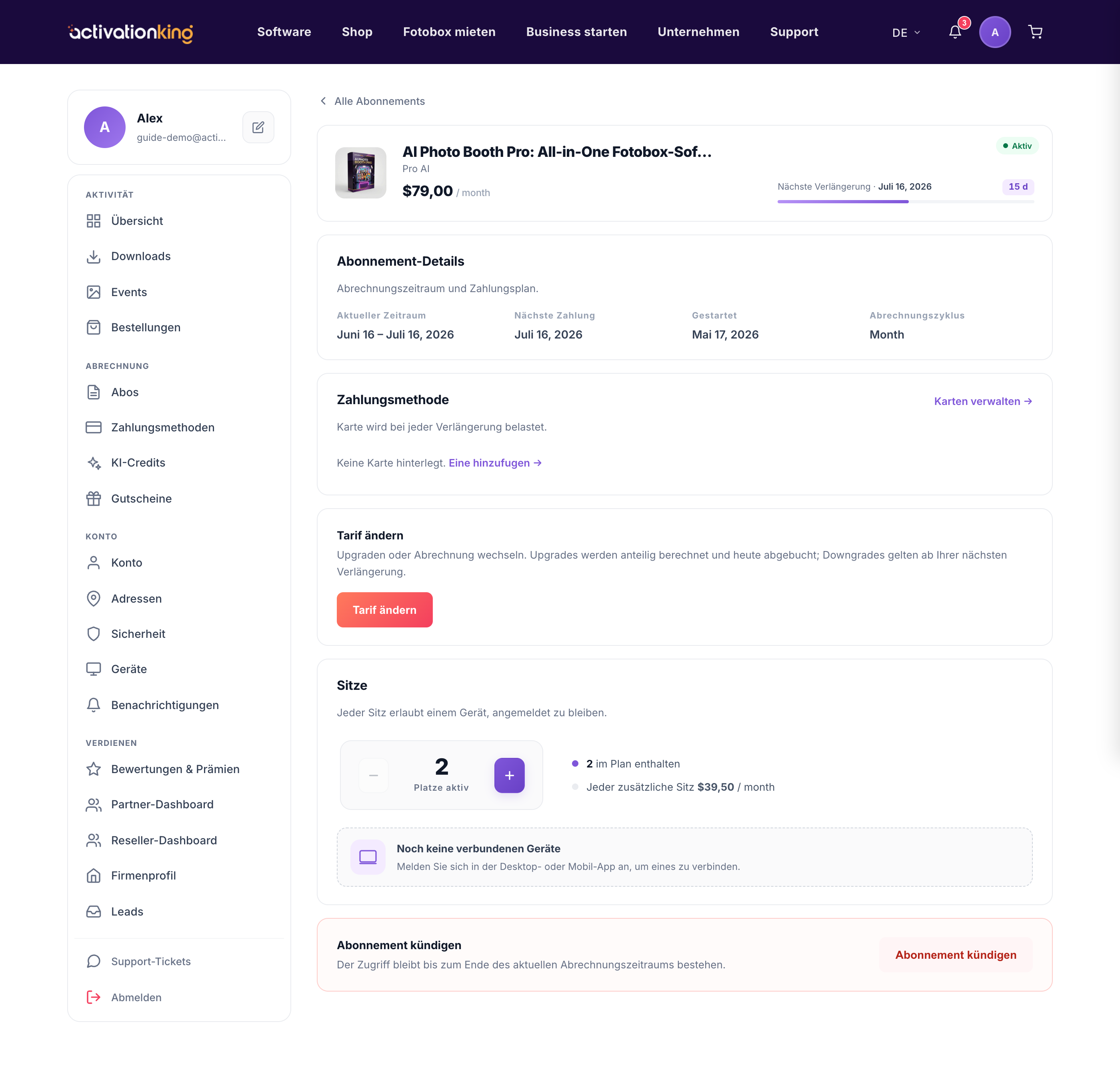
Sie können jederzeit zu einem anderen Tarif wechseln, mit klarer, fairer Preisgestaltung und ohne Überraschungen. Der Tarifwechsel erfolgt direkt aus Ihrem Abonnement, und der fällige Betrag wird immer angezeigt, bevor Sie bestätigen.
So funktioniert die Preisgestaltung
- Bei einem Upgrade wird nur die anteilige Differenz sofort berechnet und ein neuer Abrechnungszeitraum gestartet.
- Ein Downgrade oder ein seitlicher Wechsel wird nie berechnet; der ungenutzte Wert wird zu im Voraus bezahlten Tagen zum neuen Tarif, und Ihr Verlängerungsdatum verschiebt sich entsprechend nach hinten.
Ihren Tarif ändern
- Öffnen Sie das Abonnement und klicken Sie auf Tarif ändern. Ein Fenster öffnet sich, das jeden Tarif auflistet und Ihren aktuellen markiert.
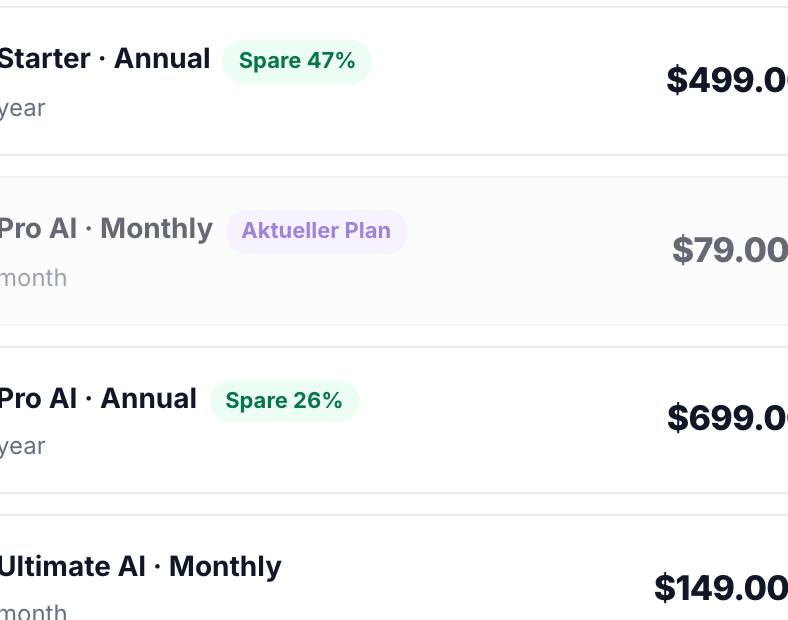
- Wählen Sie den gewünschten neuen Tarif.
- Prüfen Sie den heute fälligen Betrag, der eine Gutschrift für die ungenutzte Zeit Ihres aktuellen Tarifs enthält, sowie das neue Abrechnungsdatum.
- Bestätigen Sie, um zu wechseln.
Gut zu wissen: Ihnen wird nie doppelt berechnet; die Gutschrift für bereits bezahlte Zeit wird immer auf den geschuldeten Betrag angerechnet.
