
If you have forgotten your password, you can set a new one in a couple of minutes using a secure link we email to you. This gets you back into your dashboard without losing any account data.
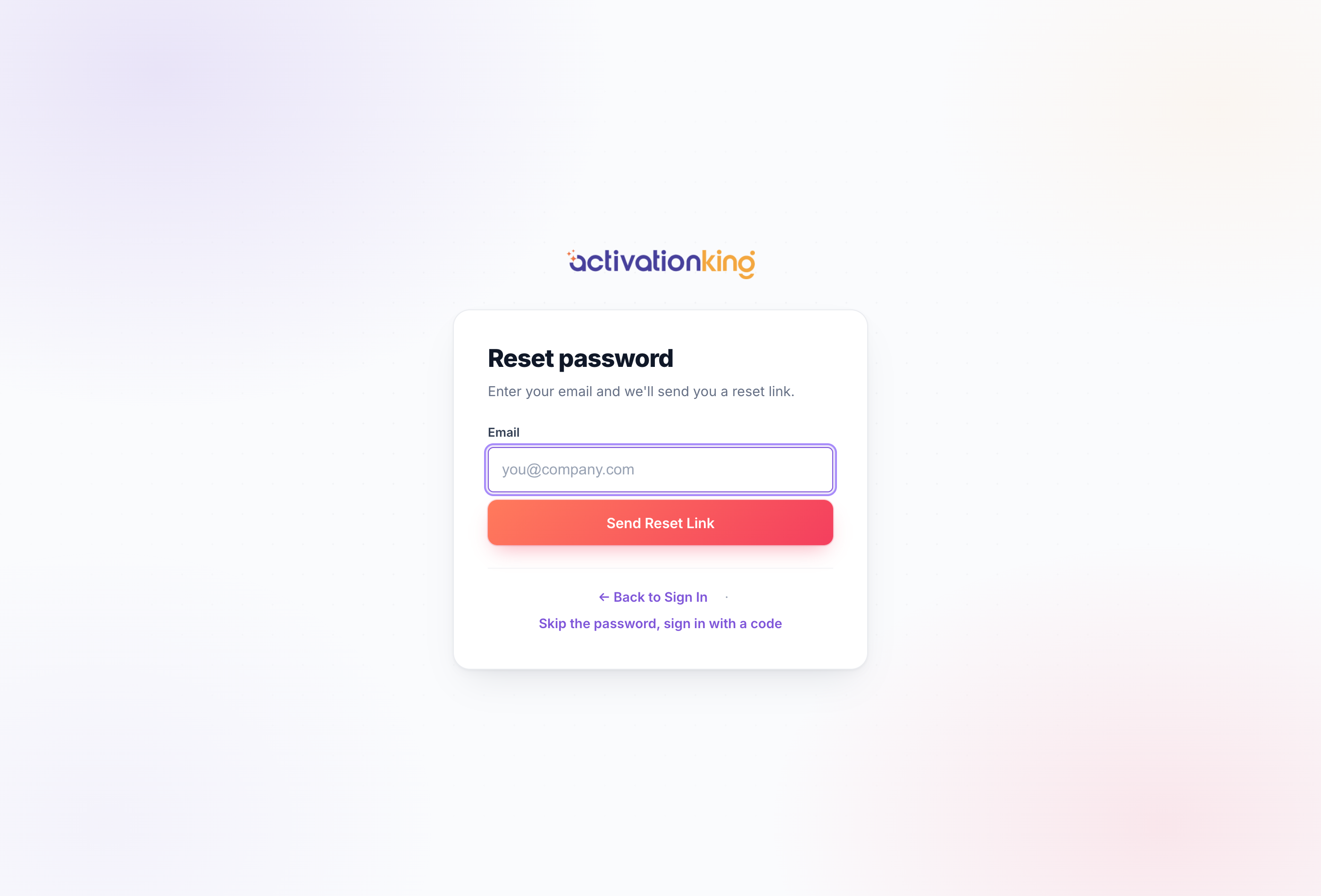
Reset your password
- On the sign-in page, click Forgot password, or go to /Account/ForgotPassword.
- Enter your account email address and submit.
- Open the email we send and click the secure reset link.
- Choose a new password, using the strength meter to make it a strong one.
- You are signed in automatically once the new password is saved.
Good to know: if you signed up with Google or Apple, you do not have a password to reset, simply use that button on the sign-in page instead. The reset link is time-limited, so if it has expired just request a new one.
