Choose a low-friction mechanic
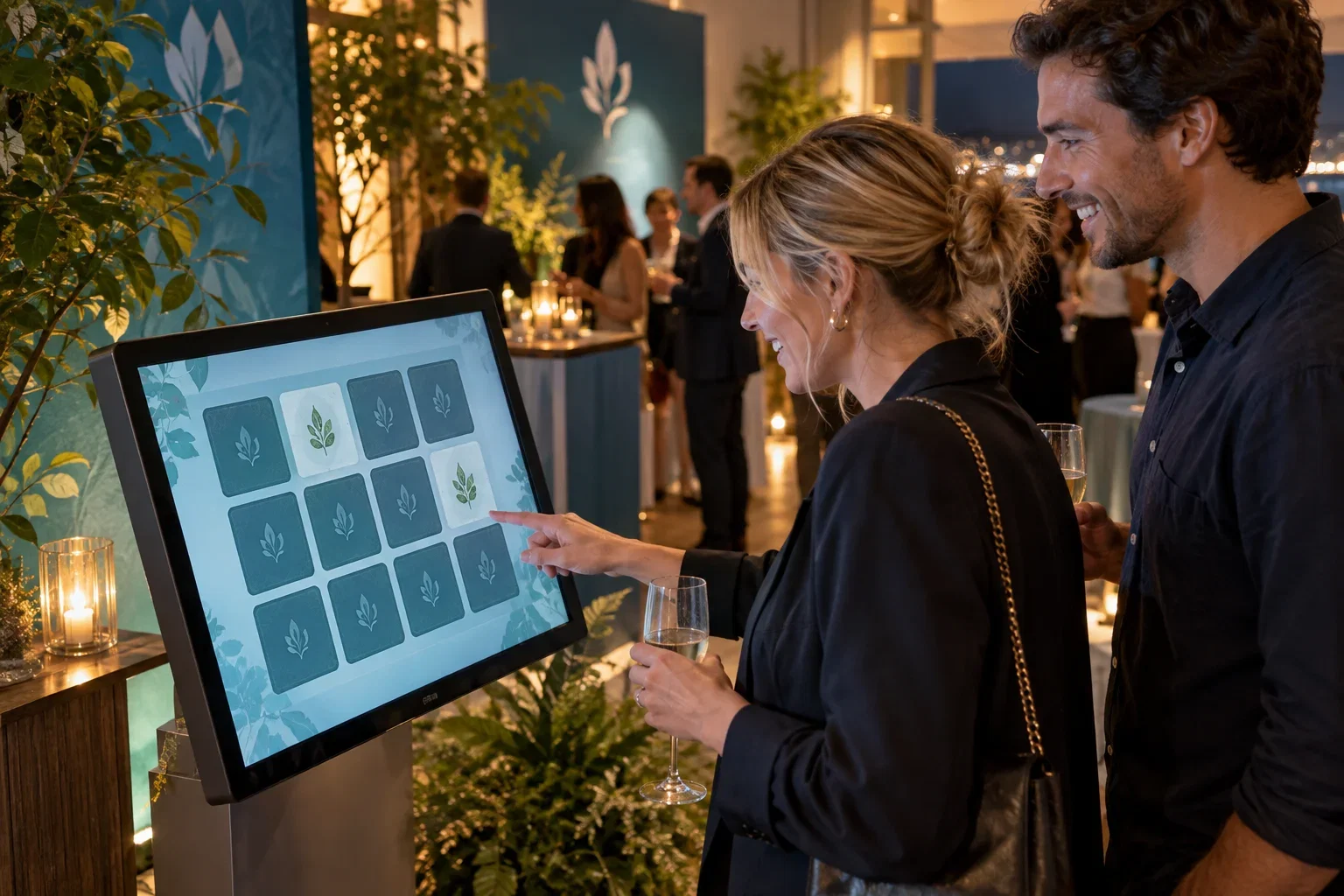
Find the Match Game can use campaign or product imagery. Quiz Game can ask visual or text questions and collect details for an agreed follow-up. A Totem Kiosk provides a large touchscreen platform; confirm software and equipment compatibility for the selected configuration.
Design for the campaign and the queue
Keep questions concise, test touch targets and provide a clear end state before the next guest begins. Confirm reward stock and rules with the retailer. Position the setup where participants can stop safely without blocking store access or checkout lines.
Measure the right outcome
Agree whether success means completed sessions, product education or consented contacts. Participation alone does not demonstrate incremental sales. Plan who exports or receives the data, who may follow up and when campaign content is removed or refreshed.
Put it into practice
For a new product display, use the same campaign image in the stand and the screen so guests immediately understand the connection. Choose matching pairs for recognition or a short visual quiz for product discovery. Place any reward collection away from the next participant's starting point. Test the shortest and longest guest journeys, including someone who declines to share contact details. Agree who removes expired campaign content and handles unused rewards when the promotion ends.
Before you quote the project
Turn the idea into a deliverable scope. Agree these points with your client and venue before committing.
Define the brief
Match the screen's content to the product and campaign displayed nearby.
Test the complete setup
Test the queue, reward collection and next participant's starting point.
Confirm the scope
Set an owner and date for removing expired content and campaign data.