Give each space a role
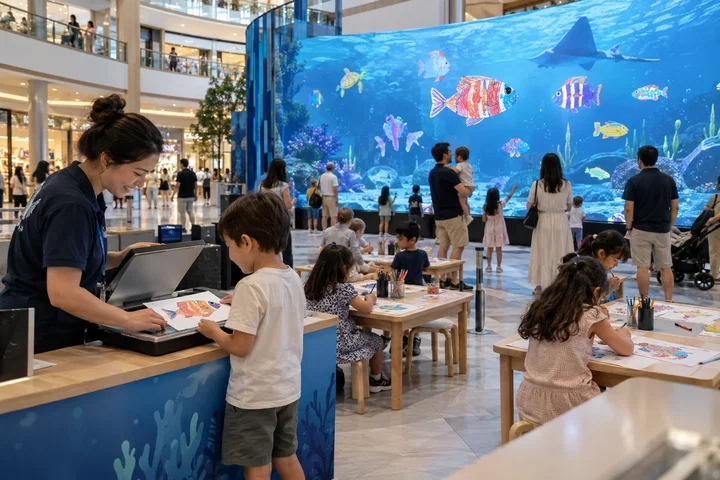
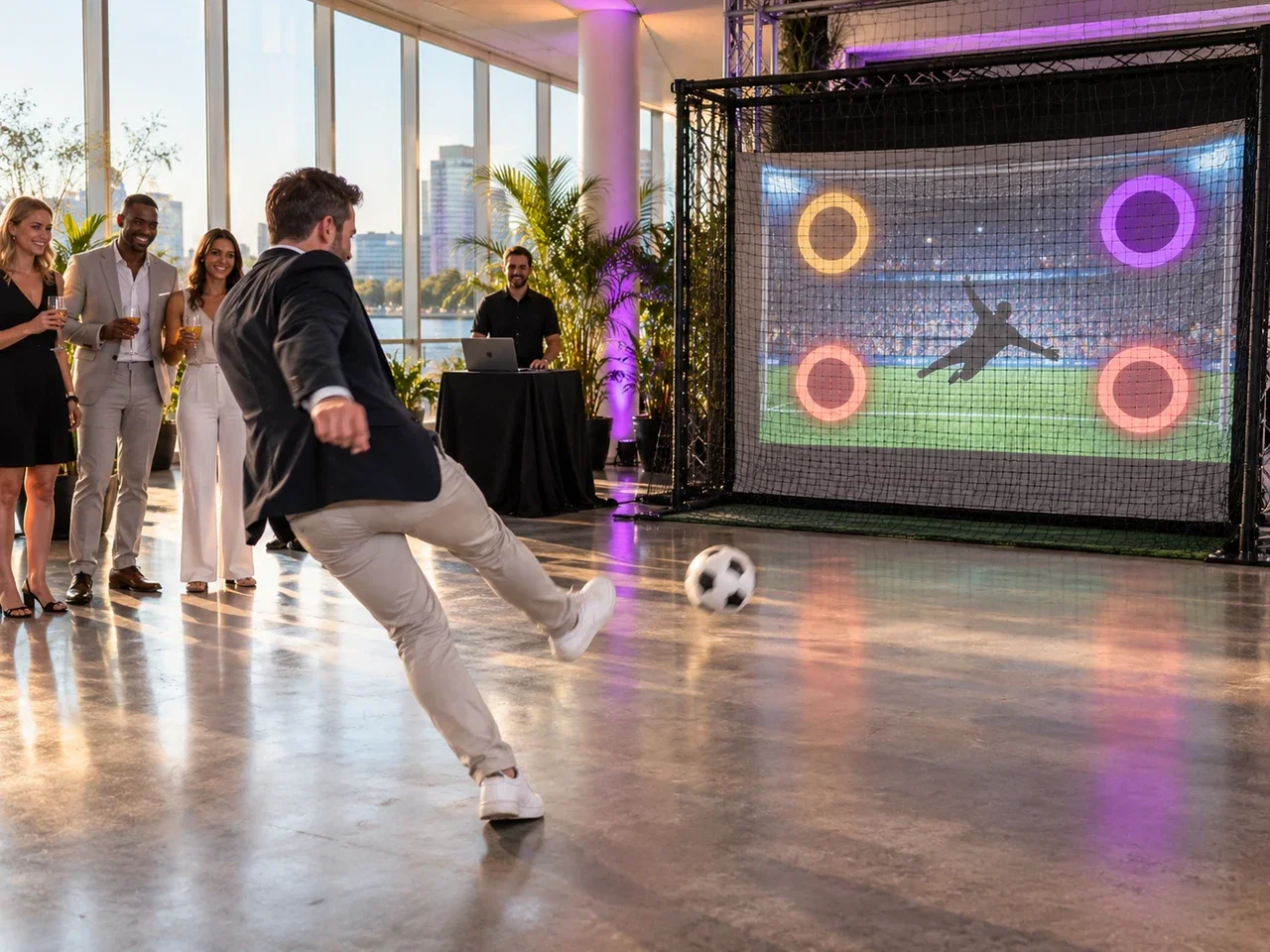
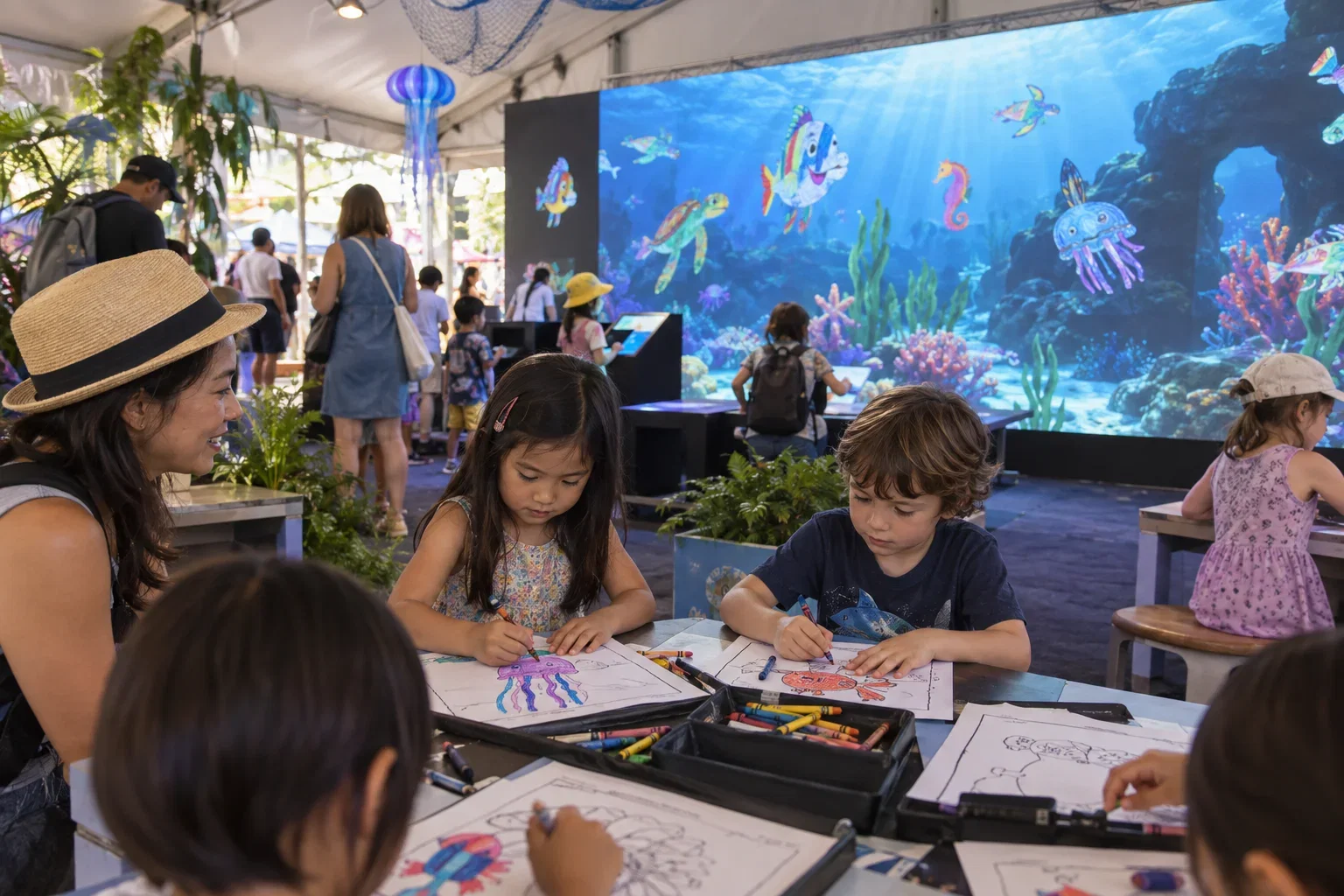
An Digital Aquarium can turn children's drawings into swimming 3D creatures in a supervised family area. A photo booth suits celebrations and conferences. A simple two-player Tic Tac Toe Game can fit a short indoor activity, subject to screen suitability and accessibility.
Plan daily care
Assign ownership for opening checks, cleaning, paper or scanner handling and guest assistance. Confirm the operating environment for screens and sensors; indoor equipment should not be assumed suitable for poolside or outdoor use. Schedule content updates and technical support.
Sell a programme, not just a machine
A venue-owned setup, an installed rental and a staffed event package have different responsibilities. Select the business model first. For branded hotel events, agree artwork and language before arrival so the guest-facing experience feels like part of the property.
Put it into practice
A supervised afternoon drawing activity and an evening conference photo booth need different ownership. Assign the aquarium's paper, scanning and guest assistance to the family-programme team; assign conference branding and delivery to the event team. Confirm where each setup is stored and which staff can restart it. Run a handover between shifts using the actual equipment. A polished opening demonstration is not enough to prove that a hotel can operate the attraction throughout its daily schedule.
Before you quote the project
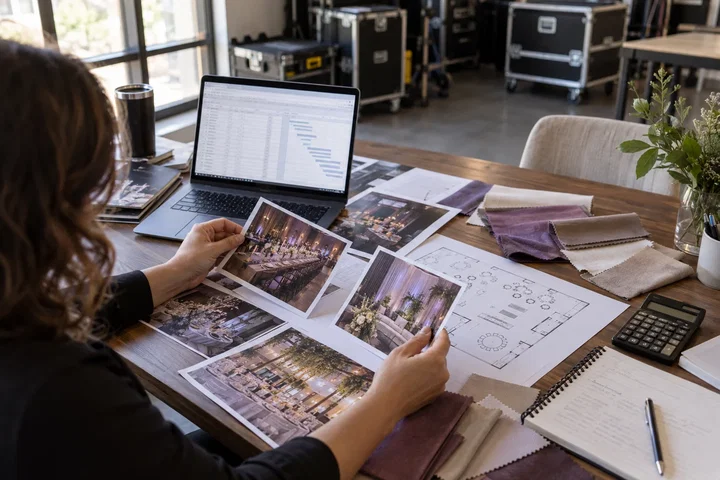
Turn the idea into a deliverable scope. Agree these points with your client and venue before committing.
Define the brief
Assign each attraction to a specific team and operating time.
Test the complete setup
Test shift handover, opening checks and guest assistance on the real setup.
Confirm the scope
Separate indoor operation from any separately assessed outdoor or poolside use.