Design the content first
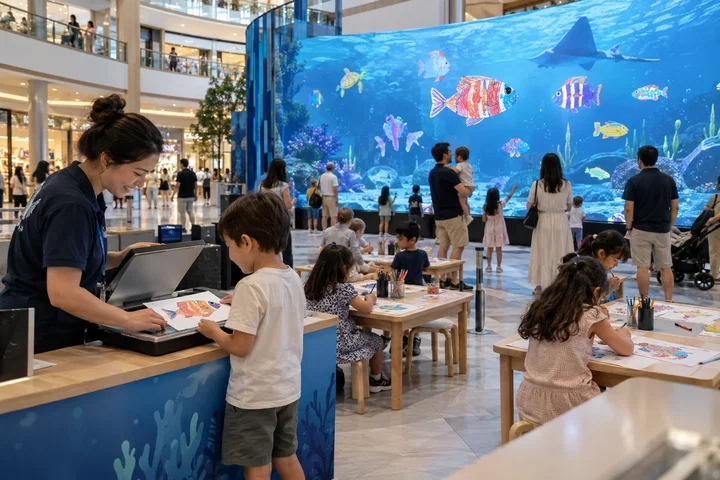
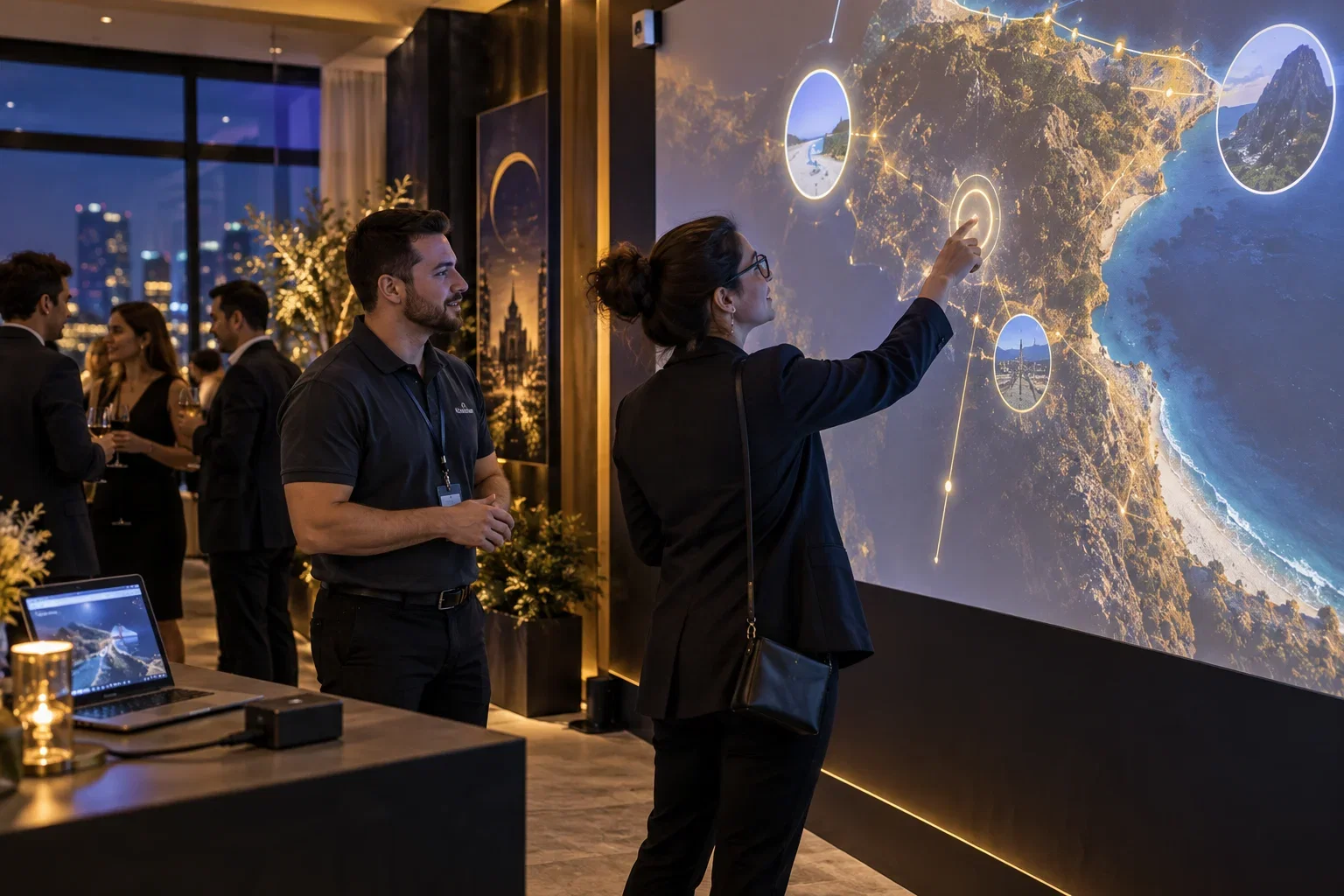
A LiDAR Interactive Wall can turn a suitable wall or projection area into a touch surface with compatible sensors and calibration. An aquarium can bring visitor drawings to life. A mosaic can collect contributions into one image. None replaces the need for a well-designed exhibit narrative.
Check the space with the technical team
Confirm projection, lighting, sensor coverage, mounting, accessibility and the way groups move through the area. Test with the intended audience. Define responsibility for calibration, content changes and recovery after a power or equipment interruption.
Make maintenance part of the brief
Document opening checks, staff assistance and support access. For long-term displays, plan regular content refreshes and hardware servicing. If visitor photos or contact details are involved, establish the collection and retention process before the exhibition opens.
Put it into practice
For an exhibit about marine life, decide what the visitor should understand before selecting an aquarium or touch wall. A drawing can become a shared contribution; a LiDAR surface can make selected content interactive. Write the screen prompts with the education team and test them with the intended age group. At commissioning, check the full surface and document the restart procedure. Keep an accessible alternative and staff explanation available where the interaction does not suit every visitor.
Before you quote the project
Turn the idea into a deliverable scope. Agree these points with your client and venue before committing.
Define the brief
Approve the learning objective and visitor prompts with the education team.
Test the complete setup
Test reach, visibility and the complete calibrated area with the intended audience.
Confirm the scope
Document daily checks, restart and responsibility for content changes.