
The Reviews and rewards page lets you share your experience of Activation King and earn AI credits for it. Leaving a review rewards you with 50 credits, and you can add photos or a video to make it richer.
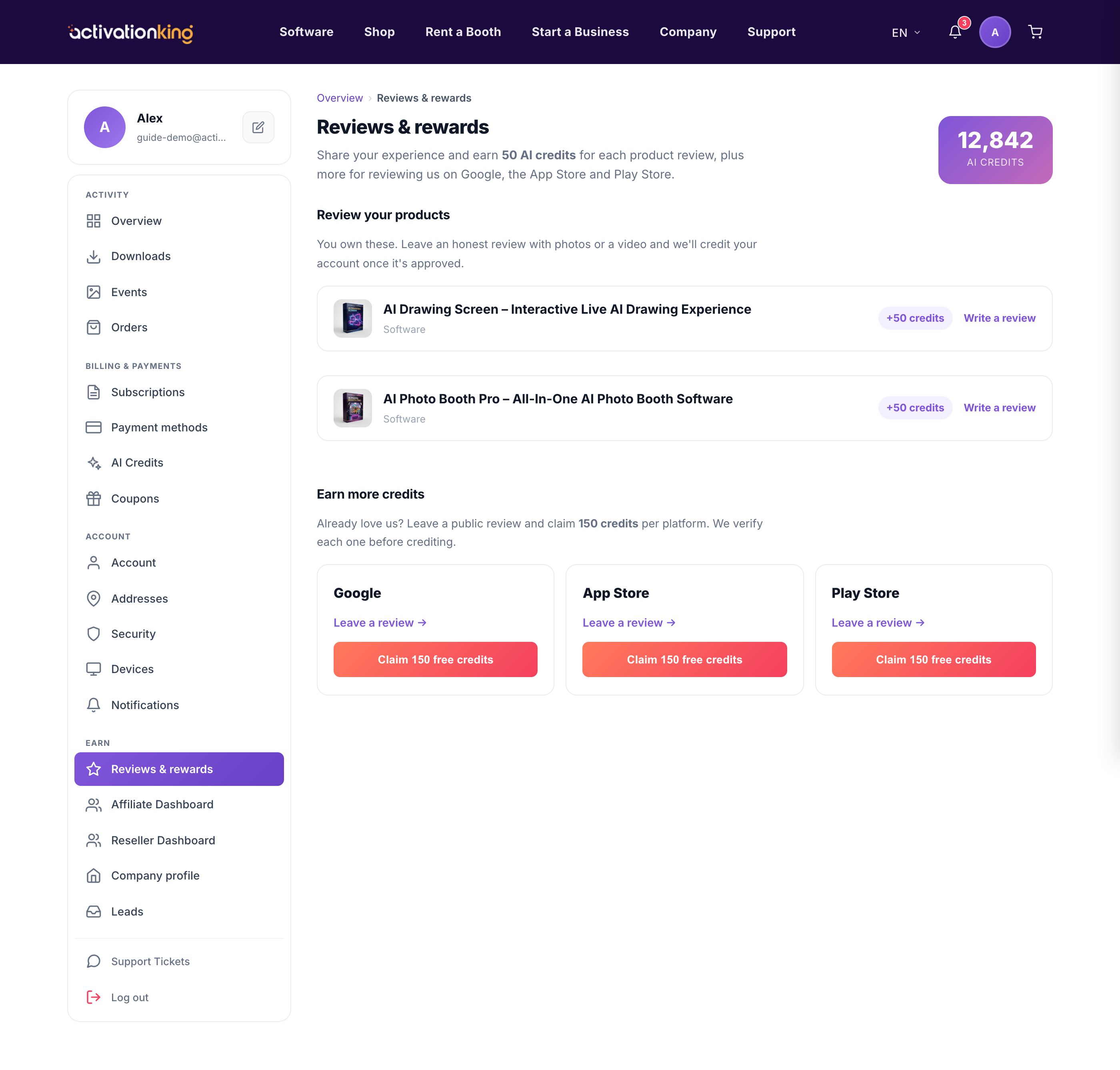
If you have already reviewed Activation King on an external store, you do not miss out: you can submit a claim and receive the reward here too. Either way, the reward lands as credits in your account.
- Open Dashboard → Reviews and rewards.
- Write your review of Activation King, and optionally attach photos or a short video from a real event.
- Submit the review. Your 50 credits are added to your account.
- To claim a review you left elsewhere, use the claim option and provide the requested details so we can verify it and grant the reward.
Adding media is worth the extra moment: a photo or short clip shows other operators what the apps produce in a real setting, which is far more convincing than words alone. The reward is the same whether or not you attach media, so anything you add is a bonus for the community rather than a hoop to jump through.
Good to know: reviews with a photo or short video from a real event are the most helpful to other operators, and still earn the same reward.
