
Signing in with a code is a passwordless way to reach your account. It is handy when you do not remember your password, or when you are on a shared or public computer and would rather not type one.
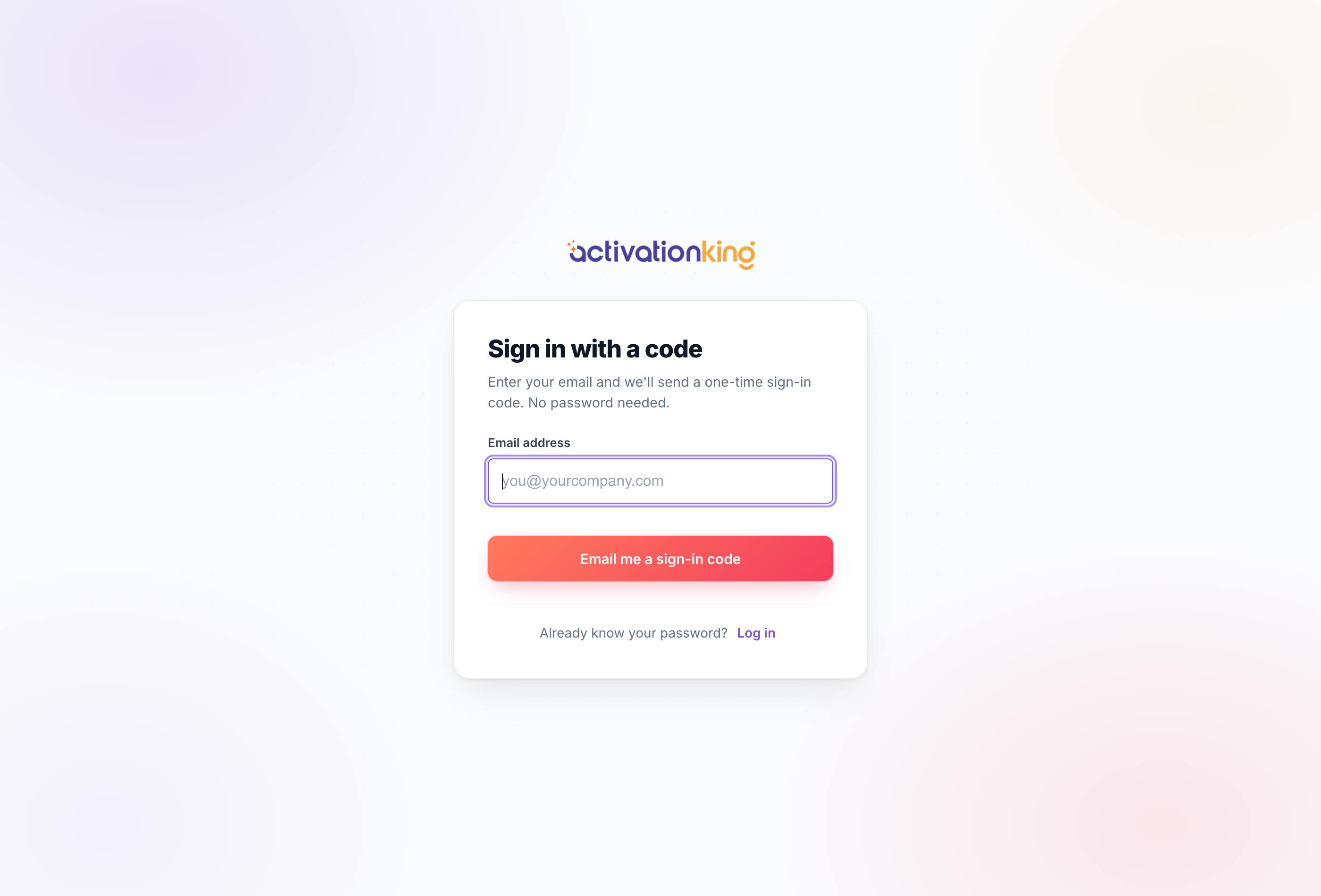
Get a one-time code
- Go to /Account/Code, or on the login page choose Email me a sign-in code instead.
- Type your account email address and submit.
- Check your inbox: we email a 6-digit code and a one-tap magic link, both valid for 15 minutes and usable once.
- Either type the 6 digits on the next screen, or click the link in the email to be signed straight in.
For your safety, code requests are rate-limited, so there is a short wait between repeated requests.
Good to know: the code and the magic link expire after 15 minutes or a single use, whichever comes first. If yours has expired, just request a fresh one anytime.
