
Connected devices is the list of devices currently signed in to your account. Each subscription includes a set number of seats, and each active device uses one seat, so this is where you free a seat or remove a device you no longer use.
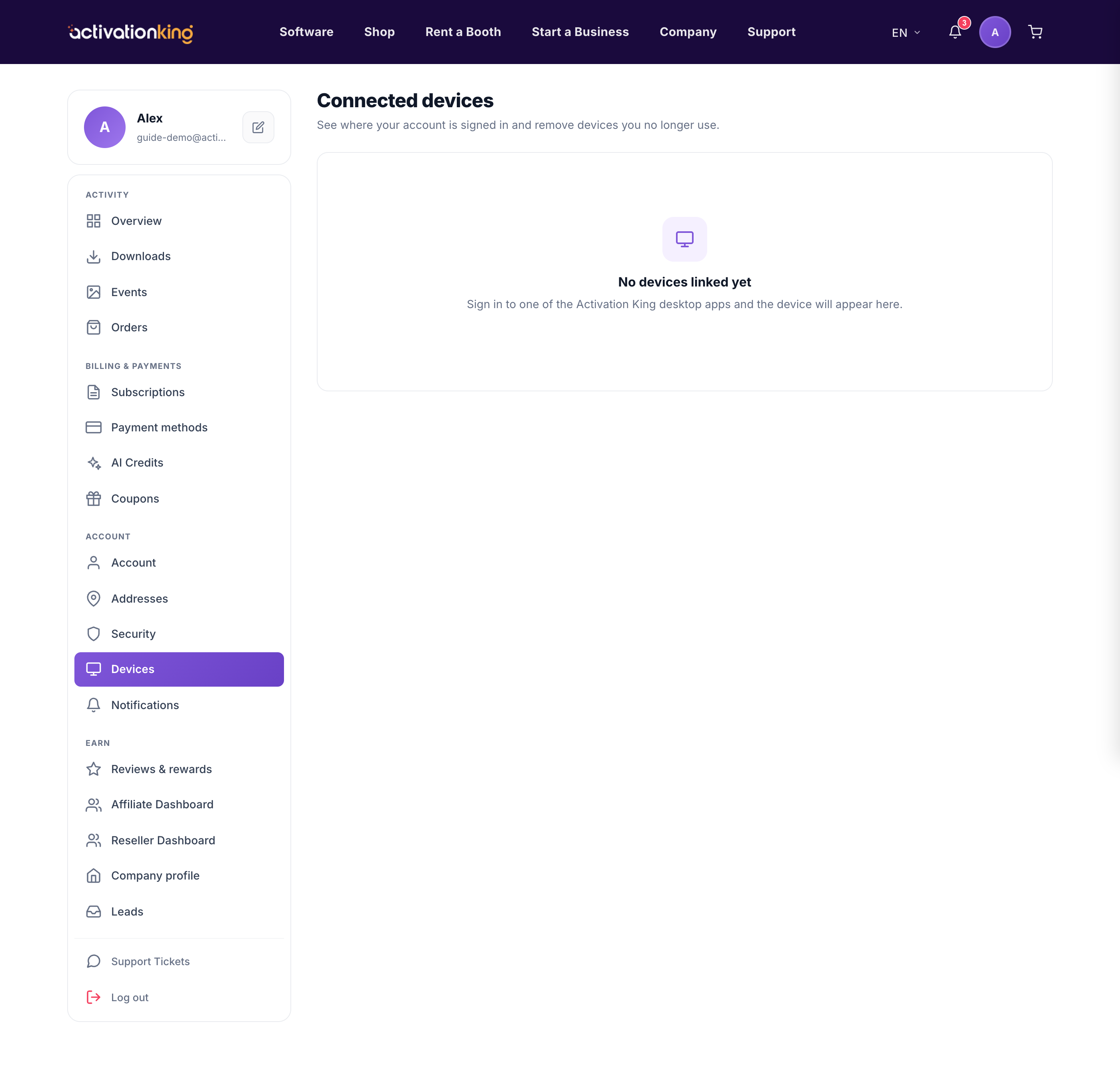
How the list is organised
The page is split into two sections:
- Active: devices currently signed in, each using one seat.
- Signed-out: devices that are no longer active.
Free a seat or remove a device
- Go to Dashboard → Devices.
- Find the device you want to remove in the list.
- Click Disconnect to sign it out; this revokes its access and frees its seat for another device.
Good to know: if you reach your seat limit, you can either disconnect an old device here or add more seats on your subscription.
