
The System Status page shows whether Activation King services are running normally right now. If something is not working, it is the quickest way to tell whether it is a known issue on our side or something local to you.
What it shows
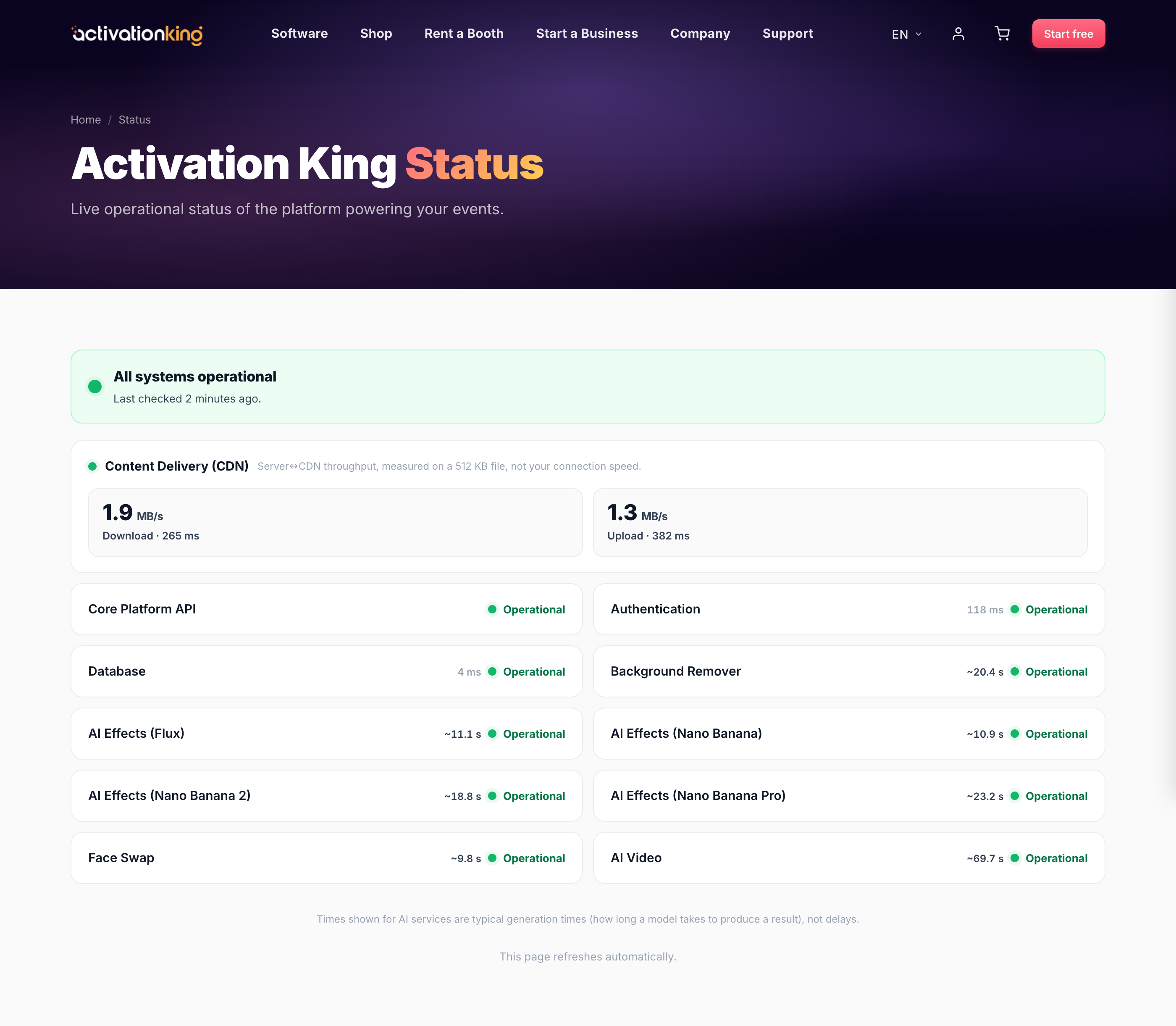
- An overall banner at the top, such as All systems operational, or a warning when something is affected.
- Each service with a live state: Operational, Degraded, or Down. This includes the Core Platform API and the AI services (Face Swap, Background Remover, AI Effects, and AI Video).
- Live generation times for the AI services, so you can see how fast they are running at the moment.
How to use it
- Open /status (also linked from the Support page and the help center).
- If a service you are using shows Degraded or Down, the problem is on our side and we are already on it; please try again shortly.
- If everything is Operational but you still have a problem, it is likely local, so check your internet connection or reach out in live chat.
Good to know: the page updates automatically and is cached only briefly, so what you see is at most about 30 seconds old.
