Match the format to the moment
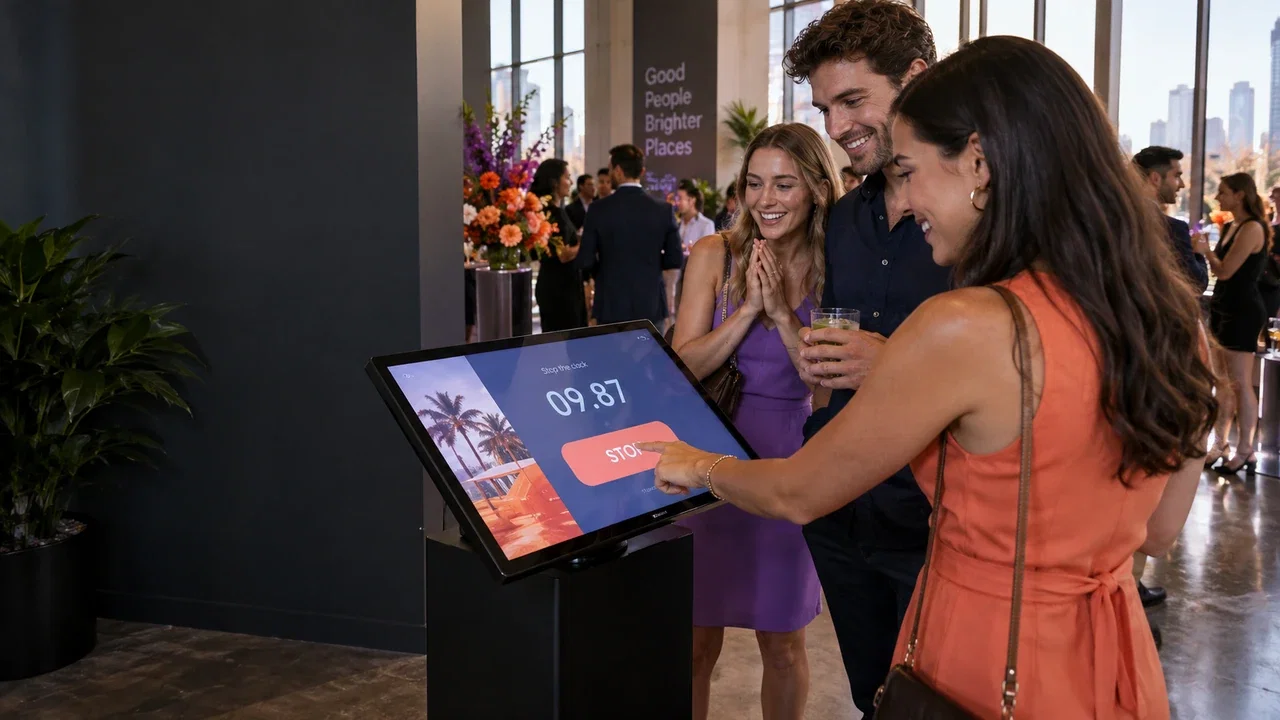
Timer Challenge asks players to stop the clock at a target time. Reflex Challenge creates a two-player touchscreen race. Quiz Game suits visual or text questions and an optional contact journey; Photo Mosaic Wall suits a shared celebration.
Plan for changing footfall
Place the activity where a queue can form without blocking circulation. Rehearse instructions, reset and supervision with the student or event team. Offer an accessible alternative where the chosen physical or visual interaction is not suitable for every participant.
Keep the content relevant
Use approved campus, club or sponsor assets and write questions for the actual audience. Define any reward rules and data collection clearly. After the event, review participation and operator feedback before turning a successful pilot into a recurring programme.
Put it into practice
For a campus welcome day, a two-player challenge can start a conversation, while a visual quiz can introduce clubs or services. A graduation mosaic serves a different purpose: shared recognition. Choose content for that moment rather than using one generic game all year. Rehearse the queue with the student team and identify who approves sponsor assets. For collected details, state the specific follow-up purpose and distinguish university information from sponsor contact requests.
Before you quote the project
Turn the idea into a deliverable scope. Agree these points with your client and venue before committing.
Define the brief
Choose content for the campus occasion and approve any sponsor assets.
Test the complete setup
Rehearse instructions and queue management with the actual event team.
Confirm the scope
Separate university information requests from sponsor follow-up permissions.