
The Orders page is your complete purchase history, with a downloadable invoice for every order. It is the place to go whenever you need a record of what you bought.
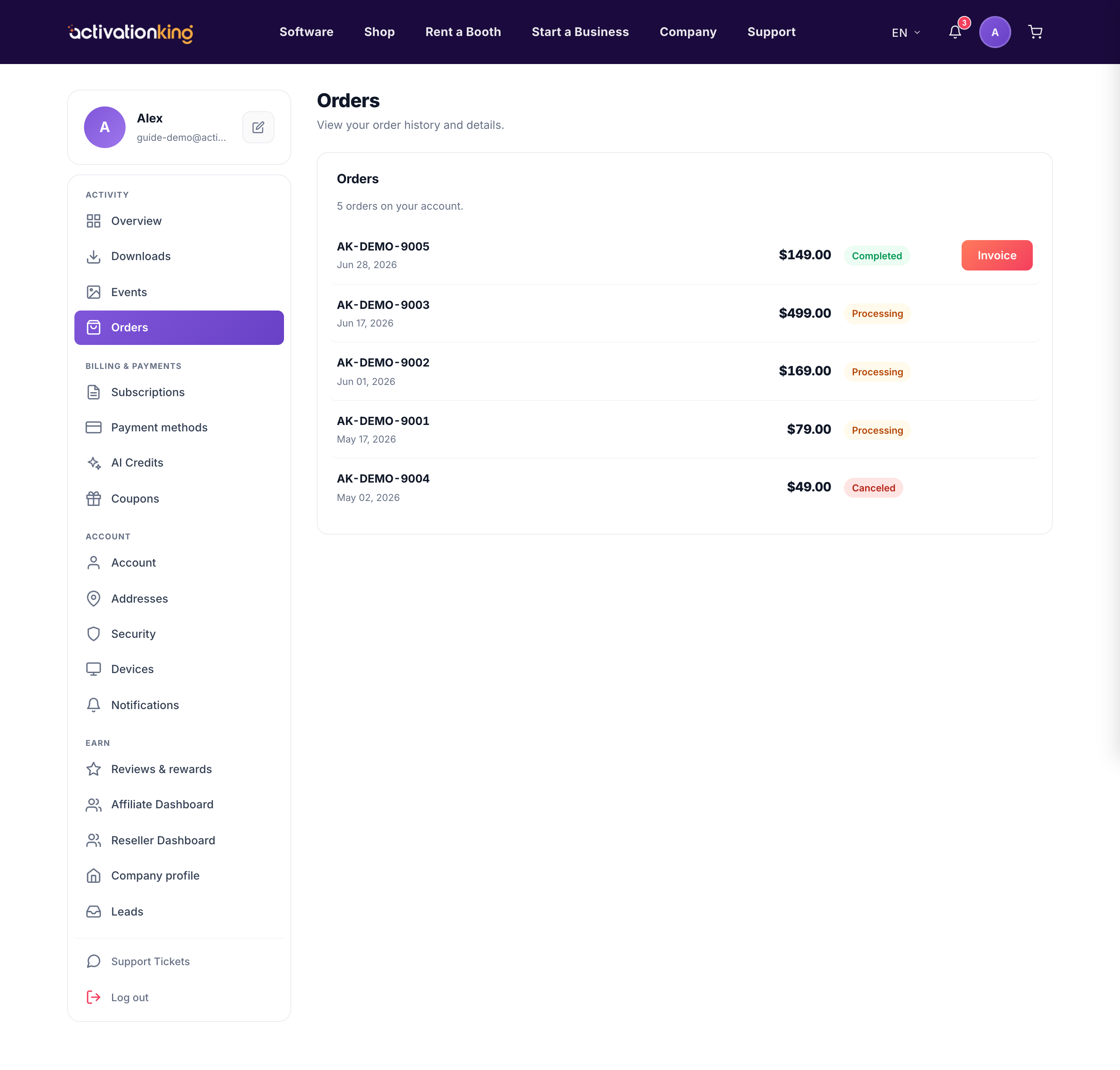
Go to Dashboard → Orders to see every order you have placed.
Finding an order and its invoice
- Filter by status or search by order number to find the order you need.
- Page through the list if you have many orders.
- Open an order to download its invoice as a PDF.
Good to know: invoices include your billing address and VAT field, so set your billing address first if you need those details to appear on the document.
