
The Coupons page shows the discounts available on your account and where each one applies. It keeps all your savings in one clear place.
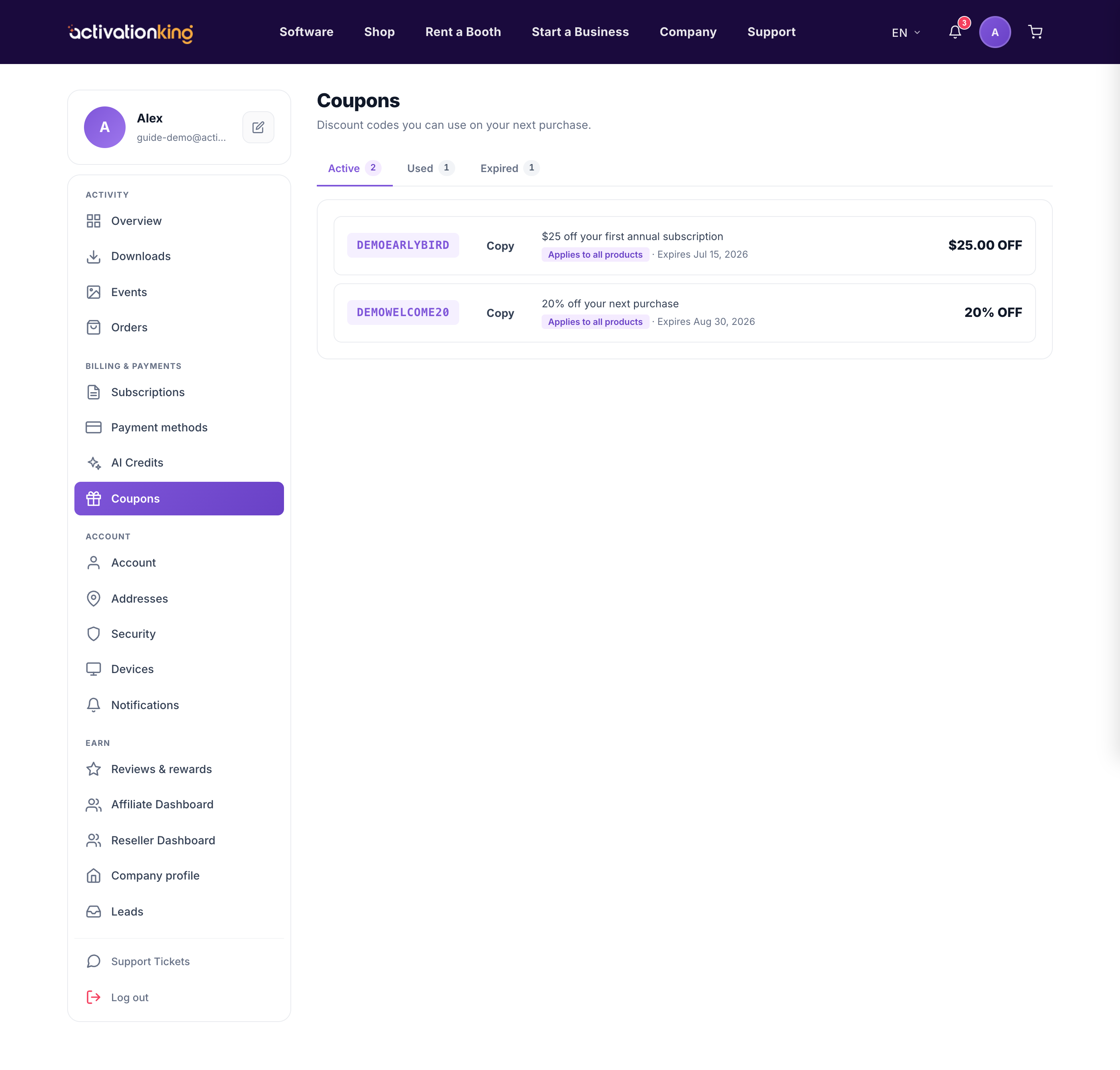
Go to Dashboard → Coupons, where they are grouped under Active, Used, and Expired tabs. Each coupon shows its discount and what it can be applied to.
How to use a coupon
- Enter or apply the coupon at checkout.
- For subscriptions, note that a coupon applies only on the first purchase, never on renewals.
Good to know: an Active coupon has not been used yet and is still in date; used and expired coupons are kept for your records so you always have the history.
