Choose the interaction style
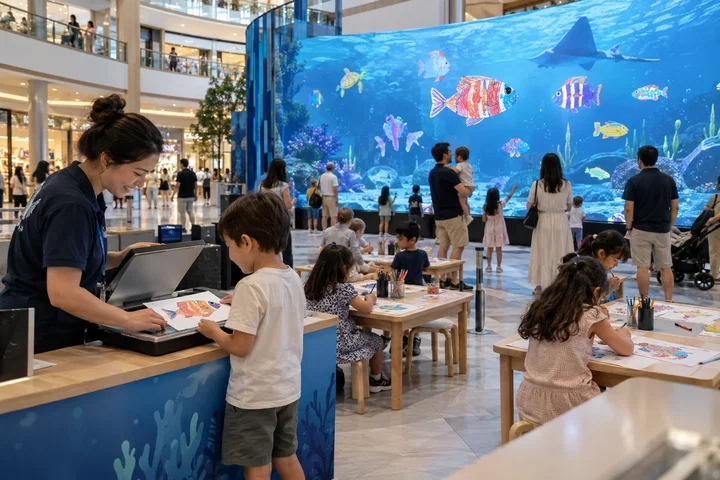
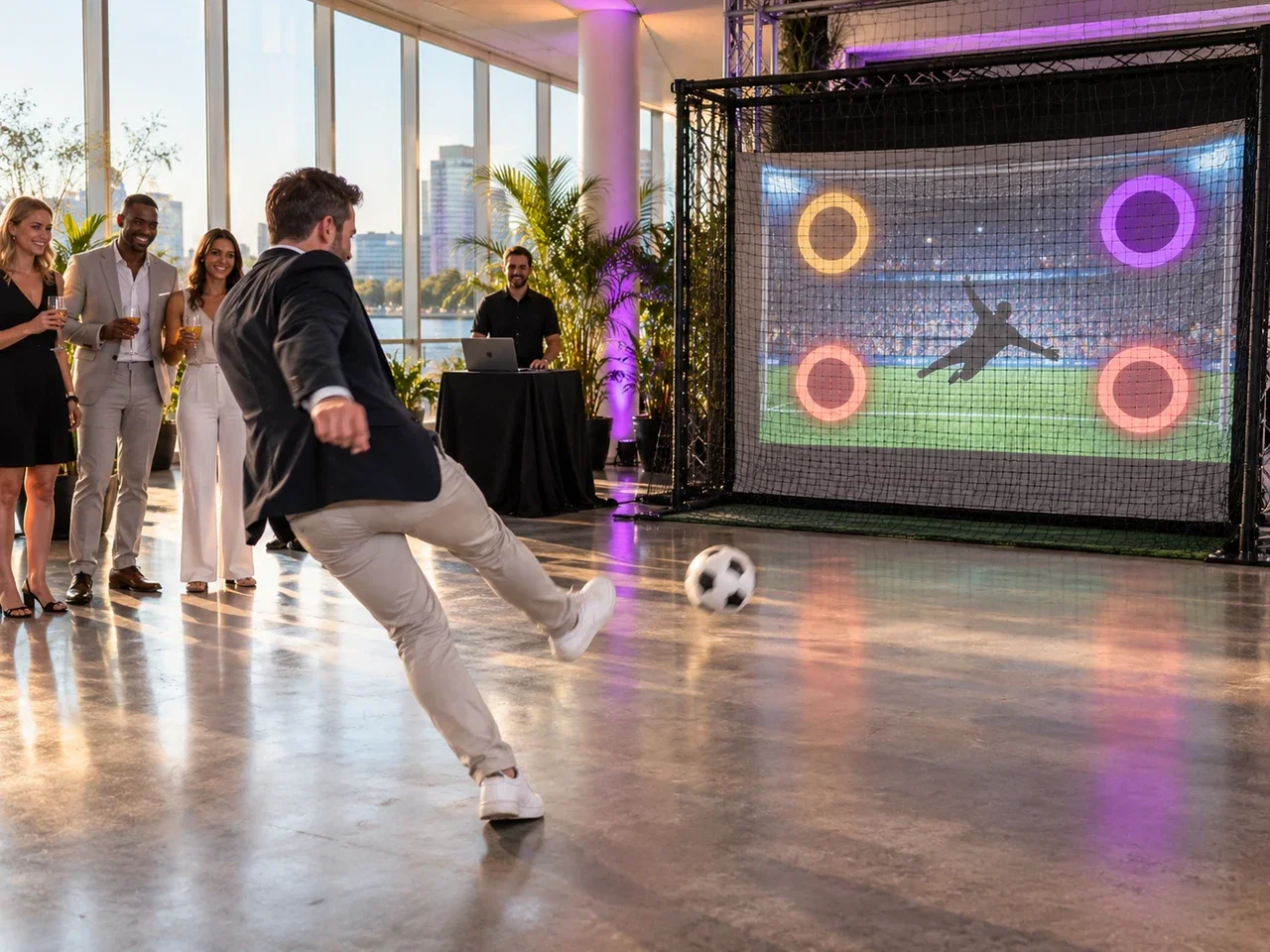
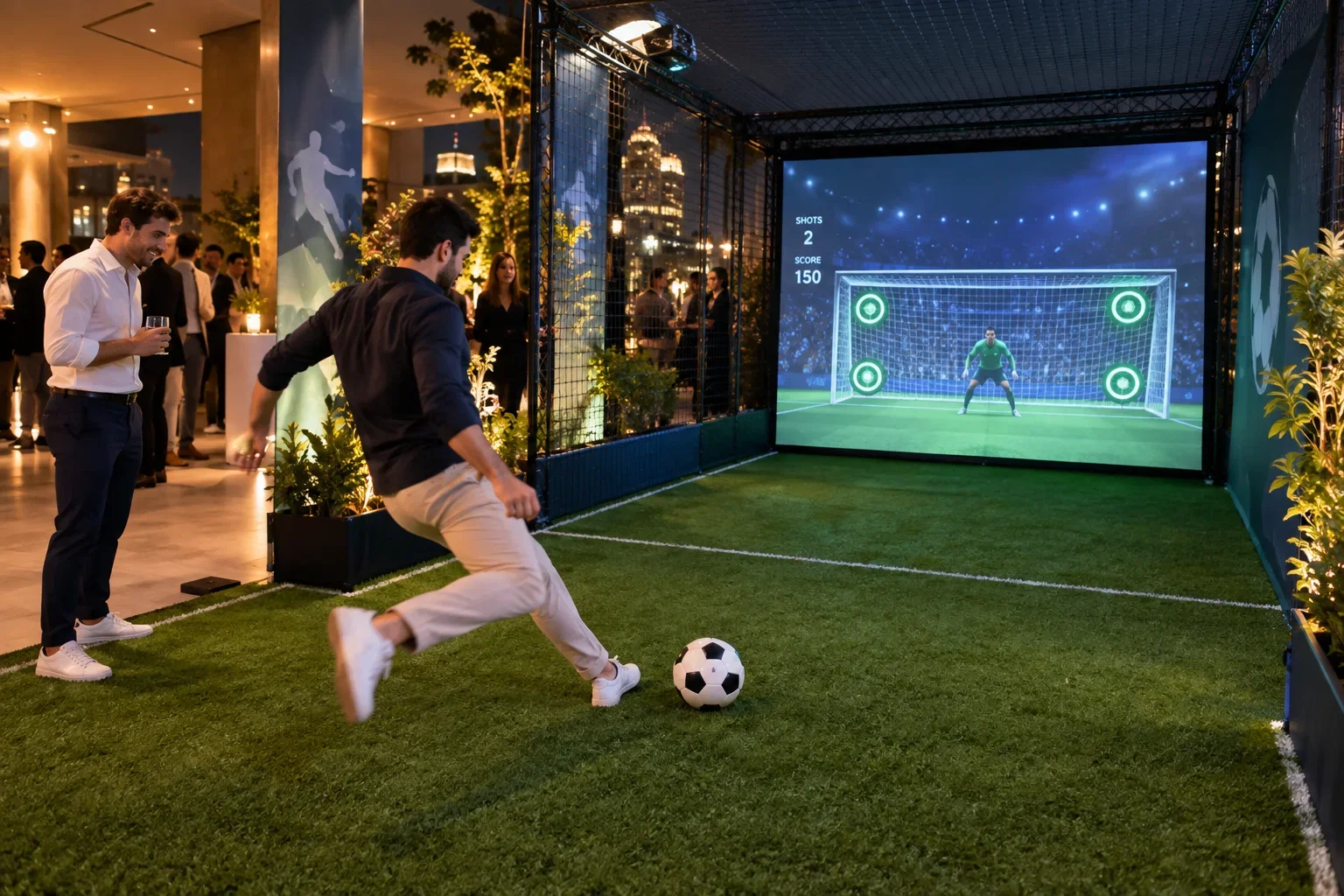
Digital Aquarium combines drawing, scanning and a shared digital scene. Interactive Penalty uses a real ball, sensors and a display. AI Drawing Screen offers freehand drawing with optional AI transformation. Each needs a different layout, supervision plan and compatible equipment.
Test the entire visitor cycle
Measure preparation, participation, reset and any waiting time. Check screen visibility, reach, access and the movement area around physical games. Confirm safety requirements and the final installation with qualified suppliers; a software page is not a site-safety specification.
Plan operation across the season
Budget staff training, consumables, cleaning, maintenance and replacement parts. Decide whether the attraction is included in admission, booked as a session or separately paid. Any payment or ticketing system needs its own compatibility check and commercial agreement.
Put it into practice
An aquarium activity has a drawing-and-scanning queue; a penalty attraction needs a controlled ball area; a drawing screen needs room for creative participation. Sketch these three flows before comparing revenue models. Time a complete cycle, including assistance and reset, rather than timing only the enjoyable action. Give staff a clear stop-and-help procedure. Run a small supervised pilot first and use its actual capacity and maintenance needs to decide how the attraction fits admission or session scheduling.
Before you quote the project
Turn the idea into a deliverable scope. Agree these points with your client and venue before committing.
Define the brief
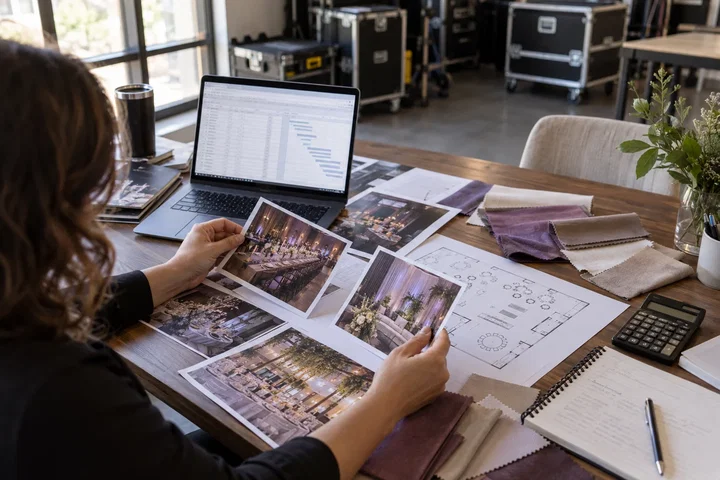
Draw preparation, participation, waiting and reset zones for the chosen attraction.
Test the complete setup
Measure the full supervised cycle, including assistance and consumable changes.
Confirm the scope
Agree a stop-and-help procedure with the equipment and venue teams.