
Questa guida ti mostra come annullare un abbonamento ed esattamente cosa succede al tuo accesso dopo. L'annullamento è rapido e non perdi mai il tempo che hai già pagato.
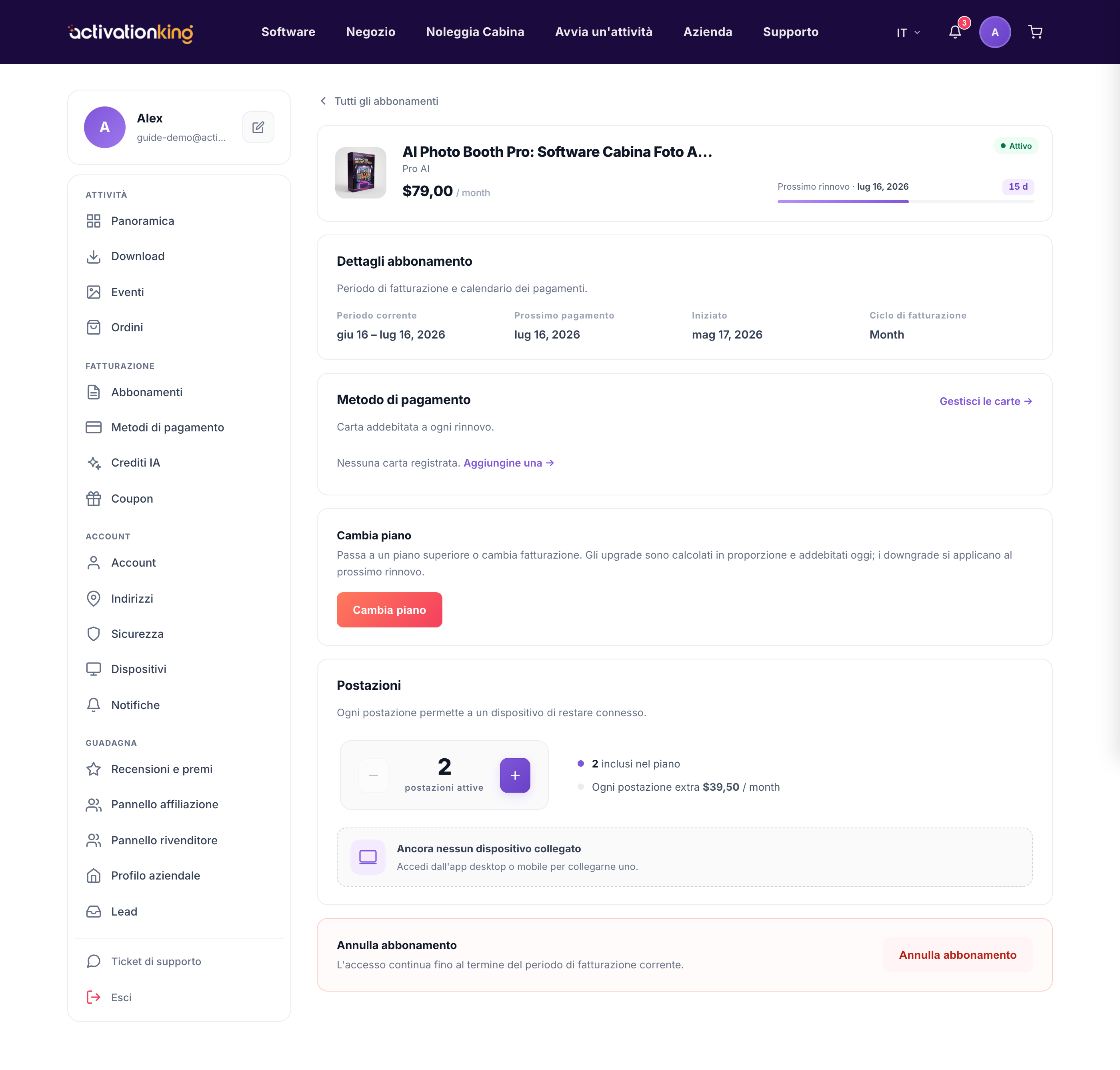
Cosa succede quando annulli
Quando confermi, l'abbonamento passa in stato di annullamento in sospeso. Mantieni l'accesso completo fino alla fine del periodo che hai già pagato; dopodiché si interrompe e non si rinnova automaticamente.
Annullare il tuo piano
- Apri l'abbonamento e scegli Annulla.
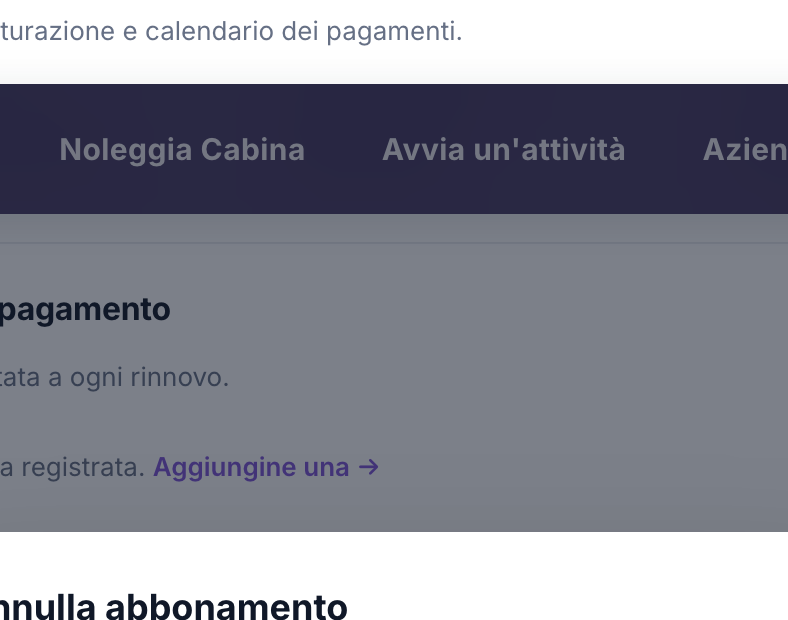
- Se vuoi, seleziona un motivo per cui te ne vai.
- Valuta eventuali offerte di trattenimento che ti vengono mostrate, come uno sconto o un mese gratuito.
- Conferma l'annullamento.
Buono a sapersi: non ti viene addebitato di nuovo nulla e mantieni l'accesso fino al termine del periodo pagato, quindi non c'è fretta di calcolare alla perfezione il momento dell'annullamento.
