
Your free Activation King account is the single login for the website, your dashboard, and every app. It is where you manage billing, subscriptions, AI credits, downloads, and support, all in one place, and every new account comes with a 14-day free trial with no credit card required.
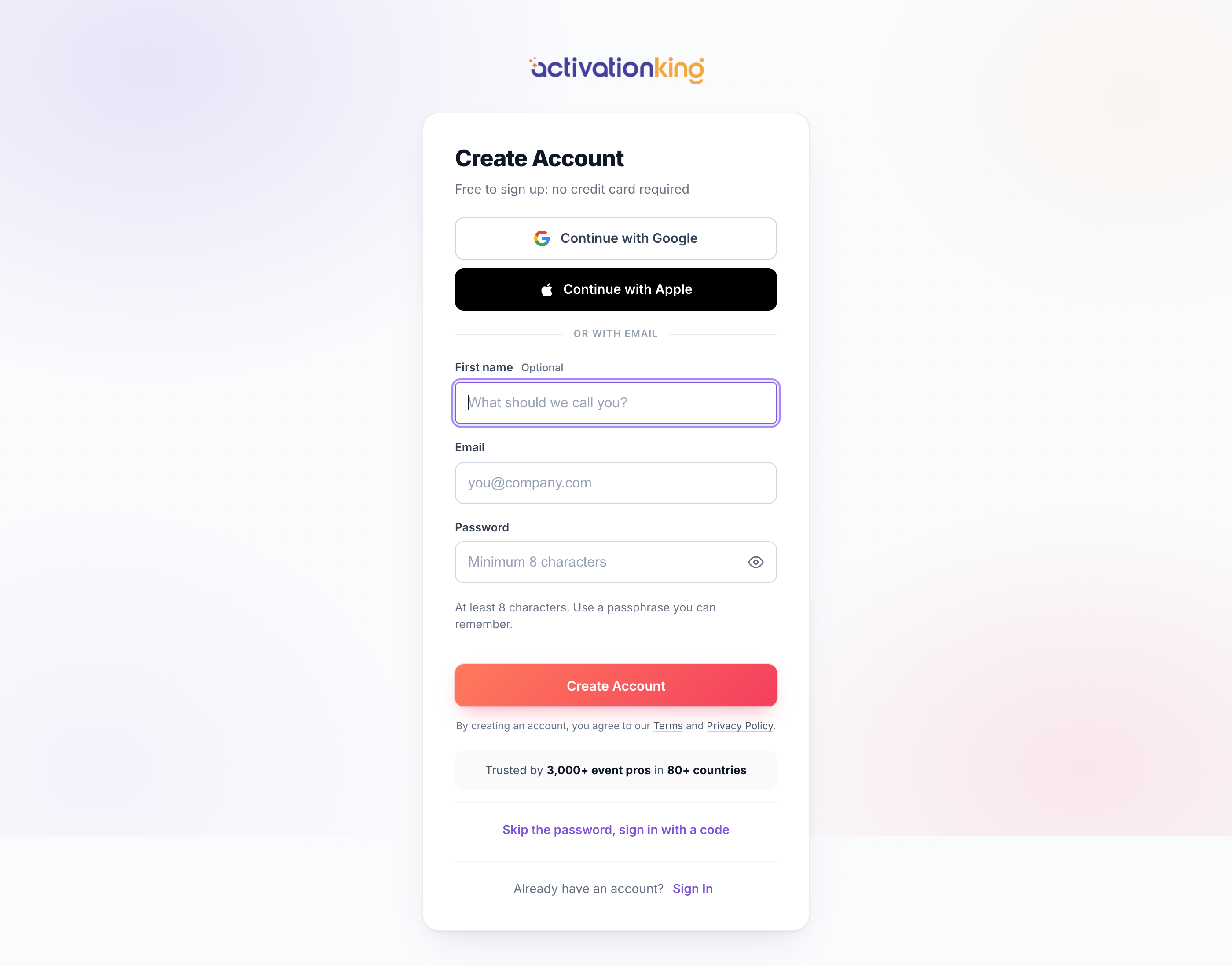
Three ways to sign up
You can create your account in whichever way is easiest for you:
- Continue with Google: sign up with your Google account, no password to set.
- Continue with Apple: sign up with your Apple ID, no password to set.
- Email and password: register with your email address and a password you choose.
Many Get Started and Download Free Trial buttons also open a quick email-only signup in a small window. When you use those, we create the account for you and email a welcome message with a magic sign-in link.
Create your account
- Click any Get Started button, or go to /Account/Register.
- Choose Continue with Google or Continue with Apple, or type your email address and a password.
- Submit the form; you land straight on your dashboard, ready to explore.
- Open the welcome email and click Verify to confirm your address and unlock 100 bonus AI credits.
Good to know: from now on you sign in using the same method you chose at sign-up. If you picked Google or Apple, there is no password to remember, one tap gets you in.
