
Changing your password lets you update one you already know, for example as part of a regular security routine or after sharing it with someone. You will need your current password to confirm the change.
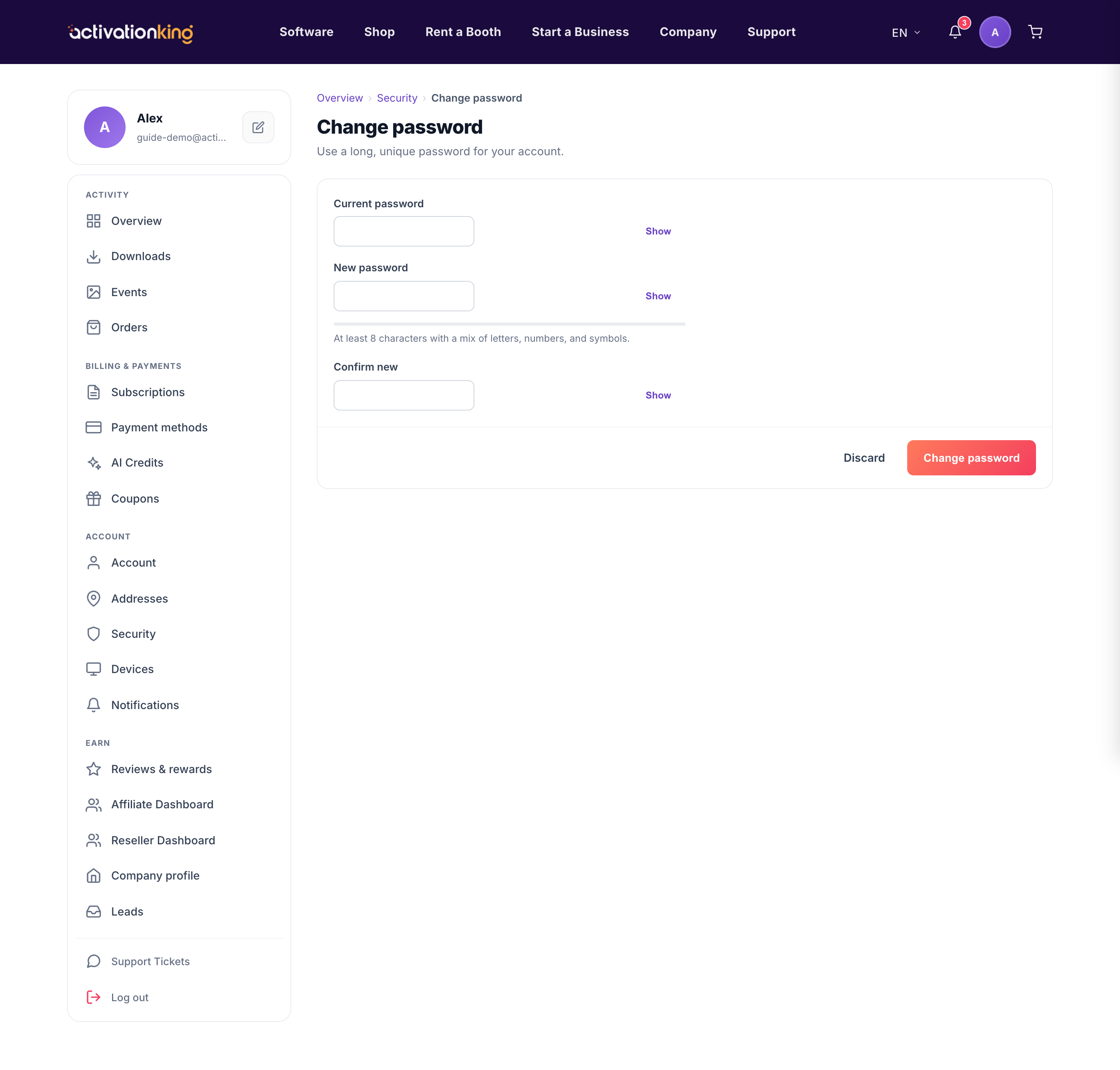
Change your password
- Go to Dashboard → Security and choose change password, or go directly to /dashboard/change-password.
- Enter your current password to confirm it is you.
- Enter your new password twice; the strength meter, show/hide toggle, and match indicator help you get it exactly right.
- Click Save to apply the new password.
Good to know: pick something long and unique that you do not use anywhere else, and consider turning on two-factor authentication as well for an extra layer of protection.
