
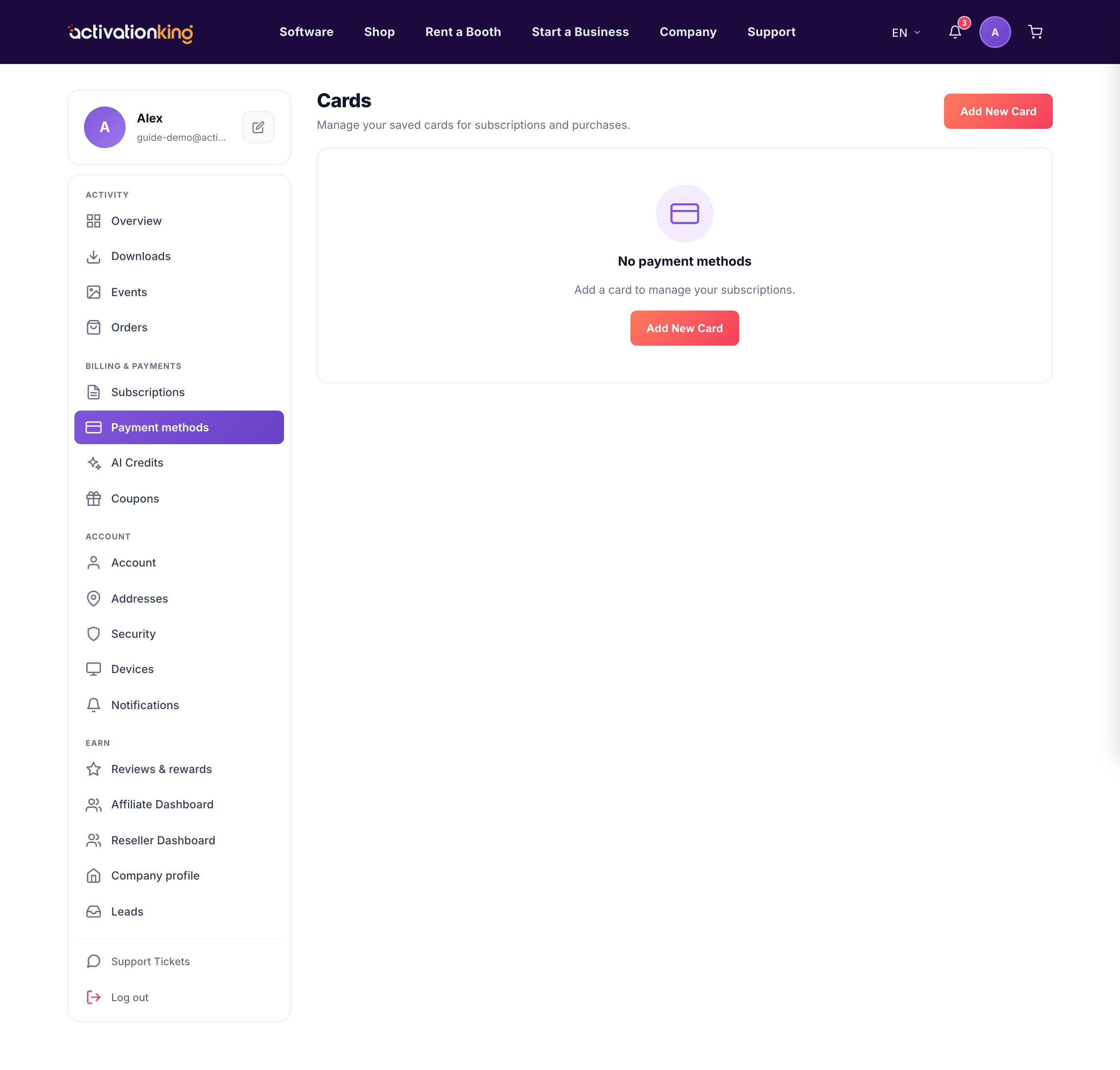
The Payment methods page is where you manage the cards used for your subscriptions and purchases. Keeping it tidy means your renewals go through smoothly.
See your cards
Go to Dashboard → Payment methods to see each saved card with its brand, last 4 digits, and expiry. Cards that are expiring soon or already expired are clearly flagged.
Add a card
- Click Add card.
- Enter the details in the secure Stripe form.
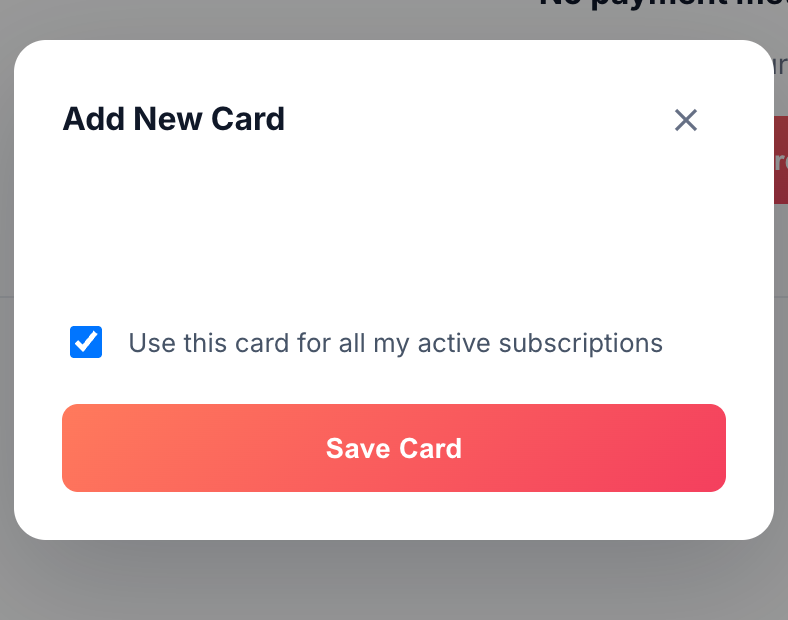
- Optionally tick the box to apply the new card to all your active subscriptions.
Set a default
Mark one card as default so all new charges use it automatically.
Remove a card
Delete any card you no longer use to keep your list current.
Good to know: keeping a valid card on file prevents a subscription from going past due when an old card expires.
