
The Notifications page gathers your account notifications, such as renewals, replies, and updates, in one place. It keeps everything that needs your attention together so nothing slips by.
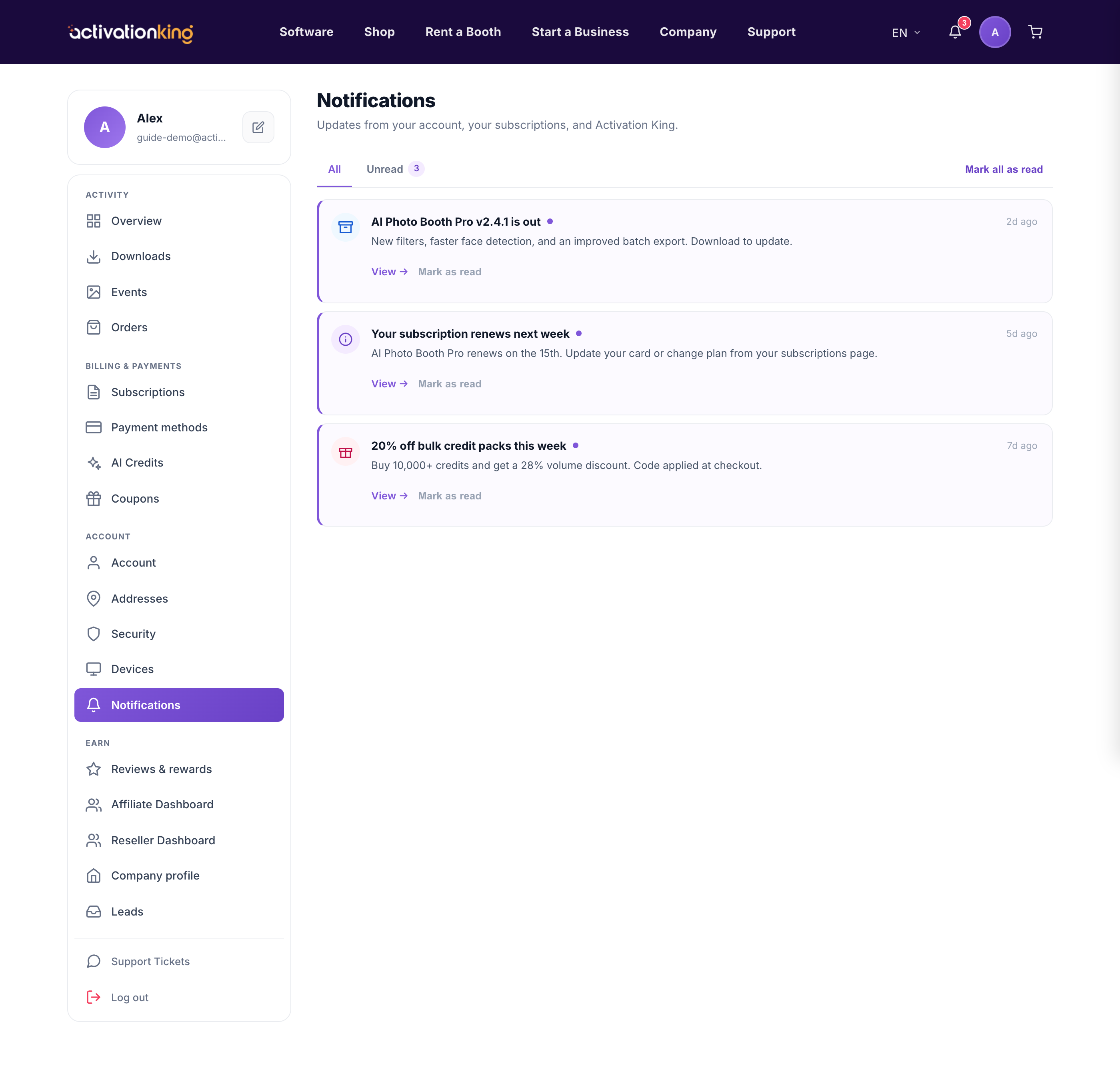
Notifications are organised under two tabs, All and Unread, so you can either scan your full history or focus only on what you have not seen yet.
- Open Dashboard → Notifications.
- Switch between the All and Unread tabs to choose what you see.
- Click a notification to jump straight to the related page, for example a payment or a support reply.
- Mark a single notification as read once you have dealt with it, or use mark all as read to clear the list in one action.
You do not need to be on this page to stay informed. The bell icon in the site header shows your unread count on every page and previews the latest few notifications, so a quick look tells you whether anything new has arrived. Clicking through from the bell takes you to the same items you would see on the full page.
Good to know: keep an eye on the bell for payment or support notifications so nothing important is missed.
