
The Addresses page holds the addresses used on your invoices and for shipping any physical items. Keeping them accurate ensures your paperwork and deliveries are correct.
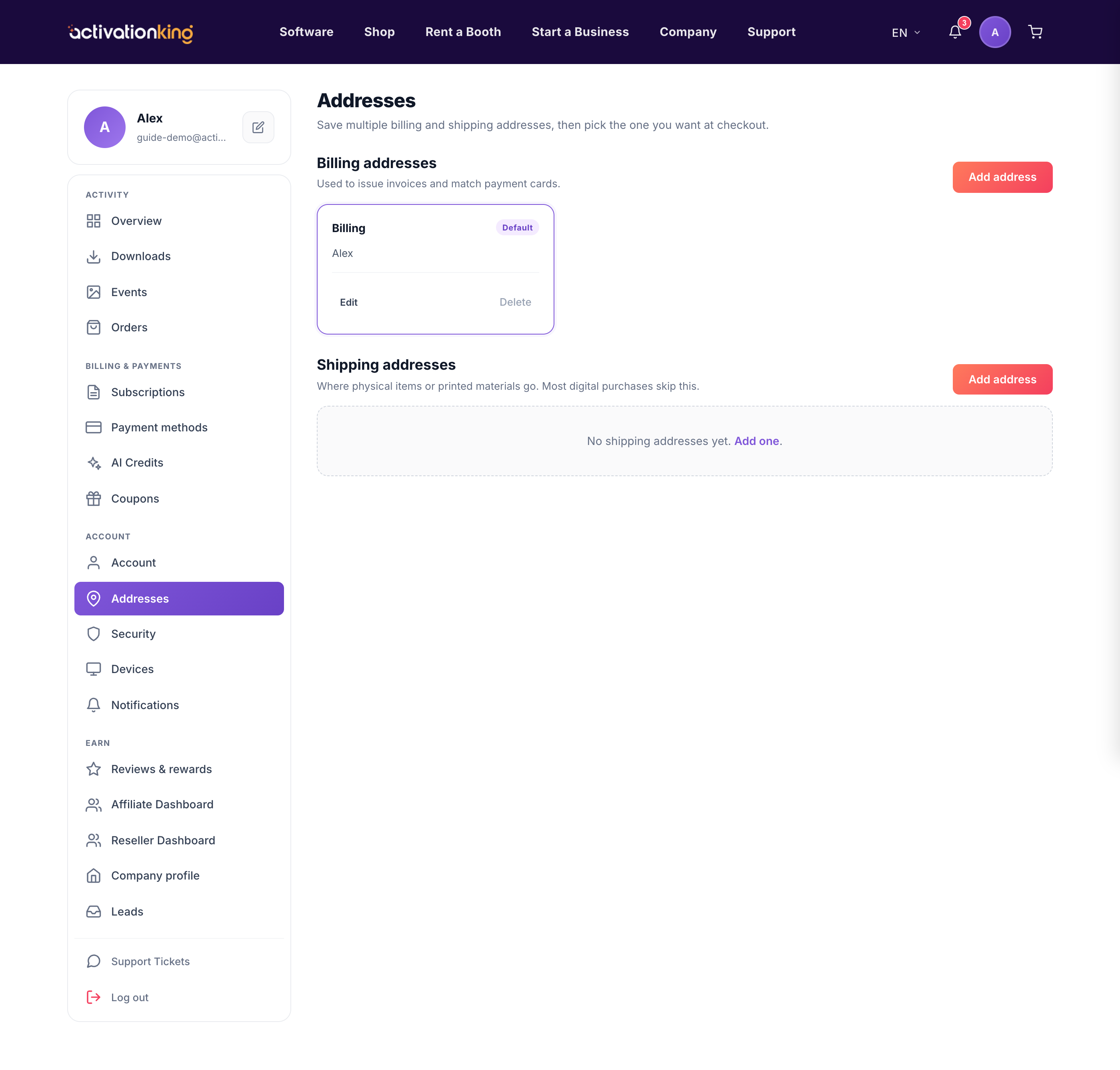
Go to Dashboard → Addresses, which has separate Billing and Shipping sections.
Managing your addresses
- To add one, open the section and click add, fill in the fields, and save.
- Set a default so that address is used automatically.
- Edit or delete any address whenever your details change.
- When adding a shipping address, tick Same as billing to prefill it from your billing details.
Good to know: your billing address appears on your invoices, so keep it current for your accounting and records.
