













Guided Mirror Mode
Interactive touchscreen with animations and voice guidance. Fully customizable.
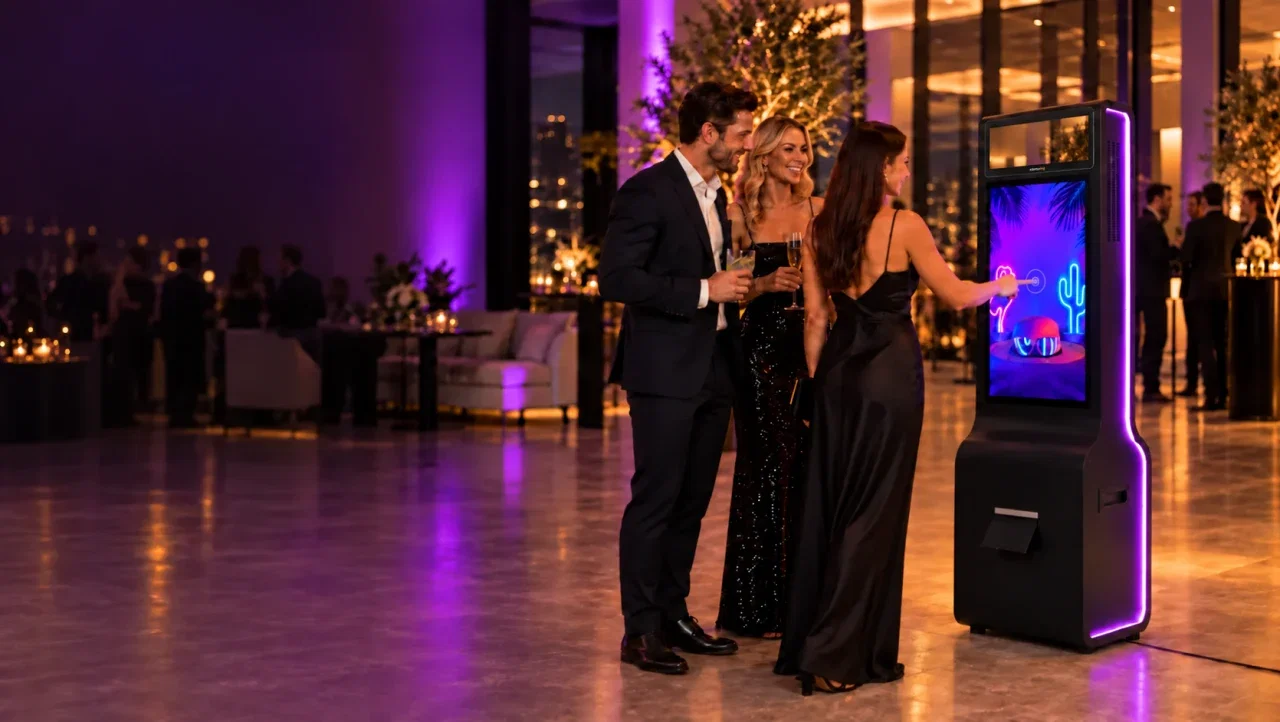
A full-screen touch interface with animations and voice prompts guides every guest from pose to print on your mirror booth hardware.
Classic capture uses zero credits. Add AI only when the event calls for it.


Guests follow on-screen and voice prompts, see a natural reflection and leave with a branded print or a shared photo.
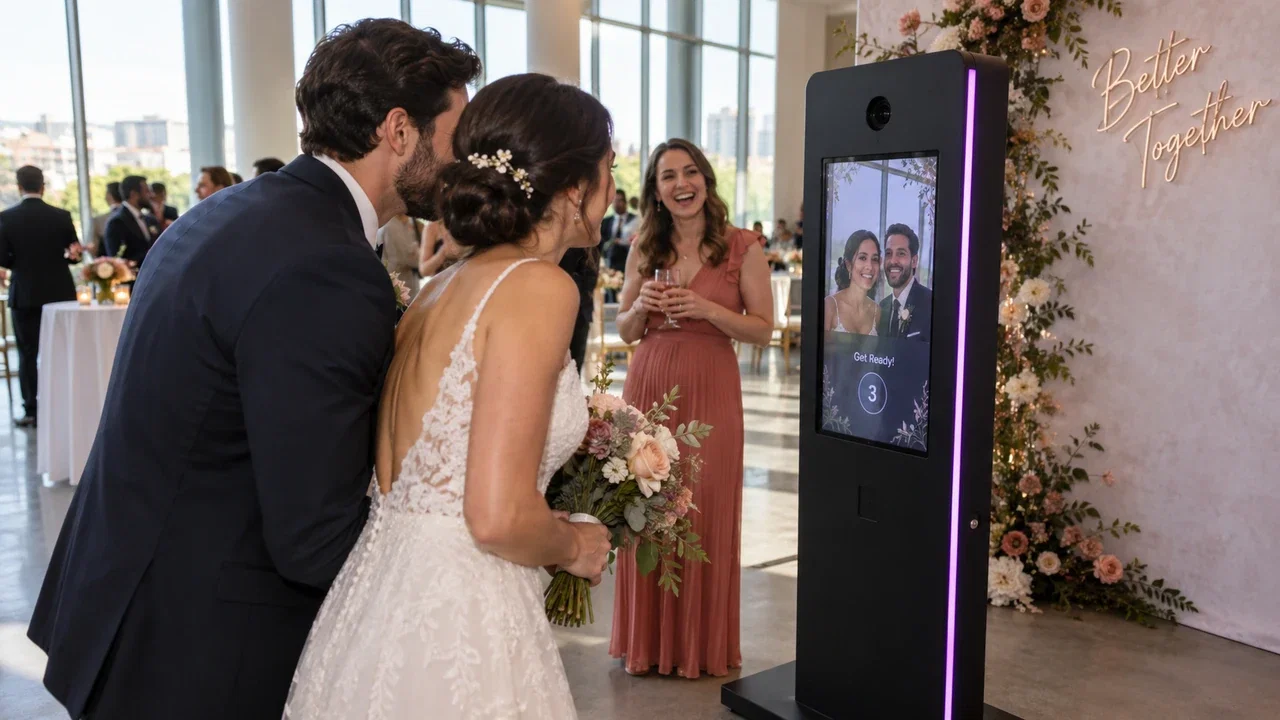
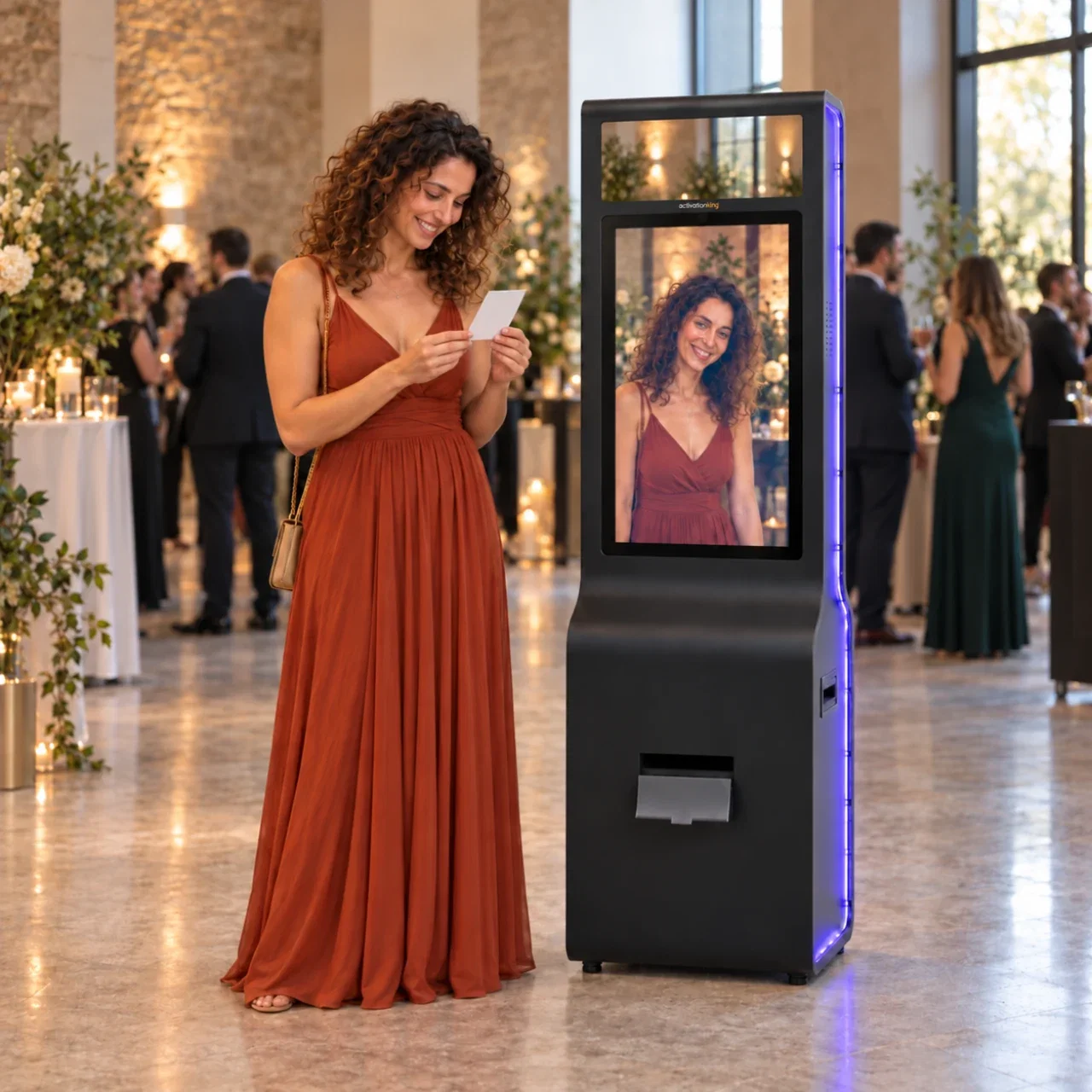
Interactive touchscreen with animations and voice guidance. Fully customizable.
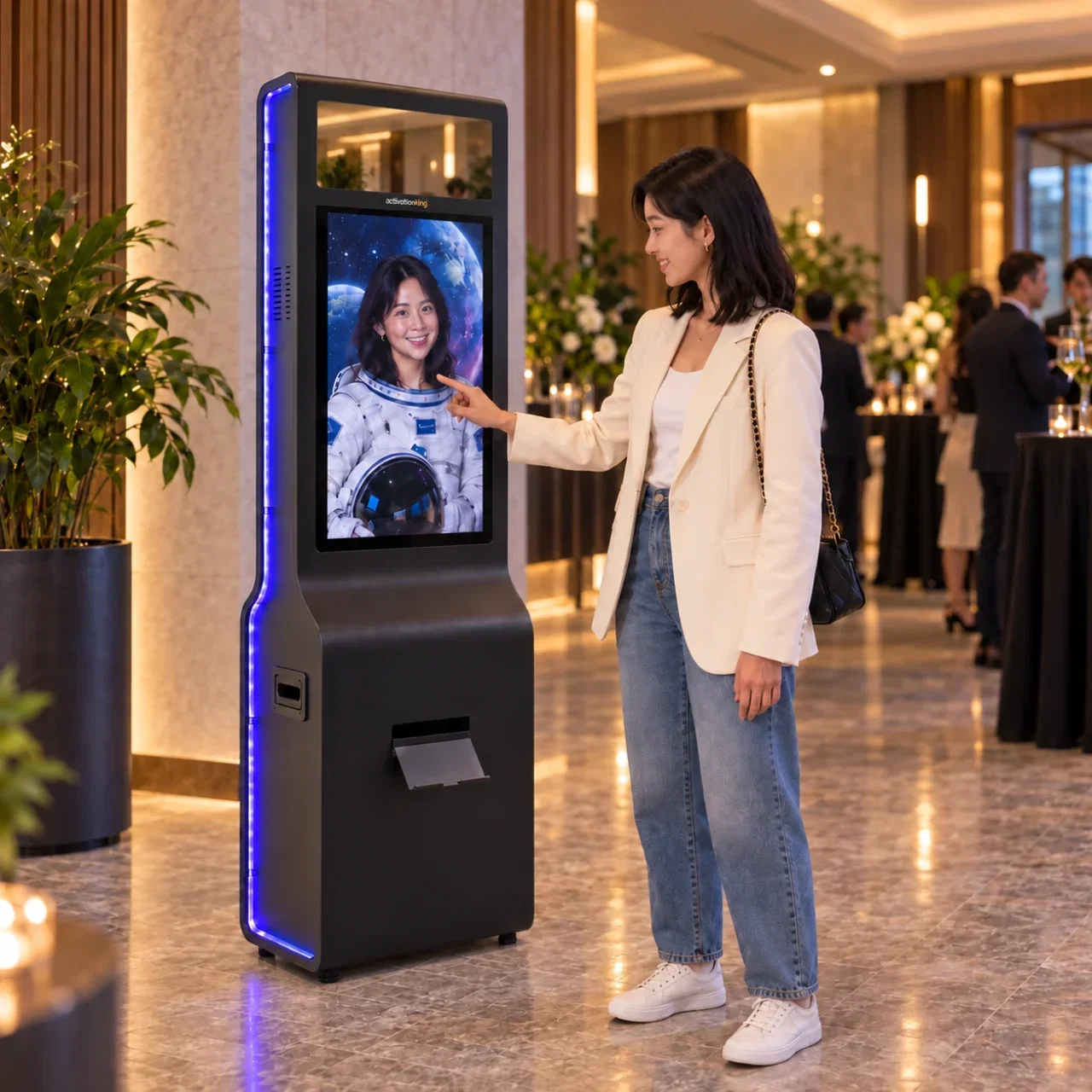
Mirror the live preview so guests see a natural reflection, and choose separately whether the saved and printed photo is flipped.
Run the Mirror type next to AI effects or face swap in the same event. Each mode keeps its own frame and settings.
Give guests a branded result to keep and share, with the delivery and follow-up options your event needs.
Traditional 4×6 prints, custom templates, and instant sharing. Crowd favorite.
Deliver photos by QR, email or SMS in seconds.
Set colors, backgrounds, buttons and media for every booth screen.
View and manage event media from the web dashboard.
Create the event, choose the Mirror type, set preview and result flip, then test your camera and printer before guests arrive.

Create your event in a few quick steps.
Set Preview Flip and Result Flip independently in the camera settings.
Build your template with layers, photo effects and safe margins.
Test camera and printer support for your model, connection and OS.
AI Photo Booth Pro Tutorial #03 - Create and Run Your First Event

Keep capture, AI processing, branding, delivery and event media connected in one operator workflow.

Verified reviews from the event pros who run Activation King.
Made the switch and I absolutely love this software. It's so easy to use and their support is always available and super helpful.
After trying several photobooth software programs, we chose AI Photo Booth Pro as our permanent solution. It is easy to use, both for operators and guests. The QR service is excellent and has everything we need.

Great app! Love it!
overall it worked well, the main thing is to write the prompt correctly

What I like most is how simple it is to work with this application!
Good and easy solution

I have been using this application for over 2 years, and V3 has become more enjoyable in terms of its interface. Creating albums, especially in the AI section, is a great convenience; it saves time by distinguishing participants by gender at an event, which prevents attendees from waiting for a long time. The program has gained significant speed with a much shorter photo generation process. thanks
Mega program very easy to edit
An ideal program with full support - I recommend it 100%
This workflow is included in AI Photo Booth Pro. Choose Pro or White Label below. AI credits and hardware are separate.
Pro or White Label turns new experiences into services you can sell. One booking could cover your subscription cost. AI credits are billed separately.
Pay yearly and save up to $289 a year compared with monthly billing.
You save $24
Next renewal: $79/mo
Subscribe to ProYou save $45
Next renewal: $149/mo
Subscribe to White LabelEverything to know before you start.
Mirror Photo Booth Software
Create a test event, preview the guest flow and check your setup before subscribing.
Activation Suite
All our photo, drawing and game apps, including future releases, in one subscription.
Tell us about your project. Our team will help with the next step.

How can we help today?
Sign up for free trials and free marketing materials.