













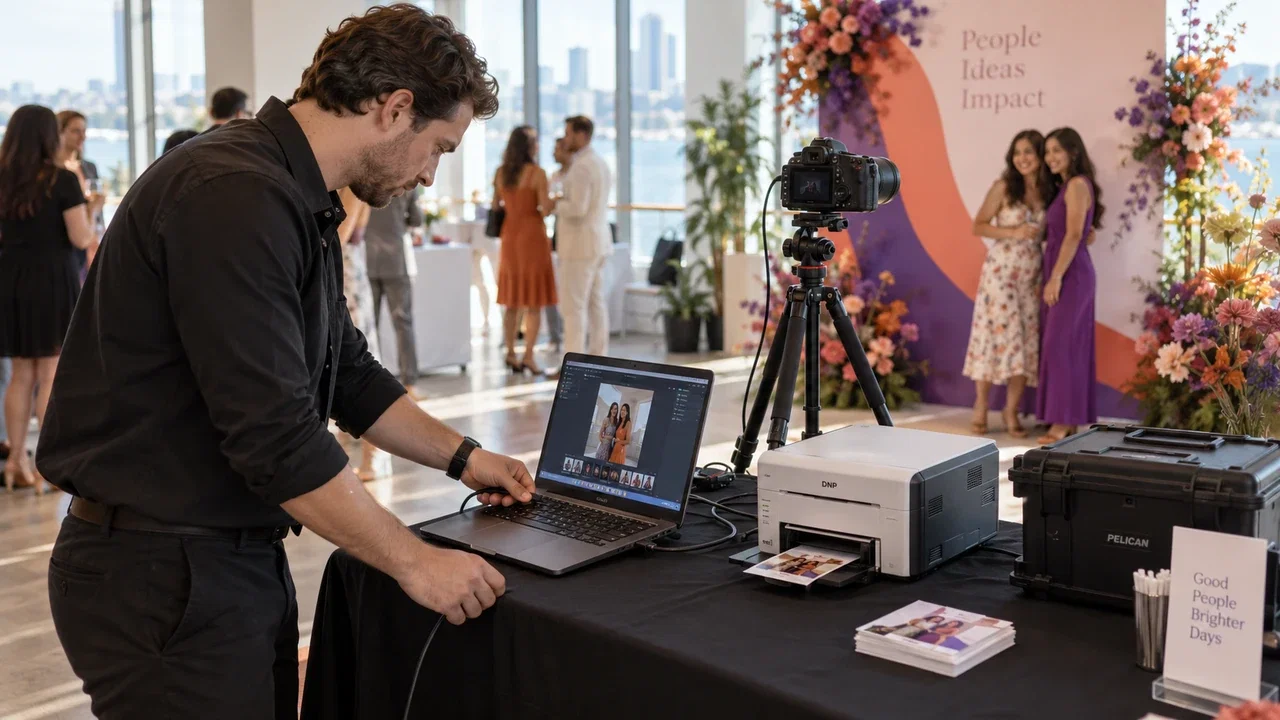
Use the equipment you own
Install AI Photo Booth Pro on a Windows laptop, Mac, iPad or Android tablet. Add a camera, a light and a stand.
See compatible equipment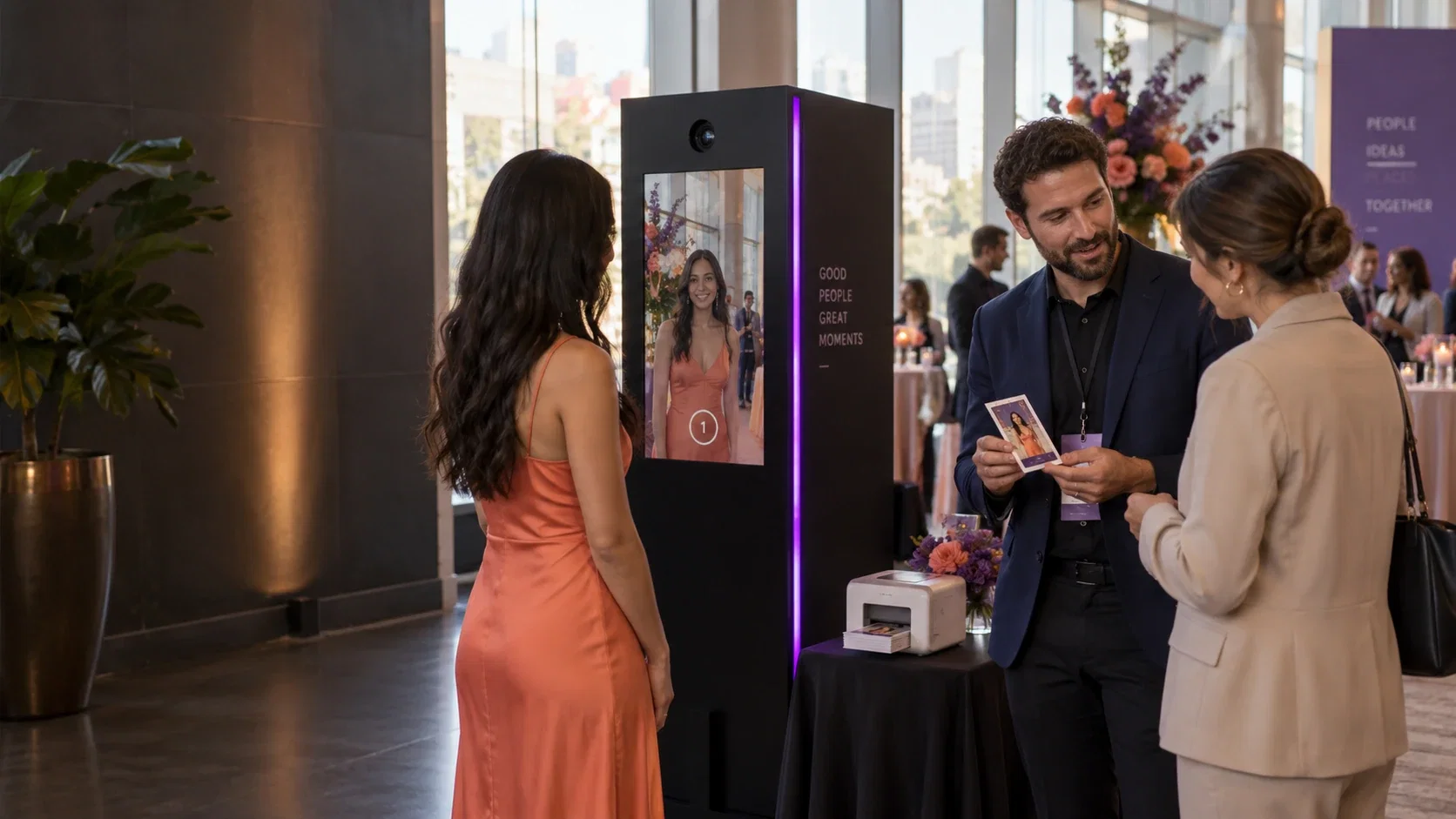
A practical guide for new photo booth owners: how the business earns money, what software and equipment you need, how to work out your profit and how to win your first clients.
Start with the laptop, iPad or camera you already own. Try the software free for 14 days.


The short answerTo start a photo booth business, choose how you will earn (event rental, a permanent booth in a mall or venue, or pay per play), pick one booth format, get a booth by using equipment you own or buying a ready-made one, set up photo booth software with your own templates, price two or three packages, run a test event to build a portfolio, then offer it to planners and venues. Most new owners begin with equipment they already have and add a printer, a 360 platform or AI experiences as bookings grow.
Updated:
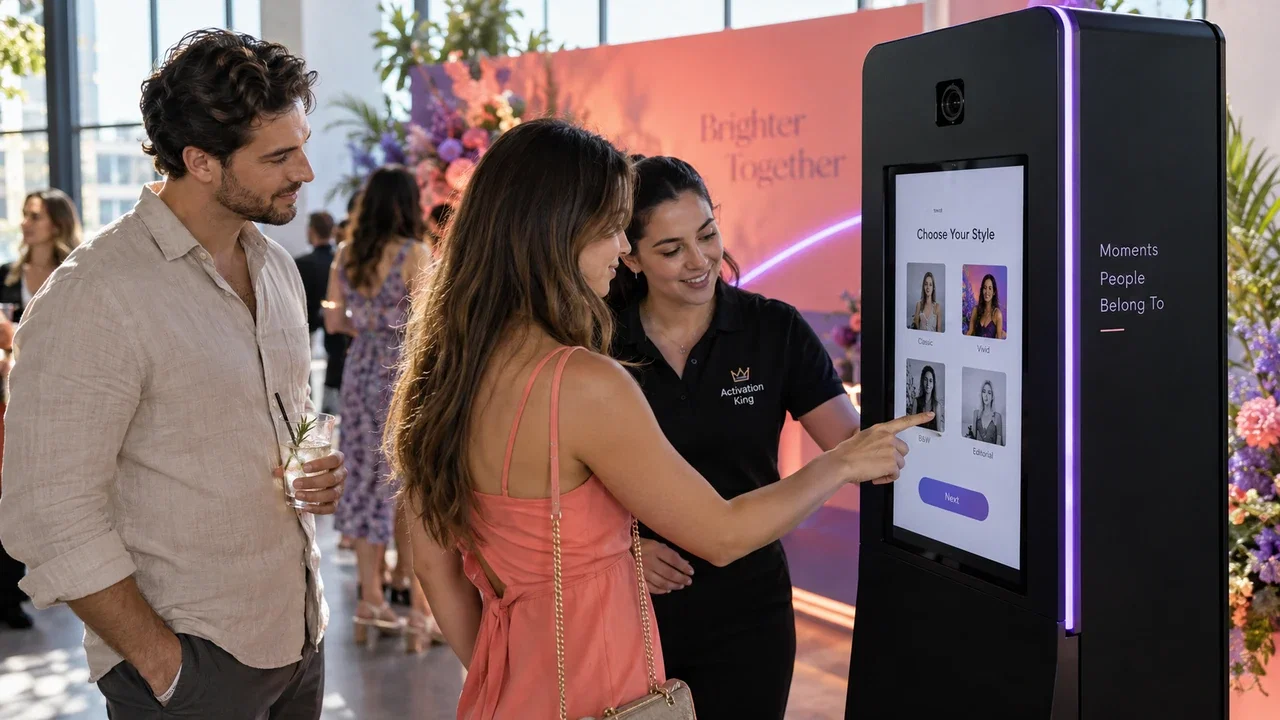
Every event wants a moment guests remember and share. A booth gives them that, and gives you a service you can sell again and again.
Most owners start with event rental and add a second income later. One app runs them all.
 01
Event rental
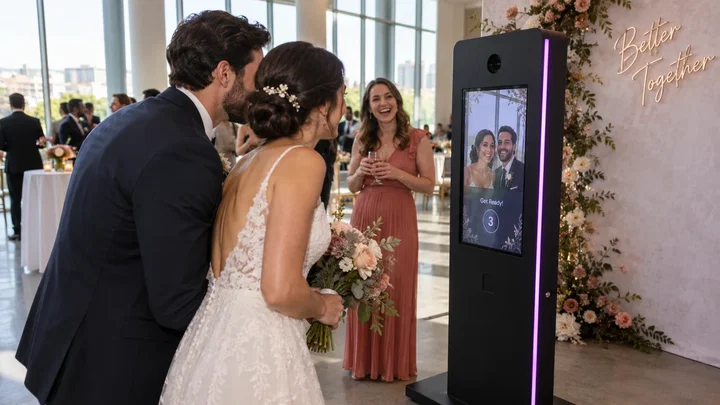
Bring the booth to weddings, parties and company events. The client pays a package price.
Read more
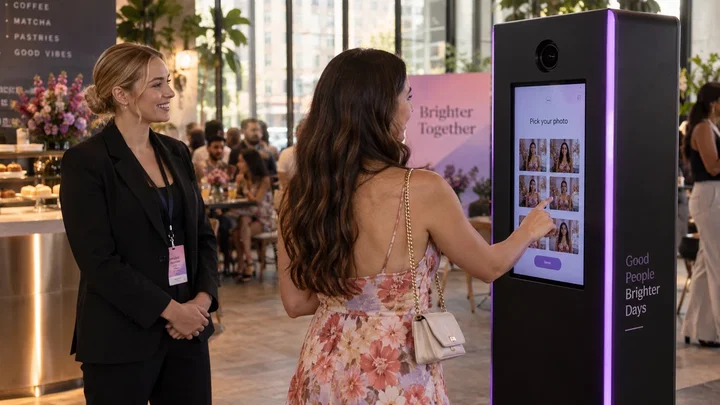 02
A booth in a mall or venue
Place a booth in a mall, hotel or play center and agree a rent or a revenue share.
Read more
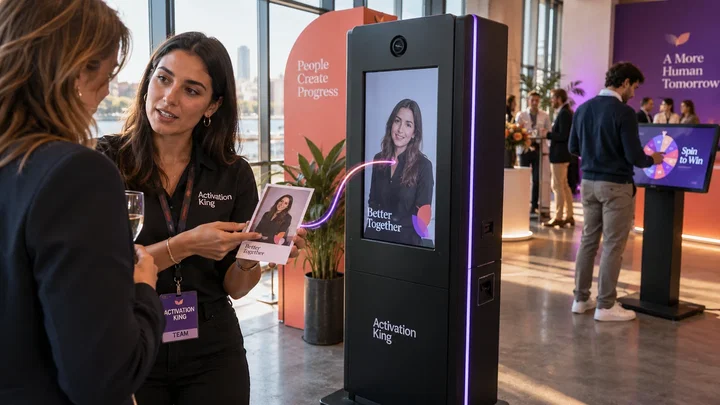 03
Pay per play
Guests pay at the booth by QR code or card for each session or print.
Read more
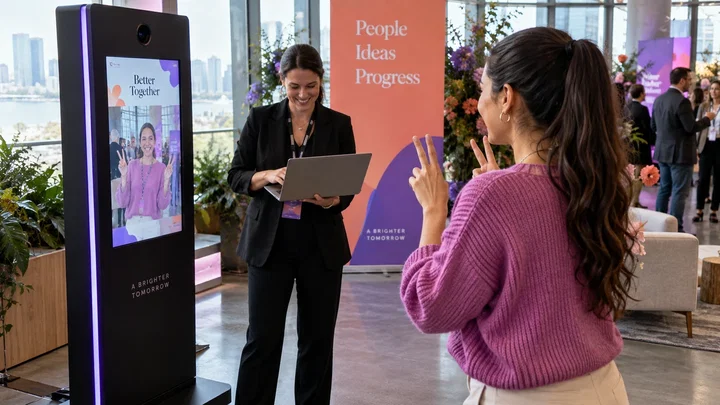 04
Brand activations
Companies pay for a branded booth, an AI experience and guest contacts.
Read more
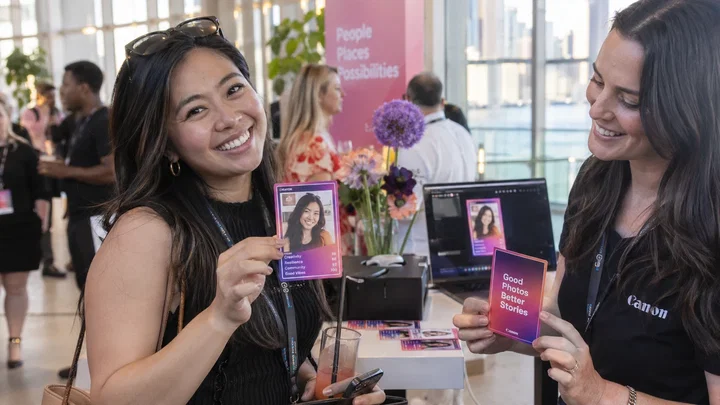 05
Upgrades
Prints, AI portraits, a 360 platform or extra hours raise every booking.
Read more
 06
Your own brand
With White Label the app carries your name, icon and logo.
Read more
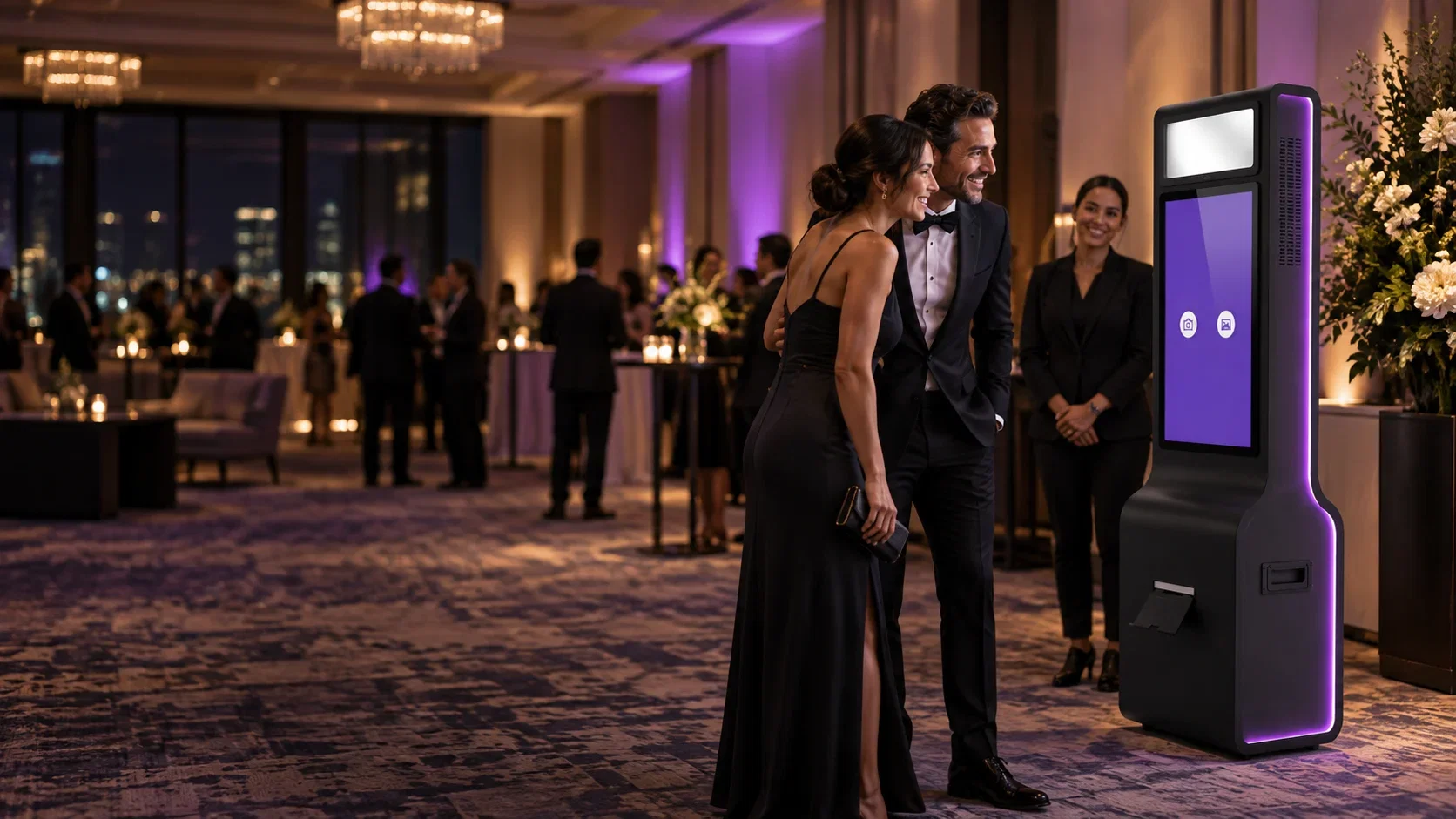
Install the app on the laptop or tablet you already own and build your first event in minutes. Free for 14 days, no credit card.
Seven small steps. Most of them take a day or two.
Weddings and parties want fun and prints. Companies want branding and guest contacts. Pick one group first.
Classic photo is the easiest start. 360, mirror or AI helps you stand out.
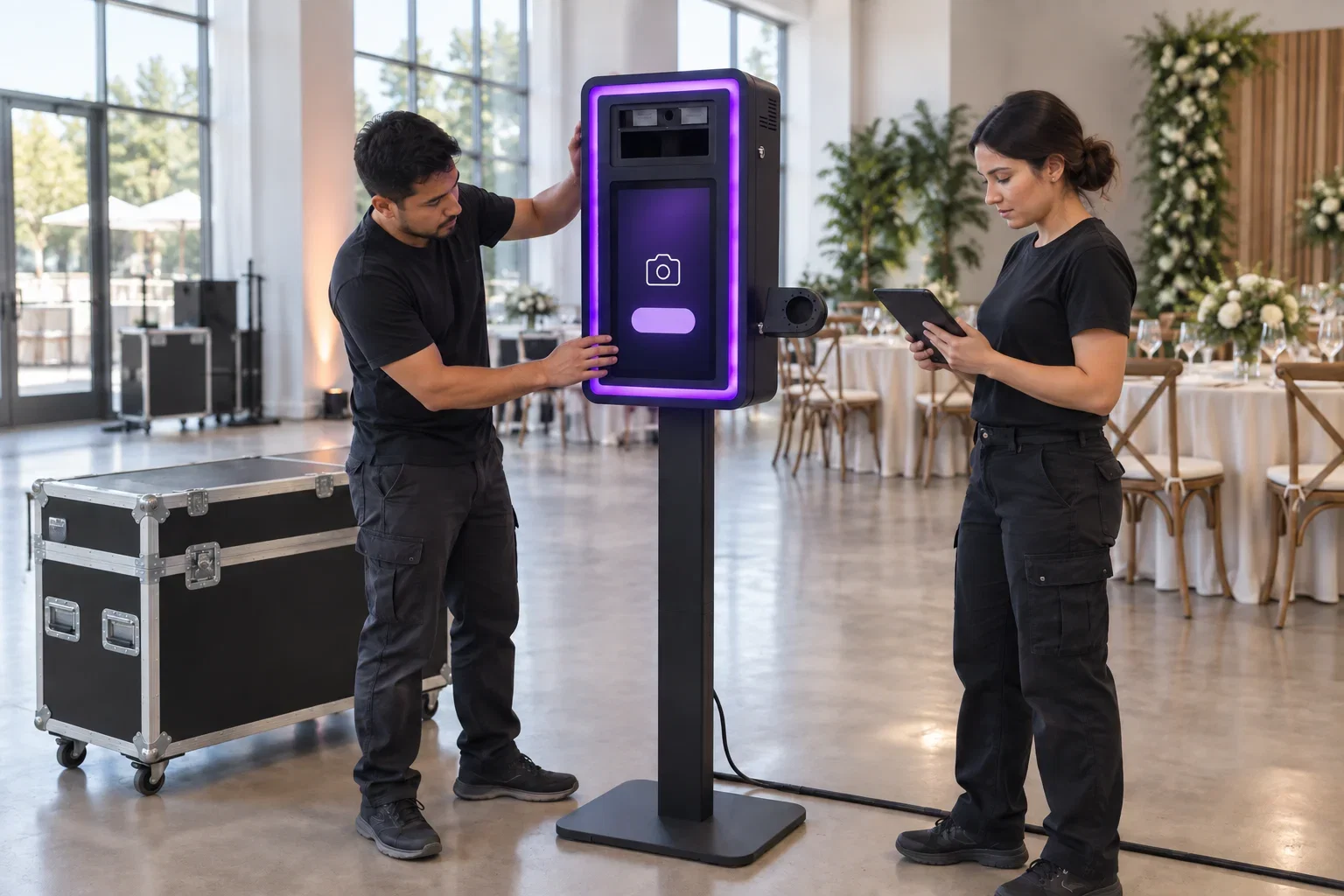
Use a laptop or tablet with a camera you own, or buy a ready-made booth.
Create an event, add the client's branding and choose how guests get their photo.
Build them from hours, prints, booth format and extras. Keep the list short.
Try it at a friend's party. You learn the setup and leave with a portfolio.
Show your work to planners, venues and DJs, and list your booth in our rental directory.
Install AI Photo Booth Pro on a Windows laptop, Mac, iPad or Android tablet. Add a camera, a light and a stand.
See compatible equipment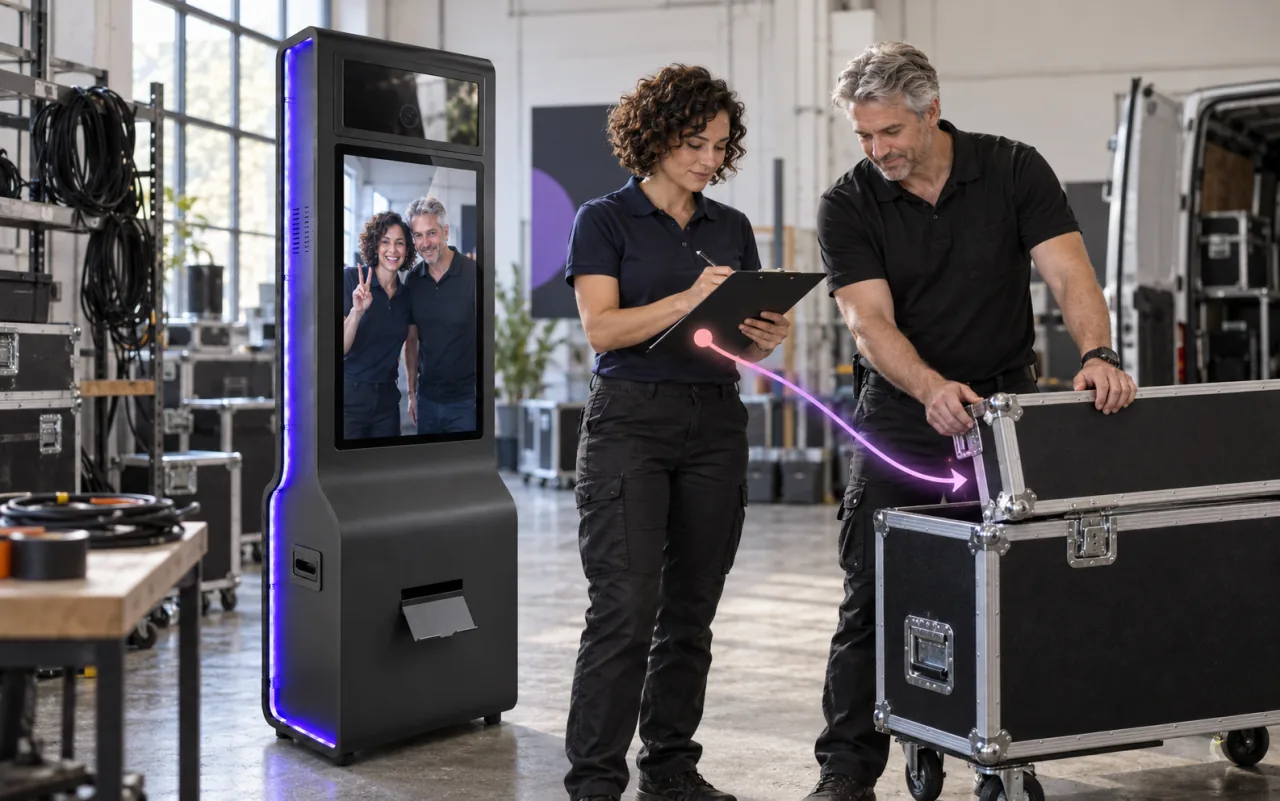
Screen, stand and lighting in one unit. Ready for events and for a permanent spot in a mall or venue.
See photo booths in the shopCamera and printer support depends on the model. Test your own devices during the free trial.
Use compatible booth hardware and connections. Test the complete setup before your event.
 Tablet Photo Booth
 Mirror Photo Booth
 360° Photo Booth
 DSLR Photo Booth
 GlamBot (Dobot Nova 5)
 Roaming Photo Booth (Tablet)
 Roaming Photo Booth (Phone)
 Roaming (Phone + DSLR)
Explore classic prints, 360, Mirror Photo Booth, selfie stations, GIF and green screen. Check the modes and output options available on your chosen device.
Slow-motion video that makes every guest feel like a star, on any 360 platform you own.
Red-carpet slow motion with the Dobot Nova 5 arm. The premium clients pay for.
Interactive touchscreen with animations and voice guidance. Fully customizable.
Animated GIFs and boomerang loops, built for social feeds and instant sharing.
Traditional 4×6 prints, custom templates, and instant sharing. Crowd favorite.
Full HD video messages and clips, captured and shared in seconds.
Real-time background replacement with unlimited backgrounds.
180+ looks and custom AI effects. Speed varies by model and connection.
Age and gender aware face swap that finds the right face in any crowd.
A single photo becomes a 5-second cinematic AI video, right in the booth.
360 and GlamBot clips restyled frame by frame into 8-second AI videos.
Clean, instant background removal with no green screen required.
Set up a booth at home, test your camera and printer, and show the result to your first client.
It depends on your city, your prices and your calendar, so we do not promise a number. Four things decide it.
Weekends are the base. Weekday company events and a fixed location fill the rest.
A 360, mirror or AI experience usually sells above a classic booth.
Prints, AI portraits and extra hours add income to a booking you already have.
Software plan, AI credits, print paper and transport. Equipment is a one-time cost.
Change the example numbers to your own. The result updates as you type.
Added each month, after software and credits
$0
Free for 14 days. No credit card.
Watch the experience come to life at a real event, from the first interaction to the final result.
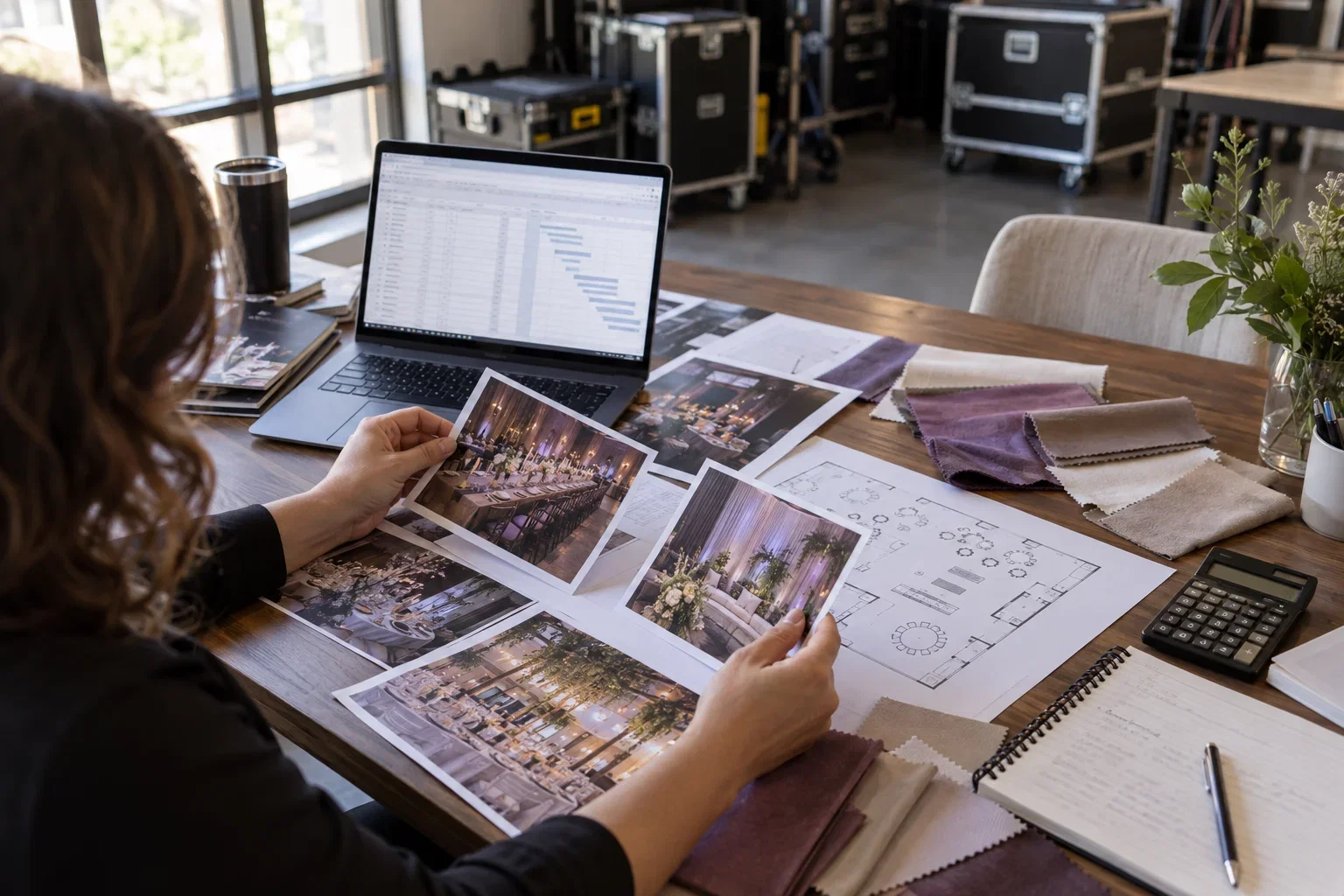
There is no single right price. Build two or three packages from these parts.
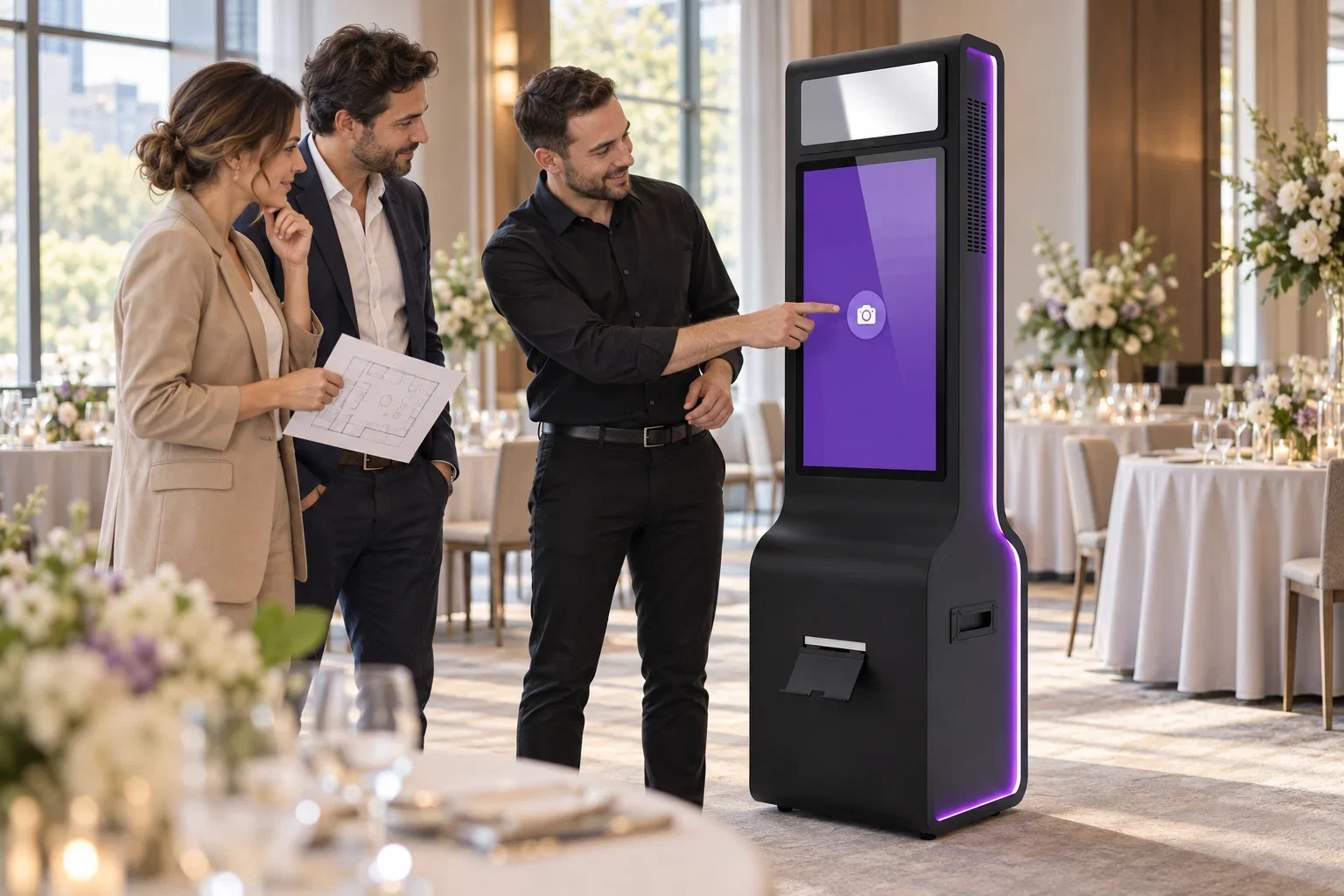
Your first events come from people who already work in events.
AI Photo Booth Pro runs classic and AI booth experiences on equipment you already own.

Verified reviews from the event pros who run Activation King.
Made the switch and I absolutely love this software. It's so easy to use and their support is always available and super helpful.
After trying several photobooth software programs, we chose AI Photo Booth Pro as our permanent solution. It is easy to use, both for operators and guests. The QR service is excellent and has everything we need.

Great app! Love it!
overall it worked well, the main thing is to write the prompt correctly

What I like most is how simple it is to work with this application!
Good and easy solution

I have been using this application for over 2 years, and V3 has become more enjoyable in terms of its interface. Creating albums, especially in the AI section, is a great convenience; it saves time by distinguishing participants by gender at an event, which prevents attendees from waiting for a long time. The program has gained significant speed with a much shorter photo generation process. thanks
Mega program very easy to edit
An ideal program with full support - I recommend it 100%
Pro or White Label turns new experiences into services you can sell. One booking could cover your subscription cost. AI credits are billed separately.
Pay yearly and save up to $289 a year compared with monthly billing.
You save $24
Next renewal: $79/mo
Subscribe to ProYou save $45
Next renewal: $149/mo
Subscribe to White LabelShort answers for new photo booth owners.
Start your photo booth business
Install the app, connect the equipment you own and build your first event today. No credit card.
Activation Suite
All our photo, drawing and game apps, including future releases, in one subscription.
Tell us about your project. Our team will help with the next step.

How can we help today?
Sign up for free trials and free marketing materials.