
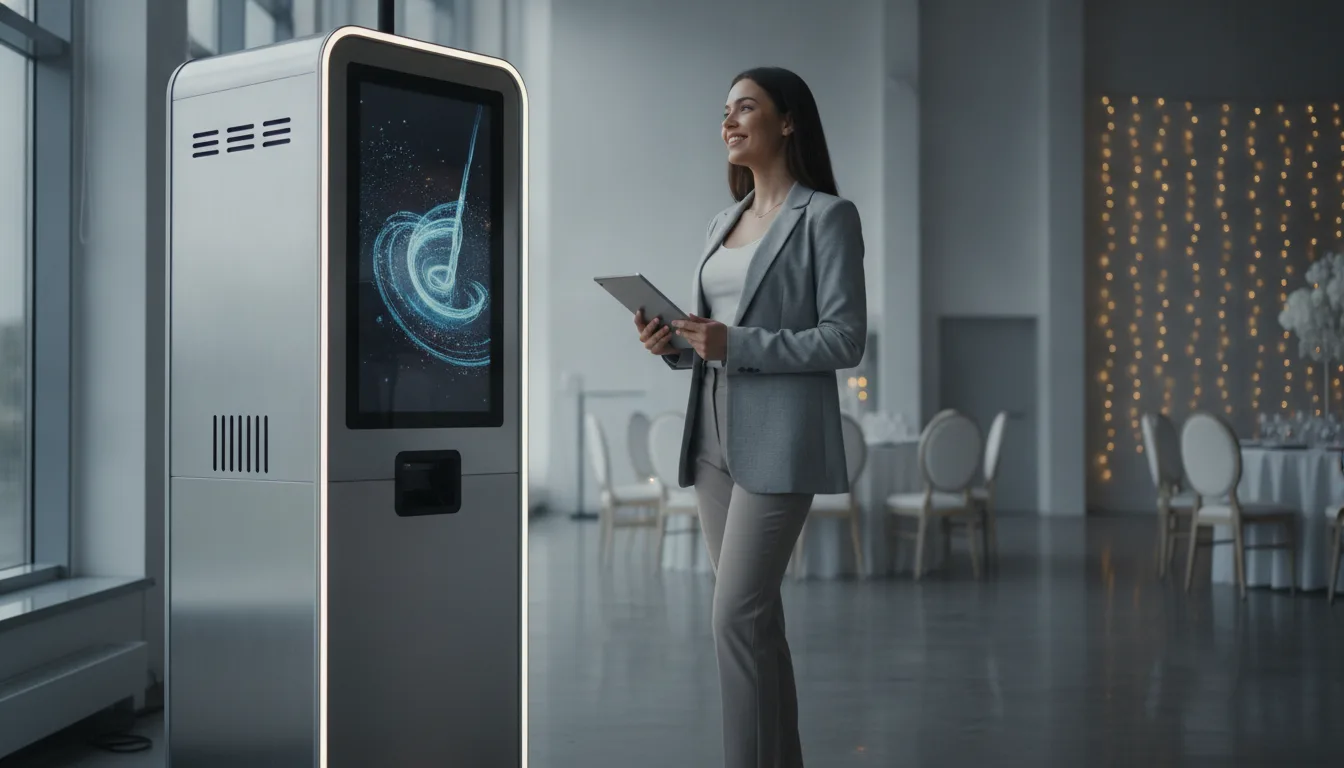
An AI photo booth business is one of the most accessible event ventures to start in 2026, and AI is what lets a new operator stand out from the classic booths already in the market. This is a practical guide to what you actually need, what it costs, what to charge, and how to land your first bookings.
Why AI, and why now.
Classic photo booths are everywhere, so price competition is tough. An AI photo booth gives guests something they cannot get at home: instant AI portraits, face swaps, themed transformations and AI video, generated live at the event. That novelty is what lets you charge a premium and get rebooked. The barrier to entry is low because modern AI photo booth software runs on hardware you may already own.
What you need to start.
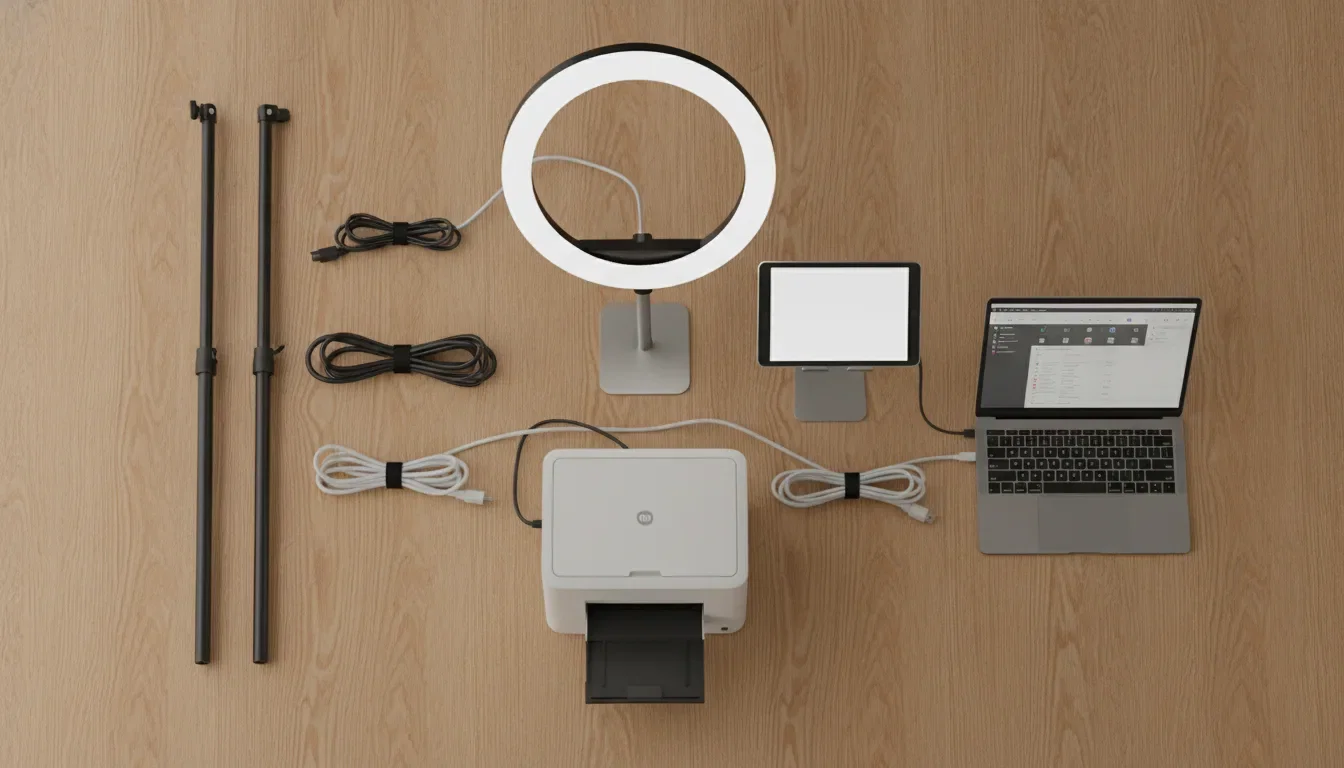
A lean, professional starter setup is straightforward:
- A computer or tablet to run the software. A Windows PC or Mac for a powerful kiosk, or an iPad for a portable setup. Good AI photo booth software runs on all of these.
- A camera. A DSLR or mirrorless camera gives the most professional results, but a high-quality webcam or the device camera works to start.
- Lighting. A ring light or softbox for consistent, flattering photos.
- A stand or enclosure. A simple iPad stand or a freestanding booth shell.
- A printer (optional). Instant prints are a strong upsell, but many AI events are digital and share-only.
- Photo booth software. This is the part that makes it an AI booth. Look for multiple AI models, custom effects, AI video, and support for the devices you own.
- A backdrop. A clean, brandable background.
What it costs to start.
You can start lean and reinvest as you book more work. A realistic range for a solid entry setup, buying quality but not top-of-the-line:
- Tablet or laptop you may already own, or a few hundred dollars.
- Camera and lens: entry DSLR or mirrorless, or start with a webcam.
- Lighting, stand and backdrop: a modest kit.
- Software: a monthly subscription rather than a large upfront cost. AI Photo Booth Pro, for example, starts at $49/month, with AI and video on the $79 Pro plan, and a 14-day free trial with no card so you can test before you pay.
Because the software is a subscription and the hardware can start with gear you own, many operators launch for a modest first investment and scale the kit up after their first paid events.
What to charge.
AI booths command more than classic booths because of the novelty. Pricing depends on your market, but operators typically charge a per-event package by hours, with add-ons for prints, AI video, custom-branded effects and extra hours. The custom AI effect is a strong upsell: building a bespoke look for a client's theme or brand is something a classic booth cannot offer, and clients pay for it. Position AI as the premium tier, not a discount feature.
How to get your first bookings.
- Build a portfolio. Run a free or low-cost event for friends or a local business and capture strong AI examples for your marketing.
- Show the AI, not just the booth. Post the transformations and AI videos on social; the output is your best advertisement.
- Target the right events. Weddings, corporate parties, brand activations, birthdays and conferences all book photo booths; AI is especially compelling for brand activations and corporate events.
- List locally. Get into local event directories and partner with venues and planners.
- Offer a signature effect. A recognizable custom AI style becomes your brand.
Start with a free trial.
The software is the heart of the business, so start there. AI Photo Booth Pro runs on Windows, Mac, iOS and Android, offers multiple AI models, unlimited custom effects and AI video, and has a 14-day free trial with no credit card. Build your signature effect and shoot a sample AI video before you spend anything.
Start your free AI Photo Booth Pro trial
See also: our general photo booth business guide (this article focuses on the AI angle), and the best AI photo booth software for 2026.
FAQ
Is an AI photo booth business profitable?
It can be. AI booths command a premium over classic booths because of the novelty, and the main ongoing cost is a software subscription. Profitability depends on your local market, pricing and how often you book.
How much does it cost to start?
You can start lean if you already own a laptop or tablet. The main costs are a camera, lighting, a stand and a software subscription. AI Photo Booth Pro starts at $49/month with a free trial, so software is a low, predictable cost rather than a big upfront purchase.
What equipment do I need for an AI photo booth?
A computer or tablet, a camera (DSLR, mirrorless or a good webcam), lighting, a stand or enclosure, AI photo booth software, and optionally a printer and backdrop.
Do I need an expensive AI photo booth machine?
No. The AI comes from the software, not a proprietary machine. AI Photo Booth Pro runs on standard Windows, Mac, iOS and Android hardware, so you do not need to buy a locked-in machine to start.
What software should I use?
Look for multiple AI models, custom effects, AI video and support for your devices. AI Photo Booth Pro offers all of these with a 14-day free trial and no credit card.
