
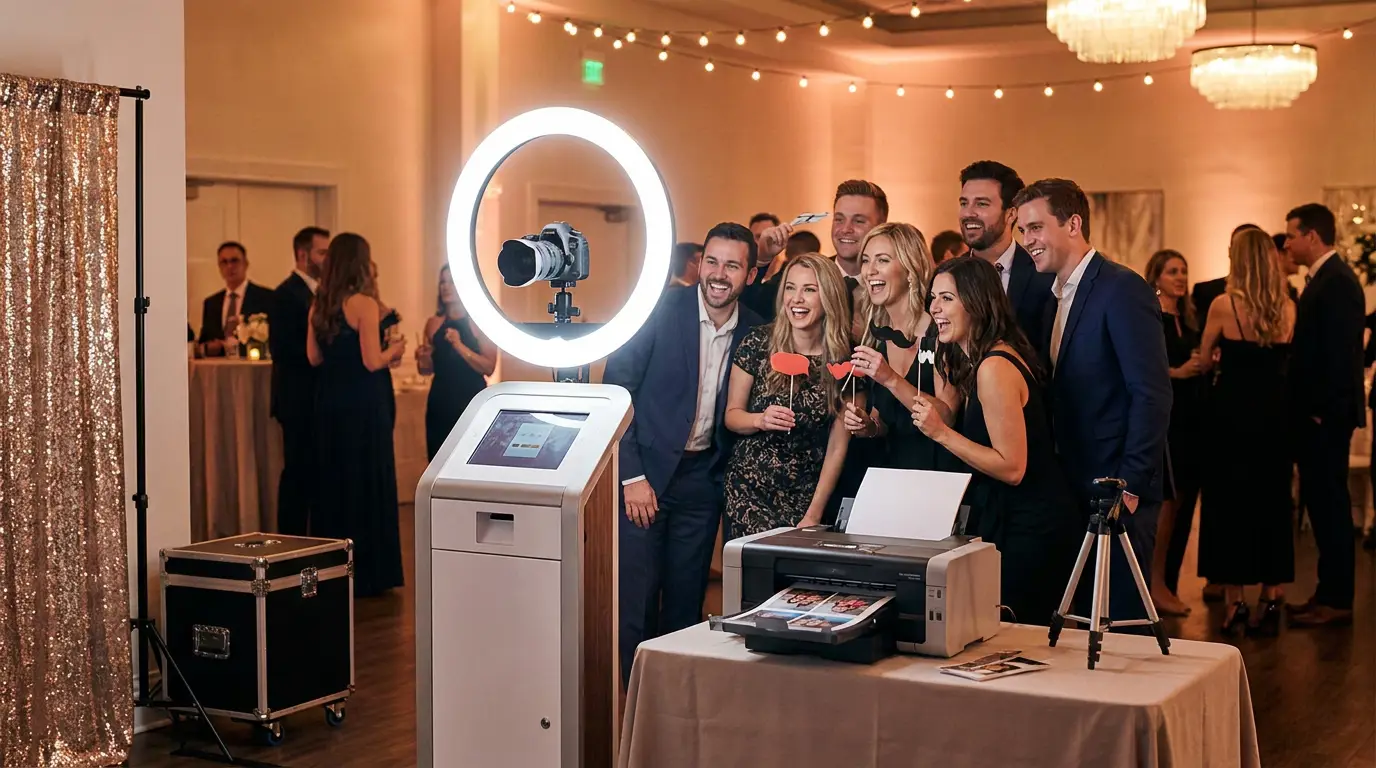
Getting your photo booth set up equipment right the first time saves you from expensive mistakes, awkward event failures, and late-night panic Googling. Whether you are starting with $500 or $5,000, the same core logic applies: the right software makes average hardware perform like a pro rig. This guide breaks down every component tier so you know exactly what to buy, what to skip, and how to connect it all.
The Core Components Every Photo Booth Setup Needs
Every functional photo booth shares the same five building blocks regardless of budget. Miss one and you will feel it at your first event.
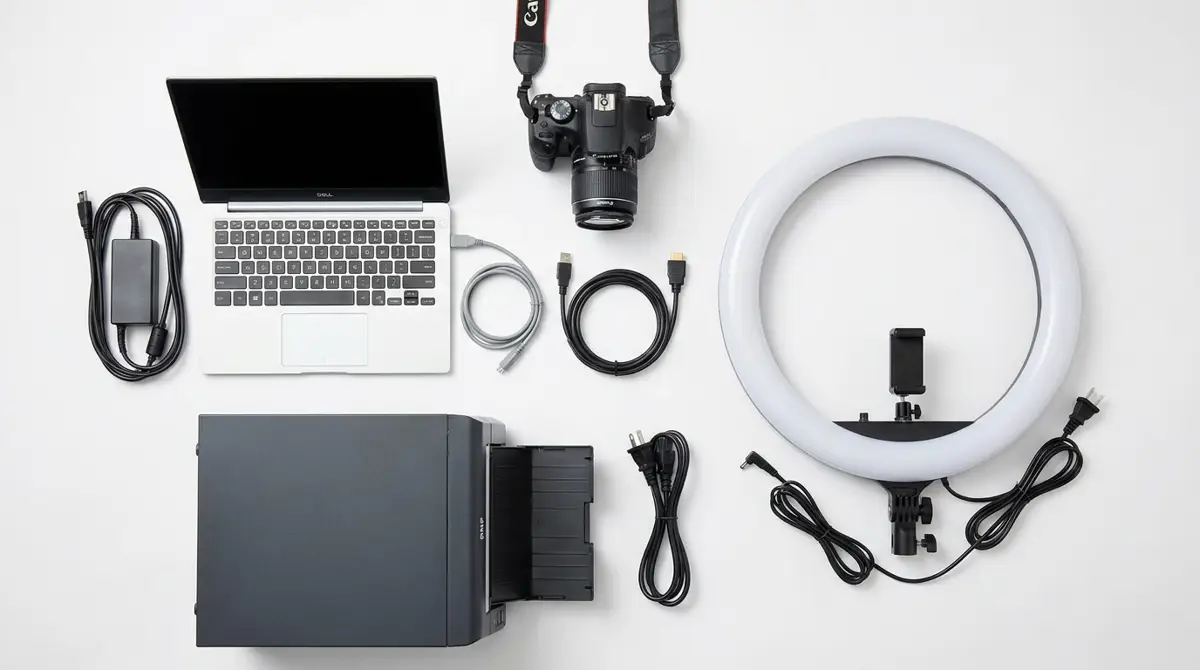
- Capture device, DSLR, mirrorless, or webcam connected to your computer
- Computer, Windows PC or touchscreen kiosk running your booth software
- Display, touchscreen monitor or tablet for guest interaction
- Printer, dye-sub printer for instant physical prints (optional but high-revenue)
- Software, the layer that ties everything together and runs your experience
Your software choice matters more than any single piece of hardware. AI Photo Booth Pro runs on Windows and works with DSLRs, mirrorless cameras, and webcams, meaning you are not locked into expensive proprietary hardware just to get started.
Budget, Mid-Range and Pro Equipment Configurations
Here is how real setups break down across three tiers. These are honest ranges, not padded estimates.
Budget Starter ($500-$1,200 total): A Windows laptop or mini PC, a quality webcam like the Logitech Brio 4K, a 24-inch touchscreen monitor, and a ring light. Skip the printer and deliver digital only via SMS or email. You can run every core feature including GlamBot-style slow motion and Face Swap through software without spending on camera gear.
Mid-Range ($1,500-$3,500 total): Swap the webcam for a Canon EOS M50 or Sony mirrorless connected via USB or capture card. Add a DNP DS620A dye-sub printer for instant prints. A 32-inch touchscreen kiosk like the Event Photo Booth Pro Kiosk gives you a self-contained, professional-looking unit that clients expect at corporate events.
Pro Configuration ($4,000+): Full-frame mirrorless camera, studio strobe lighting, a dedicated kiosk enclosure, a high-speed printer, and a second display for attendant view. At this level you are competing for premium corporate contracts where equipment appearance is part of the sale.
Try every feature free for 14 days
AI Photo Booth Pro runs every booth mode and AI effect on the equipment you already own. No credit card required.
Start Free TrialWindows PC vs iPad vs Webcam: Which Setup Is Right for Your Business
This question comes up constantly and the answer depends on what software you are running. Most serious booth operators run Windows because it supports the widest range of cameras, printers, and overlay tools.
A photo booth windows setup gives you full DSLR tethering, dye-sub printer drivers, and access to advanced AI features. iPads work for closed-system apps but limit your hardware flexibility significantly. A webcam photobooth is a legitimate low-cost entry point, especially the Logitech Brio which shoots 4K and performs well in mixed lighting.
If you want to offer experiences beyond standard photos, like the AI Drawing Screen or a Photo Mosaic Wall, you need a Windows machine. There is no workaround for that on iOS.
How to Connect Your Equipment to AI Photo Booth Pro
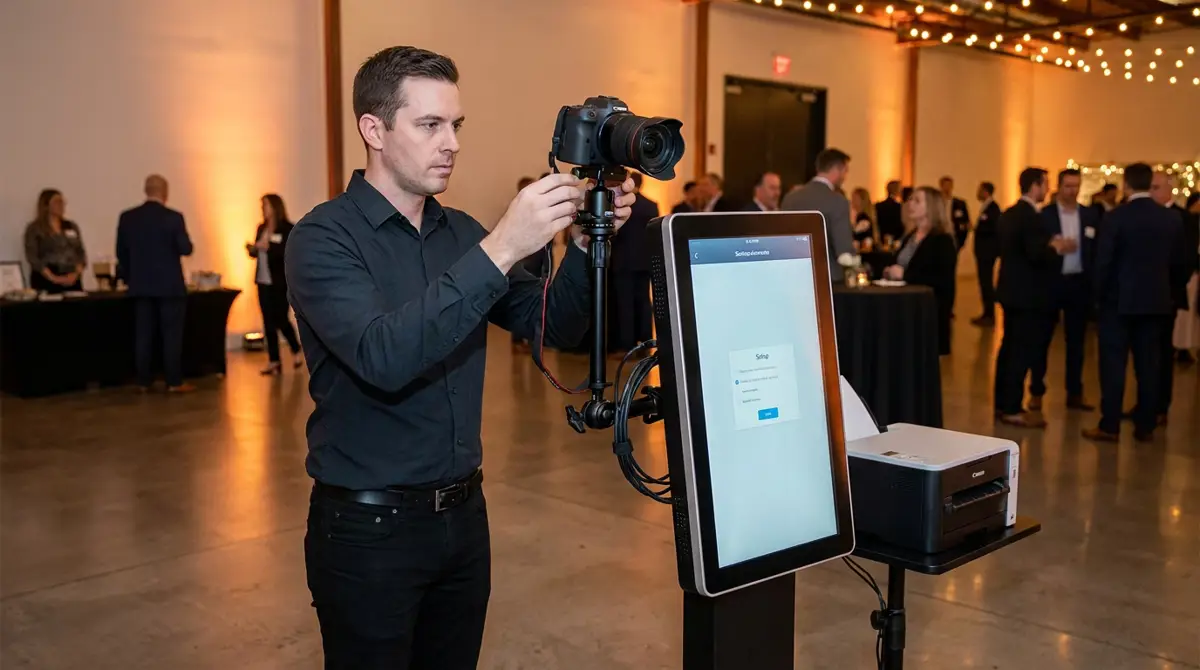
Once your hardware is assembled, setup is faster than most operators expect. Install the software, connect your camera via USB, select it as your capture source, and configure your printer through Windows drivers. The whole process for a first-time user typically takes under an hour.
The tutorial above walks you through creating and running your first event start to finish. For written walkthroughs and driver troubleshooting, the help center covers every camera and printer combination we have tested.
Common Setup Mistakes and How to Avoid Them at Your First Event
These are the errors that cost operators bookings, refunds, or reputation damage. Learn them here instead of on-site.
- Skipping a test print run, Always run 20 prints at home before load-in. Printer ribbons and paper stock behave differently in cold venues.
- No backup capture device, Carry a webcam in your kit bag even if you shoot with a DSLR. Cameras fail. Events do not wait.
- Wrong cable types on-site, Bring USB-A to USB-C adapters, a spare HDMI cable, and a powered USB hub. Venues never have what you need.
- Untested internet connection, If you are delivering via SMS or email, test your mobile hotspot before relying on venue WiFi.
- No surge protector, Venue power is dirty. A basic surge strip costs $15 and protects thousands in equipment.
Experience design matters as much as equipment. Explore the blog for activation ideas that help you stand out once your rig is dialed in.
Ready to see the numbers?
Plans start at $49/mo and every plan includes the full mode lineup.
See Plans and PricingFAQ
What is the minimum photo booth set up equipment I need to start taking bookings?
A Windows laptop, a quality webcam, a 24-inch touchscreen monitor, and photo booth software. You can run digital-only events, collect leads, and build revenue before adding a printer or DSLR camera.
Does AI Photo Booth Pro work with any camera or just specific models?
It works with most Canon and Nikon DSLRs via tethering, Sony mirrorless cameras via USB, and any webcam recognized by Windows. Check the help center for the current compatibility list before purchasing a camera.
How much does AI Photo Booth Pro cost and is there a trial?
Plans start at $49 per month. There is a 14-day free trial with no credit card required so you can test your full hardware setup before committing. See all options on the pricing page.