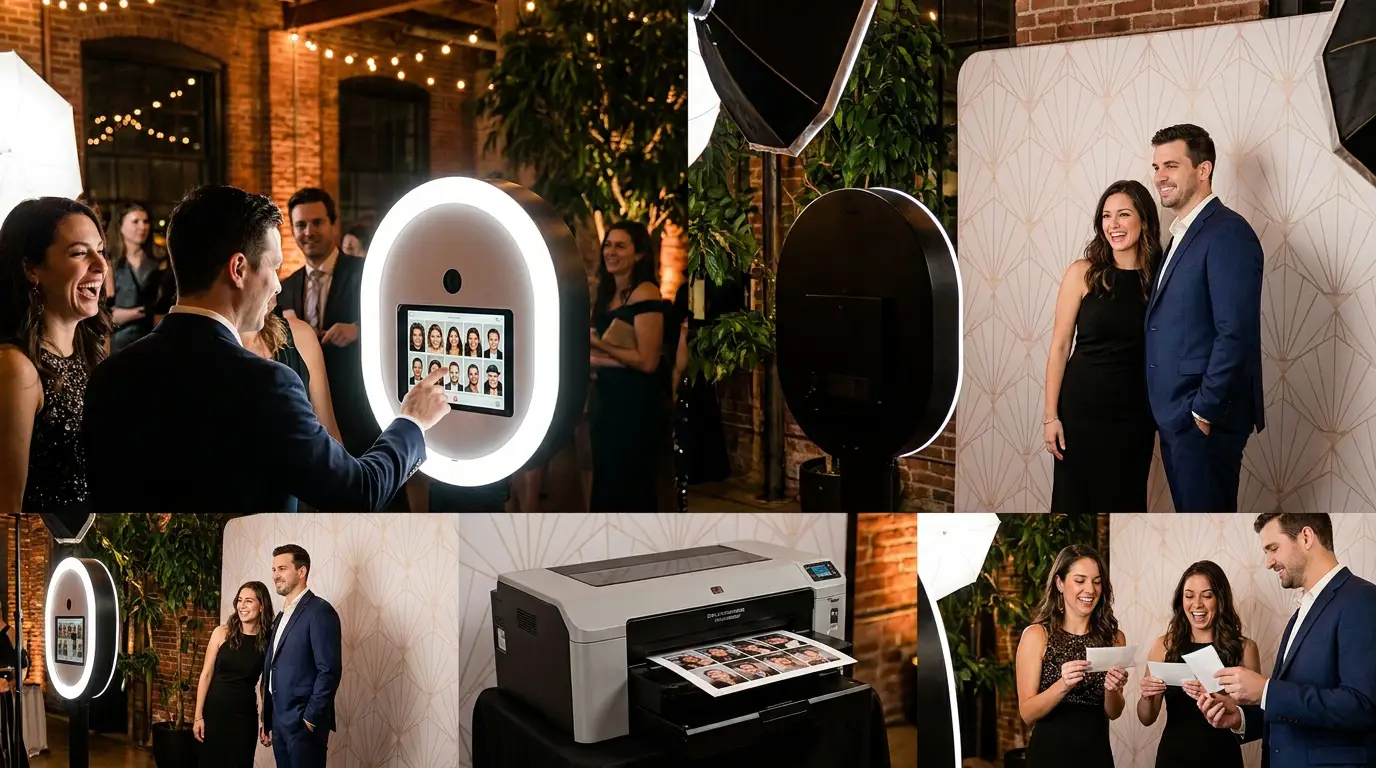
The face swap photo booth is one of the fastest crowd-stoppers you can bring to an event right now. Guests see the demo, they immediately want a turn, and before you know it there's a line. If you're not offering it yet, you're leaving real money on the table. This guide walks you through everything from hardware to pricing so your next activation runs clean.
What Is a Face Swap Photo Booth (and Why Guests Can't Stop Using It)
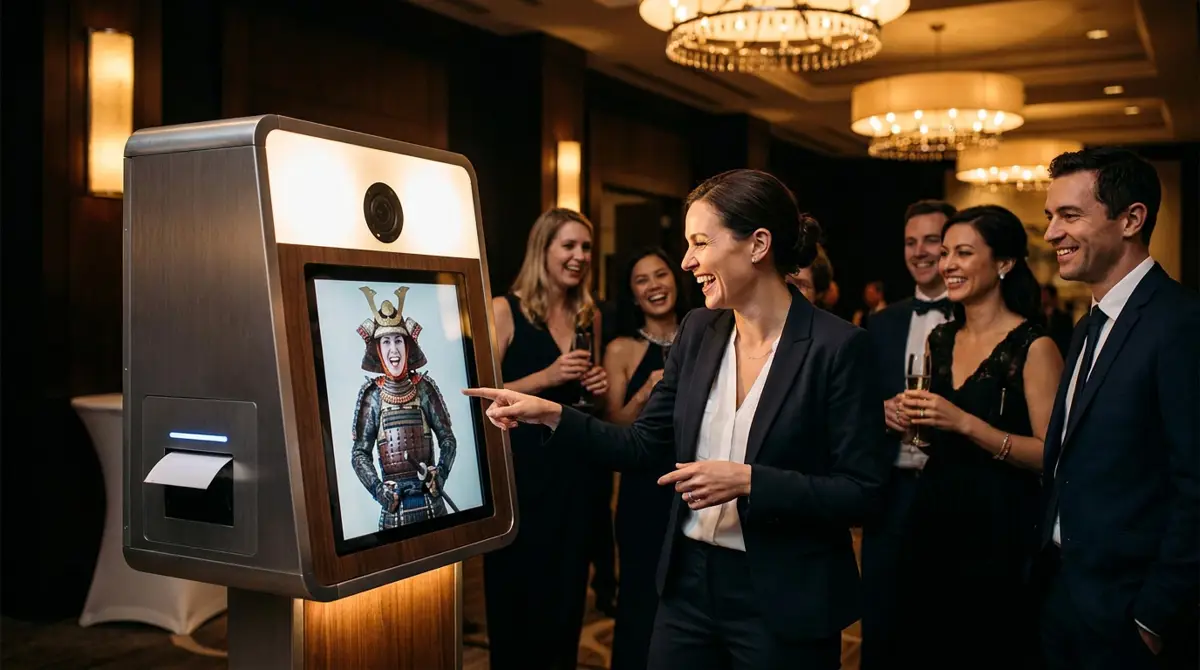
A face swap booth uses AI to swap a guest's face onto a pre-loaded character or scene in real time. Think samurai, royalty, celebrities, brand mascots, the possibilities are wide open. The output is shareable and surprising, which means guests post it without being asked.
Unlike a standard green screen, the swap happens automatically. No manual compositing, no operator babysitting every shot. That efficiency is what makes it scalable across busy corporate events, weddings, and activations.
Hardware You Need: Camera, PC and Display Requirements
Face swap AI does real processing, so your hardware matters. You need a Windows PC with a dedicated GPU, NVIDIA is the reliable choice. A minimum 8GB VRAM card keeps processing fast enough that guests don't feel the lag.
For your camera, a DSLR or mirrorless with a clean HDMI output gives you the sharpest capture. Pair it with a 32-inch touchscreen for guest interaction, the Event Photo Booth Pro kiosk is built exactly for this kind of activation and handles the enclosure, display, and cable management in one clean package. Browse the full booths and hardware catalog if you want to compare options.
Setting Up Face Swap in AI Photo Booth Pro: Step-by-Step
AI Photo Booth Pro has Face Swap built directly into the event builder. You don't need third-party plugins or complicated workarounds. Here's the basic flow.
- Create a new event and select Face Swap as your activation type.
- Upload your background scenes, these are the characters or environments guests will swap into. Keep them high-res and well-lit for the cleanest results.
- Configure the face detection settings, set the face zone markers to match where heads sit in your scenes.
- Set your output format, photo, GIF, or short video depending on what you're delivering.
- Test with real faces before the event. Different skin tones and hair types behave differently under varied lighting.
The software also supports AI Drawing Screen experiences and photo mosaic wall builds if you want to stack activations at larger events. Check out AI Drawing Screen and Photo Mosaic Wall if you're building a multi-experience package.
Try every feature free for 14 days
AI Photo Booth Pro runs every booth mode and AI effect on the equipment you already own. No credit card required.
Start Free TrialOn-Site Tips to Maximize Guest Engagement and Social Sharing
Your scene selection drives everything. Pick characters that match the event theme, a samurai AI face swap kills at brand activations and cultural events, while royalty and vintage Hollywood work well for galas. Give clients 6 to 10 scenes minimum so guests cycle back for multiple shots.
Lighting is the single biggest variable that breaks a face swap result on-site. Use a ring light or softbox positioned at the guest's eye level and keep the background behind them neutral. Harsh shadows across the face confuse the AI and produce muddy swaps.
Station an attendant at the booth for the first 30 minutes. Not to run the software, but to demo it. One attendant doing a swap in front of a crowd seeds the line faster than any signage. After that, guests self-direct.
How to Price and Sell Face Swap Activations to Clients
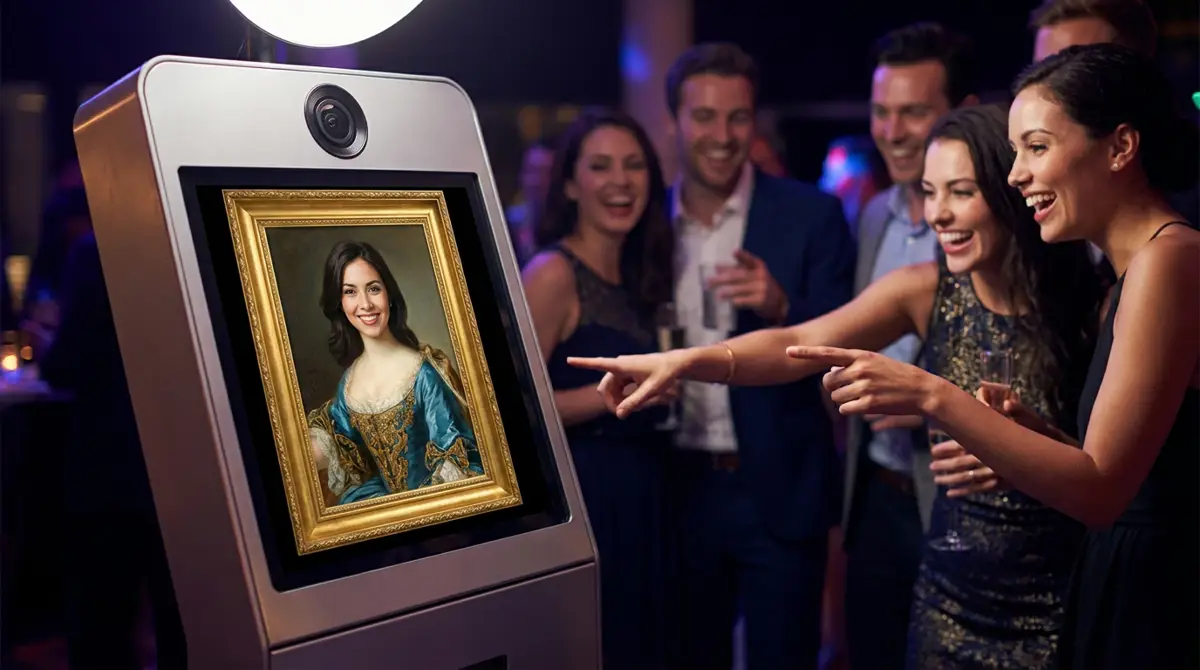
Face swap commands a premium over a standard print booth because the output is genuinely novel. Most operators price it 20 to 40 percent above their base package. Lead with the engagement story when you pitch it, show clients a sample output and let the reaction sell itself.
Upsell branded overlays and custom scenes. A corporate client who wants their mascot as a face swap scene will pay for the custom design work on top of the rental fee. Bundle it with digital delivery and a branded sharing page to justify a higher day rate.
Start on AI Photo Booth Pro from $49 per month with a 14-day free trial and no credit card required. Review the full AI Photo Booth Pro plans and pricing to pick the tier that fits your volume. If you run into configuration questions, the help center and guides covers the Face Swap setup in detail.
Ready to see the numbers?
Plans start at $49/mo and every plan includes the full mode lineup.
See Plans and PricingFAQ
What does a face swap photo booth need to run smoothly on-site?
A Windows PC with a dedicated GPU (NVIDIA recommended, 8GB VRAM minimum), a clean-output camera, a quality touchscreen display, and consistent front lighting on the guest. Software-side, AI Photo Booth Pro handles the face detection and output rendering without additional plugins.
Can I run face swap and other AI activations from the same software?
Yes. AI Photo Booth Pro supports Face Swap, AI Drawing Screen, and Photo Mosaic Wall from the same platform. You can run different event types from one license depending on your plan tier.
How do I handle guests whose faces don't swap cleanly?
Almost always a lighting issue. Raise the front light, eliminate shadows across the face, and move the guest closer to a neutral background. If the booth is near a window with strong side-light, reposition or close blinds. Test three or four different face types during setup so you catch problems before the event starts.