
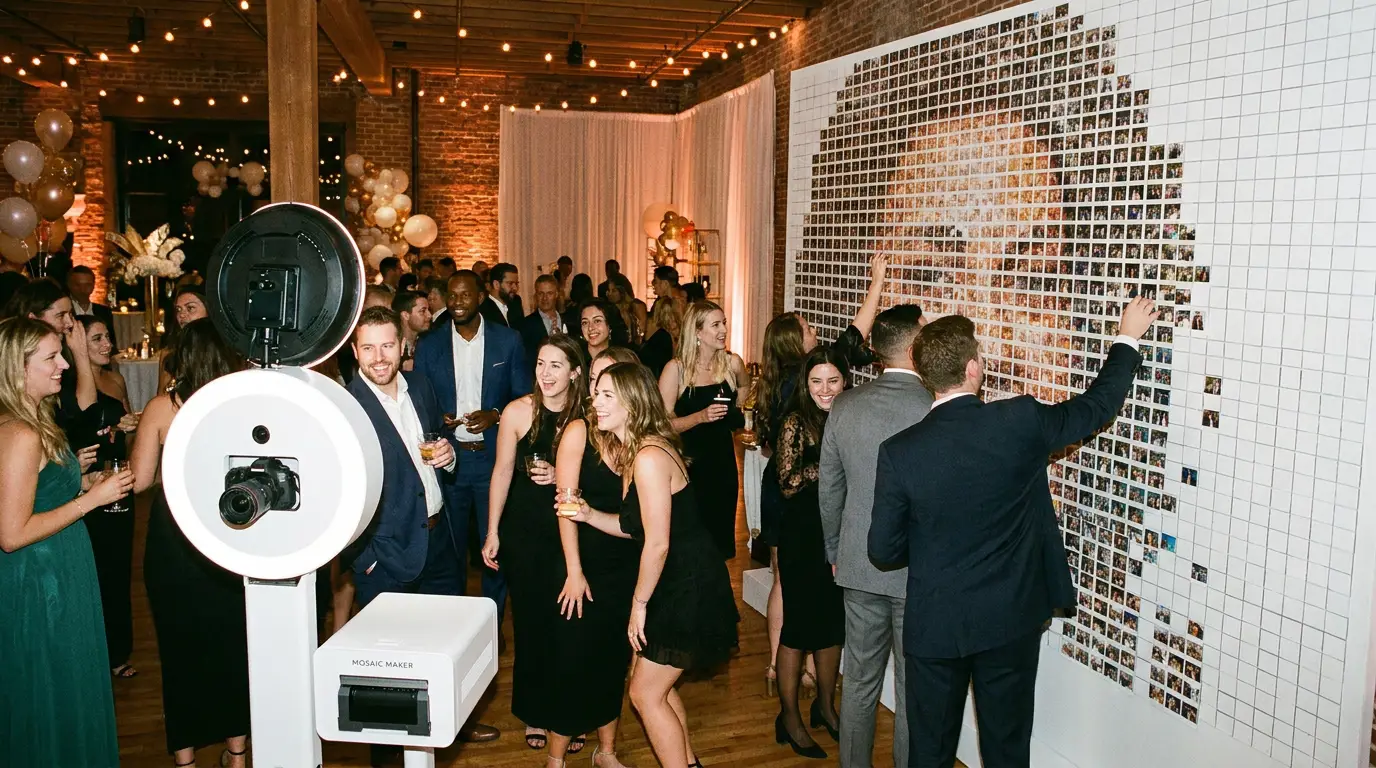
If you want to charge $3,000 to $8,000 for a single event activation, the photo mosaic wall is one of the most powerful tools in your arsenal. Clients see it and immediately understand the value. Guests become part of something bigger than a single selfie, and that emotional hook is exactly what brand and corporate clients are willing to pay a premium for.
Understanding how photo mosaic wall software actually works puts you in a position to sell it confidently and execute it flawlessly. Let's break it down.
What Is a Photo Mosaic Wall (and Why Event Clients Go Crazy for It)
A photo mosaic wall takes individual guest photos and assembles them as tiles inside a larger branded image. Think a company logo, a product shot, or a mascot slowly revealed as more guests step up to the booth. Every photo matters. Every person contributes.
That collective reveal is what makes it magnetic. Guests actively check the wall between their turns to see how the image is filling in. Corporate clients love it because it doubles as a brand activation and a live social content machine. Sponsors and marketing teams get their logo literally built by attendees.
How Photo Mosaic Wall Software Works in Real Time
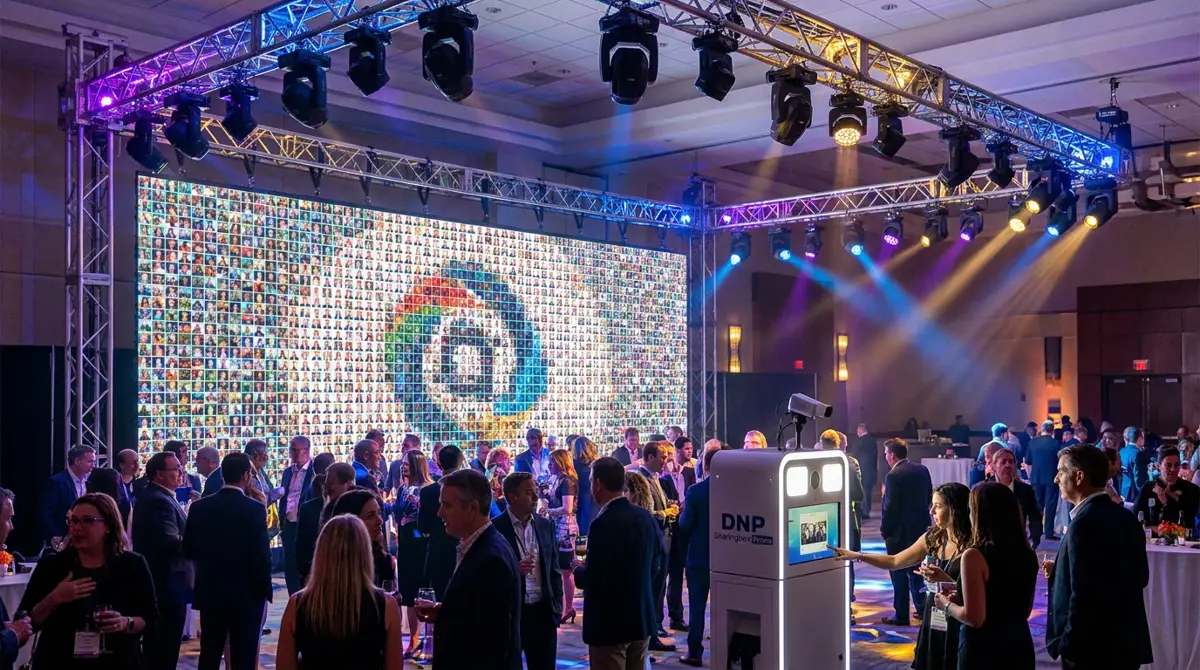
The software does the heavy lifting automatically. When a guest takes a photo at the booth, the image is cropped, color-matched, and placed into the next available tile position on the master mosaic canvas. This happens in seconds.
The algorithm selects tile placement based on color mapping. It analyzes each incoming photo and drops it into the position on the master image where that photo's average color is the closest match. The result is a final mosaic that looks intentional and polished, not random. As more photos fill in, the master image becomes more recognizable.
Live display is a key part of the experience. The mosaic updates on a large screen in real time so guests can watch it build throughout the event. Our Photo Mosaic Wall software handles the placement, display, and tile management automatically so you are not babysitting the software mid-event.
Try every feature free for 14 days
AI Photo Booth Pro runs every booth mode and AI effect on the equipment you already own. No credit card required.
Start Free TrialEquipment You Need to Run a Mosaic Wall Activation
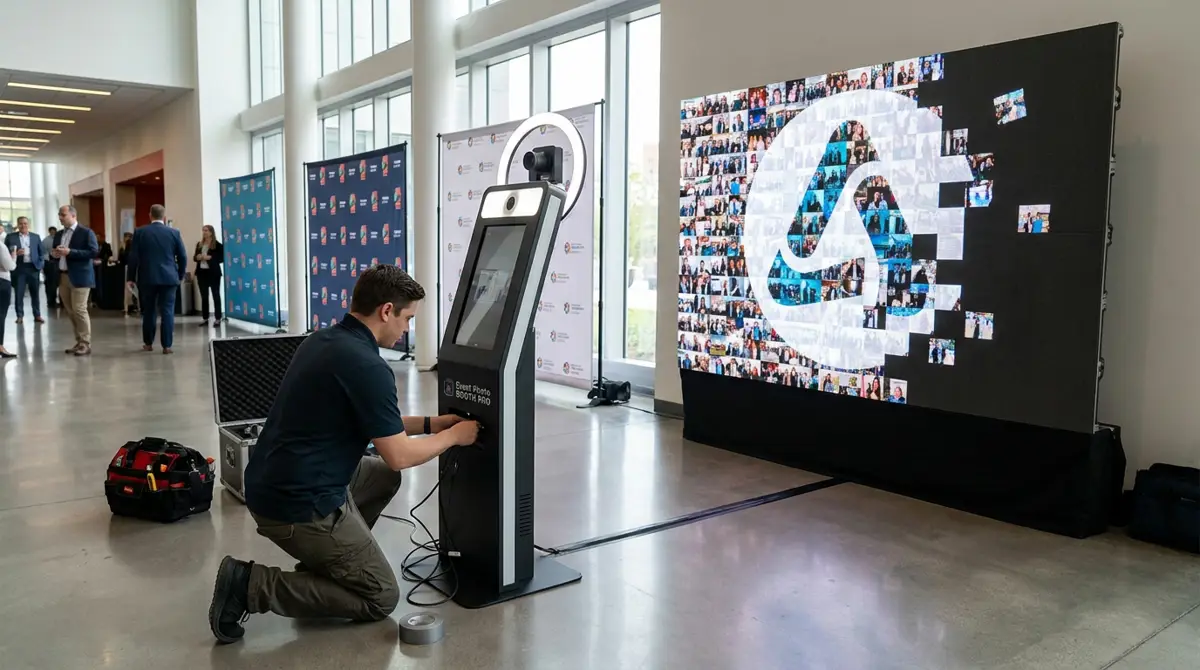
You need three things working together: a capture station, a display screen, and the software connecting them. The capture station is your booth setup where guests take photos. A dedicated kiosk like the Event Photo Booth Pro kiosk works well because it is built for high-volume, unattended operation.
The display is where most operators underinvest. You want a screen that is large enough to create visual impact from across the room. A 55-inch or larger TV or LED panel is common. Mount it near the booth so guests can immediately connect their photo to the growing mosaic.
Your software needs to run on a reliable machine that stays connected to the display. Most operators run the booth software on one device and mirror or extend to the mosaic display. Check the help center for specific setup guides if you are configuring this for the first time.
Pricing and Upsell Strategy: Charging More for Mosaic Events
A standard photo booth rental is a commodity. A mosaic wall activation is an experience with a visible deliverable at the end of the night. That distinction lets you price differently. Most operators add a mosaic wall as an upgrade on top of their base booth package.
You can also offer the final mosaic image as a printed or digital keepsake for the client. A high-resolution print of the completed mosaic becomes event decor, a lobby display, or a gift to the hosting executive. That tangible output justifies a higher quote and creates a referral-worthy moment.
For brand activations, tie the pricing to the deliverable value. If a company is using this to generate social content at a trade show, the mosaic wall is a marketing spend, not an entertainment line item. Frame it that way and your rate conversation changes entirely.
Getting Started with Photo Mosaic Wall in AI Photo Booth Pro
The mosaic wall feature is built into AI Photo Booth Pro, so you do not need separate software to run this activation. You set your master image, configure tile size and layout, and the software handles the rest during the event. If you are already running the platform for standard activations, adding a mosaic wall is a matter of enabling the feature and testing your display setup.
The platform starts at $49 per month with a 14-day free trial and no credit card required. That means you can build and test a full mosaic wall setup before you commit. Browse the full software lineup and hardware options at the booths and hardware catalog to see what pairs best with your current operation.
Ready to see the numbers?
Plans start at $49/mo and every plan includes the full mode lineup.
See Plans and PricingFAQ
How many photos does it take to complete a photo mosaic wall?
It depends on your tile size and master image dimensions. Most configurations fill in nicely with 200 to 600 photos. Smaller tiles create a more detailed mosaic but require more guest volume. You can configure tile size in the software to match your expected event attendance.
Can guests see where their photo landed on the mosaic?
Yes. The live display updates in real time so guests can watch their tile appear immediately after their photo is taken. Some operators use a second screen at the booth specifically for this moment, which drives guests back to take more photos and increases overall participation.
Do I need a special printer or extra hardware beyond the booth?
For the live mosaic experience, no special printer is required. The main addition is a large display screen for the mosaic output. If you want to offer a final printed mosaic as a deliverable to the client, a wide-format print can be ordered after the event through a standard print vendor using the exported high-resolution file.