
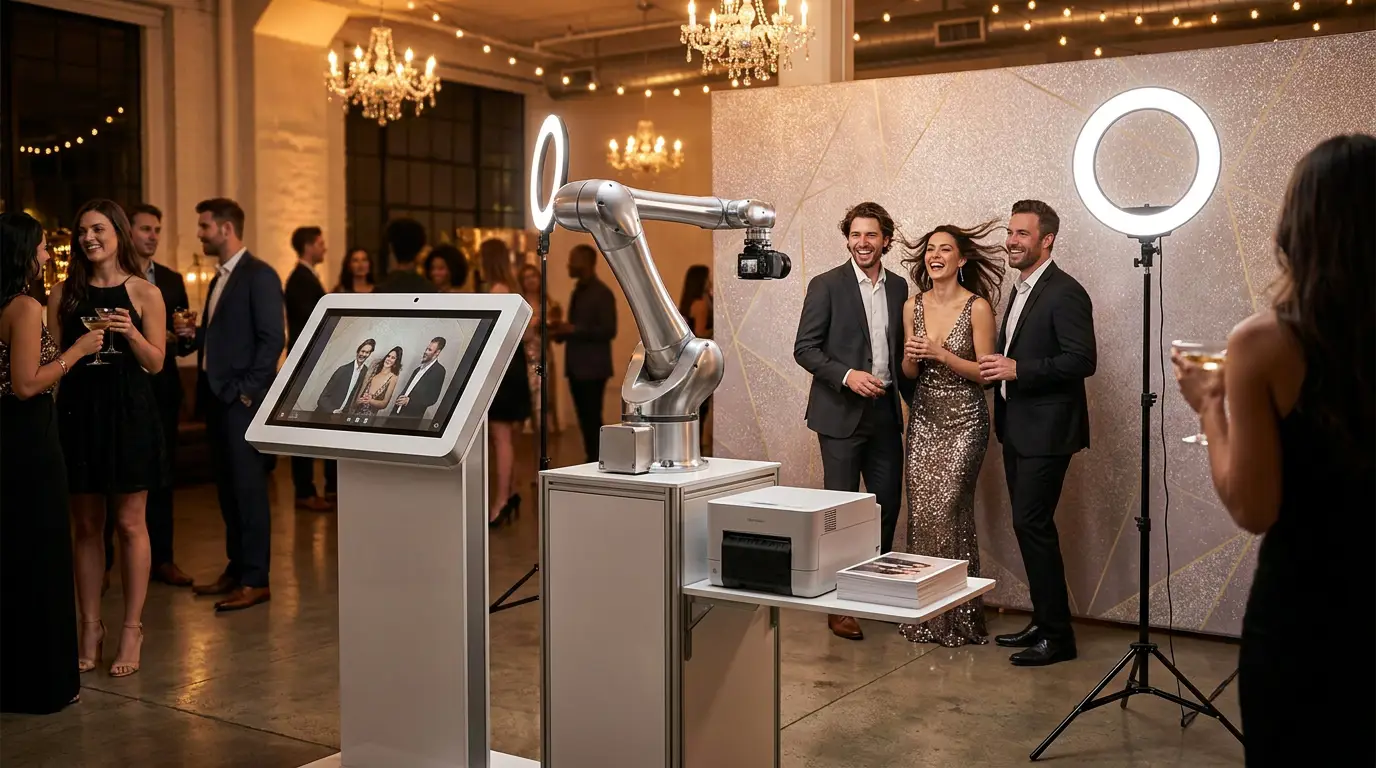
The glambot photo booth is one of the most requested add-ons at weddings, brand activations, and red-carpet events right now. Guests see celebrities using them, they want the same experience, and they will pay a premium for it. But most operators are stuck on three questions: what exactly is a GlamBot, what does it really cost to run one, and what software actually makes it work? This guide answers all three.
What Is a GlamBot and Why Events Are Obsessed With It
A GlamBot is a motorized camera-on-a-slider rig that captures slow-motion video as it sweeps past a subject. The result is a dramatic, cinema-quality clip that looks completely different from a standard photo booth selfie. That contrast is exactly why event clients pay extra for it.
The format works because it flatters everyone. Slow motion smooths movement, the sweeping angle adds depth, and guests get a shareable video they actually want to post. For corporate clients, that organic reach is worth serious budget.
GlamBot Hardware: What Equipment You Actually Need
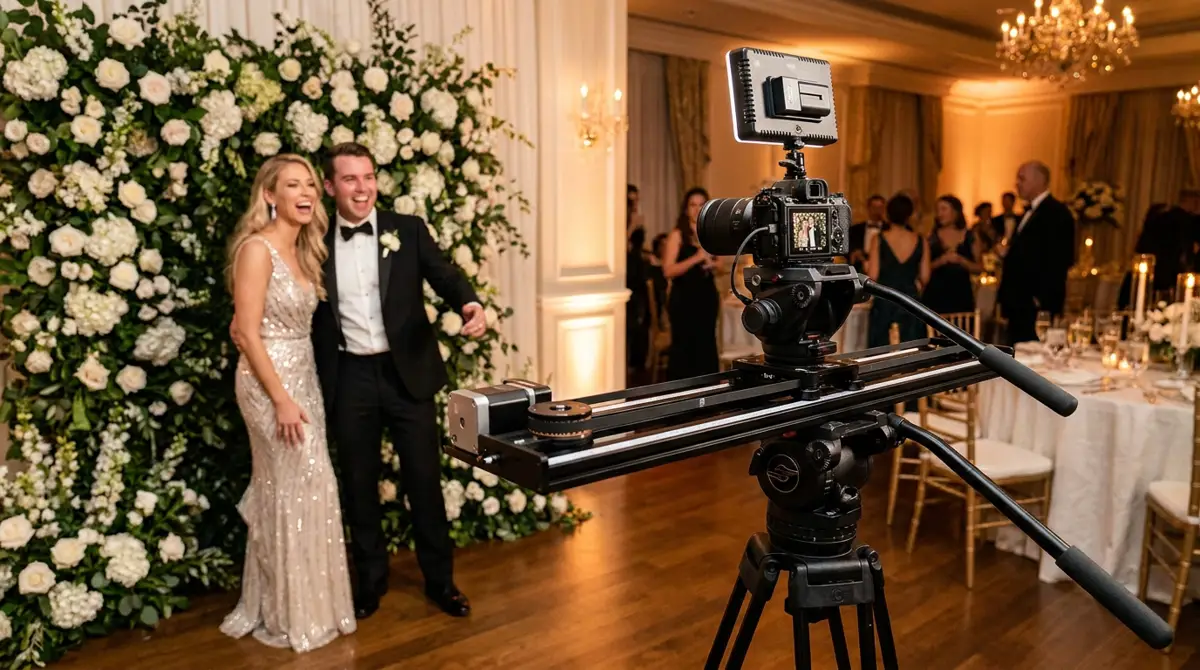
You do not need the proprietary GlamBot hardware to offer this service. The core rig is a camera capable of slow-motion capture (Sony ZV-E1, Sony A7S III, or similar), a motorized slider, and a trigger system that syncs the camera sweep with the recording. Add a backdrop, good lighting, and a touchscreen kiosk and you have a fully functional setup.
If you want to browse hardware bundles, the booths and hardware catalog is a solid starting point. You can also check out the Event Photo Booth Pro kiosk if you want a purpose-built 32-inch touchscreen enclosure that pairs cleanly with slider rigs.
Key hardware checklist:
- Camera: Sony mirrorless with 120fps+ slow-motion capability
- Motorized slider: 60-100cm travel, consistent speed control
- Lighting: two LED panels minimum, soft diffused output
- Kiosk or tablet: for guest interaction and sharing
- Backdrop: seamless paper, LED wall, or branded step-and-repeat
How Much Does a GlamBot Setup Cost? (Budget to Pro Breakdown)
Budget builds start around $3,000 to $5,000 if you already own a capable mirrorless camera. That covers a mid-range motorized slider, basic LED lighting, and a tablet kiosk. A mid-tier professional setup with a dedicated slow-motion Sony body and a quality slider lands in the $8,000 to $12,000 range. High-end turnkey rigs from specialty vendors push past $20,000.
Software is where operators often leave money on the table. A poorly built sharing workflow kills the guest experience and the upsell potential. That is why pairing your rig with AI Photo Booth Pro matters. It handles the touchscreen interface, instant video delivery, branded overlays, and social sharing from one platform starting at $49/month with a 14-day free trial, no credit card required.
Try every feature free for 14 days
AI Photo Booth Pro runs every booth mode and AI effect on the equipment you already own. No credit card required.
Start Free Trial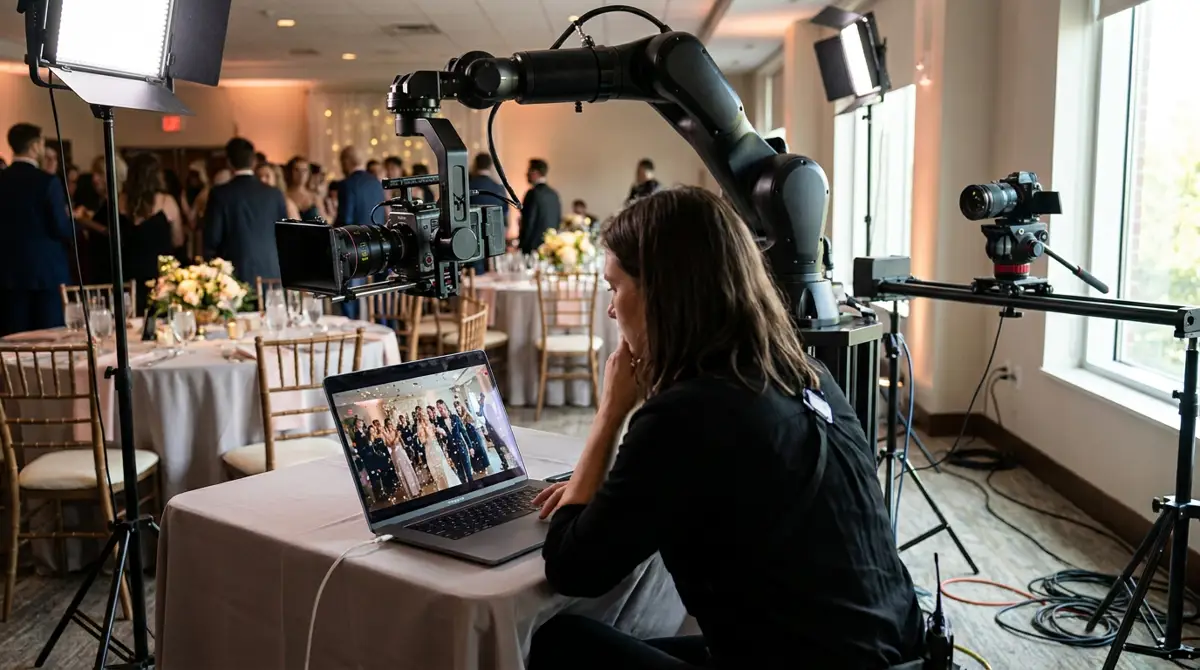
Running GlamBot Events With AI Photo Booth Pro: Step-by-Step
The software workflow is straightforward once your rig is dialed in. AI Photo Booth Pro connects to your camera via USB or HDMI capture, displays a live view on the kiosk screen, and triggers the recording sequence when a guest taps start. After the sweep, it processes the clip, applies your branded overlay, and queues it for SMS or email delivery.
Watch the full platform walkthrough before your first event:
The settings you need to configure before an event: slow-motion playback speed (typically 4x to 8x), clip length, overlay branding, and sharing options. The help center and guides has step-by-step documentation for each of these. You can also combine the GlamBot mode with activations like the AI Drawing Screen to build a multi-station package that justifies higher event fees.
How to Price and Market Your GlamBot Add-On to Clients
Most operators charge $800 to $1,800 for a GlamBot add-on at a four-hour event, depending on market and deliverables. If you are including branded video overlays, instant sharing, and a highlight reel, you are closer to the top of that range. Position it as a premium upgrade to your standard photo booth package, not a replacement.
When pitching to corporate clients, lead with the social media angle. A 15-second slow-motion clip with their logo overlay is content their team will actually use. For weddings, show sample footage from a previous event. Nothing sells it faster than seeing it. If you want to see how the full software ecosystem supports different booth types, the AI Photo Booth Pro plans and pricing page breaks down exactly what is included at each tier.
Ready to see the numbers?
Plans start at $49/mo and every plan includes the full mode lineup.
See Plans and PricingFAQ
Do I need to buy the official GlamBot hardware to offer this service?
No. Any motorized camera slider paired with a slow-motion capable mirrorless camera can deliver the same result. The GlamBot name is a style of activation, not a proprietary product you are required to purchase. Software like AI Photo Booth Pro handles the guest experience layer on top of your existing rig.
What camera settings should I use for glambot slow-motion video?
Shoot at 120fps or higher at 1080p, then play back at 24fps for a 5x slow-motion effect. Use a shutter speed double your frame rate (1/240 at 120fps), keep ISO as low as possible, and use a dedicated LED panel to ensure consistent exposure during the slider sweep. Test your lighting before guests arrive.
Can AI Photo Booth Pro run GlamBot events and standard photo booth events on the same software?
Yes. AI Photo Booth Pro supports multiple activation types from one platform. You can run a standard photo booth, a Photo Mosaic Wall, or a GlamBot slow-motion station under the same subscription. That flexibility is one of the main reasons operators use it to build multi-unit businesses without stacking software costs.