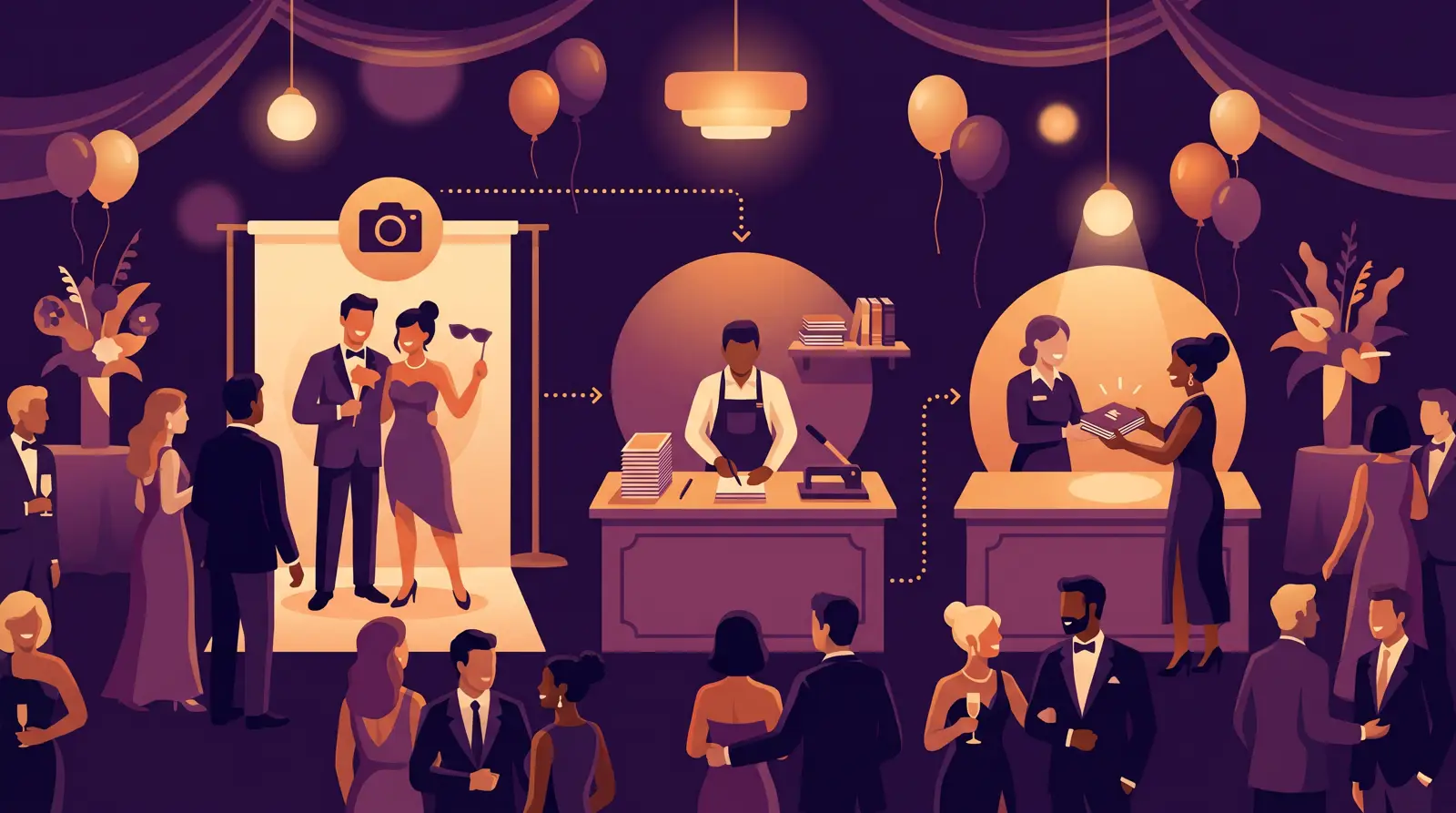
Starting a successful photo booth business requires the right photo booth business equipment to deliver professional results and memorable experiences. The key is choosing versatile, reliable gear that can handle various event types while keeping startup costs manageable.
Webcams present a budget-friendly alternative that works well with modern software solutions. Many operators successfully use high-quality webcams for smaller events or when portability is crucial.
Action cameras like GoPro models excel for 360° video booths and outdoor events. Their durability and wide-angle capabilities make them ideal for unique photo booth experiences that stand out from traditional setups.
Cloud-based processing eliminates the need for expensive hardware upgrades while delivering fast AI effects. This approach keeps your initial investment lower while providing cutting-edge features that clients expect.
Look for software that supports multiple booth modes, integrates with various printer models, and offers white-label customization. The flexibility to adapt to different event requirements directly impacts your booking potential and revenue opportunities.
Want to see these features in action?
Try AI Photo Booth Pro free for 14 days. No credit card required.
Start Free Trial →Canon SELPHY printers offer portability and ease of use for smaller events. HiTi models provide excellent value while maintaining professional output quality suitable for most photo booth applications.
Stock up on photo paper, ribbon cartridges, and backup supplies. Calculate printing costs per photo to ensure profitable pricing while maintaining quality standards that reflect your brand reputation.
Ring lights work exceptionally well for portrait-style booths, creating even illumination that minimizes shadows. Softbox lighting systems offer professional results but require more setup time and space.
Backdrop systems range from simple stands with fabric drapes to elaborate structures with changeable graphics. Consider modular systems that adapt to different venue sizes and event themes while maintaining quick setup capabilities.
Tablets or touchscreen displays enhance user interaction and allow guests to review photos before printing. Choose devices with sufficient processing power to run your photo booth software smoothly throughout extended events. If you prefer an all-in-one unit, a professional 32 inch photo booth kiosk combines the touchscreen, PC and camera mounting in a single event-ready shell.
External storage solutions and backup power supplies protect against data loss and power interruptions. Portable battery packs and cloud backup services provide peace of mind during critical events.
Software subscriptions offer predictable monthly costs while providing regular updates and support. Activation King's pricing starts at $49/month with unlimited events and supports two devices per subscription.
Factor in ongoing costs including photo supplies, equipment maintenance, and transportation. Many operators report revenue potential of $600-$3,000+ per event, making quality equipment investments worthwhile for serious business growth.
Cross-platform compatibility becomes important when operating on different devices or upgrading equipment over time. Multi-platform software solutions provide flexibility to adapt to changing technology needs and client requirements.
Frequently Asked Questions
What's the minimum equipment needed to start a photo booth business?
You need a camera (DSLR or high-quality webcam), photo booth software, a laptop or tablet, basic lighting, and a printer with supplies. This basic setup can cost between $2,000-$4,000 depending on equipment choices.
How important is professional photo booth software versus free alternatives?
Professional software provides reliability, customer support, regular updates, and advanced features that free alternatives lack. The investment pays off through better client experiences, fewer technical issues, and increased booking opportunities.
Should I buy or lease photo booth equipment when starting?
Purchasing equipment provides long-term value and complete ownership, while leasing offers lower upfront costs but higher total expenses. Most successful operators prefer buying quality equipment that serves multiple years of events.
What backup equipment should I always bring to events?
Essential backups include extra camera batteries, backup lighting, additional photo paper and printer cartridges, extension cords, and a secondary camera if possible. Preparation prevents minor issues from ruining client events.
Ready to Transform Your Photo Booth Business?
Join 3,000+ event professionals using Activation King to deliver stunning AI-powered experiences and grow their revenue.
Explore AI Photo Booth Software →