An AI photo booth is a photo booth that sends each guest photo to an AI model and gives back a transformed result: the guest as an oil painting, in a superhero costume, with a new face swapped onto a movie poster, or as a short animated video. The capture still happens on site, but the creative work happens in the cloud a few seconds later.
This guide looks at AI photo booths from the operator's side: what changes compared with a classic booth, how a single AI shot works step by step, what it costs per guest, which hardware and internet connection you need, and when the extra effort actually pays off.
AI photo booth vs classic photo booth
A classic photo booth captures a photo, places it on a template with a logo and a background, then prints or shares it. Everything happens on the device, and the result looks like the photo the camera took.
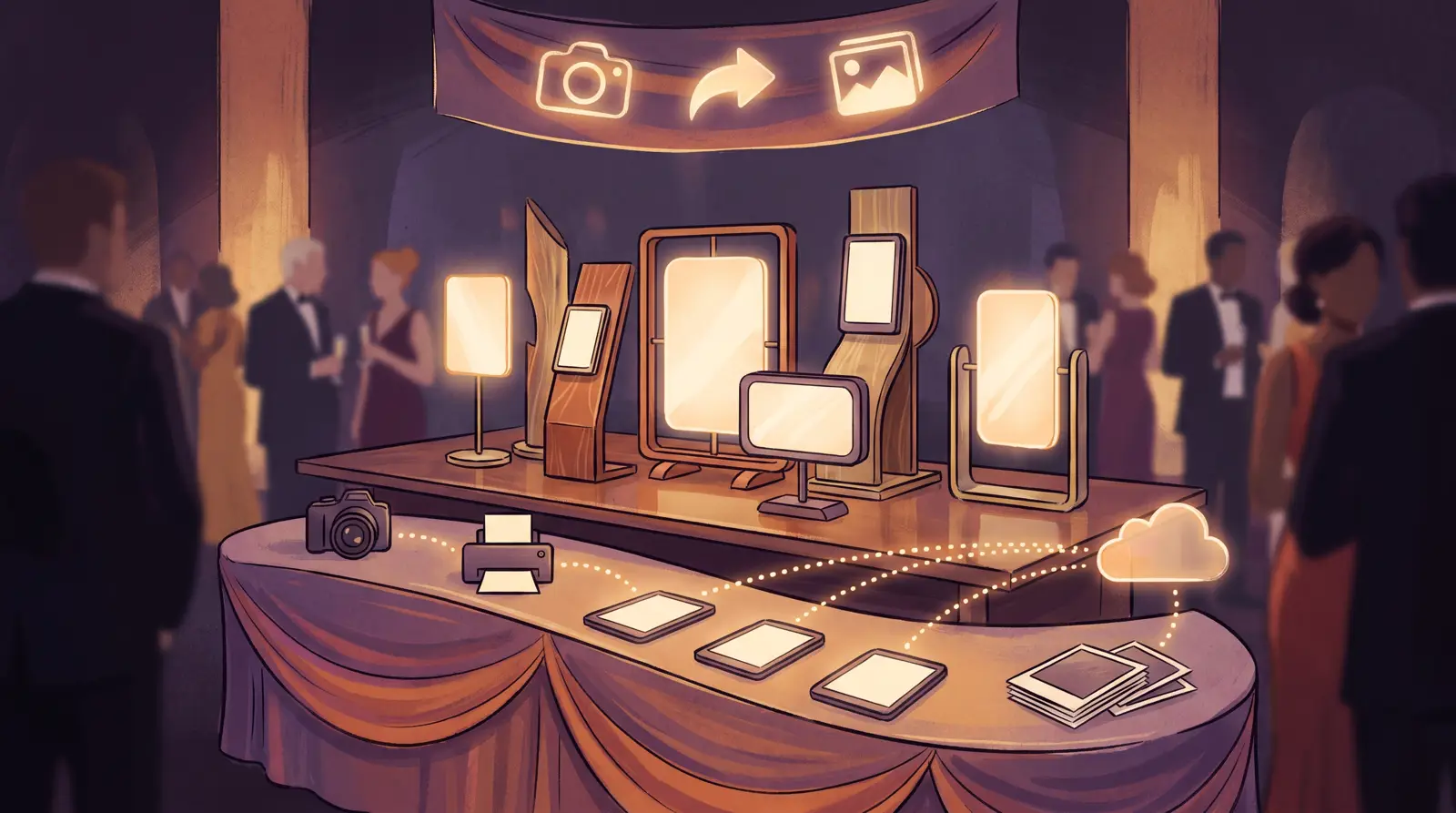
An AI photo booth adds one step between capture and output. The photo is uploaded, an AI model generates a new image or video from it, and the result comes back to the booth for review, printing and sharing. The guest's face stays recognizable, but the style, the scene, the costume or even the medium changes.
That one extra step changes three things for the operator:
- The product you sell: guests take home a result they could not create with their own phone camera.
- The cost structure: each AI result uses credits, so part of your cost now scales with the number of guests.
- The dependencies: the booth needs a working internet connection, because the AI runs in the cloud.
How an AI shot works, step by step
In AI Photo Booth Pro, an AI shot follows the same path every time:
- Capture: the guest takes a photo with the booth camera, which can be a webcam, a DSLR or mirrorless camera on a computer, or the built-in camera of an iPad or Android tablet.
- Upload: the booth sends the photo to the cloud. Upload speed matters more than download speed here, because a full-resolution photo goes out with every shot.
- AI model: the selected AI effect, face swap or video model processes the photo. This is where the time and the credits are spent.
- Result: the finished image or video comes back to the booth and appears on screen, usually inside your event template.
- Print and share: the guest prints the result or scans a QR code to save it, and you can also send it by email or SMS.
Because the heavy work happens in the cloud, the booth itself does not need a powerful graphics card. A standard laptop, a Mac, an iPad or an Android tablet can run the same AI experiences.
Which AI experiences exist
AI Photo Booth Pro includes 12 booth modes. Five of them are AI modes, and the rest cover the formats clients still ask for at the same event:
- AI effects: the guest photo is restyled from a text prompt, for example a watercolor portrait, a magazine cover or a fantasy scene. You can use ready-made effects or write your own; see our AI photo booth prompt ideas for examples.
- AI face swap: the guest's face is placed onto a prepared target image, such as a movie poster, a sports kit or a historical portrait.
- AI video: a single photo becomes a short animated clip.
- Video to AI video: a short recorded clip is restyled by AI.
- AI background removal: the background is removed and replaced with your own design, a cleaner alternative to a green screen.
The non-AI modes are classic photo, GIF and boomerang, video booth, green screen, 360, GlamBot and mirror booth. Many operators run an AI mode next to a classic mode at the same event, so guests can choose and the queue keeps moving.
What an AI photo booth costs to run
There are two separate costs: the software subscription, which unlocks the features, and AI credits, which pay for each AI result.
The software subscription
AI Photo Booth Pro is offered as two plans. Pro costs $79 per month or $699 per year. White Label, which adds your own branding, costs $149 per month or $1,499 per year. Both include the AI features, all 12 booth modes and 2 devices per subscription. Current details are on the pricing page.
AI credits per result
Credits are a separate, shared balance for your account. They cost $0.025 each, and the price per credit drops with volume to $0.014 at 100,000 credits. Credits do not expire. Typical costs per result:
- AI face swap: 1 credit per face
- AI background removal: 1 credit
- AI effects: from 6 credits with Nano Banana, up to 42 credits with Nano Banana Pro at 4K
- AI video with Hailuo: 30 credits
- AK photo to video: 40 credits
To estimate an event, multiply guests by credits per result. For example, 200 guests with one 6-credit AI effect each use 1,200 credits, which is $30 at the base price. The same 200 guests with a face swap each use 200 credits. Price the AI package to your client with that number in mind, and add a margin for retakes.
How long an AI result takes
Processing time decides how fast your queue moves, so it is worth planning around. Typical times measured on a stable 20 Mbit upload:
- Face swap: about 10 seconds
- Background removal: about 12 seconds
- AI effects: about 10 seconds on the fast Nano Banana model, longer on higher-resolution models
- AI video: longer than a photo, depending on the model
Times vary with your network and the complexity of the prompt. For busy events, choose a fast model and let guests move aside while the result renders. The live processing times are listed on the system status page.
Try AI Photo Booth Pro free for 14 days
No credit card needed. Test every AI mode on your own hardware.
Start FreeThe hardware you need
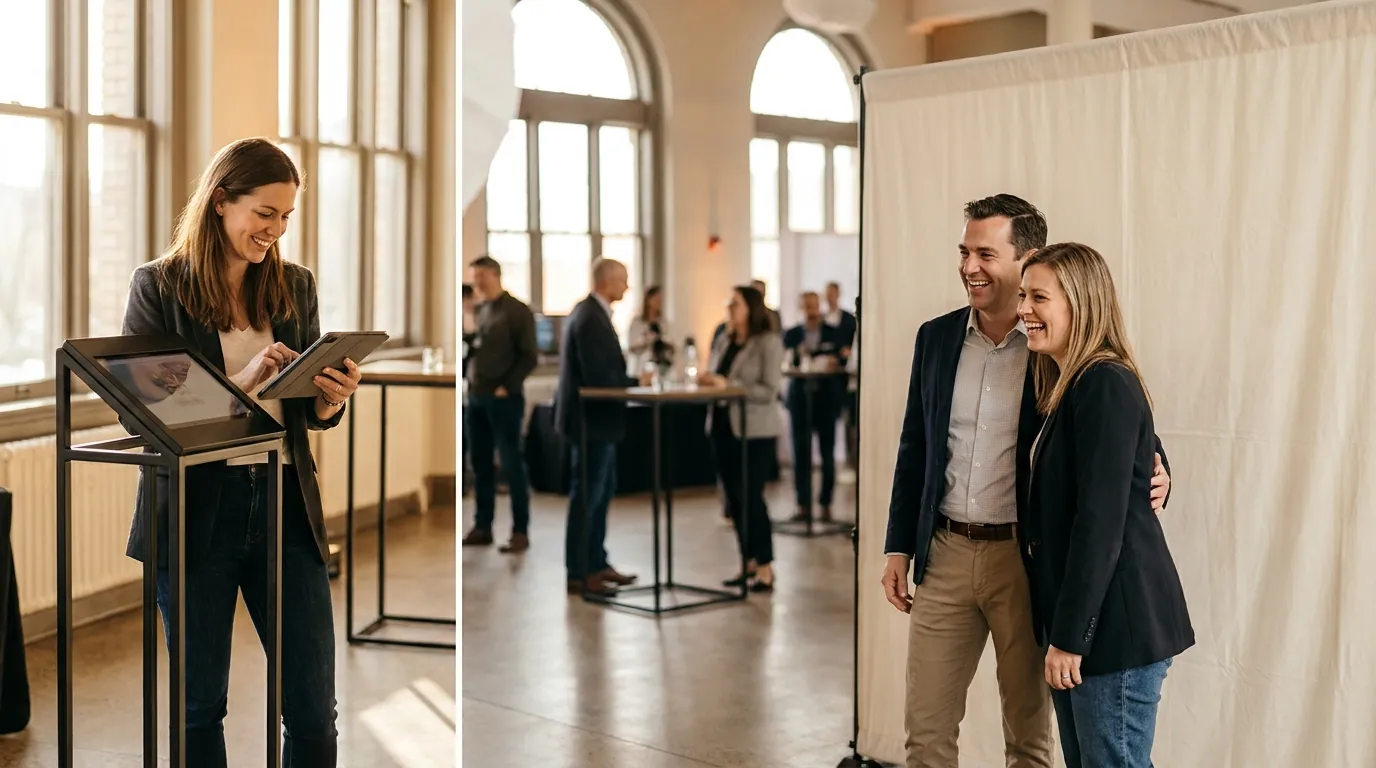
Since AI runs in the cloud, you do not need a dedicated graphics card. AI Photo Booth Pro runs on Windows, macOS, iOS (iPad) and Android, so the setup depends on the kind of booth you want:
- Computer booth: a Windows PC with an Intel i5 class processor and 8 GB of RAM is enough for AI photos, and 16 GB is more comfortable for long events and large touchscreens. Add a DSLR, mirrorless camera or webcam.
- Tablet booth: an iPad or Android tablet in a stand, using its built-in camera. This is the lightest setup to carry and set up.
- Printer: a dye-sublimation printer if the client wants prints. Tablets print through a wireless print module or a print station computer.
- Lighting: a soft, even light on the guest's face. AI models give better results from a well-lit photo.
One subscription covers 2 devices, so you can run, for example, a capture booth and a separate sharing station at the same event.
Internet requirements
The internet connection is the part that most often decides whether an AI event goes well. Venue and trade fair Wi-Fi is often unreliable, so do not rely on it without testing.
- If you order a line, aim for at least 10 Mbps upload and 15 Mbps download.
- Keep a 5G mobile hotspot as a backup.
- Test the connection at the venue with a real AI shot before guests arrive.
The booth also has an offline mode for events without internet. In offline mode, AI, sharing and cloud features are switched off, so the booth works as a classic photo booth until the connection returns.
When an AI photo booth pays off
AI is worth adding when the result itself is what the client is buying:
- Brand activations and trade shows: a branded AI style or a product placed in the scene gives the brand something guests share. Our guide on running AI photo booth activations for corporate brands covers the setup.
- Themed events: galas, launches and parties with a clear theme, where a matching AI style fits the story of the night.
- Repeat clients: new AI effects let you offer something different to a venue or agency that already booked a classic booth.
- Premium packages: AI is easy to sell as an upgrade on top of your standard package.
When a classic booth is enough
AI is not the right choice for every booking:
- No reliable internet: remote venues and outdoor sites without a good mobile signal.
- Very high throughput: when hundreds of guests need a print in a short window, a classic photo with instant printing keeps the line moving.
- Tight budgets: when the client only wants prints with a logo, credits add cost without adding value.
- Documentary photos: some clients want guests to look exactly like themselves, for example at corporate headshot stations.
Because AI Photo Booth Pro includes classic, GIF, video and 360 modes in the same app, you can decide event by event instead of choosing one type of booth for your whole business. If you are comparing tools, our overview of photo booth software alternatives shows how different products handle AI.