The best prom photo booth ideas match the theme, move big friend groups through quickly and keep student photos inside the school community. A red carpet backdrop, a 360 booth for the big moment, a short list of AI effects students actually want to share, and a print they can take home will cover most proms.
This guide is for prom committees, PTA volunteers, school staff and the operators they hire. It covers themes, booth modes, group shots, safe sharing for minors, printing, budget and a setup timeline you can hand to whoever runs the booth on the night.
Pick the theme first, then build the booth around it
Students remember the photo, not the backdrop budget. Choose the theme early so the backdrop, props and print template all point in the same direction.
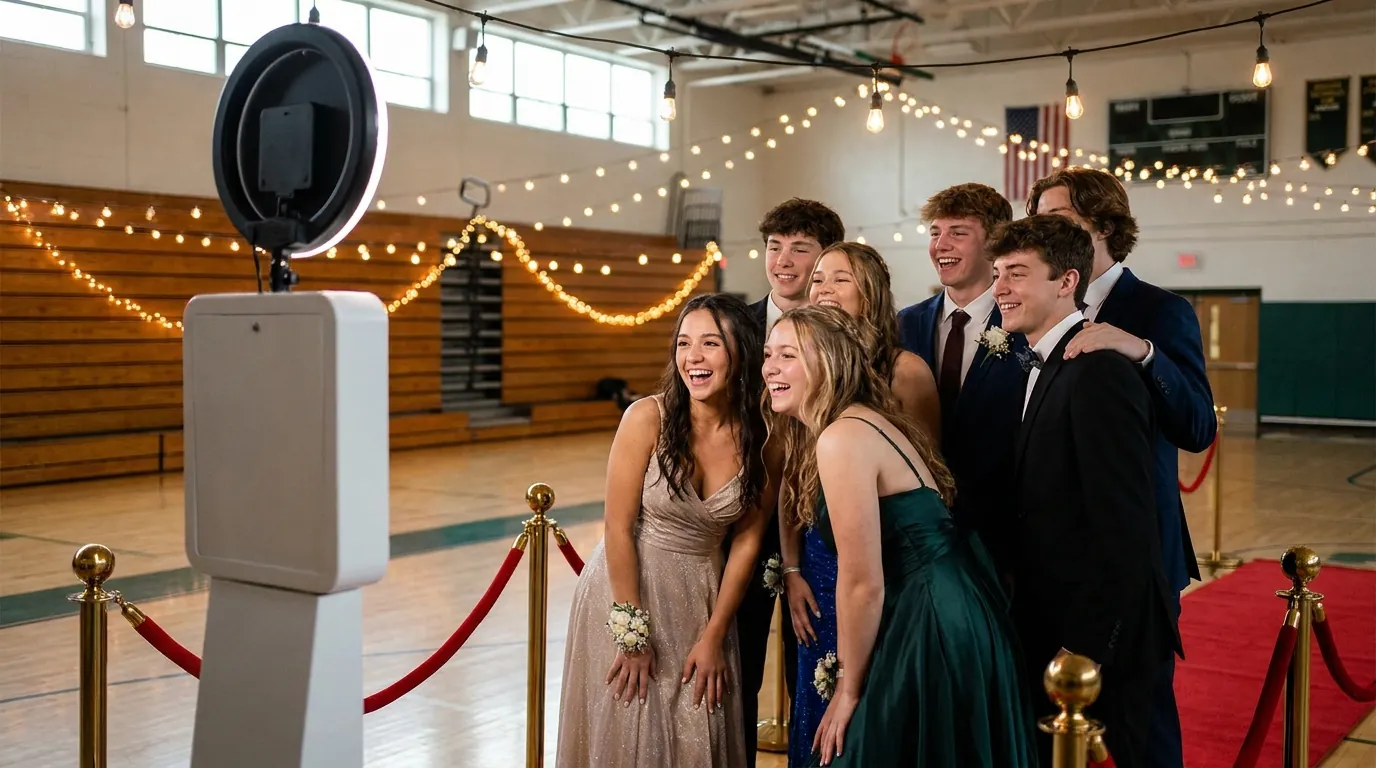
Hollywood red carpet
- A red runner leading up to the booth, with stanchions and a velvet rope to form the line.
- A step-and-repeat style backdrop printed with the school name and year instead of sponsor logos.
- A gold border on the print template and a few oversized sunglasses and award props.
Masquerade
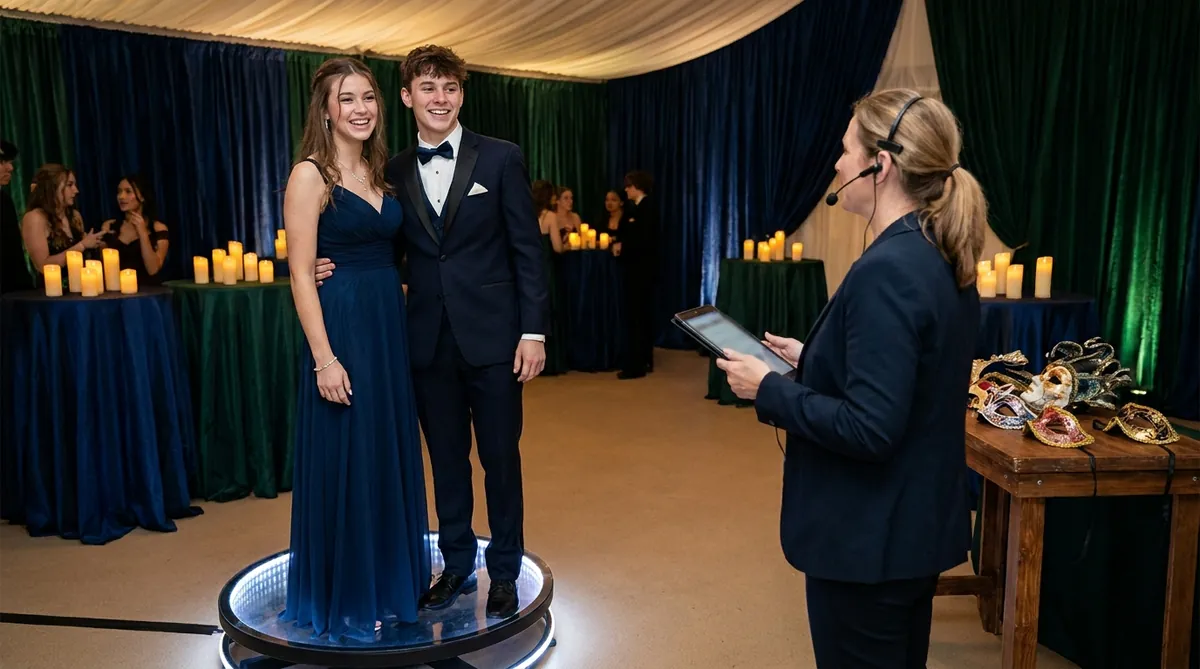
- A prop table with masks in two or three sizes, so they fit over glasses.
- Deep jewel tones, draped fabric and LED candles instead of real flames, which most venues and fire codes will not allow.
- An ornate frame on the template that leaves room for wide group shots.
Enchanted garden or a night under the stars
- A flower wall or a curtain of warm string lights behind the booth.
- Navy, silver and white for a starry night, or soft greens and blush for a garden.
- Matching AI effects that place students in a moonlit garden or under a night sky.
For more layouts and materials at different price points, see our photo booth backdrop ideas.
Booth modes that work for a prom crowd
Prom guests arrive in pairs and friend groups, dressed up and ready for one good picture before the dance floor fills. The strongest setups pair one showpiece mode with one fast mode.
- 360 Photo Booth: a short spinning clip of a couple or a small group on a platform. It draws a crowd, so give it the best spot near the entrance.
- GlamBot: a red carpet style video moment that fits the Hollywood theme perfectly.
- AI Effects: there are 180+ ready-to-use effects, and you can create your own. Show five or six that suit the theme rather than the full list, so each group decides quickly.
- AI Face Swap: it is group-aware, so a whole friend group can land in a movie poster scene together.
- GIF & Boomerang: quick, playful and good for groups who do not want to wait.
In AI Photo Booth Pro, several modes can run side by side inside one event, each with its own frame or template. A practical prom layout is the 360 platform at one station and an iPad or laptop running AI Effects plus a classic photo strip at another. The AI photo booth software page lists every mode.
One planning note: AI generation and online sharing need internet. School and venue networks often block new devices, so ask the IT team or venue manager for access weeks ahead, or bring a dedicated connection.
Get group shots without a long line
The booth gets busy in two waves: right after arrivals and again in the last hour. Plan for groups of six to twelve students, because that is how prom crowds travel.
- Frame the camera wide enough for a group of ten standing in two rows.
- Mark the floor with tape so groups know where to stand without being told.
- Put a volunteer at the front of the line to sort groups and hand out props before they reach the screen.
- During the rush, keep the AI menu short so nobody stalls the line choosing.
- Run a second station. One subscription works on 2 devices at the same time, in any mix of platforms, so an iPad and a laptop can split the crowd.

Try AI Photo Booth Pro free for 14 days
No credit card needed. Set up your first event in minutes.
Start Free TrialKeep student photos safe and private
Most prom guests are minors. Treat booth photos with the same care as any other student image the school handles.
Print keepsakes students actually keep
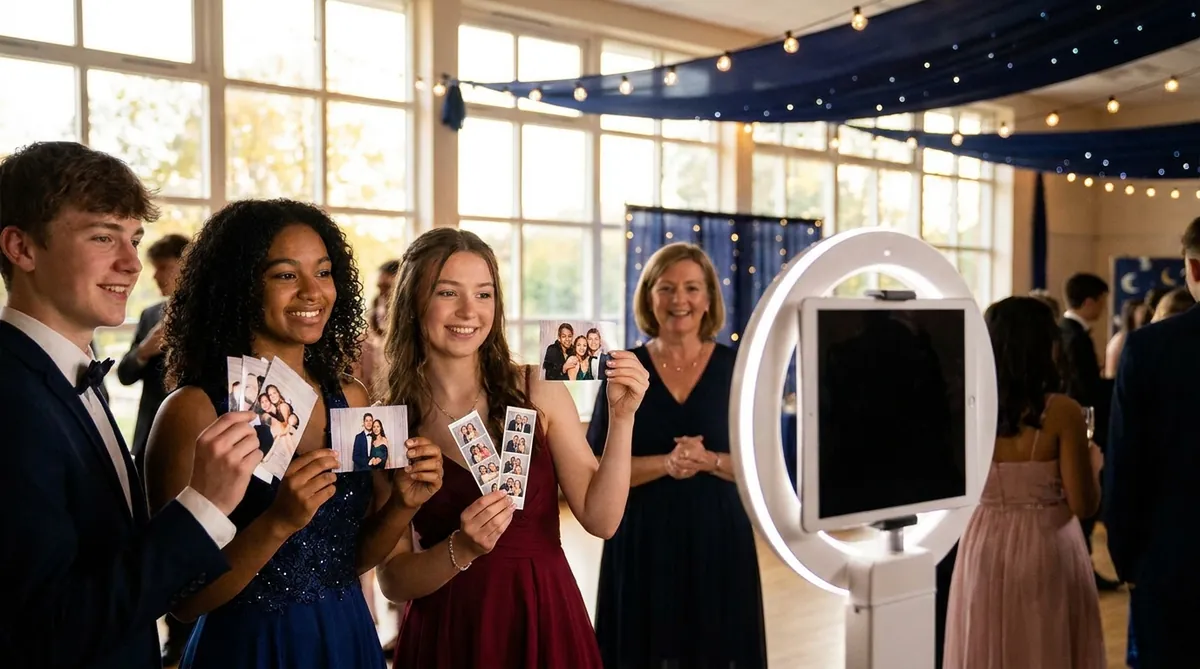
A print is the one thing from prom that leaves in a pocket or a clutch. Classic 2x6 strips and single 4x6 prints both work. Put the prom name, school and date on the template so the print still makes sense in ten years.
Set print copies to match group size, so every student in a group of six gets one. For media sizes, cutting and printer settings, read our photo booth strip printing guide. Classic capture and printing can work offline with a compatible setup, so a network drop does not stop the print line. Test your exact camera and printer combination before the night, because support depends on model and operating system.
A setup timeline you can share
- Four weeks out: choose the theme, send permission forms and confirm internet access at the venue.
- Two weeks out: start the trial, connect your camera and printer, and build the template.
- One week out: run a test with the student council and time a group of ten from start to print.
- Prom day: arrive 90 minutes before doors, then test one print and one QR scan.
- After prom: download results from the dashboard and follow your retention plan.
This short tutorial shows how to create and run an event from start to finish.
If the school already owns iPads, the iPad photo booth setup guide walks through stands, lighting and settings.
One plan, unlimited events
Pro is {{price:aipb.pro.month}}/month or {{price:aipb.pro.year}}/year, for 2 devices with AI effects, face swap and AI video.
View pricing