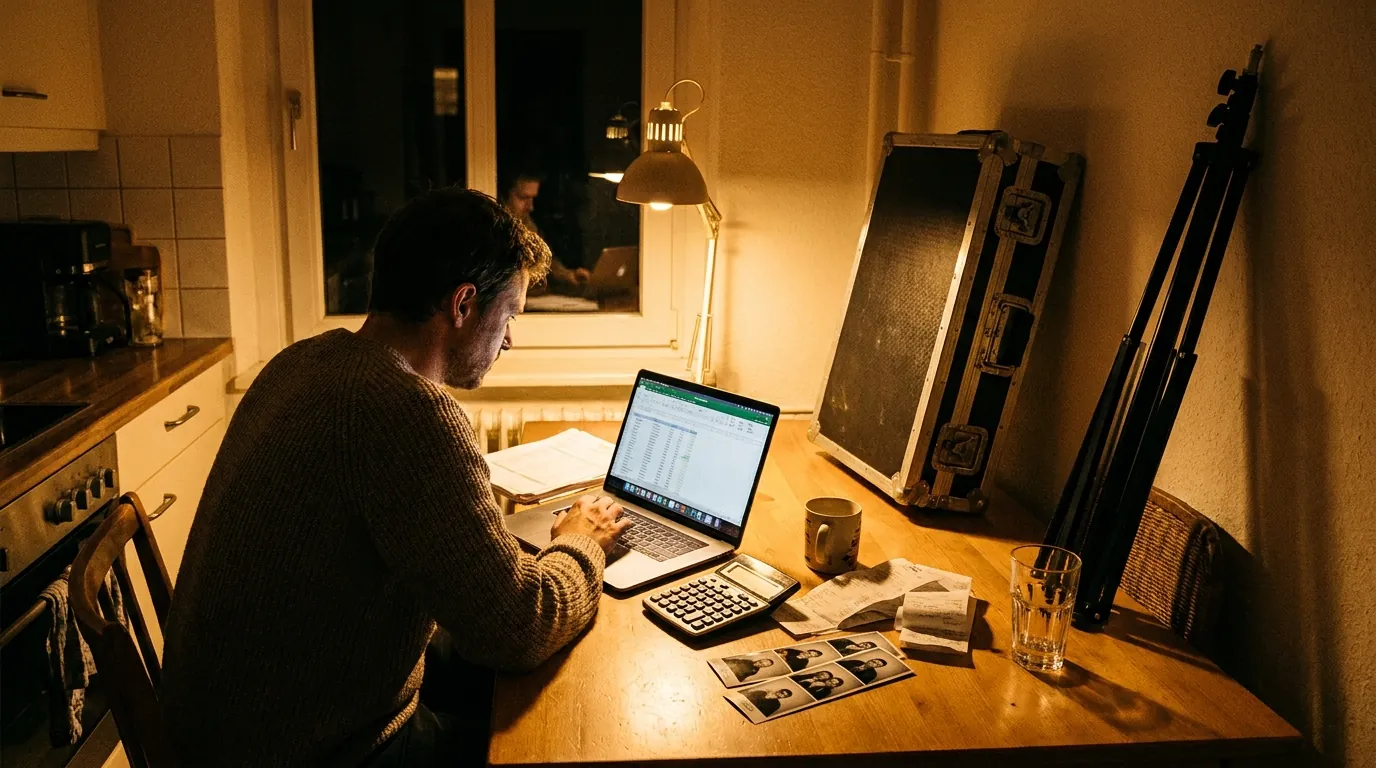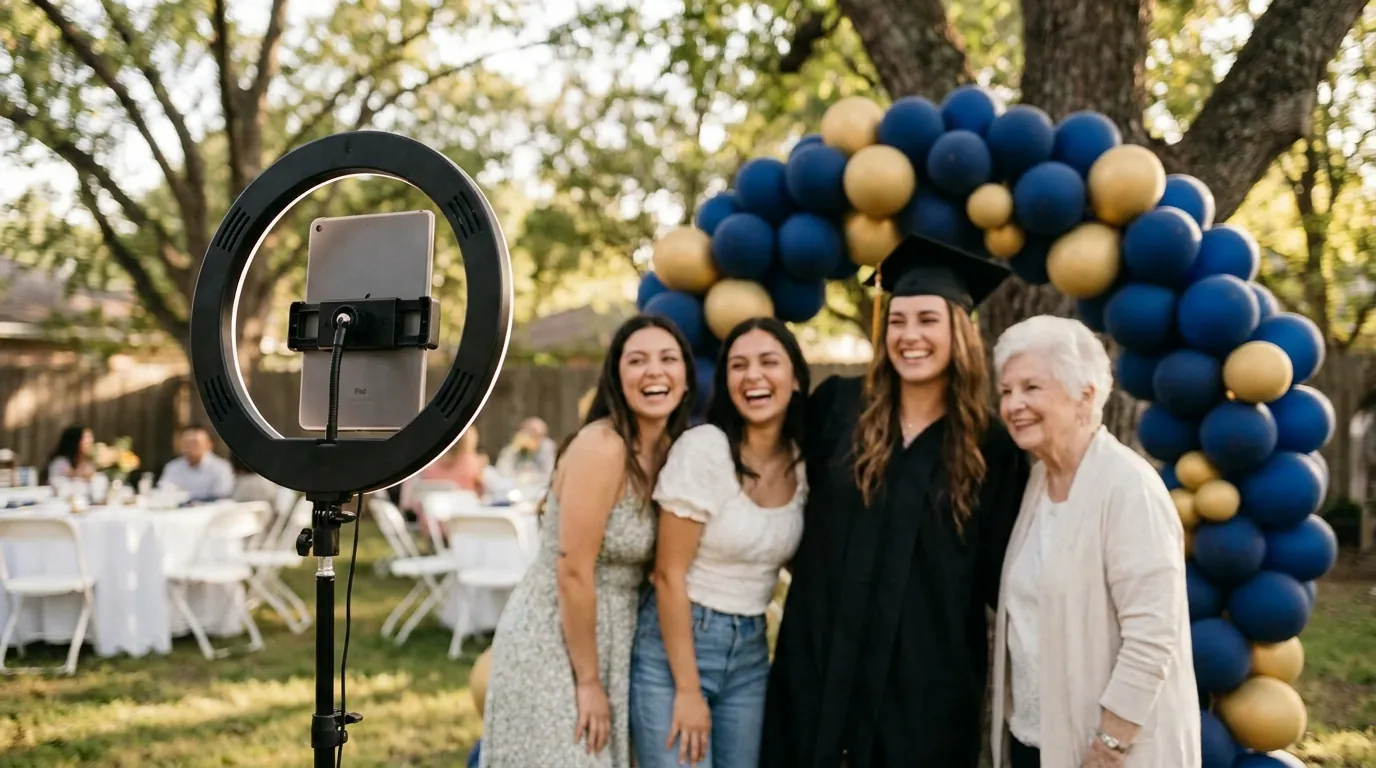
The best graduation party photo booth ideas combine a cap-and-gown backdrop in school colors, a template with the graduate's name and class year, a few AI effects guests want to share, and printed keepsakes the family can keep. For a school or university event, add clear consent rules for student photos before the booth opens.
Below are ideas for a backyard party at home and for a larger school or university celebration, with setup tips, capture modes and the sharing and privacy steps that keep parents and staff comfortable.
Start with a cap-and-gown backdrop
The backdrop should say "graduation" from across the yard. Pick one idea and do it well rather than mixing five.
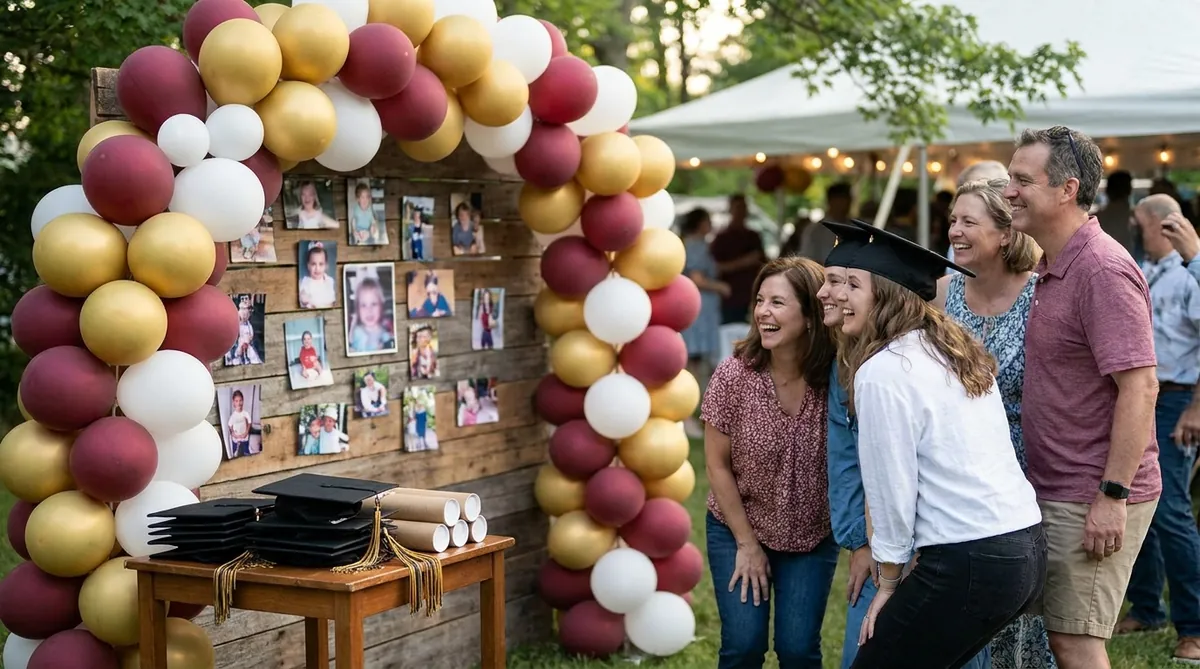
- School colors balloon arch over a plain wall, with a few gold or silver accents.
- Then-and-now wall with printed photos of the graduate from the first day of school to today. Guests stop to look, then step into the booth.
- Oversized diploma frame cut from foam board for guests to hold up or stand inside.
- Pennant wall with flags from the graduate's next school or a map pinned with "where we're headed" notes from friends.
- Grass wall or greenery panel for outdoor parties, which looks good in daylight and works with any school colors.
Props: spare caps, tassels in school colors, empty diploma tubes, foam fingers and handheld signs like "Next stop: college", "Officially done with homework" or "Class of" with the year written in. Keep a few spare caps for guests who did not graduate this year, because everyone wants to wear one.
Outdoors, put the booth in open shade with the sun behind the camera, not behind the guests. Indoors, a soft light in front of guests beats the overhead lights of a living room or gym.
School colors templates with the graduate's name
The output template turns a fun photo into a keepsake. Include the graduate's name, the school and the class year, in the school's colors. Keep text in a band at the top or bottom so faces stay clear.
- Use a vertical strip layout for prints and a square frame for photos that families share online.
- Add a short line such as "Congratulations, Maya" or "We're proud of you" instead of long quotes.
- Use the school logo or mascot only if you have permission. Many schools have rules about how their marks appear.
All AI Photo Booth Pro plans include custom output templates with your logo, and several modes can run side by side in one event, each with its own frame. That means one template for the classic photo, another for GIFs and another for AI effects.
AI effects graduates actually want to share
AI features are where a graduation booth stops looking like every other party. They need an internet connection and a paid Pro plan or the trial, which includes 100 AI credits for eligible first trials.

Try AI Photo Booth Pro free for 14 days
No credit card needed. Set up your first event in minutes.
Start Free TrialA simple booth setup for a home party
For a backyard or living room party, you do not need a rental company. An iPad or phone on a stand with a ring light covers most needs.
- Start the 14-day free trial, no credit card needed, and install the app on your iPad, iPhone, Android device, Mac or Windows laptop.
- Create an event, add your template and choose one or two modes.
- Place the stand about six to eight feet from the backdrop so groups fit in frame.
- Test the camera, printer and sharing at home a few days before the party.
- Assign one cousin or friend to run the booth for the first hour.
The photo booth software iPad setup guide walks through stands, lighting and settings. This tutorial shows how to create and run your first event:
Trial outputs are watermarked, so subscribe before the party if you want clean prints. One subscription works on two devices at the same time, so a second iPad can run a guest message station.
Group photos and printed keepsakes
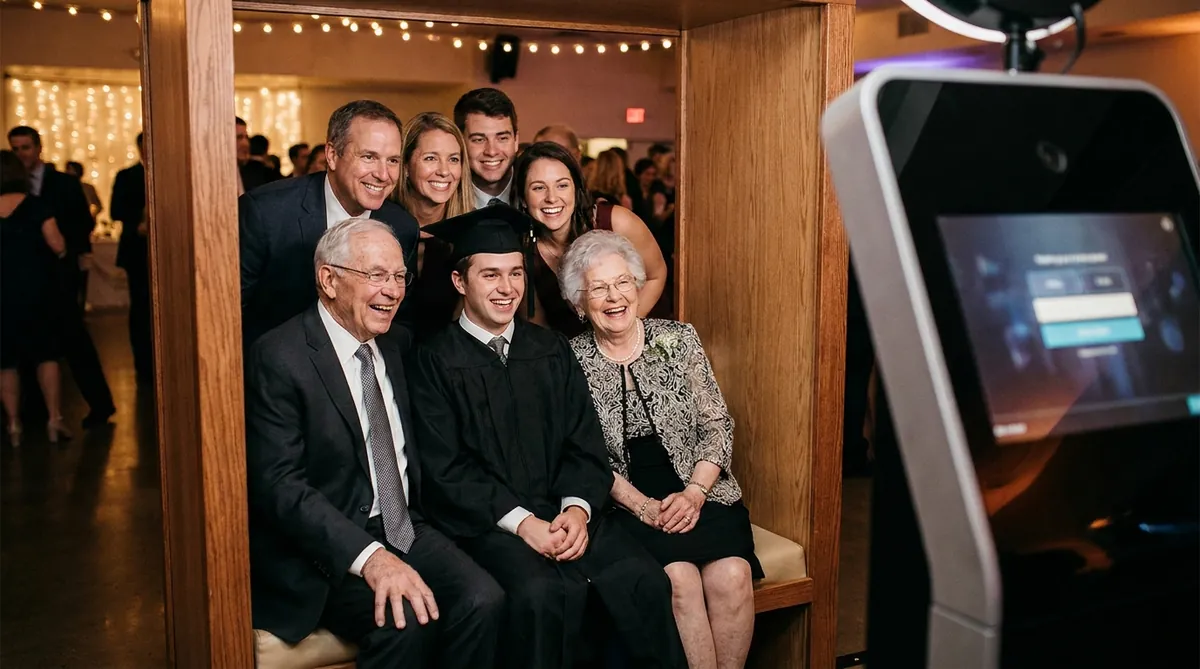
Graduation parties bring together three or four generations, and the booth may be the only place they all stand in one photo. Make that easy.
- Set the camera at chest height and frame wide enough for eight people.
- Put a bench or two stools at the back so grandparents can sit while others stand behind them.
- Ask the host to round up family groups during a quiet moment instead of waiting for them to come by.
Prints are the part relatives take home. Print two copies of each session: one for the guest and one for a guest book where people write a note to the graduate next to their photo. Our photo booth strip printing guide covers paper, layouts and printer setup. Classic capture and printing can work offline with a compatible setup, which helps at outdoor parties with weak internet.
Sharing photos with families
Relatives want copies, and the graduate wants everything. Plan both.
- QR code on screen after each session so guests save photos to their phone right away.
- Email and SMS where available for grandparents who prefer a message.
- Guest message video with a prompt like "Your best advice for the graduate". These are often the clips families keep longest.
- GIF and Boomerang for the cap toss, which is the moment people share that day.
- Online dashboard so the family can collect every photo and video after the party.
Running a booth at a school or university event
A school, college or university graduation celebration needs more planning than a home party, mostly around student photos and data.
- Get written approval from the school or event office, including where the booth stands and what happens to photos afterward.
- Follow the school's consent rules. Students under 18 may need parental consent under school policy. Ask before the event, not at the booth.
- Collect only what you need. If you use a form, ask for an email and consent, nothing more. Lead capture forms record guest consent, and you can configure notices, permissions and retention. See photo booth lead capture software for how forms work.
- Decide who sees the results and how long they are kept, then tell guests on a small sign at the booth.
- Plan for volume. Commencement days bring waves of families. Run two stations, use the kiosk-style guest flow and staff the booth during the hour after the ceremony.
Follow the privacy requirements that apply to your school and your region. When in doubt, ask the school before you set up.
One plan, unlimited events
Pro is {{price:aipb.pro.month}}/month or {{price:aipb.pro.year}}/year, for 2 devices with AI effects, face swap and AI video.
View pricing