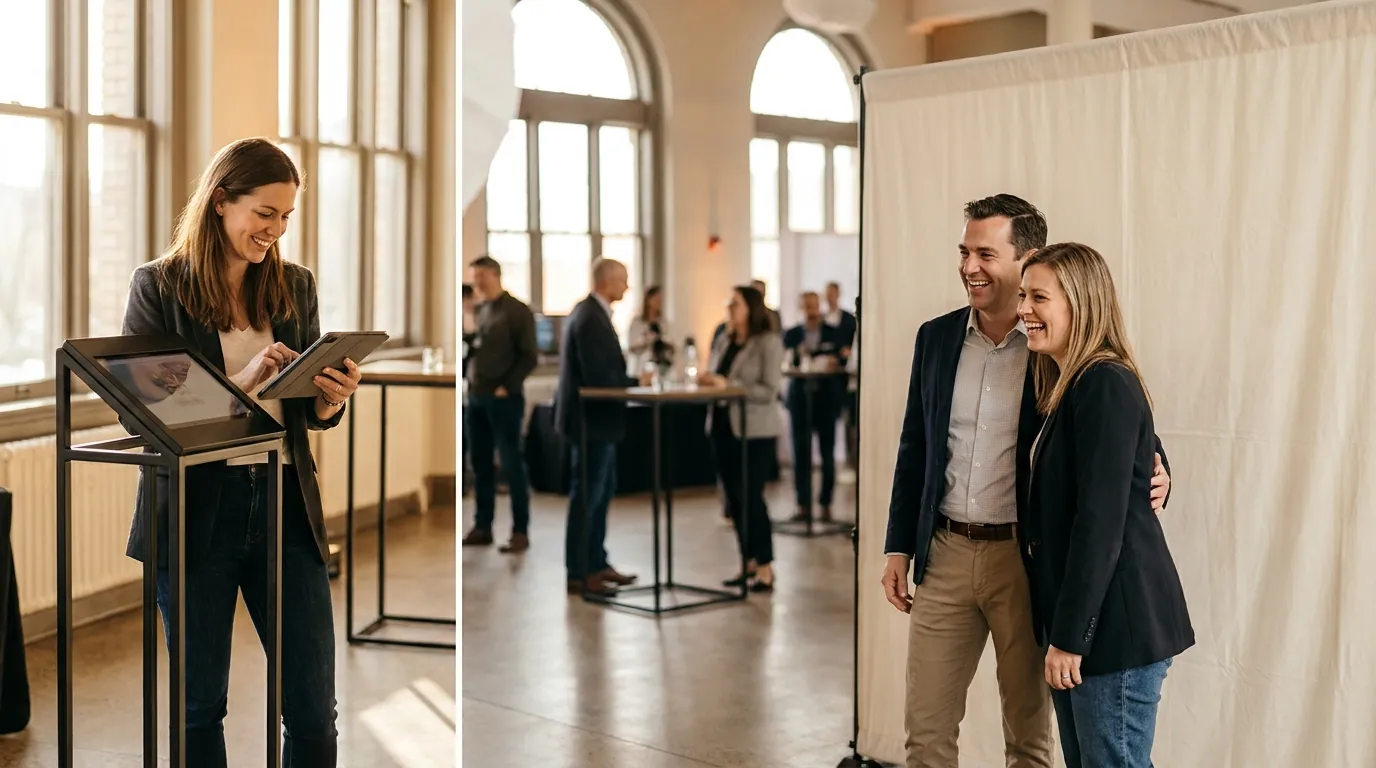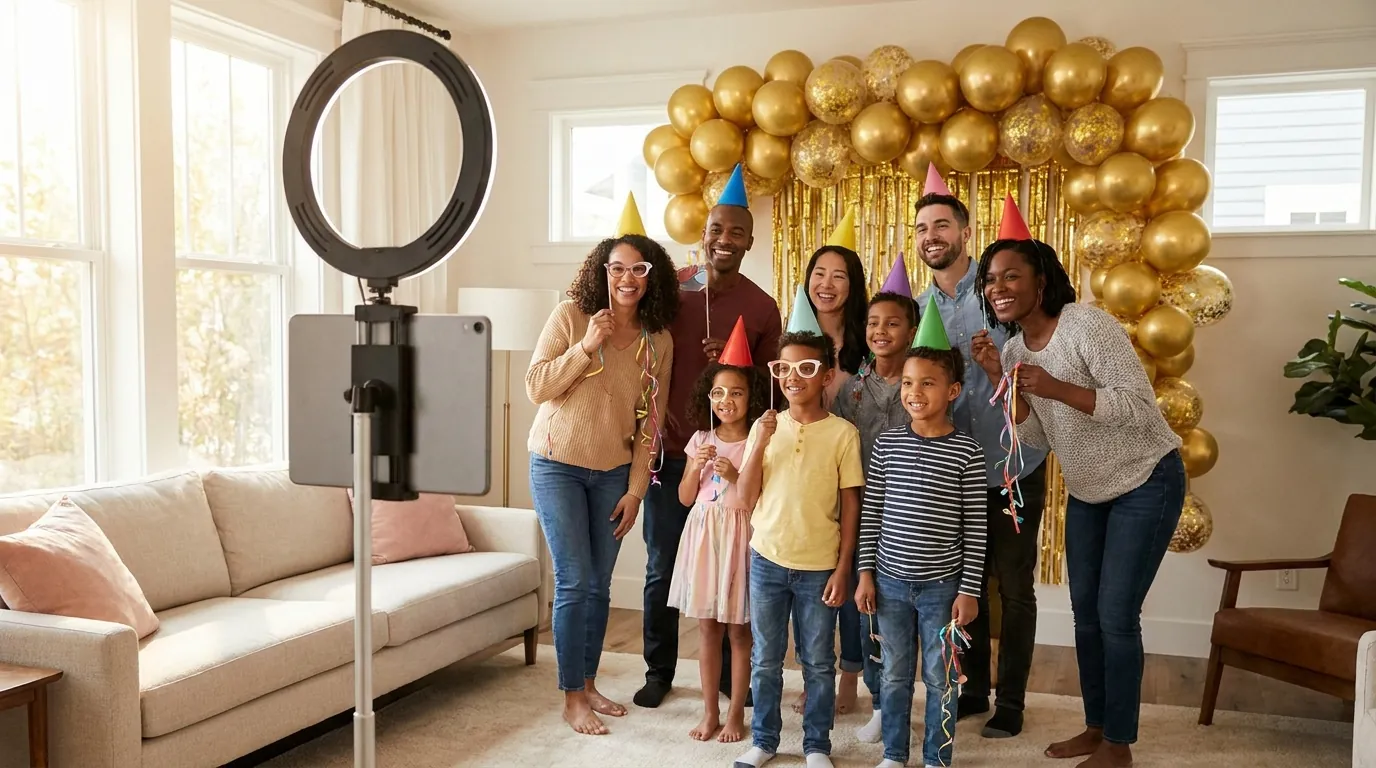
The best baby shower photo booth ideas are soft and simple: a pastel or neutral backdrop, a few sweet props, a template with the baby's name or due date, and a guest message video the parents can watch later. If the party includes a gender reveal, set the booth up to catch that moment as a short video or Boomerang.
This guide is written for hosts, not only professional operators. Most of these ideas run on a single iPad on a stand with a ring light, which you can set up the morning of the party.
Soft backdrops that photograph well
Baby showers usually happen in daylight, in living rooms, gardens or small venues. Choose a backdrop that looks calm in natural light and does not fight the decor.
- Pastel balloon arch in sage, cream and blush, or in both reveal colors if there is a gender reveal.
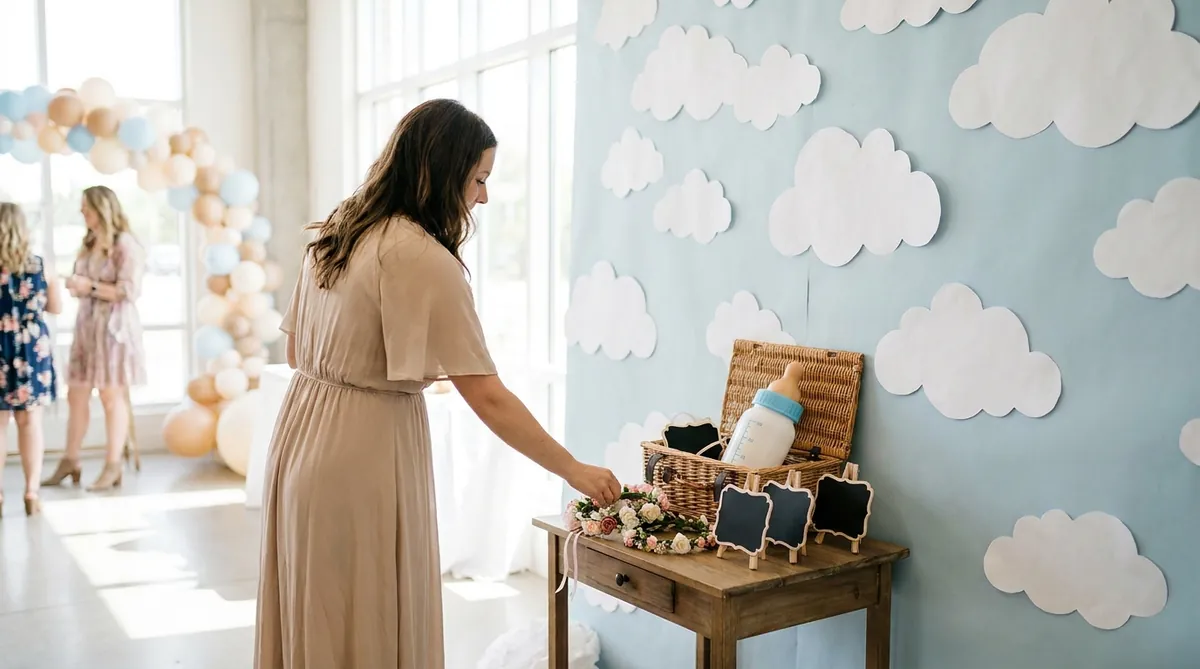
- Cloud wall made from paper or foam clouds on a pale blue sheet. It reads as "baby" from across the room.
- Dried flowers and pampas grass on a neutral linen backdrop for a modern, grown-up look.
- Teddy bear or storybook theme with an oversized book prop or a stack of children's books on a stool.
- A plain light wall plus a hanging garland, if space is tight. Simple often looks best in photos.
For more options at different budgets, browse these photo booth backdrop ideas. Place the booth near a window with the light falling on guests' faces, not behind them, and turn off harsh overhead lights if you can.
Props guests will actually use
Keep the prop table small and on theme. A few good props get used more than a big pile.
- A sash or flower crown for the parent-to-be.
- Mini chalkboards where guests write their guess for the due date, weight or name.
- Oversized baby bottle, rattle or pacifier props for silly shots.
- "Team Boy" and "Team Girl" signs for a gender reveal, so guests pick a side before the big moment.
- Handheld signs such as "Future babysitter", "Favorite aunt" or "Ready for diaper duty".
Put the chalkboards and markers next to the booth. Photos of guesses become a fun page in the memory book once the baby arrives.
Capture the gender reveal moment
The reveal lasts a few seconds, and everyone wants to see it again. Plan the booth around it.
Set up the shot
- Decide exactly where the parents will stand and frame the camera there before guests arrive.
- Do one test with the real props, such as the balloon box or confetti poppers, to check the framing.
- Ask one person to start the capture on a signal, so nobody is fumbling with the screen at the key second.
- Use a second device for a wide shot of the crowd. One subscription works on two devices at the same time, any mix of platforms.

Try AI Photo Booth Pro free for 14 days
No credit card needed. Set up your first event in minutes.
Start Free TrialAI effects for a storybook look
AI effects add something guests have not seen at a baby shower before. They need an internet connection and a paid Pro plan or the trial.
- Cartoon family portrait. Turn the parents and close family into a cartoon style portrait that could hang in the nursery.
- Storybook illustration. A soft, hand-drawn picture book style suits the cloud and teddy bear themes.
- Face swap scenes. AI Face Swap is group-aware, so the parents and friends can land in the same scene together. Our AI face swap photo booth page shows how it works.
- AI Video. Turn one photo of the parents into a short animated clip for the announcement post.
Pick looks from 180+ ready-to-use effects or create your own to match the theme. Eligible first trials include 100 AI credits, which is enough to test a few styles before the party. See how AI and classic modes fit together in the AI photo booth software.

A guest message video booth for the parents
A message video station is the idea parents thank the host for later. Guests record a short clip for the parents or for the baby to watch one day.
Put one clear prompt on screen. Good prompts include:
- "Your best advice for the new parents."
- "What do you hope this baby grows up to love?"
- "A message for the baby to watch on their 18th birthday."
Keep clips short so the line keeps moving, and place the station in a quieter corner away from music so voices are clear. After the party, every clip is in the online dashboard, ready to share with the parents.
Print keepsakes for a memory book
Printed photos turn the party into something the family can hold. Two ideas work well together:
- Two prints per session. One goes home with the guest, the other goes into a memory book where the guest writes a short note beside it.
- A template with the baby's details. Add the baby's name if it is known, the due date or the shower date, and the parents' names in a soft font and palette.
All plans include custom output templates. Classic capture and printing can work offline with a compatible setup, which helps in a garden or a venue with weak Wi-Fi. For layouts and paper, see the photo booth strip printing guide. For guests who do not need a print, show a QR code after each session so they save photos to their phone, with email or SMS where available.
A simple iPad setup for hosts
You do not need a rental company for a baby shower booth. An iPad or phone on a stand, a ring light and a backdrop are enough.
- Start the 14-day free trial. No credit card is needed and nothing is charged when it ends.
- Install AI Photo Booth Pro on an iPad or iPhone. It also runs on Android, Mac and Windows.
- Create an event, add your template and choose one or two modes.
- Set the stand about six feet from the backdrop and test framing with two or three people.
- Test the printer and sharing a day before. Printer support depends on model and operating system.
- Turn on the kiosk-style guest flow so guests can use the booth without help.
The photo booth software iPad setup guide covers stands, light and settings in more detail. This short tutorial shows how to start your trial:
Trial outputs are watermarked. If you want clean prints for the memory book, subscribe before the party.
One plan, unlimited events
Pro is {{price:aipb.pro.month}}/month or {{price:aipb.pro.year}}/year, for 2 devices with AI effects, face swap and AI video.
View pricing