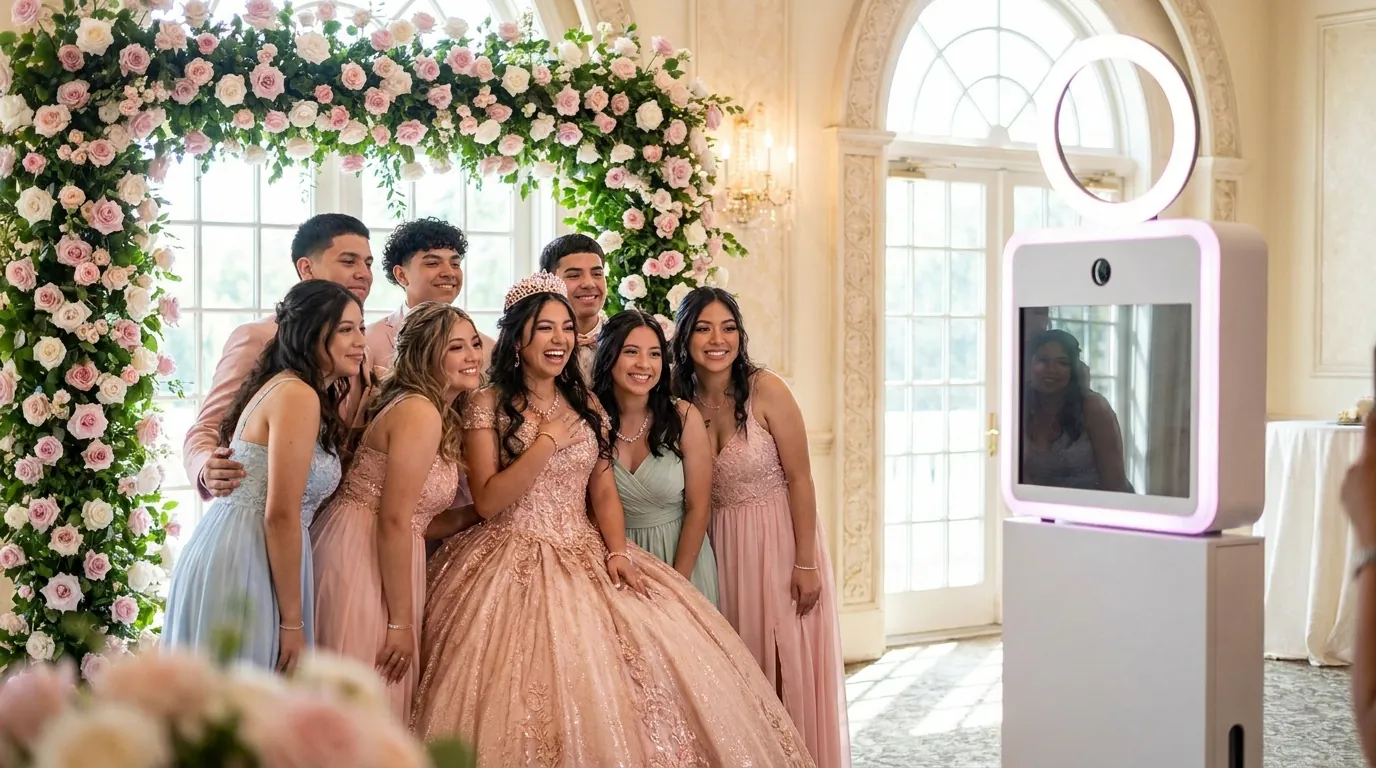
Great quinceañera photo booth ideas start with the moments the family already has planned: the grand entrance, the waltz, the court of honor and the surprise dance. Build the booth around those moments with a royal backdrop in her colors, a 360 booth for the court, AI portrait effects, a template with her name and date, and prints guests can take home. Add QR and email sharing so relatives who could not travel see the photos the same night.
The same ideas work for a Sweet 16. This guide is for families planning the party and for the operators they hire, with practical notes on themes, modes, prints, sharing and setup.
Plan the booth around the traditions
A quinceañera has a clear running order, and the booth should support it rather than compete with it. Note the moments that matter and decide where the booth fits around each one.
- Grand entrance: guests are seated, so keep the booth quiet and the line closed.
- Waltz with her father and the court: pause the booth and turn off any booth sounds. Right after the waltz is the best time to bring the full court of honor, damas and chambelanes, to the 360 platform while everyone is still dressed and together.
- Changing of the shoes and the last doll: these are moments for the family photographer, not the booth. Keep the booth staff out of the sightline.
- Surprise dance: the court often changes into matching outfits. Open the booth again right after, because those outfits make great group shots.
For a Sweet 16, the candle lighting ceremony plays the same role. Pause the booth during the ceremony, then invite each person who lit a candle to take a photo with the birthday girl.
Backdrop and template ideas in her colors
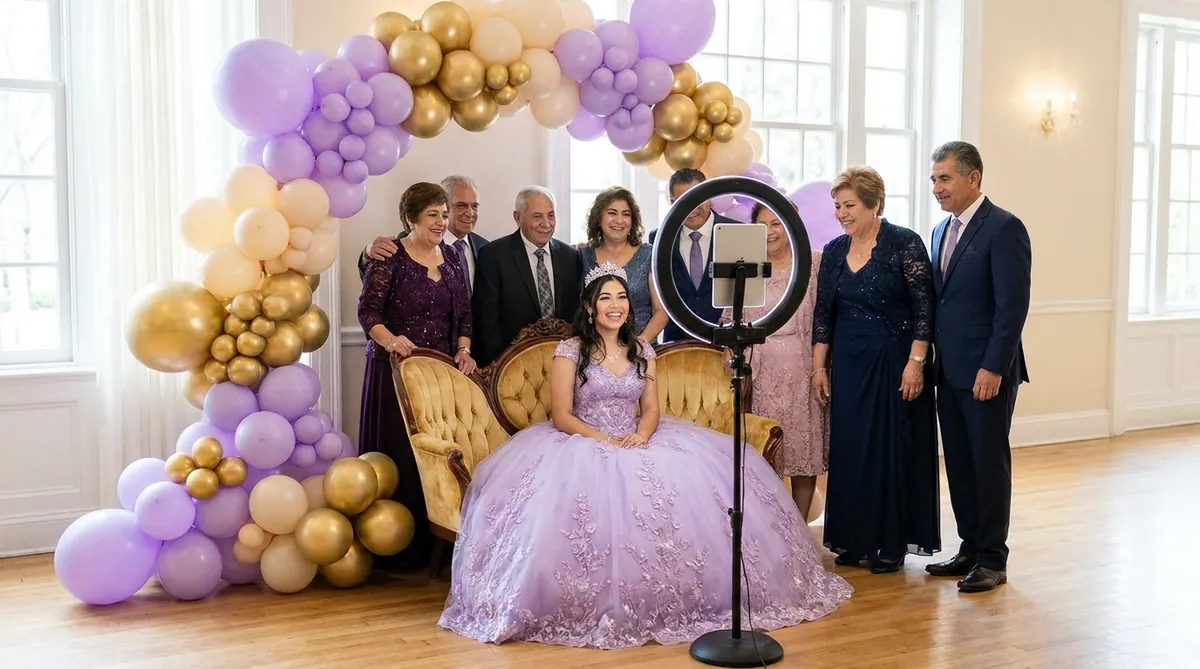
Most quinceañeras have a chosen color, and repeating it across the backdrop, props and template makes every photo look planned.
Princess and royal themes
- An arch with a flower wall or balloon garland in her color, with a throne-style chair for solo portraits.
- A gold or silver frame on the template with a small crown motif.
- Tiaras, scepters and fans on the prop table for the court.
Other themes that work
- Enchanted forest with greenery and soft lights.
- A night in Paris with black, blush and gold.
- Mexican floral, with bright embroidered patterns and papel picado colors.
Booth modes that suit a quinceañera
Mix one showpiece mode with one that guests of every age can use quickly. In AI Photo Booth Pro, several modes can run side by side inside one event, each with its own frame or template.
- 360 Photo Booth: the court of honor and her friends on the platform, spinning in their gowns.
- AI Effects: 180+ ready-to-use effects, or create your own. Royal portrait, fairytale and painted styles fit the theme. Show a short list so abuelos and younger cousins can choose easily.
- AI Video: turns one photo into a short AI video, which is easy for guests to send to family abroad.
- Video Booth: a video guest book where guests record a short message for her.
- Green Screen: a castle or ballroom background when the venue wall is plain.
- Classic Photo Booth: a simple print for grandparents who want a picture without effects.
AI features need an internet connection, so check the venue network before the party. You can see more on the AI video booth page, and this tutorial shows the AI Video flow.

Try AI Photo Booth Pro free for 14 days
No credit card needed. Set up your first event in minutes.
Start Free TrialCapture the waltz and entrance as video moments
The booth will not replace the videographer, but it can create the short clips families share most.
- Place the booth where it does not block the dance floor or the photographer's view of the waltz.
- Schedule the court's 360 session right after the waltz, and tell the emcee so they can announce it.
- Use the Video Booth for messages from padrinos and godparents, and save them for a slideshow at the end of the night.
- Keep one person at the booth whose only job is to watch the program and pause the line at the right times.
Keepsake prints guests take home
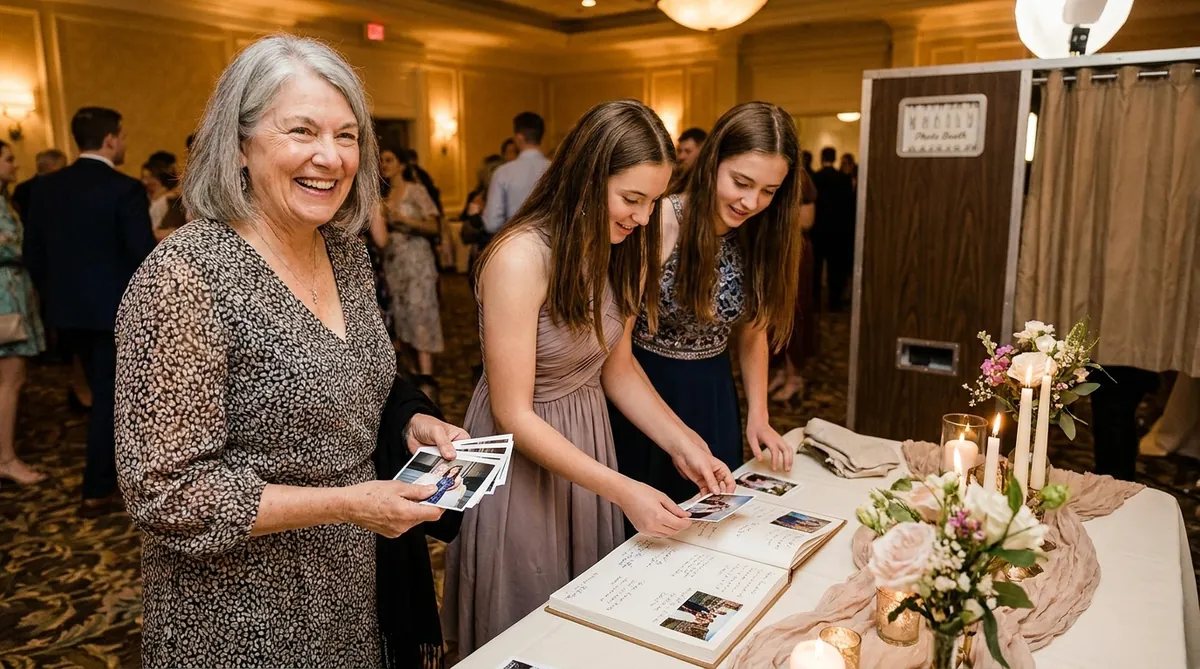
For many guests, especially older relatives, a print is the souvenir that matters. A 4x6 with her name and date or a classic 2x6 strip both work well.
- Print two copies of each session. One goes home with the guest, and one goes into a guest book album with a handwritten message.
- Set out pens, double-sided tape and a small sign so guests know what to do with the second copy.
- Test your printer with the template before the party. Our photo booth strip printing guide covers sizes and settings.
Classic capture and printing can work offline with a compatible setup, so a network drop does not stop prints. Camera and printer support depends on model and operating system, so test your exact setup during the trial.
Share with relatives abroad
Many families have grandparents, aunts and cousins in another country who cannot travel for the party. Sharing is how they join in.
- Every session can show a QR code, so guests scan and send photos on the spot.
- Email works for older guests, and SMS where available.
- If you want the family to receive a contact list, use a lead capture form with guest consent.
- After the party, download the full set from the online dashboard and send the family one link or folder.
The app has 11 interface languages, so check during the trial that the language most guests read is available.
Budget and setup for families and operators
Families who hire an operator pay for their time and equipment. Operators and families who run their own booth need a device, a camera or ring light, a printer for prints, and software. AI Photo Booth Pro is {{price:aipb.pro.month}} per month or {{price:aipb.pro.year}} per year on the Pro plan, with unlimited events. White Label is {{price:aipb.wl.month}} per month or {{price:aipb.wl.year}} per year if an operator wants their own branding across the whole app. The 14-day free trial needs no credit card and charges nothing when it ends, but trial outputs are watermarked. AI credits come in one-time packs that never expire.
- One month out: agree on the color, theme and running order with the family.
- Two weeks out: build the template, test camera and printer, and choose the AI effects.
- Party day: arrive two hours early, test a print and a QR scan, and walk the emcee through the booth moments.
One subscription runs on 2 devices at the same time, so an operator can run the 360 station and an iPad AI station together. Compare plans on our plans and pricing page.
One plan, unlimited events
Pro is {{price:aipb.pro.month}}/month or {{price:aipb.pro.year}}/year, for 2 devices with AI effects, face swap and AI video.
View pricing