The best New Year's Eve photo booth ideas all point at one moment: midnight. Build your backdrop, capture modes and staffing around the countdown, put the new year in big numbers on every template, and make sure each guest has their photos on their phone before they walk out into the night.
This guide covers backdrops and props, which booth modes suit a house party, a club or a hotel ballroom, how to keep the line moving at 11:59, and how to share and print without slowing anyone down. The examples use AI Photo Booth Pro, but most of the planning advice works with any setup.
Plan the booth around the midnight countdown
New Year's Eve has an unusual traffic pattern. The booth is quiet early, busy from about 10:30, packed in the half hour after midnight, then busy again as people leave. Plan for those waves instead of an even flow.
Backdrops and props that say New Year's Eve
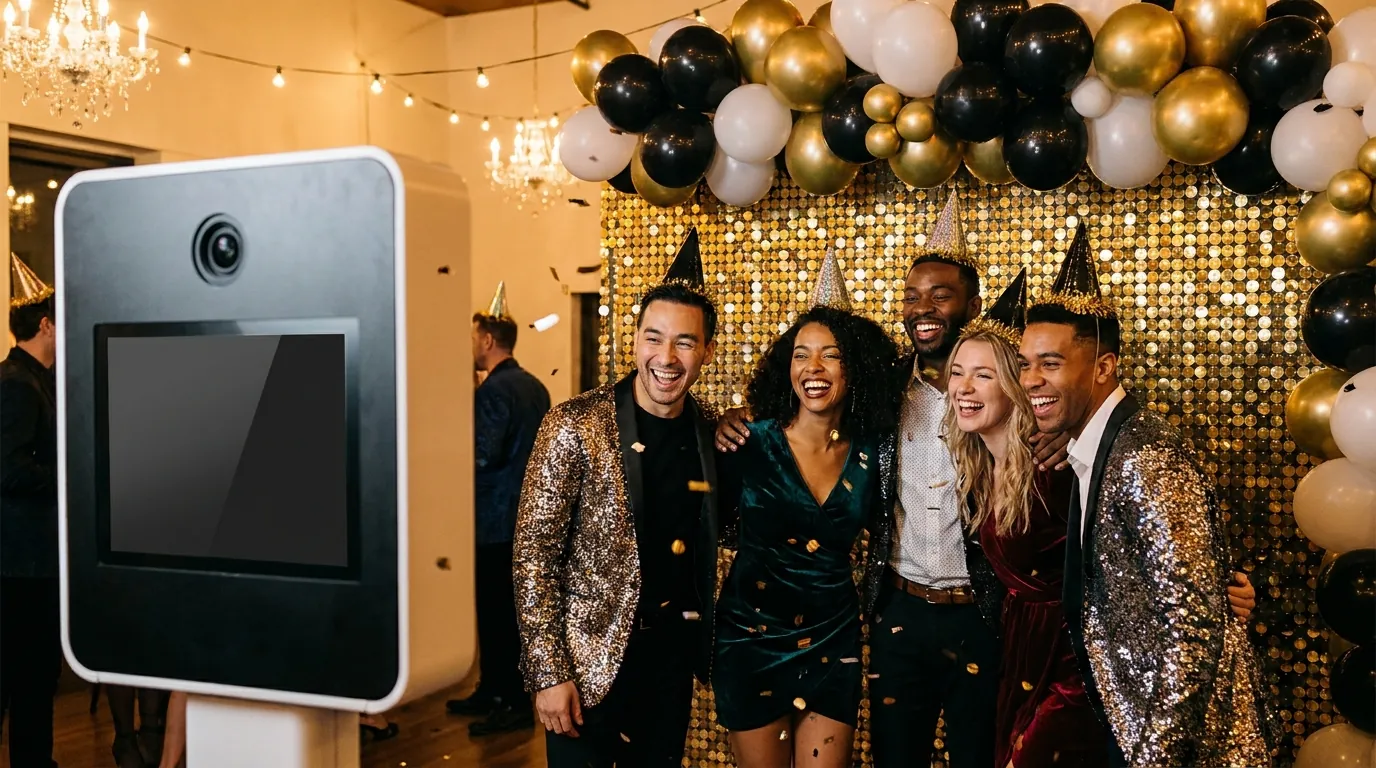
Gold, silver, black and glitter are the safe palette. They look good under warm party light and they match almost any venue. A few backdrops that work well:
- Sequin or shimmer wall in gold or champagne. It catches the light and hides wrinkles better than plain fabric.
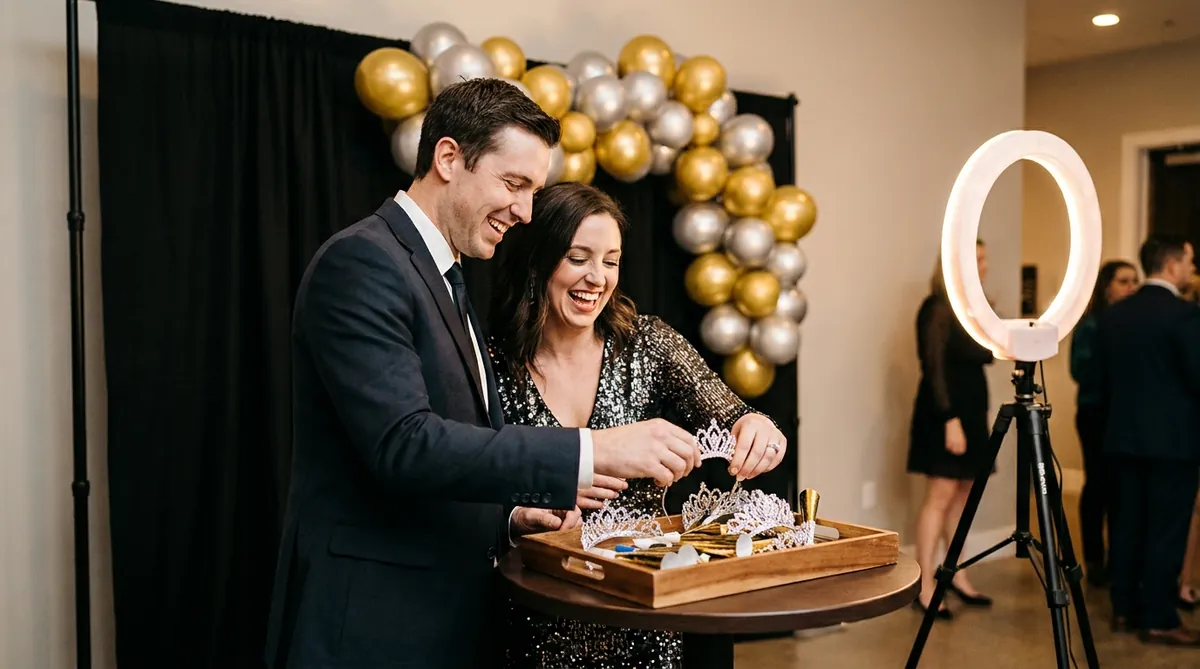
- Black backdrop with a gold balloon garland and large foil numbers for the new year.
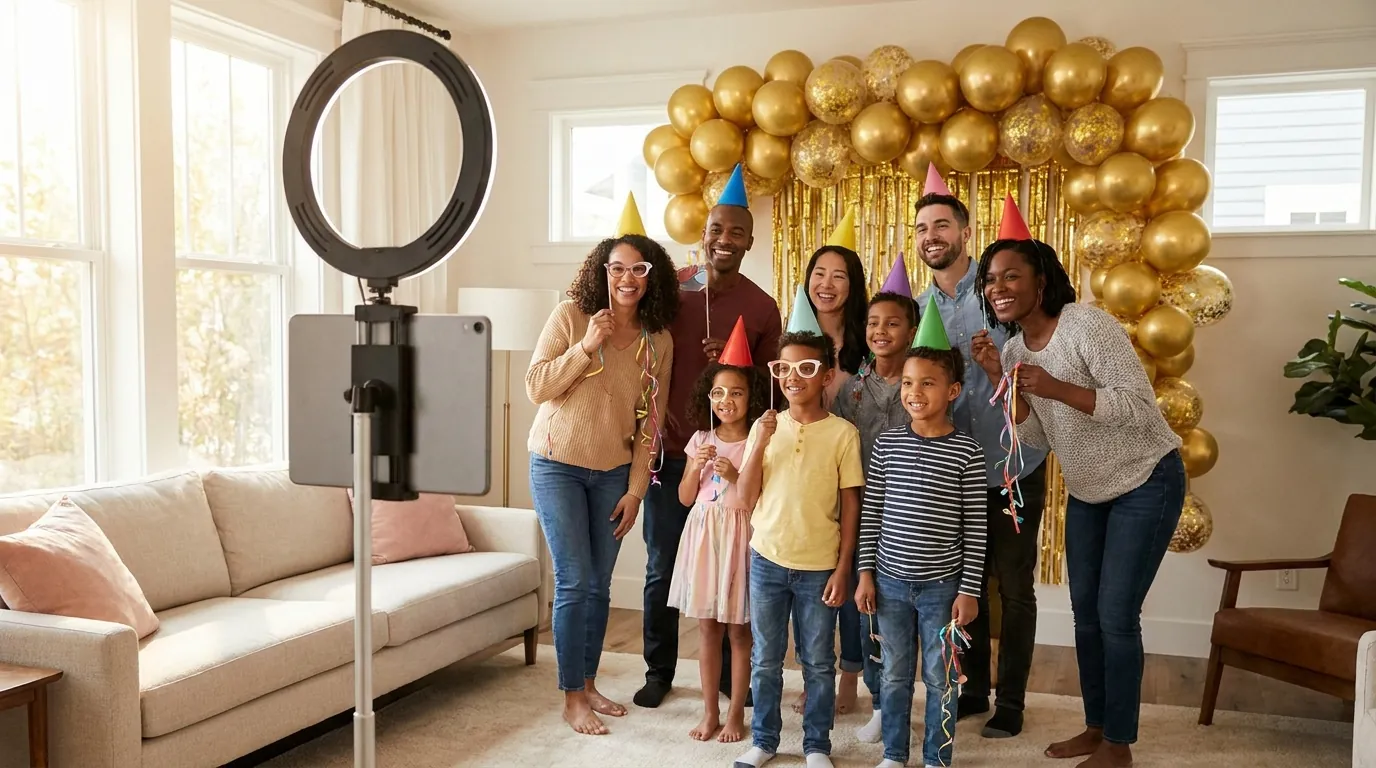
- Silver tinsel curtain for house parties. It is quick to hang and it moves nicely in a GIF.
- Clock arch or oversized clock prop for hotel lobbies and ballrooms.
- A plain wall plus green screen when space is tight and you want fireworks or a city skyline behind guests. Our green screen photo booth software handles the background swap.
For more layouts at different budgets, see these photo booth backdrop ideas.
Props: party hats, tiaras, noise makers, glasses shaped like the year and handheld signs such as "Last photo of the year" or "Resolution: more dancing". Keep them on a tray next to the booth and refill it after midnight, because that is when props disappear.
Light the guests separately from the room. Party lighting is often colored and dim, which makes faces muddy. A soft key light or ring light in front of guests, with the backdrop slightly darker, gives clean skin tones while the glitter still sparkles.
Choose capture modes that match the room
AI Photo Booth Pro can run several modes side by side inside one event, each with its own frame or template. Guests pick what they want, and you can match the mood of each part of the night.

Try AI Photo Booth Pro free for 14 days
No credit card needed. Set up your first event in minutes.
Start Free TrialBranded templates with the new year
The template is what makes a photo from this party different from every other selfie taken that night. A few rules that hold up:
- Put the year in large numbers. It is the detail guests will look for years from now.
- Add the venue, host or event name in small type near the edge, never across faces.
- Use gold or white type on a dark band so it stays readable on a phone screen.
- Give each mode its own frame, for example a strip layout for prints and a square frame for GIFs.
All plans include custom output templates with your logo. Hotels, bars and clubs can put their brand on every photo, and operators who run booths for clients can use White Label to brand the whole app.
Build and test templates before December 31. Print one of each layout, check every output on a phone and confirm the year is correct everywhere. A typo on hundreds of prints makes for a long night.
Keep the crowd moving at midnight
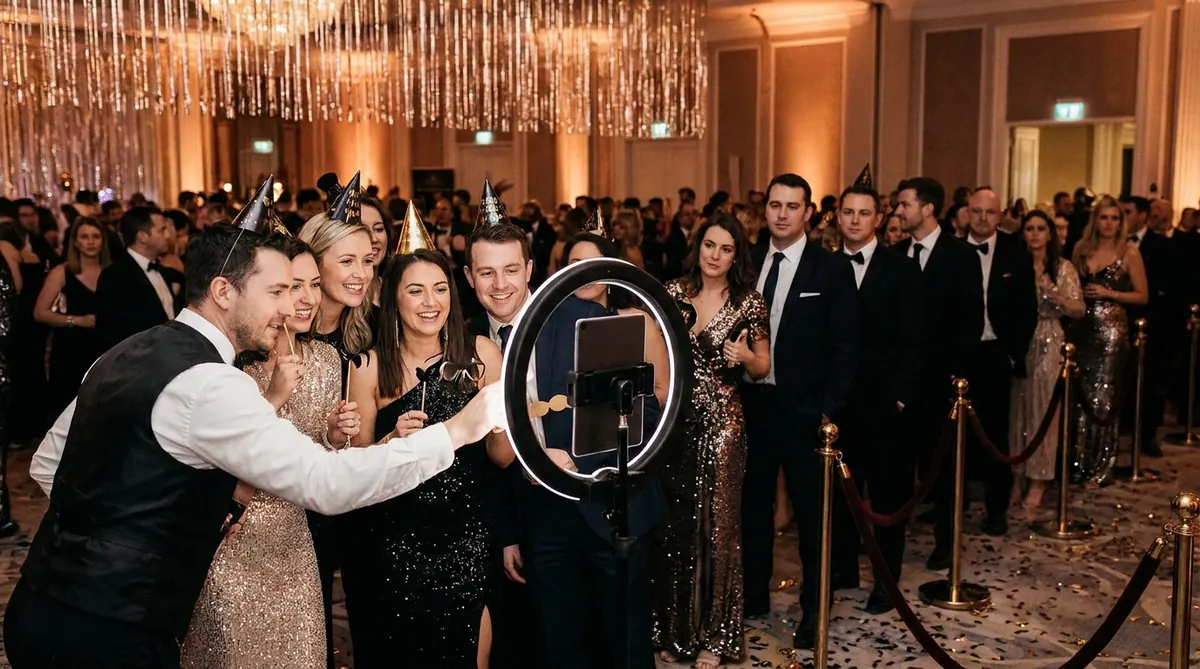
The ten minutes after the countdown decide whether guests remember the booth as fun or as a queue. These steps help:
- Run two stations. One subscription works on two devices at the same time, any mix of platforms, so an iPad on a stand can back up a laptop or kiosk booth.
- Mark the queue. Tape a line or use a rope so the crowd does not block the backdrop.
- Staff the peak. Keep a host at the booth from about 11:30 to 12:30 to hand out props, frame groups and keep turns short.
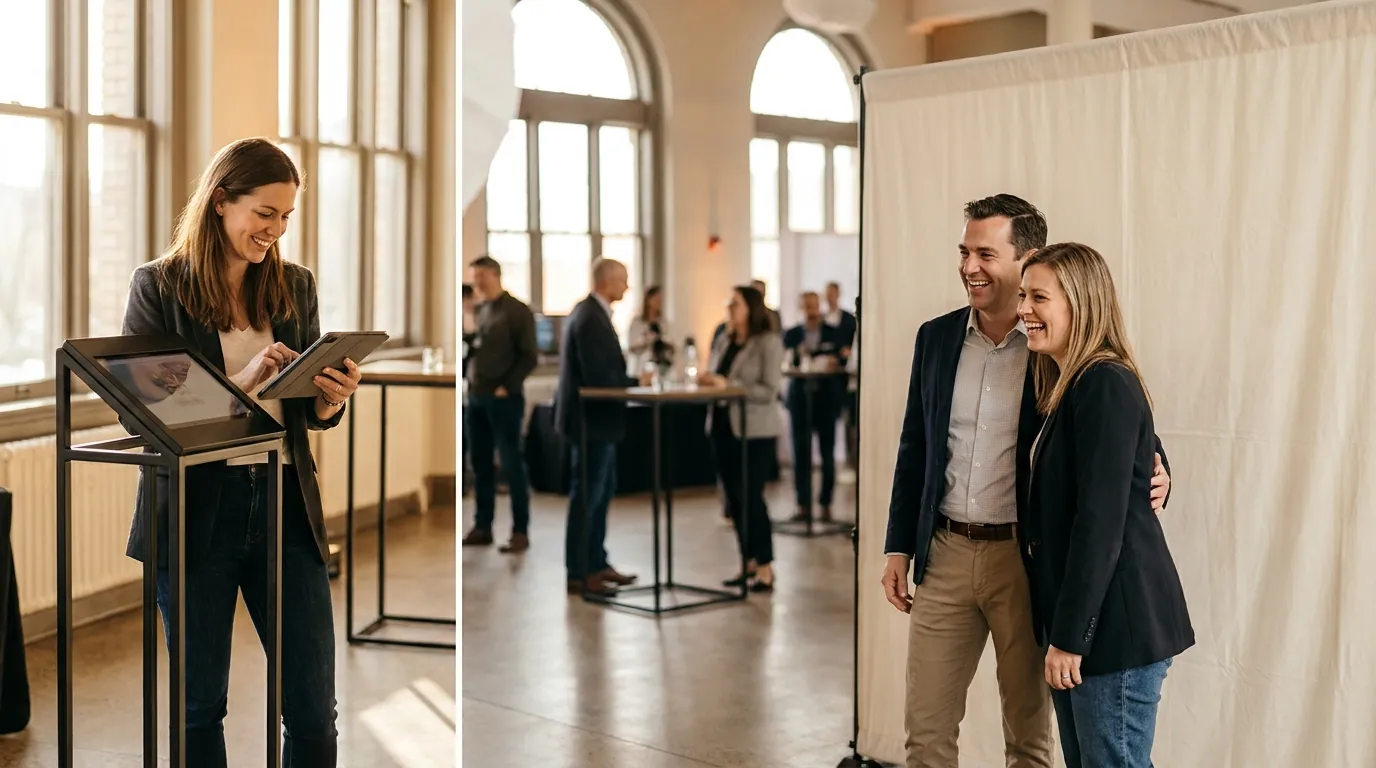
- Use the kiosk-style guest flow. Guests tap to start and the screen walks them through the countdown, capture and sharing.
- Cut retakes after midnight. Shorten the countdown timer and allow one retake at most during the rush.
- Tape down cables. People dance right next to the booth once the clock strikes twelve.
Running paid sessions at a bar or club? The app supports QR payments and Stripe Terminal, so guests can pay at the booth without a separate cashier.
Share before guests leave, print what they take home
Guests often leave in a hurry for a ride home. Make sure their photos travel with them.
- QR code sharing. Show a QR code after each session so guests scan and save on their phone right away.
- Email and SMS. Offer them where available for guests who prefer a message.
- Lead capture for venues. Hotels and clubs can add a short form with guest consent to invite people to next year's party. See photo booth lead capture software.
- Online dashboard. After the party, the host finds every event result in one place.
Prints are still the keepsake that ends up on the fridge. Strips suit parties, 4x6 prints suit formal hotel events, and you should stock more paper than you expect for the midnight rush. This photo booth strip printing guide covers layouts and printer setup.
Check the connection at the venue early in the evening. Classic capture and printing can work offline with a compatible setup, but AI generation, online sharing and cloud sync need internet. Shared venue Wi-Fi can slow down at midnight when everyone posts at once, so a separate connection for the booth is worth arranging.
One plan, unlimited events
Pro is {{price:aipb.pro.month}}/month or {{price:aipb.pro.year}}/year, for 2 devices with AI effects, face swap and AI video.
View pricing