Installing a permanent or semi-permanent photo booth for restaurants and bars creates an automated revenue stream while gathering valuable customer marketing data. Hospitality venues love attractions that boost organic social reach and drive foot traffic without demanding staff intervention.
To run a truly unattended operation, you must combine industrial-grade hardware, automated billing, and reliable self-service workflows. Here is the exact blueprint to build and deploy an interactive photo booth kiosk that runs around the clock.
Why Hospitality Venues Are Adding Dedicated Photo Booth Kiosks
Traditional photo booth operations require on-site attendants, high transport overhead, and multi-hour setup windows. A dedicated venue installation flips this model by turning empty floor space into an automated point of sale.
For bar and restaurant owners, these booths drive guest engagement during peak evening hours while capturing verified customer contacts for future promotions. For photo booth operators, venue partnerships offer predictable recurring income through direct revenue sharing, as outlined in our guide on photo booth business revenue breakdowns.
Essential Hardware: Kiosks, Screens, and Thermal Management
A mobile event setup will not survive long inside a busy venue. Hospitality installations require commercial-grade housings that handle continuous runtime, ambient kitchen heat, and heavy guest interaction.
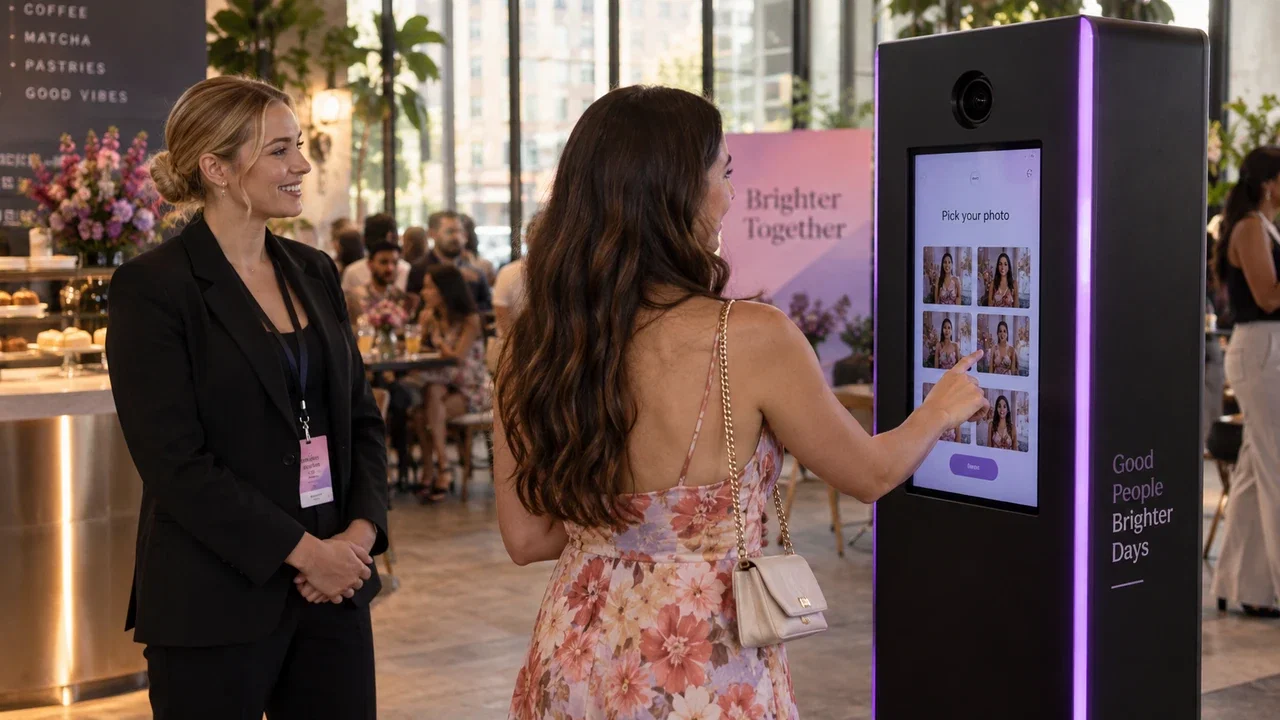
Start with a rugged, full-metal enclosure such as the AK Photo Booth Pro 32″, which features an aluminum body, concealed mirror camera housing, and filtered thermostatic cooling designed for all-day venue operation. Inside your kiosk, assemble the following verified components:
- Display: A 32-inch Full-HD touchscreen with high response sensitivity for easy guest navigation.
- Computing Power: A dedicated PC running an Intel i5 processor, dedicated NVIDIA GPU (such as an RTX 3050 or GTX 1650), 16GB RAM, and a 512GB SSD.
- Camera & Lighting: A connected Canon or Nikon DSLR paired with controlled constant or flash lighting behind a two-way mirror.
- Sub-Dye Printer: A high-capacity commercial dye-sublimation printer loaded with 4×6 media rolls to avoid frequent restocking.
To prevent USB dropouts during long shifts, adjust your Windows Power Options to High Performance and set the USB selective suspend setting to Disabled in advanced power settings.
Configuring Self-Service Kiosk Software with AI Photo Booth Pro
Running an unattended kiosk requires versatile photo booth software that locks down the operating system while presenting an intuitive guest interface. AI Photo Booth Pro handles multi-mode capture on Windows, Mac, iOS, and Android, covering 2 devices simultaneously on a single subscription.
Follow these steps inside the software to set up your restaurant activation:
- Step 1: Create the Event. Open Event Management, launch the Create New Event wizard, choose your orientation, and name your venue activation.
- Step 2: Lock the Interface. In Event Settings under the Kiosk tab, assign a 4-digit Dashboard PIN so guests cannot exit to the desktop. Enable "Run on Startup" to ensure the booth restarts automatically after power cycles.
- Step 3: Choose Capture Modes. Open the Event Mode tab to enable Photo, GIF, or Classic strips. For AI-driven transformations, navigate to the AI Assets tab to add pre-configured Face Swap Collections or custom prompt styles.
- Step 4: Design the Touch Screens. Head to Screen Design to customize the Welcome, Capture, and Sharing screens with venue branding, custom call-to-action text, and animated attract loops.
Start an AI Photo Booth Pro 14-day trial
The active catalog lists a 14-day trial. Review the software page for current details.
Start FreeMonetizing Hospitality Booths with QR Payments and Stripe Integration
An unattended restaurant photo booth must collect payments smoothly before dispensing prints or unlocking digital downloads. Manual token mechanisms cause jams, making integrated digital transactions essential.
Inside the AI Photo Booth Pro Session settings, open the Payments tab and enable the payment switch. Connect your Stripe account directly, specify your local currency, and set prices for physical prints or digital delivery.
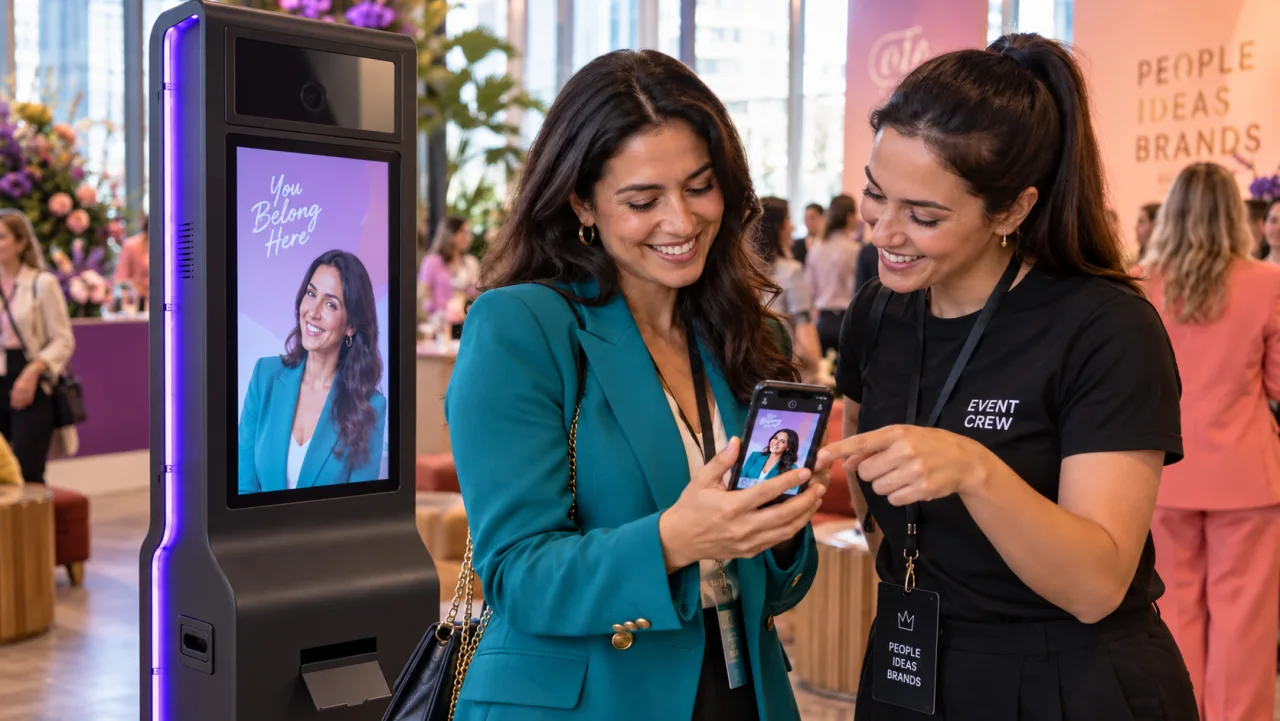
When guests complete their capture session, the kiosk displays a secure Stripe QR checkout code on the screen. The guest scans the code on their mobile device, completes the payment, and the booth automatically triggers the print engine and cloud delivery pipeline.
Lead Capture and White-Label Microsites for Venue Marketing
Venue owners prioritize customer acquisition just as much as direct payment revenue. Setting up automated data collection turns every user into a marketing lead.
Under Session Settings, configure the Survey tab to prompt guests for an email or phone number either before capture or on the final sharing screen. Pair this with ActivationShare in the Sharing Settings to deliver photo files via branded SMS or email notifications.
With a White Label subscription, you can connect a custom domain and fully white-label the web gallery microsite. Every scanned QR code directs guests to a venue-branded page featuring promotional banners, happy hour menus, and social sharing links.
Ready to see the current plans?
AI Photo Booth Pro monthly plans start at $79/mo in the active catalog.
See Plans and Pricing