













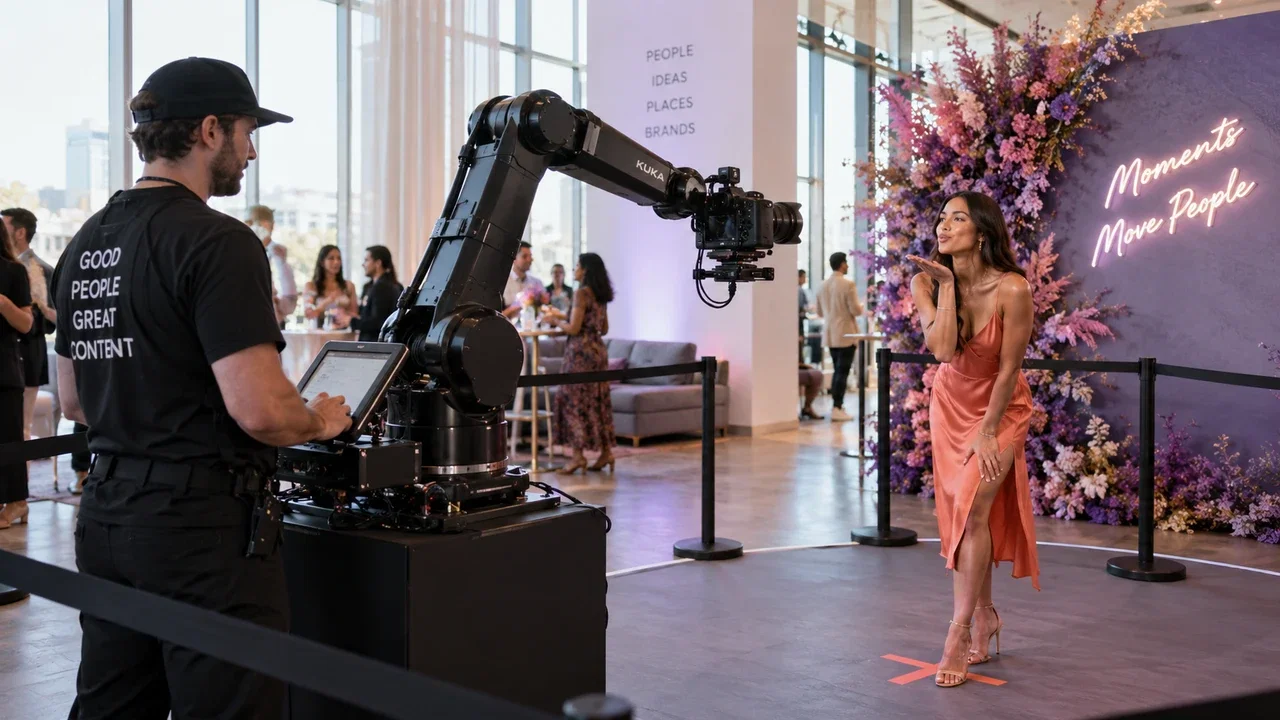
Most operators hear "GlamBot" and immediately think six-figure hardware rentals and proprietary software locked to one vendor. That assumption is costing you bookings. Glambot software is really just a capture-and-delivery system built around high-frame-rate video, and you can run it on equipment sitting in your van right now. AI Photo Booth Pro gives you exactly that workflow, starting at $79 a month with a 14-day free trial and no credit card required.
What GlamBot Software Actually Does (and Why the Hardware Isn't the Hard Part)
A GlamBot-style booth captures guests at high frame rate, slows that footage down to a cinematic crawl, layers on branding and music, then delivers a shareable clip in seconds. The arm and the camera are props. The software is the product.
Proprietary systems bundle hardware and software together so you rent both. That protects their margin, not yours. Once you understand what the software pipeline is doing, you realize any mirrorless camera capable of 120fps or higher can feed the same workflow.
Equipment You Already Own That Can Run a Slow-Motion Video Booth
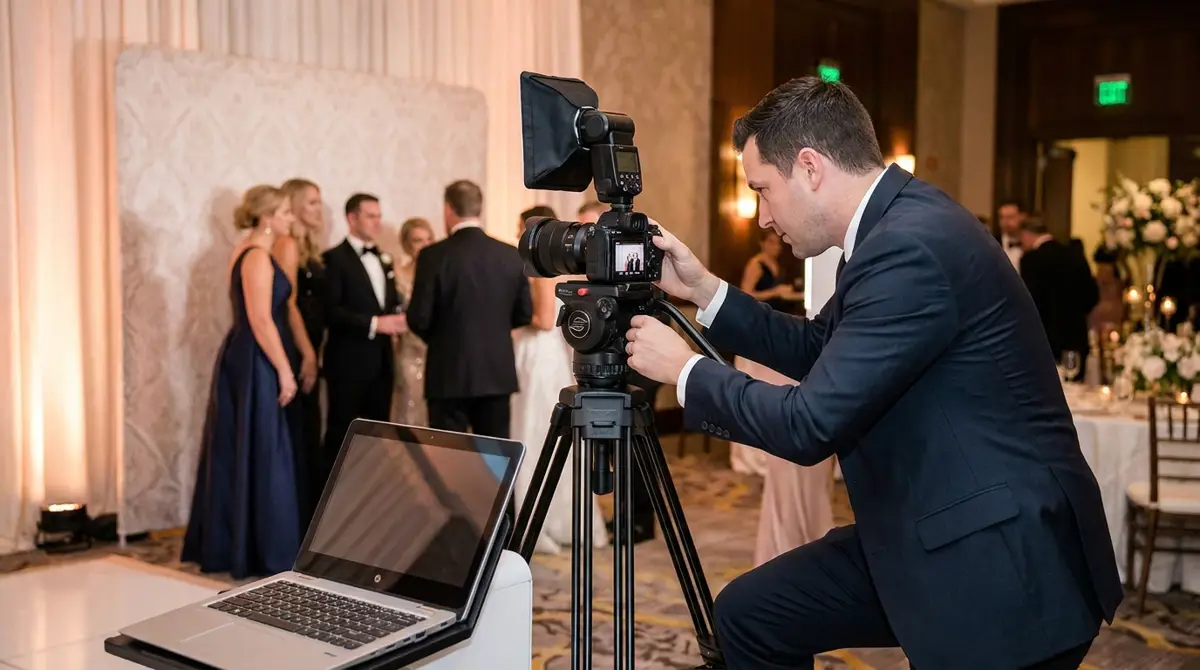
You need three things: a camera that shoots 120fps or faster, a capture method (HDMI to your laptop works), and software to control the session and deliver the clip. That's it.
Sony a7S III, Canon R6, Nikon Z6 II, and even a GoPro Hero 12 in HFR mode all qualify. If you already run a traditional photo booth, your laptop is powerful enough. A fast SSD for scratch space and a USB-C hub round out the kit.
- Camera: Any mirrorless or action cam with 120fps or higher
- Capture: HDMI capture card or direct USB tether
- Laptop: Windows or Mac with at least 16GB RAM
- Delivery: Wi-Fi router for instant SMS or QR sharing
- Stand: Fluid head tripod or motorized slider for the cinematic sweep effect
How to Set Up a GlamBot-Style Event in AI Photo Booth Pro Step by Step
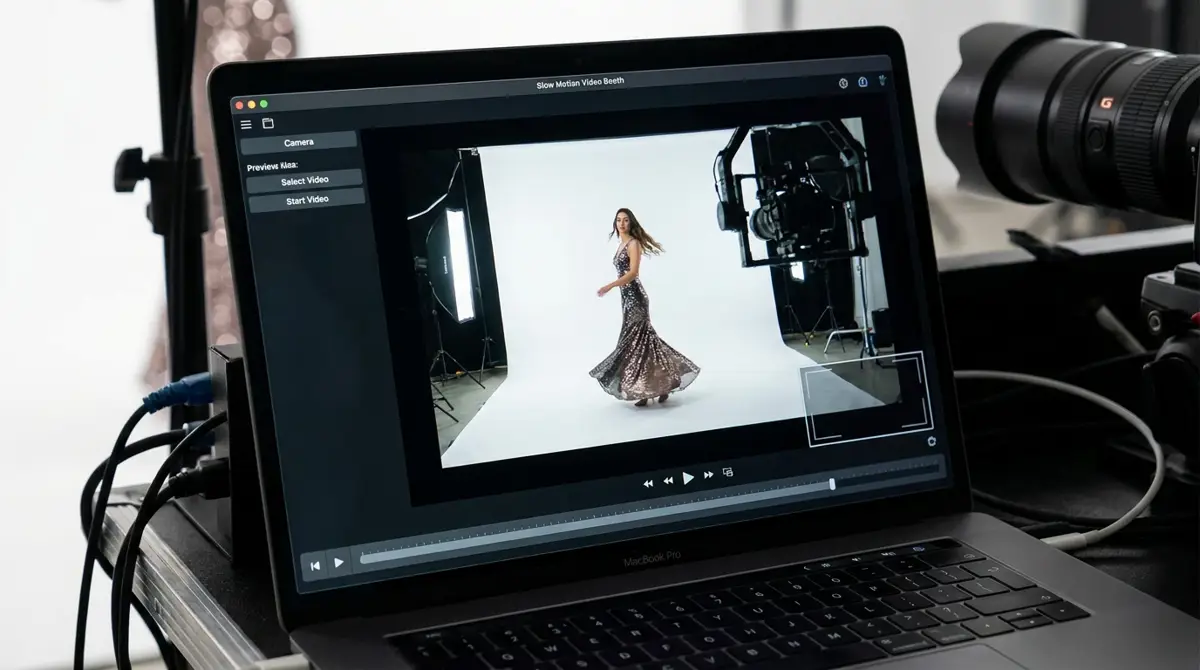
AI Photo Booth Pro handles the session logic, branding overlay, slow-motion render, and share screen. You configure it once per event template, then your attendant just presses go.
Try every feature free for 14 days
AI Photo Booth Pro runs every booth mode and AI effect on the equipment you already own. No credit card required.
Start Free TrialStart inside the software by creating a new event and selecting the video booth mode. Set your clip duration, choose your slow-motion multiplier, and drop in your client's logo and color palette. The overlay editor is drag-and-drop, so even a junior attendant can prep a template in under ten minutes.
Point your camera at the capture input, run a test clip, and confirm the frame rate is reading correctly. Then set your share method: SMS, QR, or AirDrop all work natively. Hit save, lock the template, and you're event-ready. Check the help center if you hit any input recognition issues on first setup.
Pricing Your Slow-Motion Video Booth Add-On for Maximum Profit
GlamBot rentals from resellers run $1,500 to $3,000 per event in most markets. Your cost with owned gear is your software subscription, a few consumables, and labor. The margin difference is dramatic.
Price your slow-mo add-on at $800 to $1,200 per event as a standalone or bundle it with your existing photo booth for $400 to $600 on top of your base rate. Either way, you recoup a mid-range mirrorless camera in two or three bookings. If you want to expand your activation menu further, the AI Drawing Screen and Photo Mosaic Wall pair well with slow-mo video as a multi-activation package that commands premium pricing for corporate clients.
The operators winning high-ticket corporate contracts right now are not renting GlamBot rigs. They own their software, they own their workflow, and they stack activations. Review the AI Photo Booth Pro plans to find the tier that fits your current volume, then scale when the bookings follow.
Ready to see the numbers?
Plans start at $79/mo and every plan includes the full mode lineup.
See Plans and Pricing