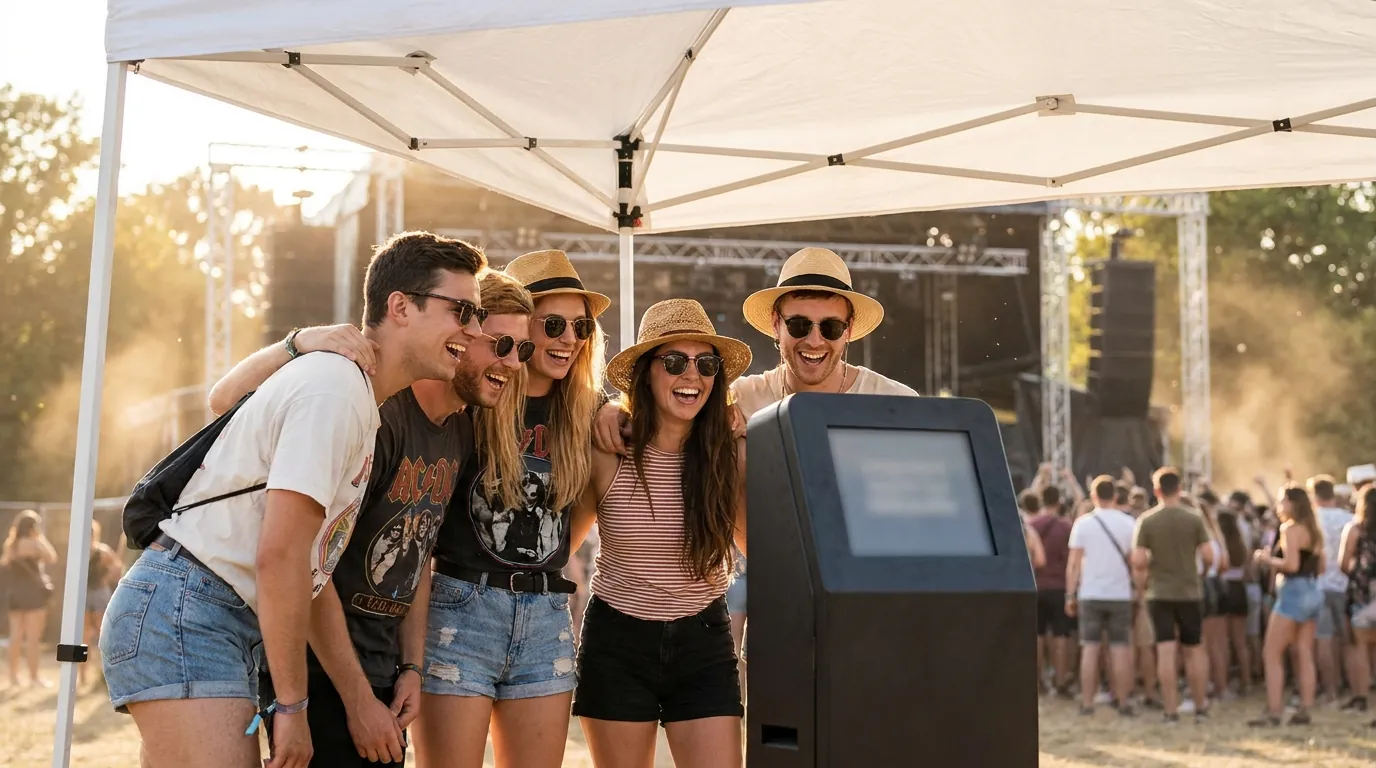
To run a photo booth at a festival or outdoor event, solve four problems before anything else: shade, power, connectivity and crowd flow. Put the booth under cover with the screen out of direct sun, bring power you control, decide which features must work without internet, and design a queue that moves. Get those right and the booth becomes one of the busiest spots on site.
This guide is for photo booth operators and event organizers working outdoors, from a one-day street fair to a multi-day music festival. It covers site choice, weather, power, offline and online features, queues, roaming, sponsor branding and keeping equipment safe overnight.
Pick the spot: shade, glare and weather
Outdoor light is the biggest difference from an indoor booth. Direct sun washes out screens, creates harsh shadows on faces and can overheat tablets and laptops.
- Use a pop-up tent or canopy with side walls. A back wall doubles as your backdrop, and side walls block low evening sun.
- Face the screen away from the sun. Check where the sun will be at peak hours, not just at setup time. A screen facing west in the late afternoon is hard to read.
- Keep the sun off the guests' backs. Strong backlight turns faces dark. Add a soft LED light in front of the guests to balance bright surroundings.
- Weigh everything down. Use sandbags or water weights on every tent leg and stand. Wind catches backdrops like a sail.
- Plan for rain and dust. Keep electronics off the ground, cover the printer between sessions, and pack plastic covers and cloths.
- Watch the heat. Tablets and phones can pause or dim when they get too hot. Keep devices in shade with airflow around them.
Power for a full day outdoors
Ask the organizer what power you get, where the nearest outlet is and whether it is shared with food vendors or stages. Shared circuits can trip when a fryer or amplifier kicks in.
- Request a dedicated outlet close to your pitch and confirm it in writing.
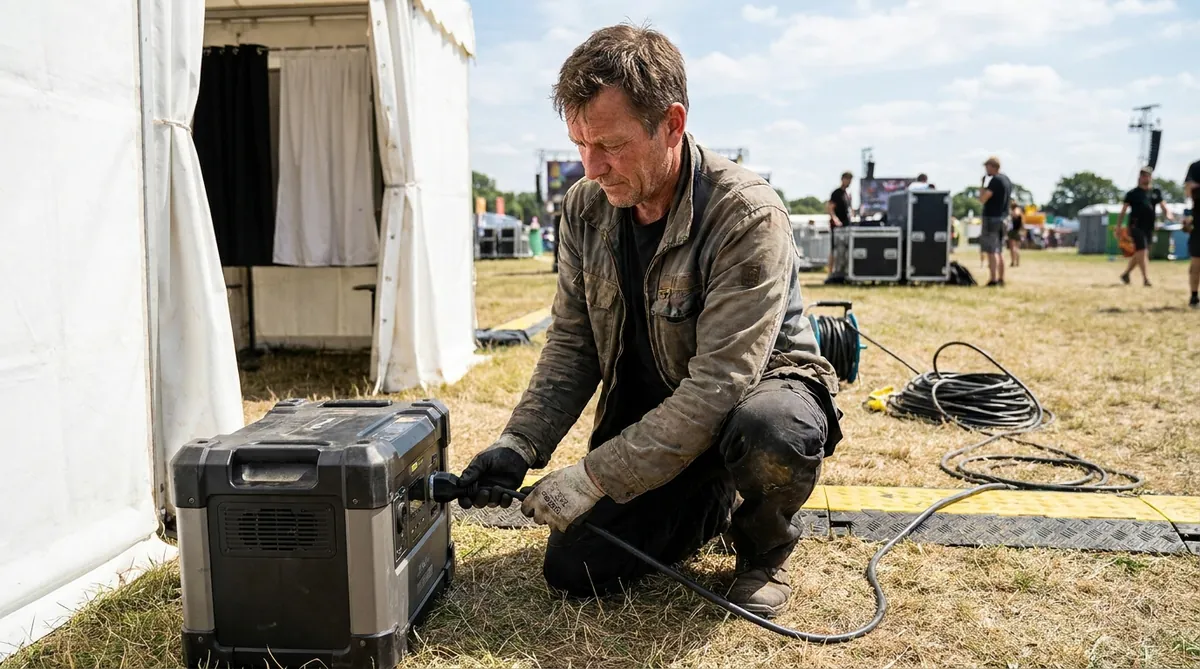
- Bring a portable power station or UPS. It keeps the computer, camera and light running through short cuts and protects against a sudden shutdown.
- Use outdoor-rated extension cords and cable covers wherever guests walk.
- If you use a generator, choose a quiet inverter model, place it away from the queue and check local rules before the event.
- Carry spare batteries and chargers for cameras, tablets and phones, plus a charging plan for the end of each day.
Connectivity: what works offline and what needs internet
Festival networks often struggle once crowds arrive, because thousands of phones share the same cell towers. Plan your booth around what must keep working when the connection drops.
With AI Photo Booth Pro, classic capture and printing can work offline with a compatible setup. AI generation, online sharing and cloud sync need internet. That gives you a clear plan:
- Ask for production Wi-Fi or a wired line. Many festivals run a separate network for vendors and staff.
- Bring your own mobile hotspots, ideally on two different carriers, and test speed on site at the busiest time you can.
- Run a classic mode next to your AI mode. Several modes can run side by side in one event, each with its own frame. If the connection weakens, guide guests to classic capture and prints so the line keeps moving.
- Check AI credits before you travel if you plan to run AI effects, so you are not topping up from a field.
Test your exact camera, printer and network setup well before the festival, ideally outdoors.

Try AI Photo Booth Pro free for 14 days
No credit card needed. Set up your first event in minutes.
Start Free TrialCrowd flow and queue design
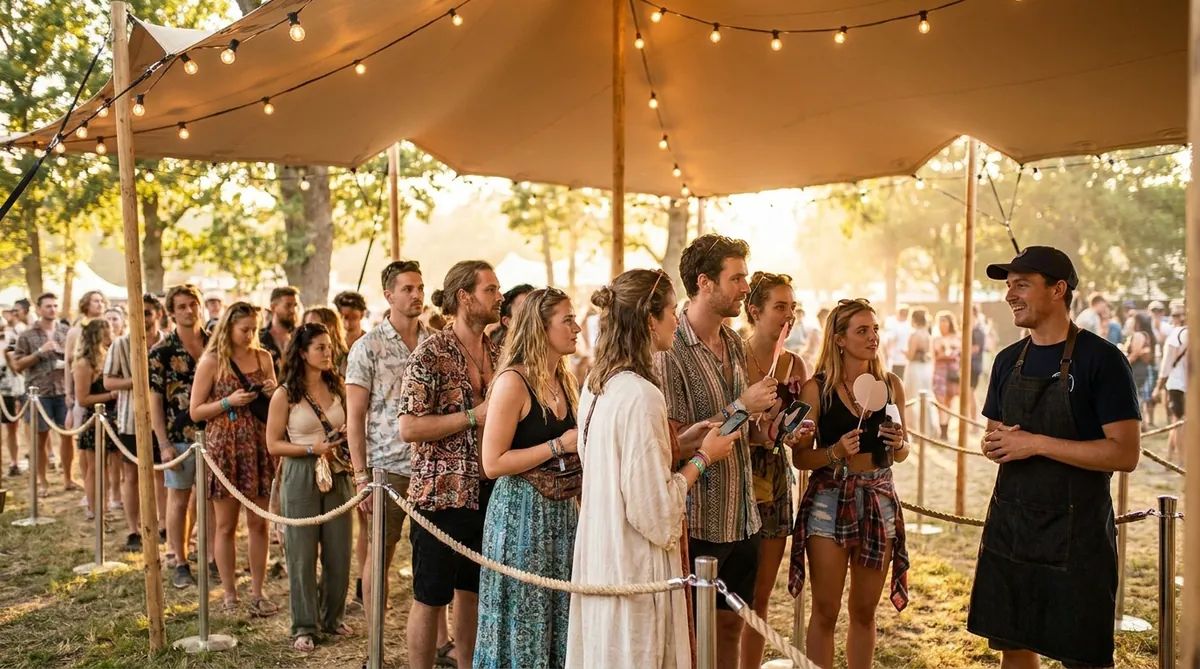
At a festival, the queue is part of the experience. People will wait if the line looks organized and fun, and walk away if it looks stuck.
- Mark a clear queue lane with barriers or rope, and keep it out of main walkways and emergency routes.
- Put an attendant at the front. One person greeting groups, handing props and explaining the screen keeps each session short.
- Keep choices few. Two or three effects or modes are enough. Long menus slow every guest down.
- Separate capture from pickup. If you print, set a pickup point to the side so the next group can step in right away.
- Use a large QR code sign at the exit for sharing, so guests can scan while walking away.
- Show what is possible. A sample board or a screen of approved results gives people in line a reason to stay.
If you offer prints, our photo booth strip printing guide covers media, layouts and keeping a printer fed at volume.
Go roaming when the crowd will not come to you
Large sites spread people across stages, food areas and campgrounds. A fixed booth only reaches the people who walk past it. A roaming booth goes to them.
A roaming setup is usually an iPad or phone with a small light, carried by a staff member who photographs groups where they are and shares by QR code. It works well for sponsor teams, VIP areas and walk-through moments between sets. Our roaming photo booth software page explains the workflow. With one subscription covering 2 devices at the same time, you can run a fixed booth and a roaming device together.
Sponsor branding and lead capture
Festivals are often sponsor-funded, and a photo booth is one of the few activations that produces something guests want to keep and share.
- Brand the output, not just the booth. Custom templates with your logo or a sponsor logo are included on all plans, so every shared photo carries the brand.
- Go further with White Label if you want your own brand across the whole app for the season.
- Collect leads with consent. Use a short lead capture form with guest consent, and keep it to one or two fields.
- Report results. Event results appear in the online dashboard, which helps when a sponsor asks what the activation delivered.
Read more on photo booth lead capture software and on building sponsor experiences with AI photo booth brand activations.
Multi-day operations and equipment security
Day two is where outdoor booths fail: dead batteries, empty printers and missing gear. Treat the end of each day as part of the job.
Every night
- Pack laptops, tablets and cameras away, or lock them in a secure vehicle or organizer storage.
- Charge every battery and power station.
- Count printer media and restock for the next day.
- Wipe dust from lenses and screens.
During the day
- Use cable locks or tethers on devices left in the booth.
- Never leave the booth unattended, even for a short break. Rotate staff so someone is always there.
- Keep receipts and serial numbers on hand, and check whether your insurance covers equipment at outdoor events.
One plan, unlimited events
Pro is {{price:aipb.pro.month}}/month or {{price:aipb.pro.year}}/year, for 2 devices with AI effects, face swap and AI video.
View pricing