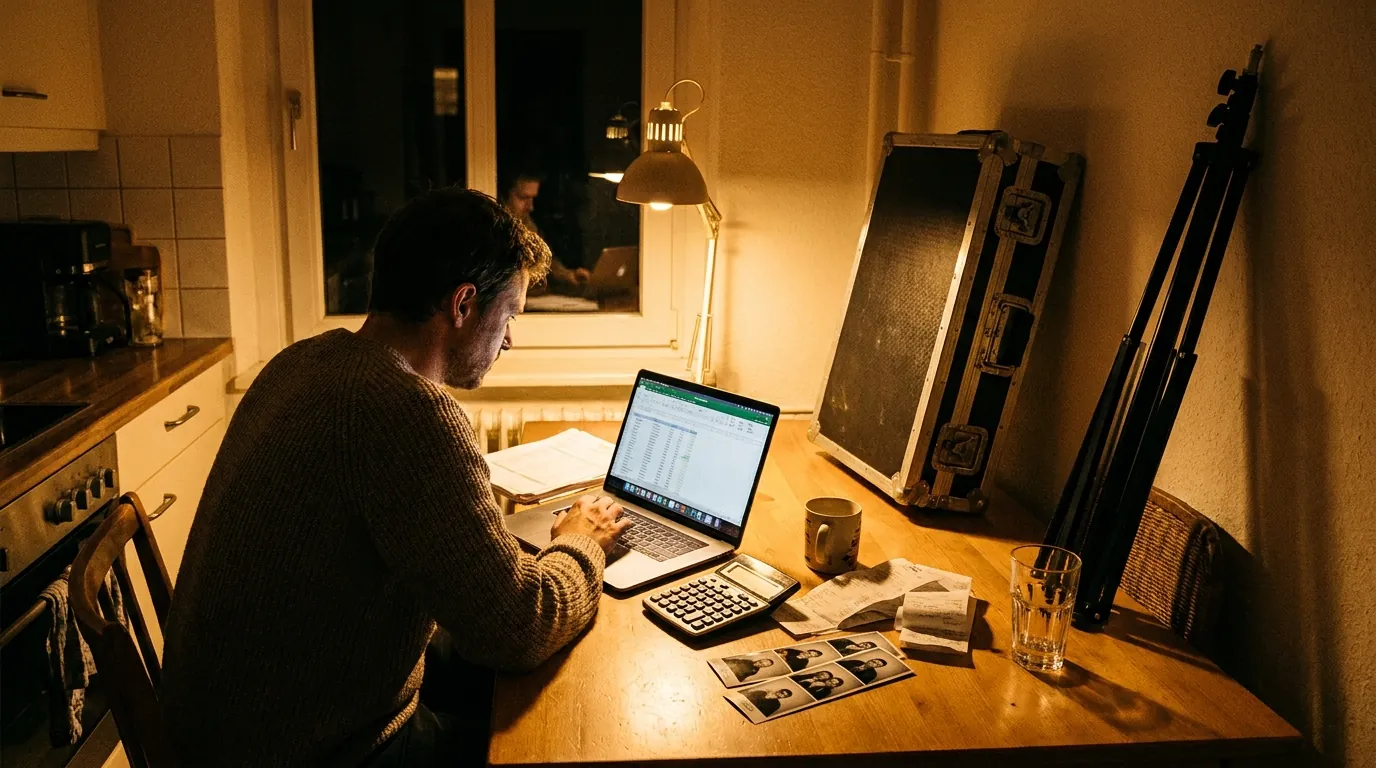
The best Christmas party photo booth ideas combine a festive backdrop, a few playful props and one standout feature, such as an AI winter portrait, a GIF that guests share on the spot or an ugly sweater contest station. For office holiday parties, add a branded template with the company logo. For venues and retailers, add a quick sign-up so the booth brings back customers in January.
The season is short and bookings fill fast, so here are practical ideas you can set up this year for an office party, a family gathering or a public holiday event.
Festive backdrops that photograph well
The backdrop does half the work in a holiday photo. Choose one that looks good on camera, not just in person, and keep it at least 6 feet wide for groups.
- Classic fireplace scene: a printed mantel with stockings and garland. Cozy and works for every age.
- Winter forest: white birch trunks or frosted pine. Calm and elegant for corporate parties.
- Gift wrap wall: large panels in wrapping paper patterns with oversized bows. Cheap and very bright.
- Gold and black New Year style: sequins and balloons if the party runs into the new year.
- Tree corner: a decorated tree with warm lights behind the guests. Keep the lights soft so faces stay bright.
Avoid backdrops with tiny blinking lights right behind heads. They distract from faces and can look noisy in photos. For more designs at different price points, browse our photo booth backdrop ideas for every budget. If space is tight, a green screen lets you switch scenes digitally, see our green screen photo booth software.
AI effects for a winter wonderland
AI effects turn a normal party photo into something guests did not expect, and that is what gets shared. With AI Photo Booth Pro you can choose from 180+ ready-to-use effects or create your own. Holiday themes that work well:
- Snowy winter portrait: guests appear in a snowy village or a frosted forest.
- Santa portrait style: a classic storybook Santa look, popular with families and kids.
- Vintage holiday card: a warm, retro greeting card style that people actually mail or post.
- Elf workshop: a playful scene for office teams who like to laugh at themselves.
Keep it to two or three effects so the line moves. AI effects use AI credits, which are bought separately as pay-as-you-go packs that never expire, so a credit pack bought for the holidays still works for the next event. AI features also need an internet connection, so check the venue Wi-Fi in advance.
GIF and boomerang for party energy
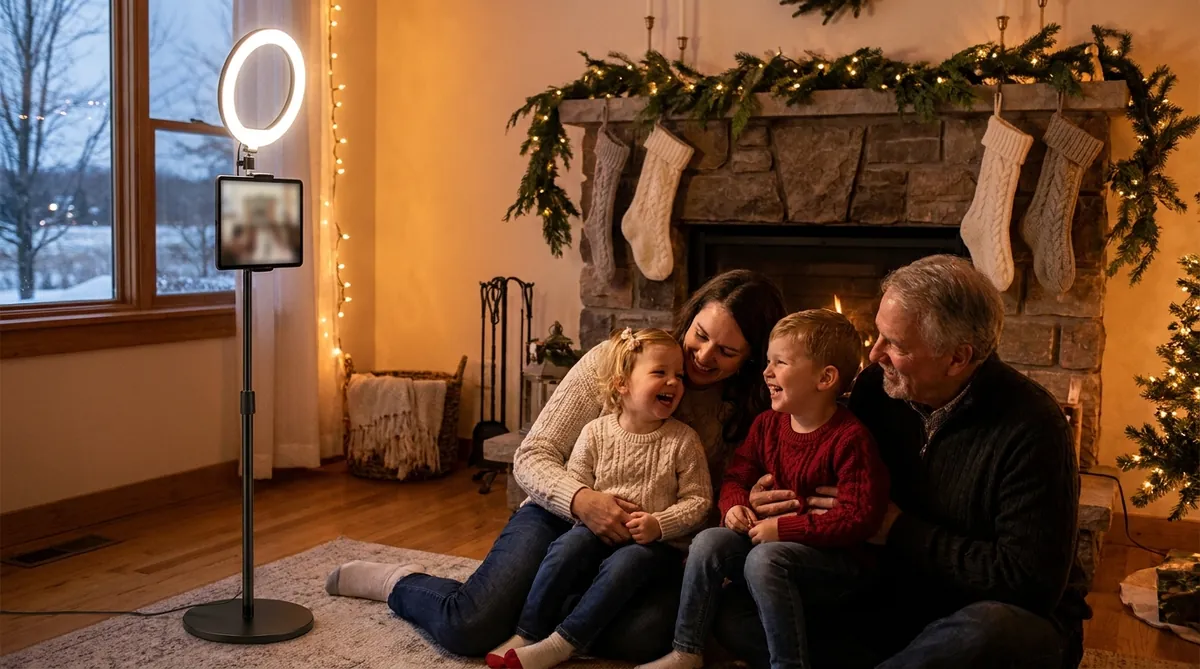
A still photo captures a pose. A GIF or boomerang captures the moment: a toast, a snowball throw with fake snow, a group jumping in matching hats. Guests share these short loops on their phones much more often than a standard photo.
Tips that make GIFs look good:
- Tell guests to move once, big and simple, like a cheers or a jump.
- Keep props light and safe: paper snowflakes, Santa hats, tinsel boas.
- Use strong front lighting so the motion stays sharp.
Several modes can run side by side in one event, each with its own frame, so you can offer GIF and boomerang next to an AI effect and a classic photo without changing settings during the party.
Run an ugly sweater contest station
An ugly sweater contest gives the booth a job. Instead of hoping people wander over, the booth becomes the official entry point.
How to set it up
- Place a sign next to the booth: "Ugly sweater contest, enter here."
- Create a template with a contest frame and space for the guest's name or team.
- Guests take a full-body photo so the sweater is visible. Lower the camera slightly or step the guest back.
- Share each entry by QR code so people can post it, then show results in the online dashboard and pick a winner near the end.
- Announce the winner with a printed photo and a small prize.
This works for offices, schools, clubs and family gatherings. For families, try a cousin team category. For offices, a department team category keeps it friendly.

Branded templates for company holiday parties
A company holiday party is a team event and a brand moment at the same time. The output template is where the brand lives. Add the company logo, the party name and the date, and use the company colors with one festive accent such as gold or deep green. Keep text away from faces.
AI Photo Booth Pro includes custom output templates with your logo on all plans. If you are an operator running booths for several companies this season, White Label puts your own brand throughout the app, so clients see your business, not ours.
Two more ideas for offices: set up a team photo slot during the first hour while everyone is fresh, and run a short "message to the team" video booth for remote colleagues who could not attend.

Try AI Photo Booth Pro free for 14 days
No credit card needed. Set up your first event in minutes.
Start Free TrialLead capture for venues and retail holiday events
For a hotel, mall, restaurant or store, a holiday booth can do more than entertain. It can grow your customer list. Add a short sign-up form before sharing, for example name and email, with a clear consent checkbox for marketing. Guests get their photo, and you get permission to invite them back for the new year.
Keep it light: one or two fields, no long survey. A small reward helps, such as a voucher handed out at the booth. You can see how this works on our photo booth lead capture software page, and for bigger retail or brand campaigns, our AI photo booth brand activations page covers the wider setup.
Retailers can also put a product in every guest photo, such as a seasonal gift box or a holiday drink. The tutorial below shows how to do it with reference images.
Sharing, printing and a simple checklist
Instant sharing by QR code is the fastest way to get photos to guests, with email and SMS where available. Printed photos are a great take-home gift during the holidays, and classic capture and printing can work offline with a compatible setup. Camera and printer support depends on the model and operating system, so test your exact setup before the party.
Final checklist for the day:
- Test camera, light, template text and sharing on the venue network.
- Tape down cables, especially near the tree and gift tables.
- Keep a spare power strip and a basket of backup props.
- Put someone in charge of the booth for the first hour.
One plan, unlimited events
Pro is {{price:aipb.pro.month}}/month or {{price:aipb.pro.year}}/year, for 2 devices with AI effects, face swap and AI video.
View pricing