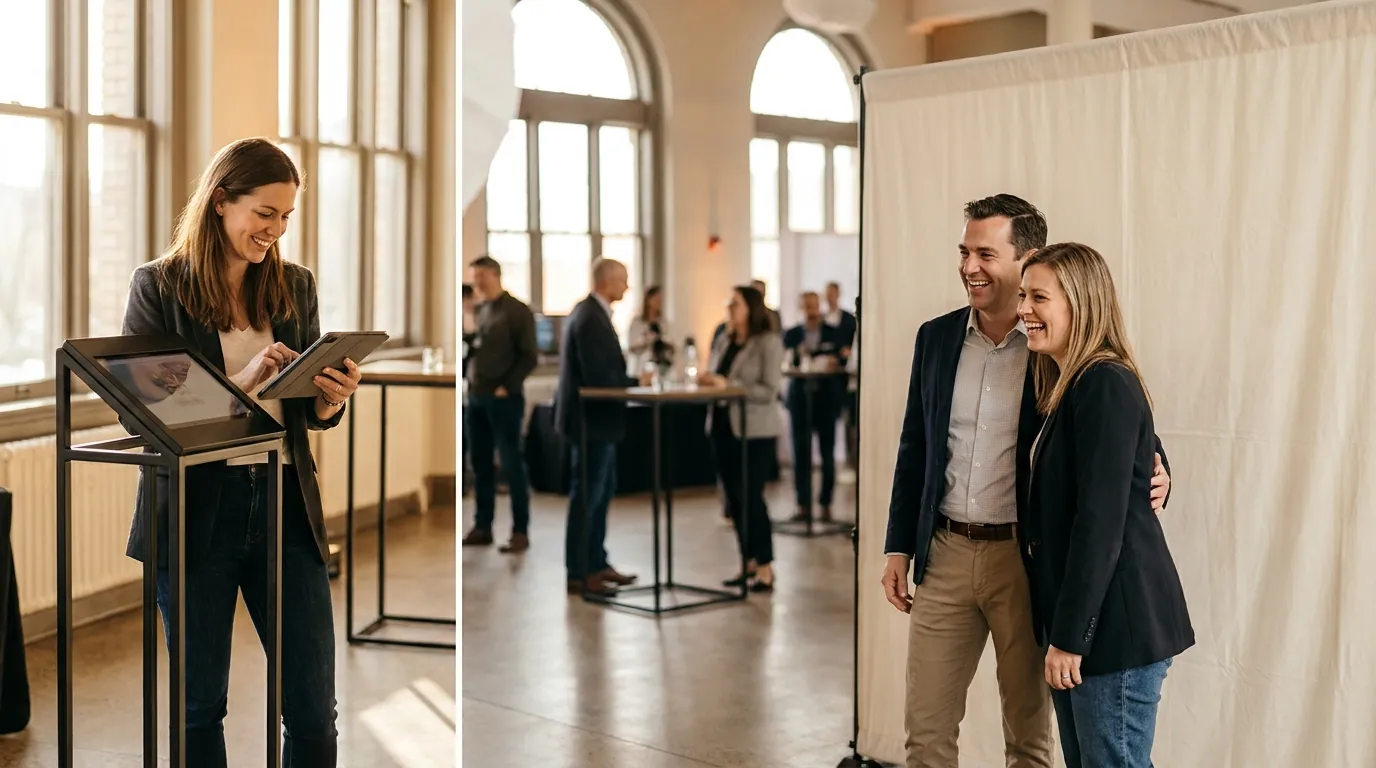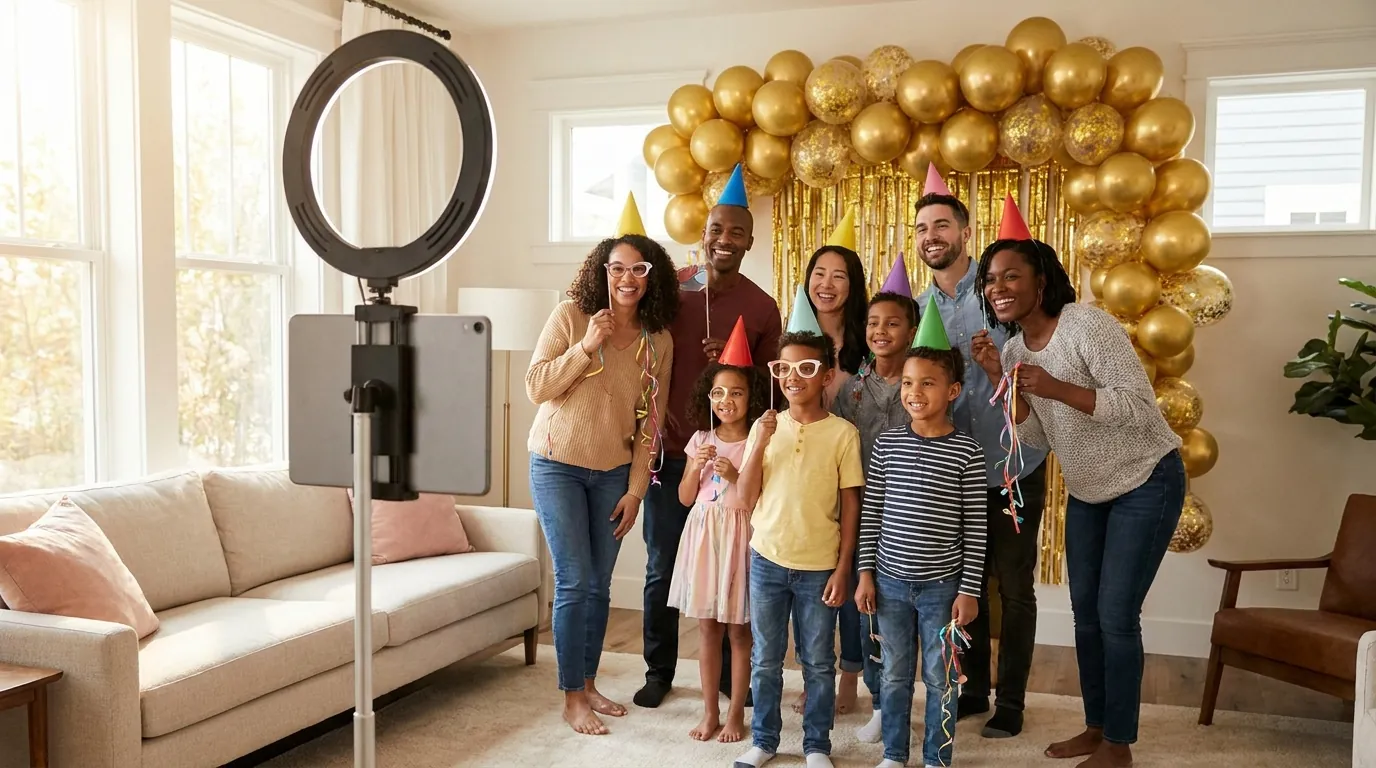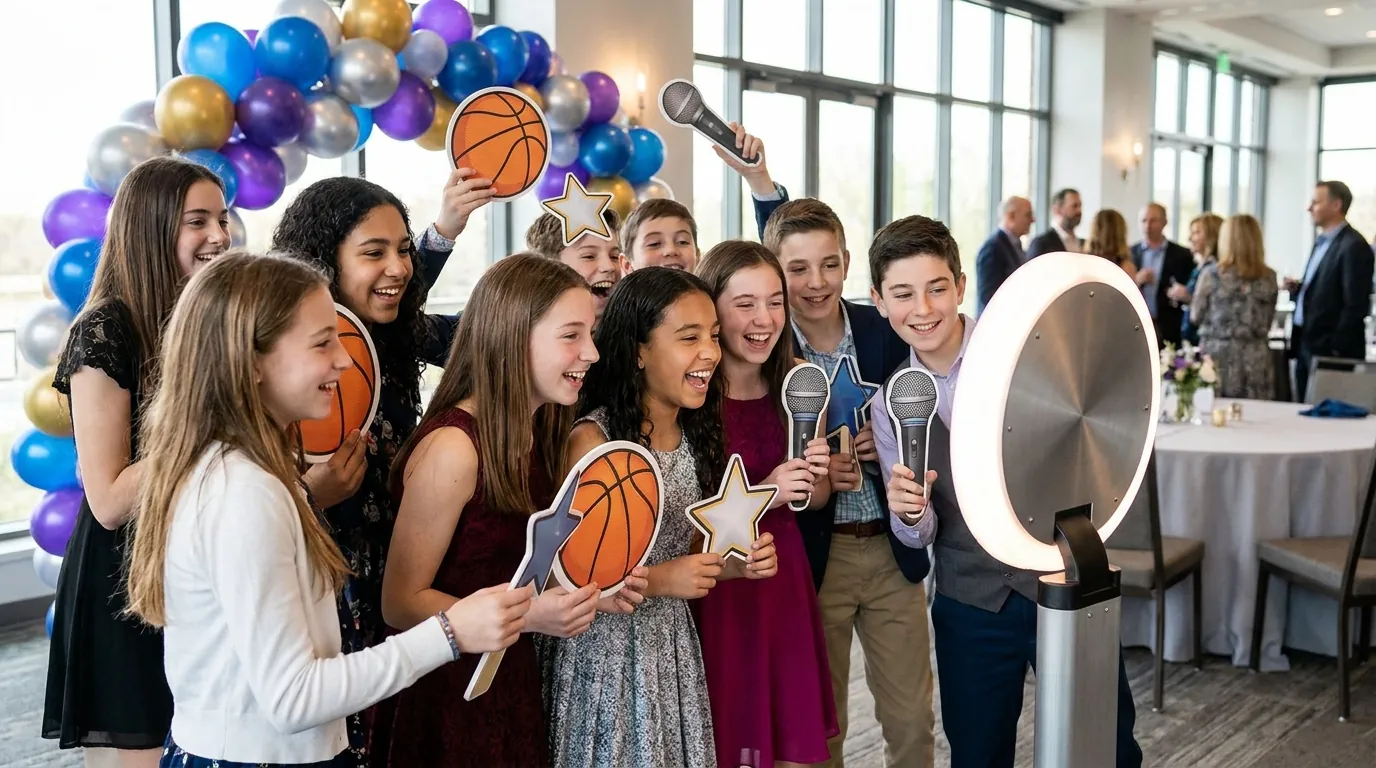
The best bar and bat mitzvah photo booth ideas match the party theme, give teens something fun to share, and give adults a keepsake print. A template with the bar or bat mitzvah's name, a short list of teen-friendly AI effects and face swaps, a GIF or 360 station, and a guest book of prints will cover most parties. Plan the booth around the ceremony and the party schedule, not on top of them.
This guide is for families, planners and operators. It covers themes and templates, booth modes, separate kids and adults sessions, guest book prints, respectful timing, sharing and a simple setup plan.
Start with the theme and the name
Most bar and bat mitzvah parties have a theme tied to the teen's interests. Carry it from the backdrop to the props and the print template so every photo looks part of the same night.
- Sports: team colors, a locker room backdrop and a trading card style template.
- Broadway or Hollywood: a marquee style frame, a red carpet and star props.
- Travel: a passport stamp template and a backdrop of city skylines.
- Candy or color palette: bright balloons and a template in two or three colors.
- Hobbies: gaming, music, science or art, whatever the teen actually loves.
Put the name and date on every output. Many families also add a monogram or the name of the Torah portion. Custom output templates with your logo are included on all plans, so the teen's monogram can sit on every print and digital share. Our photo booth backdrop ideas cover builds at different budgets.
Teen-friendly booth modes
Teens want something they can post or send to friends. Adults want a nice picture. Give each group what they came for.
- AI Effects: 180+ ready-to-use effects, or create your own. Choose six that match the theme, such as a superhero, an astronaut or a sports star, so groups pick quickly.
- AI Face Swap: it is group-aware, so a friend group can swap into a movie poster or team photo together. See the AI face swap photo booth page for how it works.
- GIF & Boomerang: fast, silly and easy to share, which suits a crowd of thirteen-year-olds.
- 360 Photo Booth: near the dance floor once the dancing starts, with an adult spotter.
- Green Screen: a stadium, a stage or a city skyline behind the guests.
AI effects and face swap need an internet connection, so confirm access at the venue early. This tutorial shows how to build a face swap event.
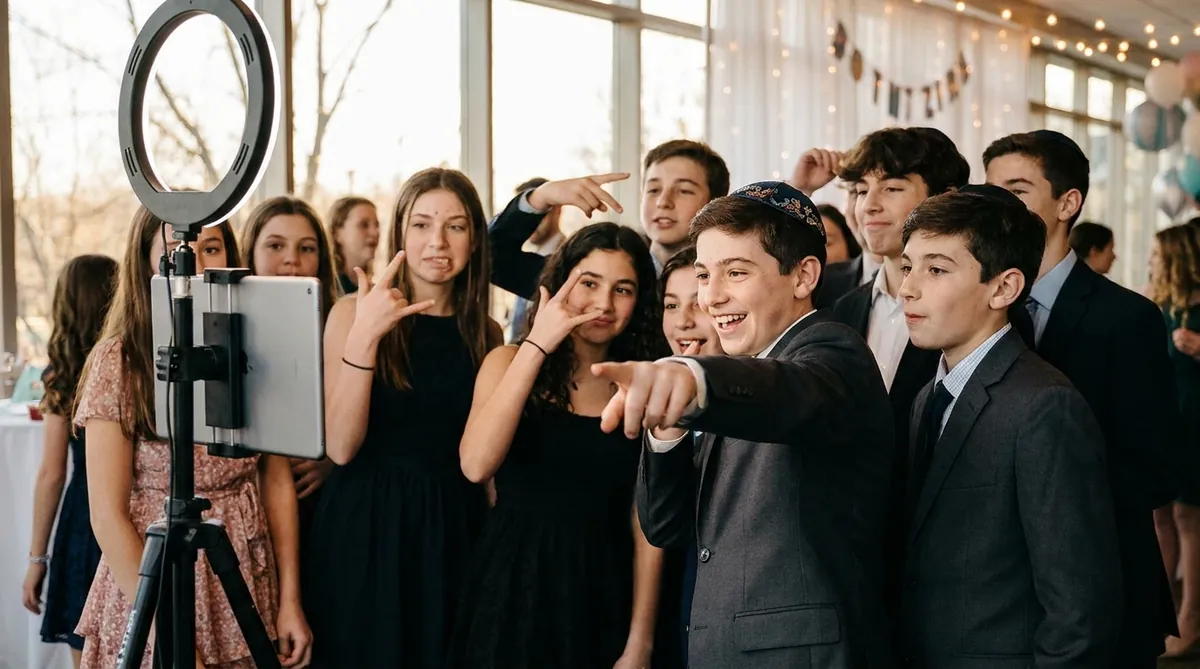
Run separate sessions for kids and adults
Many parties have a kids room or a teen area alongside the adult reception. Treat them as two audiences.

Try AI Photo Booth Pro free for 14 days
No credit card needed. Set up your first event in minutes.
Start Free TrialGuest book and sign-in prints
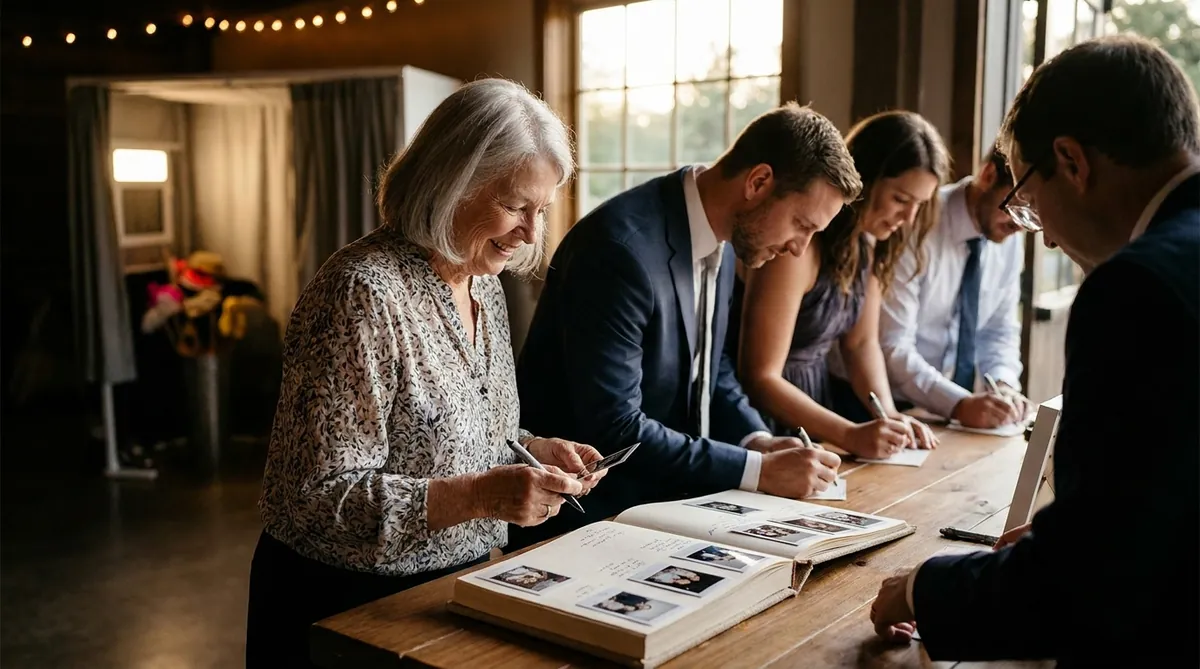
A photo guest book is the keepsake families look at for years. It is simple to set up.
- Print two copies of each session.
- Guests take one home and stick the second into an album on a nearby table.
- Leave pens and a small sign asking guests to write a message for the teen.
- Assign one helper to keep the table tidy and refill tape.
A 4x6 print or a classic 2x6 strip both work in most albums. Our photo booth strip printing guide covers sizes, cutting and printer settings. Classic capture and printing can work offline with a compatible setup, so prints keep going even if the network drops. Test your exact camera and printer during the trial, because support depends on model and operating system.
Respect the ceremony and the party schedule
A bar or bat mitzvah is a religious milestone before it is a party. The booth belongs at the celebration, and the family and the synagogue set the rules.
- Do not set up or test the booth in the sanctuary, and do not photograph the service unless the family and synagogue have explicitly allowed it.
- When the service is on Shabbat morning, many families hold the party Saturday night after Shabbat ends or on Sunday. Confirm load-in times with the family and the venue.
- Pause the booth and turn off booth sounds during the candle lighting ceremony, speeches, the blessing over the bread and the hora.
- Keep the booth clear of the space needed for the hora, when the teen and family are lifted on chairs.
- Ask the family which relatives or guests prefer not to be photographed, and brief your staff.
Branded keepsakes and sharing
Everything guests take away should carry the same name, monogram and colors. Use the template on prints, GIFs and AI outputs alike.
- Show a QR code after each session so guests save their own photo.
- Offer email for adults and SMS where available.
- Many guests are under 13, so do not collect their contact details. If you use a lead capture form for adults, make sure guest consent is turned on.
- After the party, download the full set from the online dashboard and give the family one link.
The app's guest data and consent settings let you set notices, permissions and retention. Avoid public galleries for an event with this many young guests unless the family has asked for one.
Budget and setup plan
AI Photo Booth Pro is {{price:aipb.pro.month}} per month or {{price:aipb.pro.year}} per year on the Pro plan, with unlimited events and no per-event fees. White Label is {{price:aipb.wl.month}} per month or {{price:aipb.wl.year}} per year for operators who want their branding across the whole app. The 14-day free trial needs no credit card and charges nothing when it ends. Trial outputs are watermarked, and eligible first trials include 100 AI credits. Further AI credits come in one-time packs that never expire.
- Six weeks out: confirm the theme, the schedule and the rules for the ceremony.
- Two weeks out: build both templates and choose the AI effects and face swap scenes.
- Party day: arrive early, test a print and a QR scan, and walk the emcee through when to pause the booth.
One plan, unlimited events
Pro is {{price:aipb.pro.month}}/month or {{price:aipb.pro.year}}/year, for 2 devices with AI effects, face swap and AI video.
View pricing