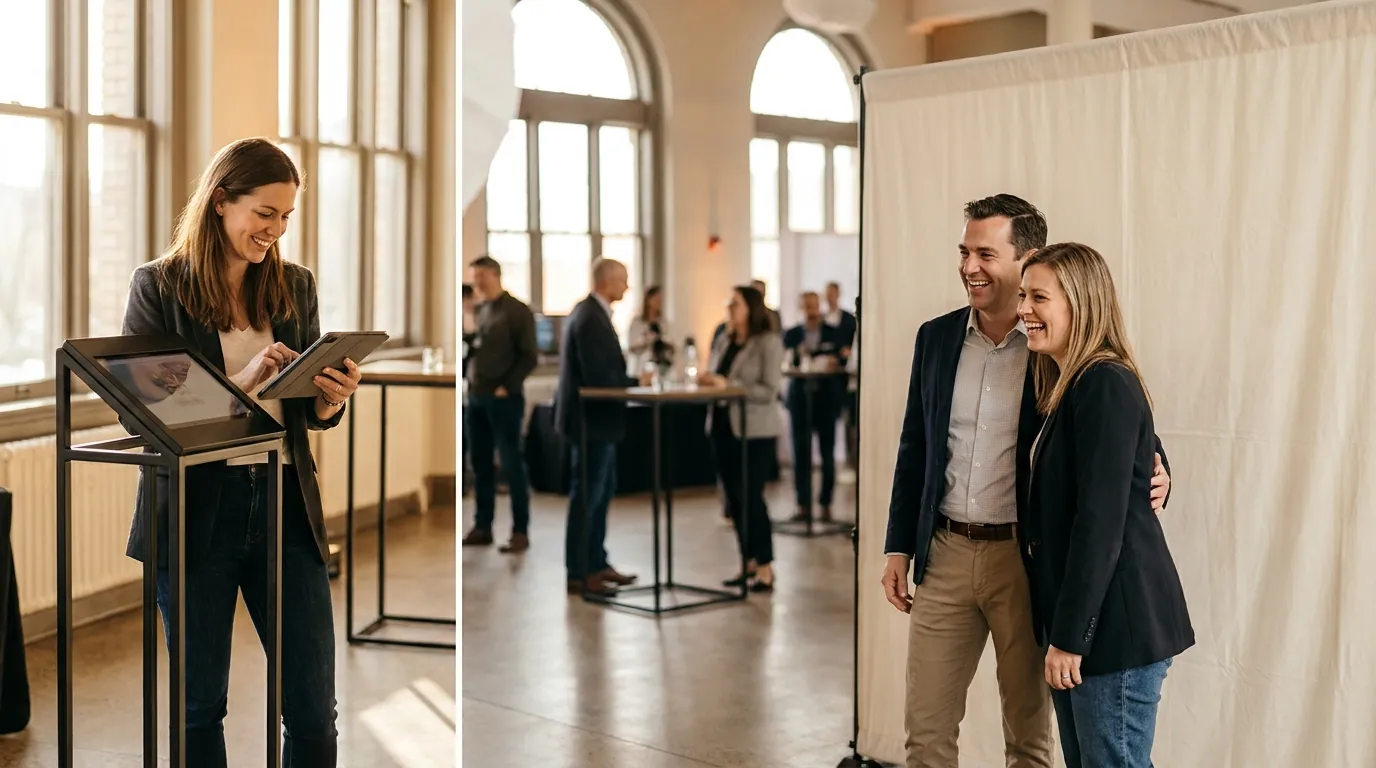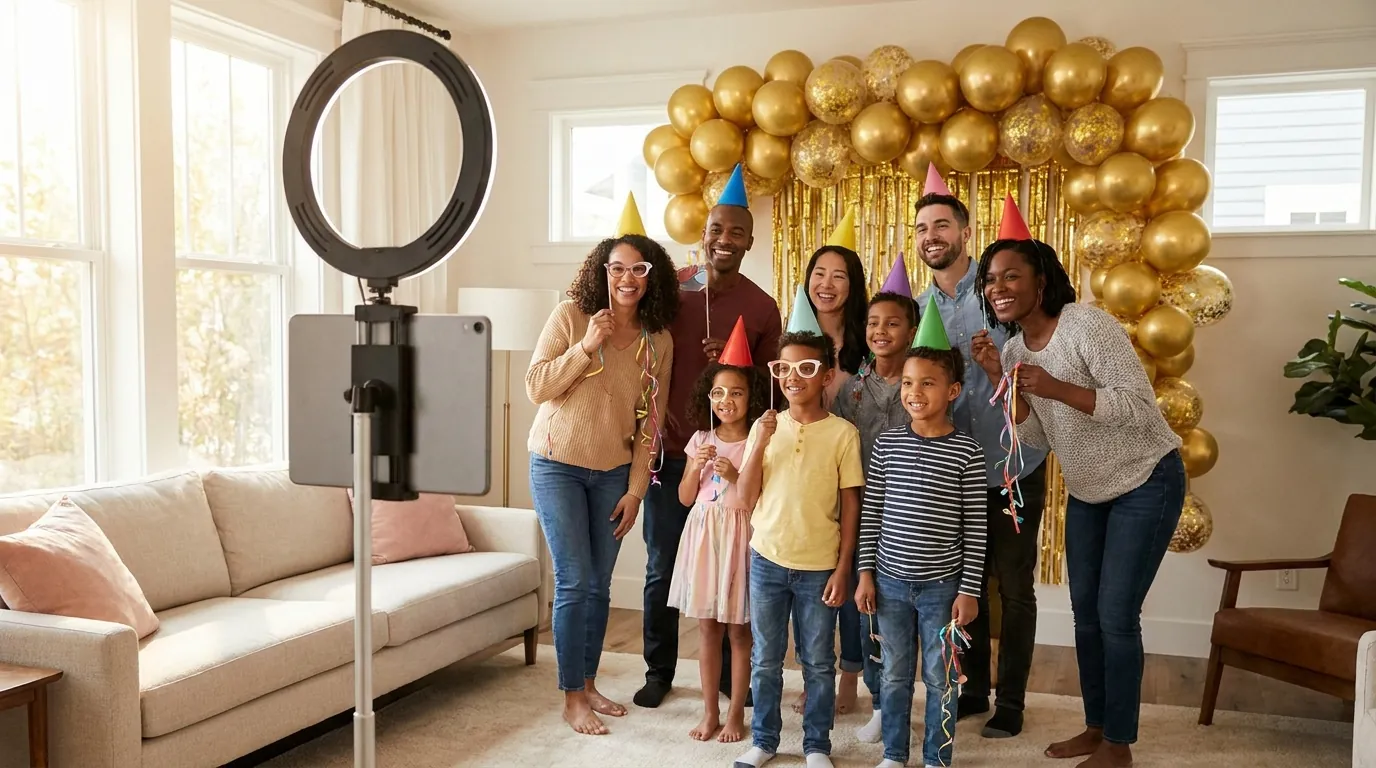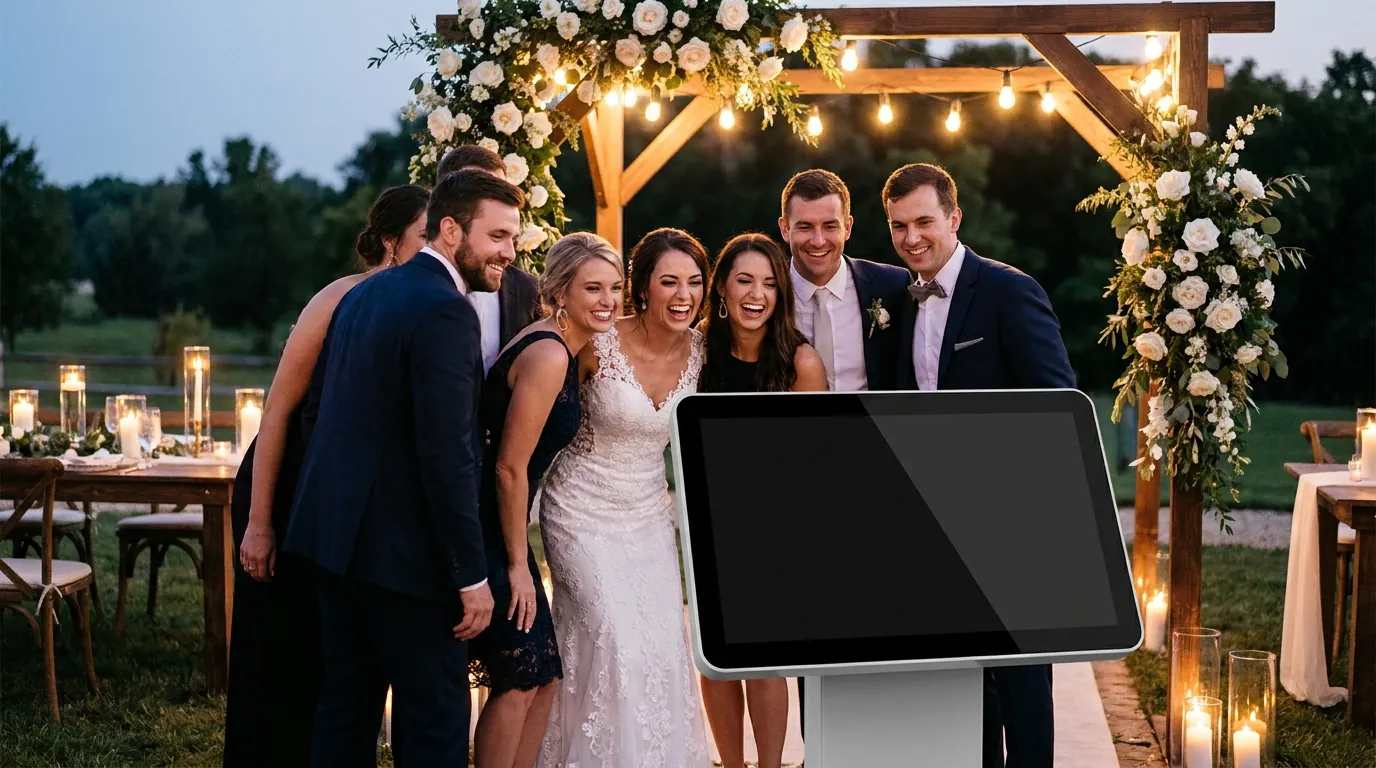
The best AI photo booth ideas for weddings use AI to make guests feel part of the story, not to replace the photographer. Think vintage portraits that match the venue, painted styles that look like an heirloom, group face swaps with the wedding party and short AI videos guests can send home that night. Each one works best when it is branded with the couple's names and date and runs at the right moment in the reception.
Below are concrete ideas for couples, planners and operators, plus timing, etiquette and branding tips. If you need the business side of wedding booths, such as packages and setup logistics, read our wedding photo booth guide as further reading.
AI effect themes that suit a wedding
A wedding has a look: the flowers, the dress, the venue. The AI effect should feel like it belongs to that look, not like a random filter. With AI Photo Booth Pro you can choose from 180+ ready-to-use effects or create your own, so it is easy to match the theme. Ideas that work well:
- Vintage portrait: a soft sepia or film style for a barn, vineyard or historic venue. It flatters every age group and looks great framed.
- Oil painting or watercolor: guests become a classical painted portrait. This is a favorite for formal ballroom weddings.
- Black and white editorial: clean and timeless, good for minimalist or city weddings.
- Destination or culture theme: a style inspired by the place the couple met, or by the couple's heritage.
- Era party: a 1920s or 1970s look when the reception has a dress theme.
Pick two or three effects at most. Too many choices slow down the line and make the gallery look messy. Test each effect on a few people of different skin tones, ages and hair styles before the day, and drop any effect that does not flatter everyone.
Group face swap for the wedding party
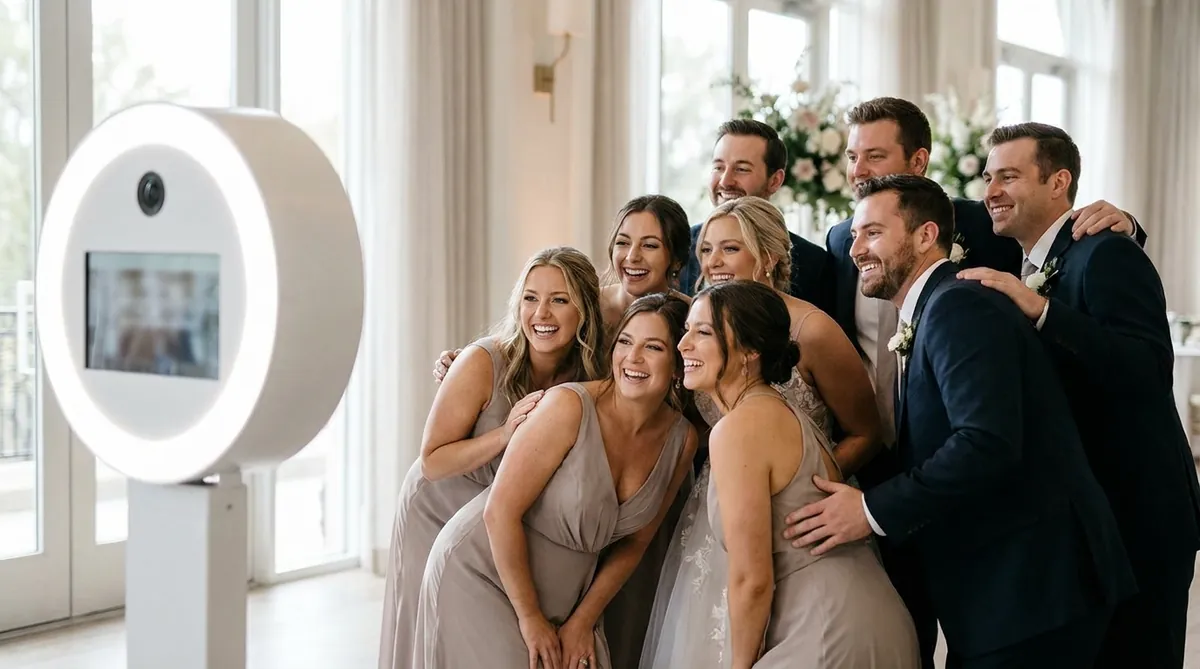
Group face swap is one of the most shareable wedding ideas. The bridesmaids and groomsmen pose together and land in a movie poster style scene, a royal portrait or a team photo. Because the face swap is group-aware, it can place several faces in one image, which is exactly what wedding party photos need.
Plan it as a small moment: after the formal photos, invite the wedding party to the booth together. The result often ends up in the couple's own story. For setup tips and template ideas, see our AI face swap photo booth page. The tutorial below shows how to create a face swap event step by step.
Guest book prints and keepsakes
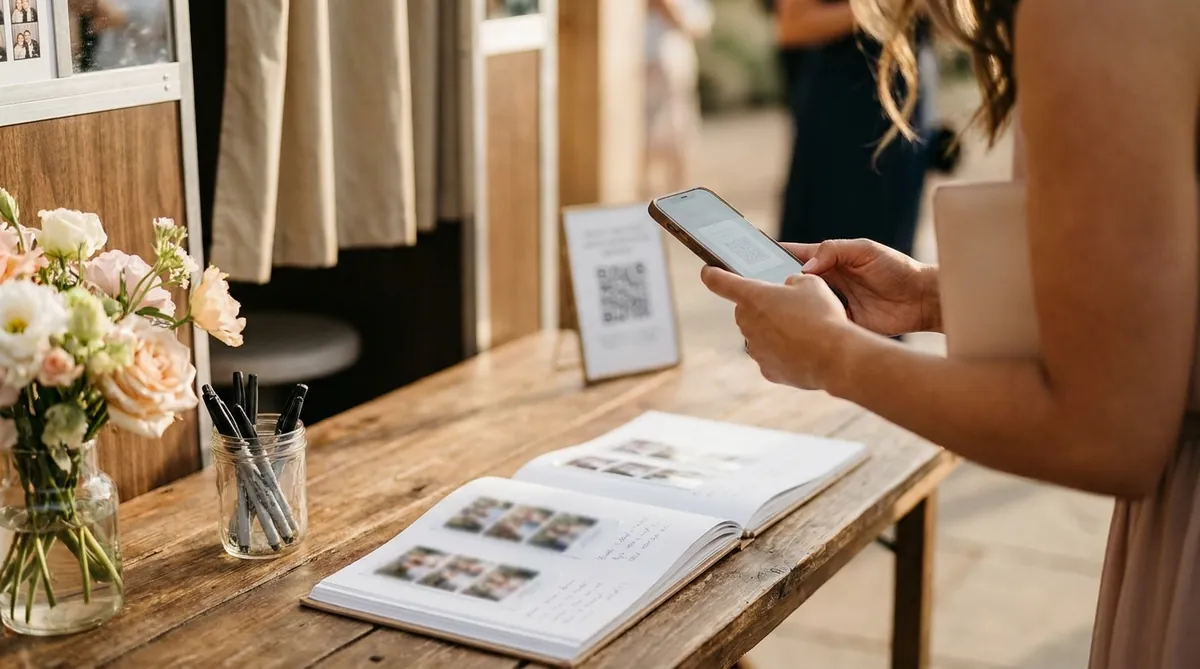
A printed photo guest book is still one of the most loved wedding booth ideas. Guests print their photo, stick it in a book and write a short message next to it. The couple gets a book full of faces and handwriting.
How to run a photo guest book
- Print two copies of each photo: one for the guest and one for the book.
- Place the book, double-sided tape and pens on a small table next to the booth.
- Add a sign that says "Leave us a photo and a note."
- Ask a friend or the attendant to check the book every hour so it does not end up messy.
Printing is supported in the app, and classic capture and printing can work offline with a compatible setup. Printer support depends on the model and operating system, so test your printer during the trial. For layouts and paper sizes, read the photo booth strip printing guide.
Sharing, slideshows and QR codes
Most guests want the photo on their phone right away. Instant sharing by QR code is the fastest: the guest scans the code on screen and saves the image or video. Email and SMS sharing are available where supported. A small QR sign on each table can point guests to the booth itself.
AI Video is a strong addition at weddings. It turns one guest photo into a short AI video, which guests love to send to family who could not attend. Learn more on the AI video booth page.
After the wedding, the couple can see all event results in the online dashboard. Many couples like to play a slideshow of the booth photos during the farewell brunch or share a gallery with guests the next day.
When to open the booth during the reception
Timing matters as much as the effect. A booth that opens too early competes with the ceremony photos. One that opens too late misses the guests who leave after dinner. A simple plan that works for most receptions:
- Cocktail hour: open with classic photos while the couple is away for portraits. Guests are dressed up and fresh.
- During dinner: keep the booth open but quiet. A few guests always slip away between courses.
- After the first dance: this is the peak. Switch on the AI effects and the group face swap, and invite the wedding party.
- Last hour: GIF and boomerang mode works well when the dance floor is busy and energy is high.
Since several modes can run side by side in one event, each with its own frame, you do not need to reconfigure anything during the night. Remember that AI effects, online sharing and cloud sync need internet, so check the venue Wi-Fi or bring a reliable hotspot.

Try AI Photo Booth Pro free for 14 days
No credit card needed. Set up your first event in minutes.
Start Free TrialConsent and etiquette at the booth
A wedding is a private event, and some guests do not want their face transformed or shared. A few simple rules keep everyone comfortable:
- Make AI effects optional. Always offer a classic photo option next to them.
- If you collect emails or phone numbers for sharing, use a lead capture form with guest consent and keep the data only for the couple.
- Avoid effects that change body shape or age guests in a way that could offend.
- Ask the couple before the event whether children may use the booth and whether photos can be shared on social media.
- Keep the booth away from the ceremony space and switch off sound during speeches.
Brand every template with names and date
Branding turns a fun photo into a wedding keepsake. Use the couple's names or initials, the date and a small detail from the stationery, such as the monogram, the flower or the color palette. Keep text short and away from faces.
AI Photo Booth Pro includes custom output templates with your logo and event branding on all plans, so an operator can add a small business logo in the corner and the couple's names in the center. If you run a booth business and want the whole app to carry your brand, White Label adds your branding throughout the app. You can explore everything in our AI photo booth software overview.
One plan, unlimited events
Pro is {{price:aipb.pro.month}}/month or {{price:aipb.pro.year}}/year, for 2 devices with AI effects, face swap and AI video.
View pricing