
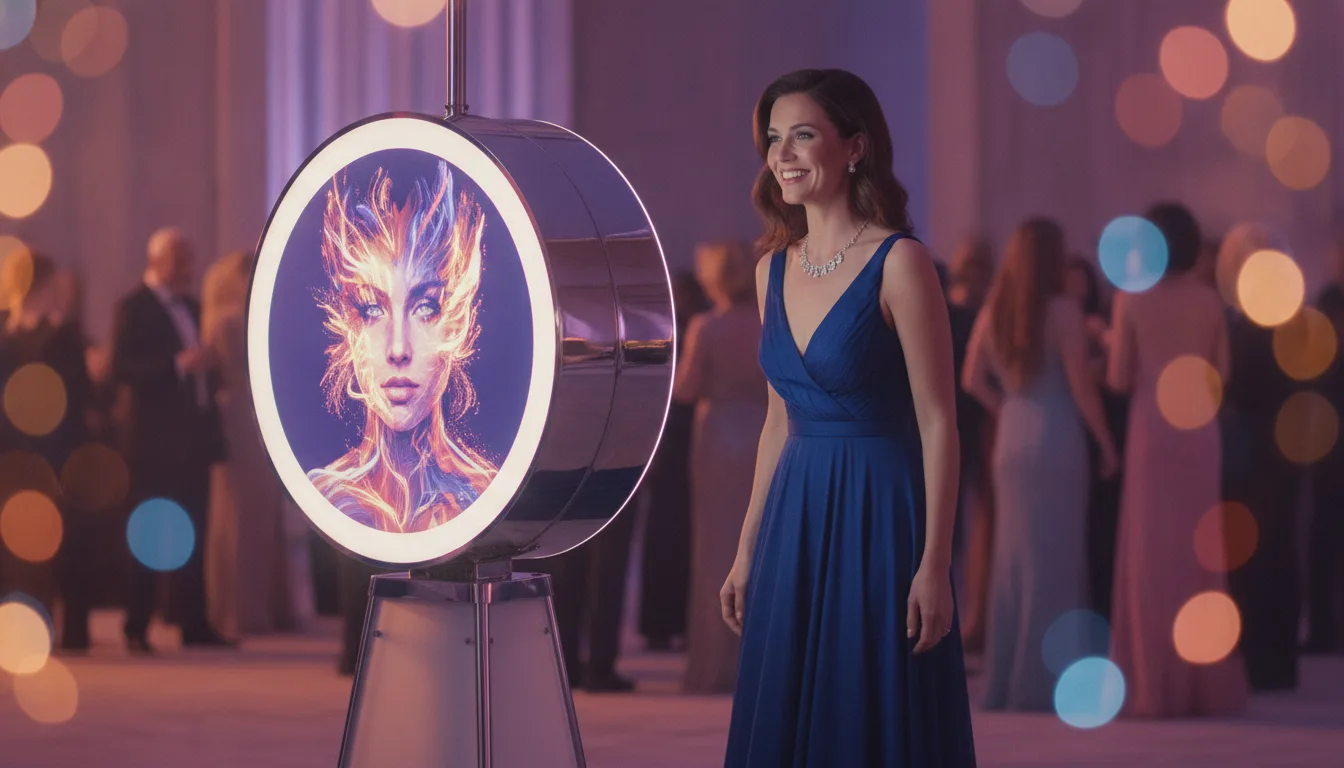
If you are choosing photo booth software in 2026, AI Photo Booth Pro and dslrBooth (now rebranded LumaBooth for Windows) will both come up fast. They are built for different priorities. This is an honest, source-checked comparison so you can pick the right one for the events you run, not just the cheapest sticker price.
The short answer.
dslrBooth is the mature, value-priced choice for Windows and DSLR-first operators who want a proven booth with preset AI portraits included. AI Photo Booth Pro is the AI-first choice for operators who differentiate on the depth and realism of AI, want cross-platform freedom (Windows, Mac, iOS and Android), and need AI video, not just still portraits. If AI is the star of your booth, that is where the two genuinely diverge.
Side by side.
| AI Photo Booth Pro | dslrBooth / LumaBooth | |
|---|---|---|
| Platforms | Windows, macOS, iOS, Android (all native) | Windows first; iOS and Mac via LumaBooth |
| AI models | Multiple real models (Flux, Nano Banana, Nano Banana Pro, GPT-Image) | Built-in AI Portraits, one engine |
| AI effects | 170+ presets and unlimited custom (write your own prompt, pick the model) | 170+ preset AI Portrait styles |
| AI video | Yes | No (AI is still portraits) |
| Auto age and gender detection | Yes, in the pipeline | No |
| Camera support | DSLR, mirrorless, webcam, device cameras | Canon, Nikon, Sony, GoPro, webcam (deep DSLR heritage) |
| Templates | Figma-grade template editor | 820+ ready templates included |
| Starting price | Starter $49/mo, Pro $79/mo (AI + video), annual lower | $17/mo billed annually, $49.99/mo monthly (2 devices) |
| AI cost model | Credit-based ($0.025/credit) on top of the plan | AI portraits included in the plan |
| Free trial | 14 days, no card, watermark-free full access | Free trial, but a permanent watermark until you subscribe |
| Since | Event-agency built (harikalar.com), field-tested | 2012, long track record |
Prices and features from each vendor's own site, checked July 2026. Both companies ship often, so confirm current pricing before you buy.
Platforms: one app everywhere vs Windows-first.
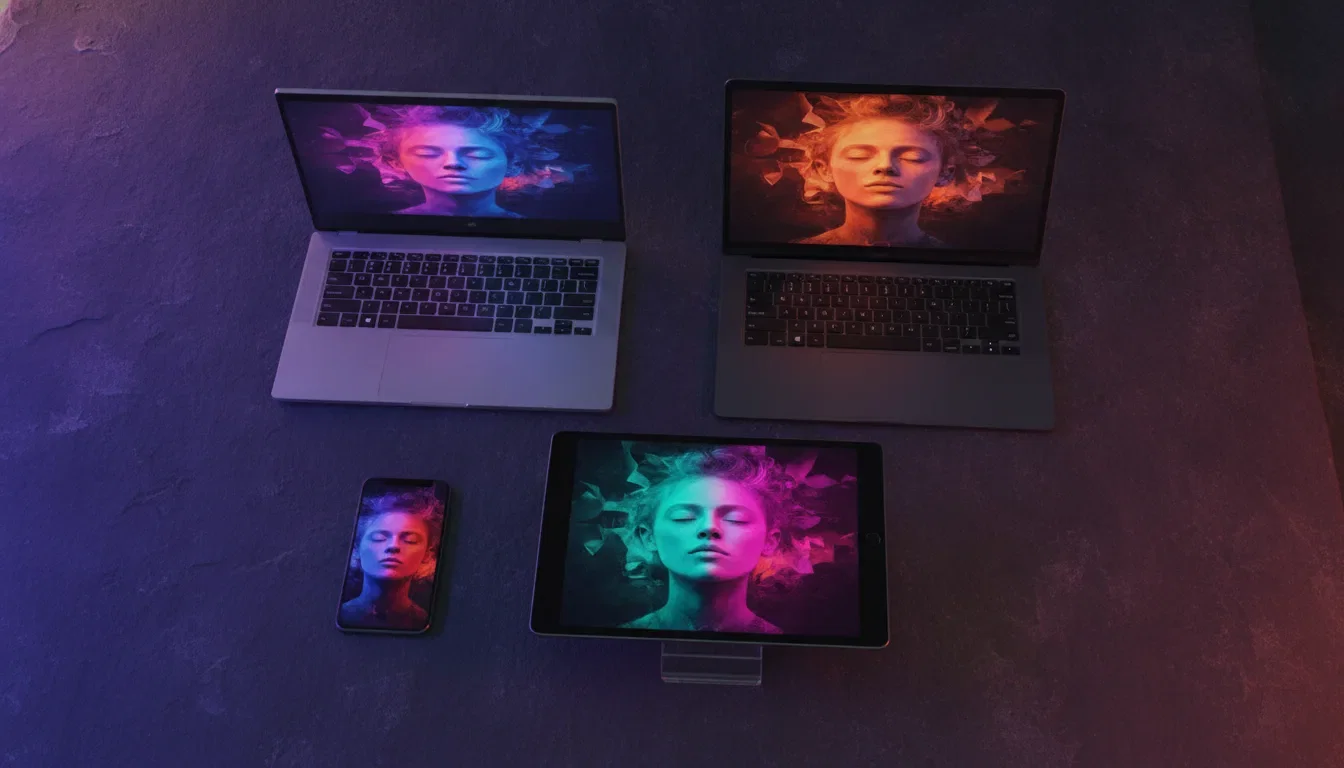
dslrBooth's heritage is Windows plus a real camera, and that is still its strongest ground. With version 8.0 it became LumaBooth for Windows, part of a unified platform that also runs on iOS and Mac, so cross-platform is improving. AI Photo Booth Pro was built cross-platform from day one: the same booth, editor and synced event run natively on Windows, macOS, iOS and Android, and one subscription covers two devices on any mix. If your kit is a Windows PC and a DSLR, both work. If you want to run a Mac at one event and an iPad kiosk at the next without buying a second product, that flexibility is native in AI Photo Booth Pro.
AI: the real difference.
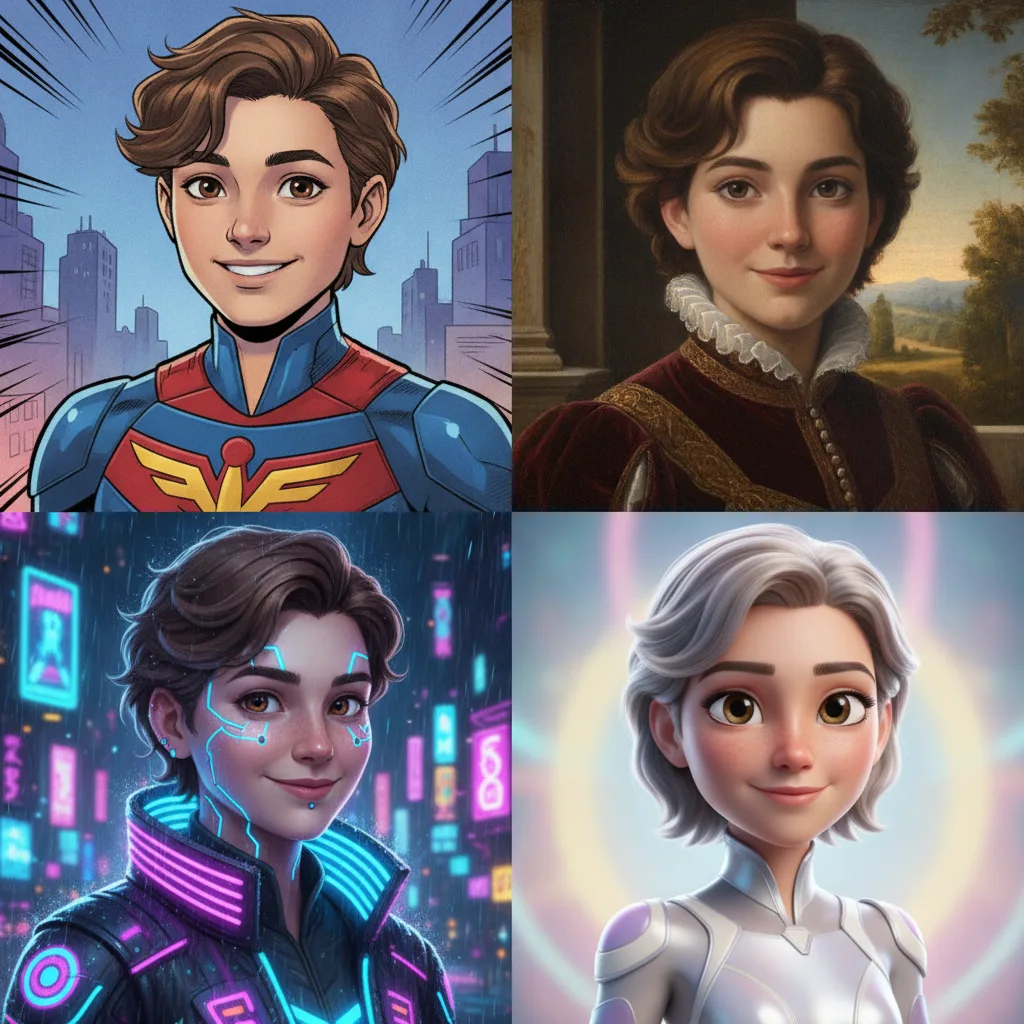
Both booths do AI portraits, and dslrBooth's 170+ styles are polished and included in the plan, which is genuinely good value if presets are all you need. The difference is depth. AI Photo Booth Pro runs multiple real AI models side by side (Flux, Nano Banana, Nano Banana Pro and GPT-Image) and, more importantly, lets you create unlimited custom effects: write your own prompt, choose the model, and test it before the event. It also does AI video, not just stills, and detects age and gender automatically in the pipeline for more accurate, realistic results. For a wedding where guests want a clean stylized portrait, either is fine. For a brand activation where the AI look is the whole point, the ability to build a bespoke effect on your client's theme is where AI Photo Booth Pro pulls ahead.
Pricing: dslrBooth is cheaper, and that is worth saying.
We are not going to pretend otherwise. dslrBooth at $17/month billed annually (two devices, AI portraits included) is one of the best flat-rate values in the category. AI Photo Booth Pro's plans start higher (Starter $49/mo, Pro $79/mo with AI and video, lower on annual), and its deeper AI runs on a credit model on top of the plan. So if you run mostly classic photo events and want the lowest predictable bill, dslrBooth is the value pick. If your business is built on premium, heavily-AI experiences and you charge accordingly, AI Photo Booth Pro's model lets you scale AI usage per event and pass the cost through, while offering models and video dslrBooth does not. Match the tool to how you actually price your events.
Who should pick which.
Choose dslrBooth / LumaBooth if: you are Windows and DSLR-first, you want a proven booth with a huge template library and preset AI portraits at the lowest flat price, and you do not need custom AI or AI video.
Choose AI Photo Booth Pro if: AI depth and realism are your selling point, you want to build custom effects per client, you need AI video and automatic age and gender handling, and you want one app that runs natively on Windows, Mac, iOS and Android. It is also the stronger fit for operators running brand activations and premium events where the AI experience justifies a higher price.
Try it before you decide.
The fastest way to know is to run both on your own kit. AI Photo Booth Pro has a 14-day free trial with no credit card, so you can build a custom AI effect and shoot an AI video in an afternoon and see the output quality for yourself.
See AI Photo Booth Pro plans and start a free trial
Related: vs Touchpix · vs Snappic · Best AI photo booth software 2026 · Best photo booth software 2026
FAQ
Is AI Photo Booth Pro cheaper than dslrBooth?
No. dslrBooth's flat subscription starts lower and includes preset AI portraits. AI Photo Booth Pro costs more but offers multiple AI models, unlimited custom effects, AI video and native cross-platform support. Choose on capability, not just price.
Does dslrBooth do AI video?
Not currently. dslrBooth's AI is still-image AI Portraits (170+ styles). AI Photo Booth Pro generates AI video in addition to AI stills.
Can I run either on a Mac or iPad?
AI Photo Booth Pro runs natively on Windows, macOS, iOS and Android. dslrBooth is Windows-first, with iOS and Mac available through LumaBooth.
What is the difference in AI effects?
dslrBooth offers a fixed library of preset AI Portrait styles. AI Photo Booth Pro offers presets plus unlimited custom effects, where you write the prompt and choose the model, so you can match a client's exact theme.
Do both offer a free trial?
Yes. Both offer free trials. AI Photo Booth Pro's is 14 days with no credit card required.
