













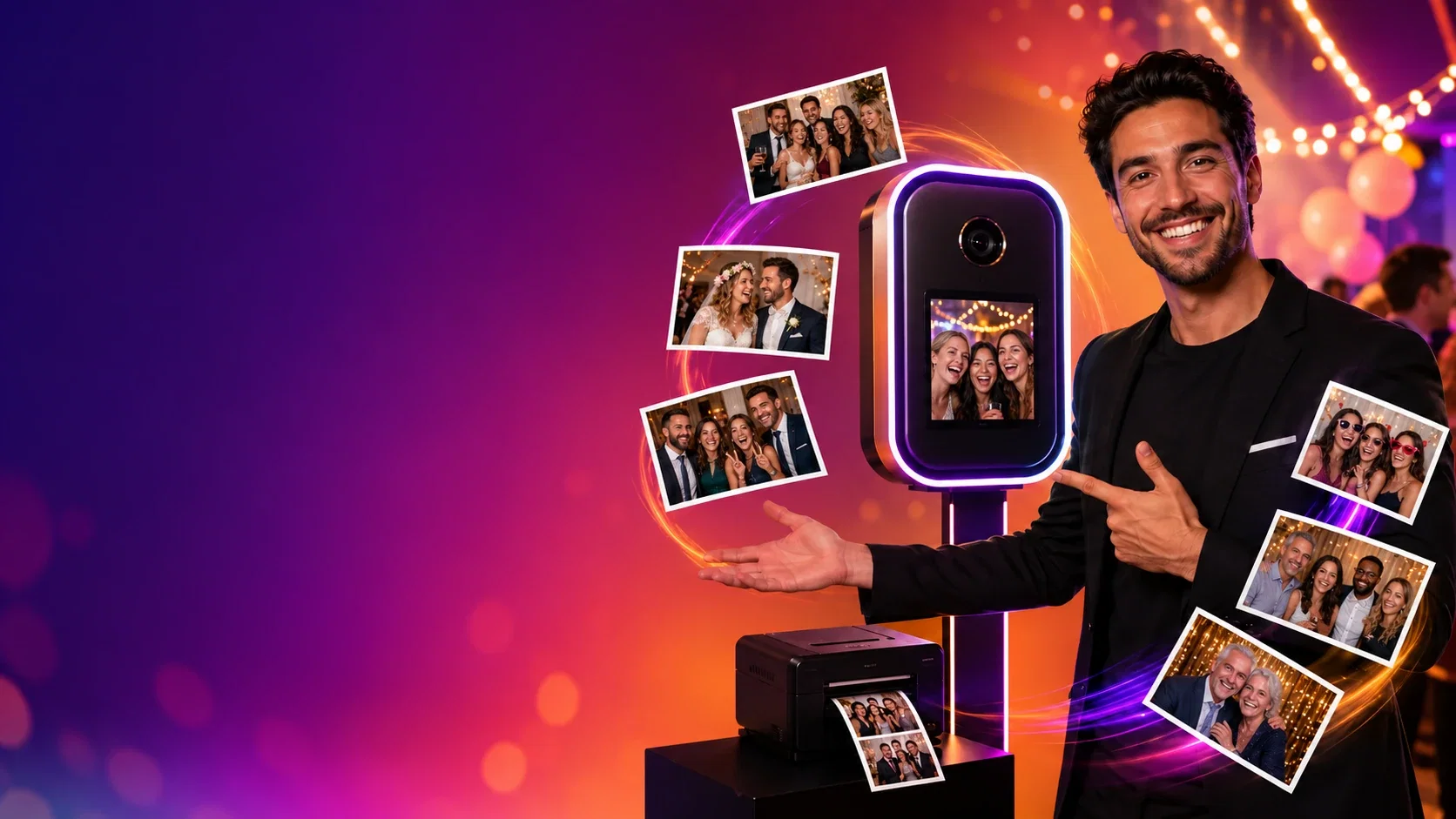
AI Photo Booth Pro vs Curator Live at a glance
| Feature | AI Photo Booth Pro | Curator Live |
|---|---|---|
| Devices | Windows, macOS, iOS (iPad, iPhone) and Android. One subscription runs on 2 devices at once, in any mix. | iPad and iPhone app on the App Store. No Windows or Android booth app is listed; its print server can run on a Mac or PC. |
| Price | Pro $79/month or $699/year. White Label $149/month or $1,499/year. Unlimited events, no per-event fees. | Standard $29 per event, $69/month or $499/year. Event Pro $59 per event, $149/month or $1,499/year. Agency Pro $99 per event, $249/month or $2,499/year. |
| Devices per plan | 2 devices at the same time on every plan. Extra seats available. | 1 capture device licence on every plan. Extra devices from $19 per event, $29/month or $199/year on Standard, up to $79, $99 or $999 on Agency Pro. |
| AI | Included on Pro: 180+ ready AI effects, your own custom effects, group-aware face swap, AI video and background removal. | AI FX (face swap and Nano Banana prompts) on Event Pro and Agency Pro. AI background removal on every plan. |
| AI cost per image | Credits cost $0.025 each ($0.014 at 100,000). Face swap 1 credit per face, AI effects from 6 credits (about $0.15), AI video from 30 credits. Credits never expire. | Nano Banana 45 credits ($0.45) per image, Nano Banana Pro 100 credits ($1.00) per image. Single-person face swap uses no credits. |
| Booth modes | AI effects, face swap, AI video, 360, GlamBot, mirror booth, GIF and boomerang, classic photo, video booth, green screen. | Photo, strips, GIF and boomerang, video with effects and slow motion, green screen, 360, AR and video guest book (AR, 360 and video guest book on Event Pro and up). |
| Sharing and leads | QR, email and SMS where available, lead capture forms with guest consent, results in the online dashboard. | SMS, email, AirDrop, QR and online gallery on every plan. Data capture and microsites from Event Pro, survey mode on Agency Pro, guest photo sales from Event Pro. |
| White label | Your logo on output templates on every plan. White Label brands the whole app, sharing pages and your own domain. | White-label URLs and emails $59/month or $449/year on any plan, included with annual Agency Pro. |
| Offline | Classic capture and printing can run offline with a compatible setup. AI, online sharing and sync need internet. | Photos queue on the iPad and printing continues. Text and email send when the connection returns. |
| Free trial | 14 days, no credit card, nothing charged at the end. Watermarked outputs, 100 AI credits on eligible first trials. | 30 days, no credit card, activated on a setup call. |
Curator Live prices and features as published on curatorlive.com, its help center and the App Store on 10 November 2026, in USD. Check curatorlive.com for changes. Our prices are current list prices in USD.
Where Curator Live is strong
Curator Live is a mature iPad app with flexible billing: you can pay per event, monthly or yearly, and a per-event activation stays live for 3 days. Its Event Pro and Agency Pro plans add a sharing station and slideshow licence, AR, 360 video effects and guest photo sales paid out to your own Stripe account.
Agency Pro adds sub-accounts, survey mode and a dedicated account representative, which suits agencies that run many brand activations.
Where AI Photo Booth Pro is different
AI Photo Booth Pro runs on Windows, macOS, iOS and Android, and one subscription covers two devices at the same time. You can pair a Windows laptop with a DSLR and an iPad on the same plan.
AI is included from the $79 Pro plan: 180+ ready AI effects, your own custom effects, group-aware face swap and AI video. Face swap costs 1 credit per face, about $0.025, and AI effects start at 6 credits, about $0.15, while a Nano Banana image on Curator Live costs $0.45. Curator Live's face swap uses no credits but works with one person at a time.
Choose AI Photo Booth Pro if
- You use Windows, Android or a mix of devices, not only iPad.
- You want two devices on one subscription.
- You want AI effects, group face swap and AI video without a $149 plan.
- You run many events and prefer a flat subscription.
Curator Live may suit you better if
- Your whole setup is iPad or iPhone.
- You book a few events and per-event pricing is cheaper for you.
- You want to sell photos to guests with payouts to your own Stripe account.
How to switch from Curator Live
Start the 14-day trial at /ai-photo-booth-software. No card is needed and nothing is charged when it ends.
Install AI Photo Booth Pro on the devices you already use: Windows, Mac, iPad, iPhone or Android. One subscription covers two of them at the same time.
Rebuild your event template: upload your overlay or frame, add your logo, and pick the modes and AI effects you want guests to see.
Connect your camera and printer and run a test event before your next booking. Camera and printer support depends on the model, so test your exact setup during the trial.
When it works the way you want, choose Pro or White Label on the pricing page.
