



Pro
- 2 seats included
- Theme and content customization
- Add seats later
- 11 ready-to-use interface languages
- Customizable interface text
Run your events with Pro or use your own branding with White Label.
Everything in Pro, plus:
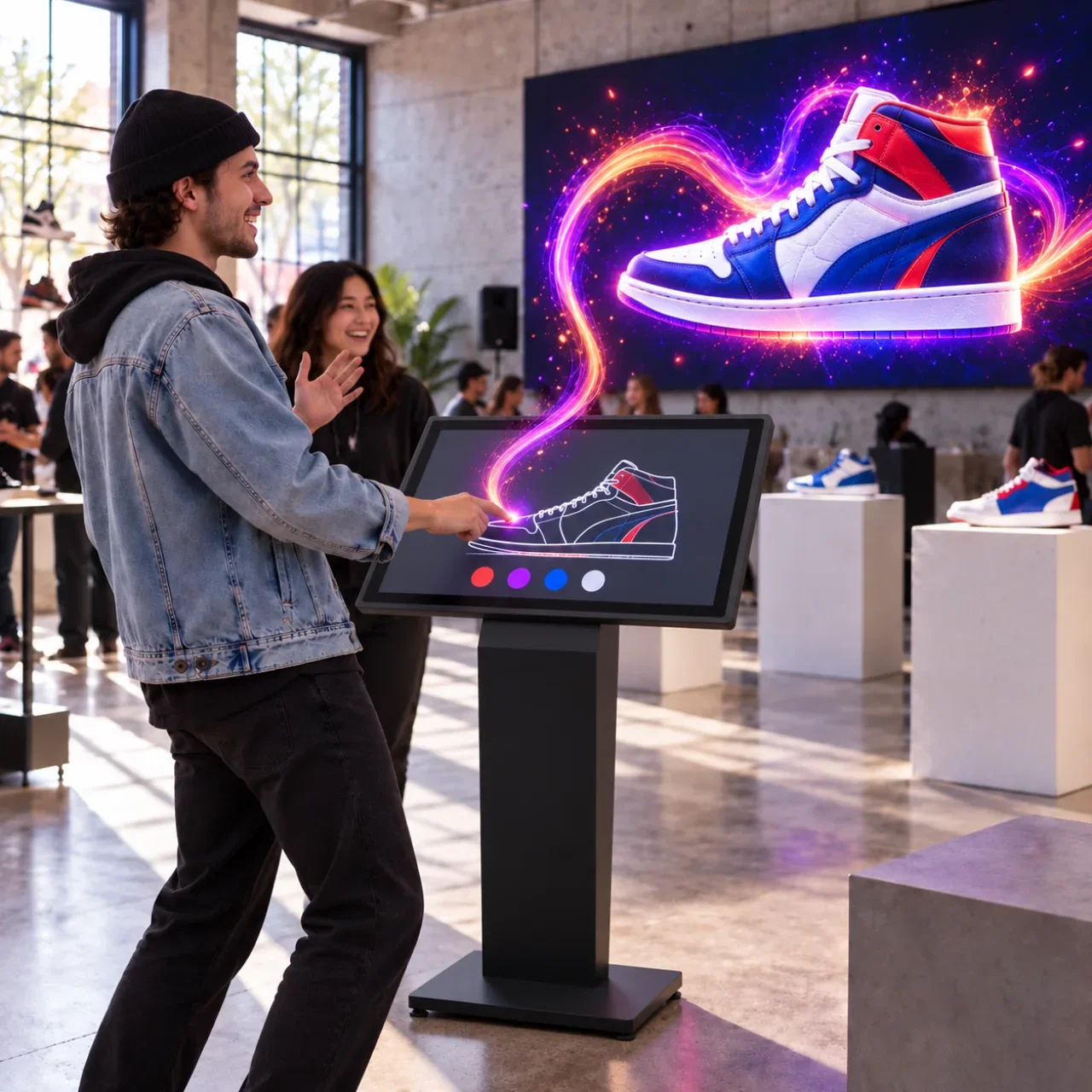
Draw or color on a touchscreen, with optional AI.
Draw with a finger or compatible stylus and keep the original, without AI.
Use a product image or outline as the canvas.
Project onto an object with a suitable projector and prepared mapping setup.
See how AI Drawing Screen works, from the first interaction to the finished result.
Start with a blank canvas or open a product template that fits your event.
Choose colors and add your own lines and patterns directly on the touchscreen.
Use optional AI; reveal on screen or with prepared object mapping.
Watch the experience come to life at a real event, from the first interaction to the final result.
Explore the tools that help you tailor the AI Drawing Screen experience to your event.
Touchscreen and computer; object mapping needs a projector and prepared setup.
Help & supportAI Drawing Screen: a five-star sample to preview the product design.
Common questions about plans, billing and the free trial.

How can we help today?
Sign up for free trials and free marketing materials.